

Diving into the world of 3D printing is an exciting adventure 🚀, but choosing the right software can feel overwhelming. From precision engineering to organic sculpting for miniatures, every project has its ideal tool. Making the right choice doesn't just speed up your workflow — it unlocks the full potential of your printer, whether resin or FDM.
This guide is designed to be your roadmap 🧭. We'll break down the best 3D design programs, organized by specialty: CAD, digital sculpting, miniature modeling, and beginner-friendly options. We'll cover pros and cons, learning curves, and compatibility with 3D printing formats. No more confusion — just straightforward reviews, screenshots, and resource links so you can confidently choose the software that will turn your ideas into real, tangible objects. Let's find the perfect one for you!
1. Autodesk Fusion 360
Autodesk Fusion 360 is one of the most powerful and versatile tools in the world of 3D design software. It's an all-in-one cloud-based platform that combines CAD (computer-aided design), CAM (manufacturing), CAE (engineering), and PCB (circuit board design) in a single environment. Its parametric modeling approach makes it ideal for creating precise mechanical parts, functional prototypes, and complex assemblies. ⚙️
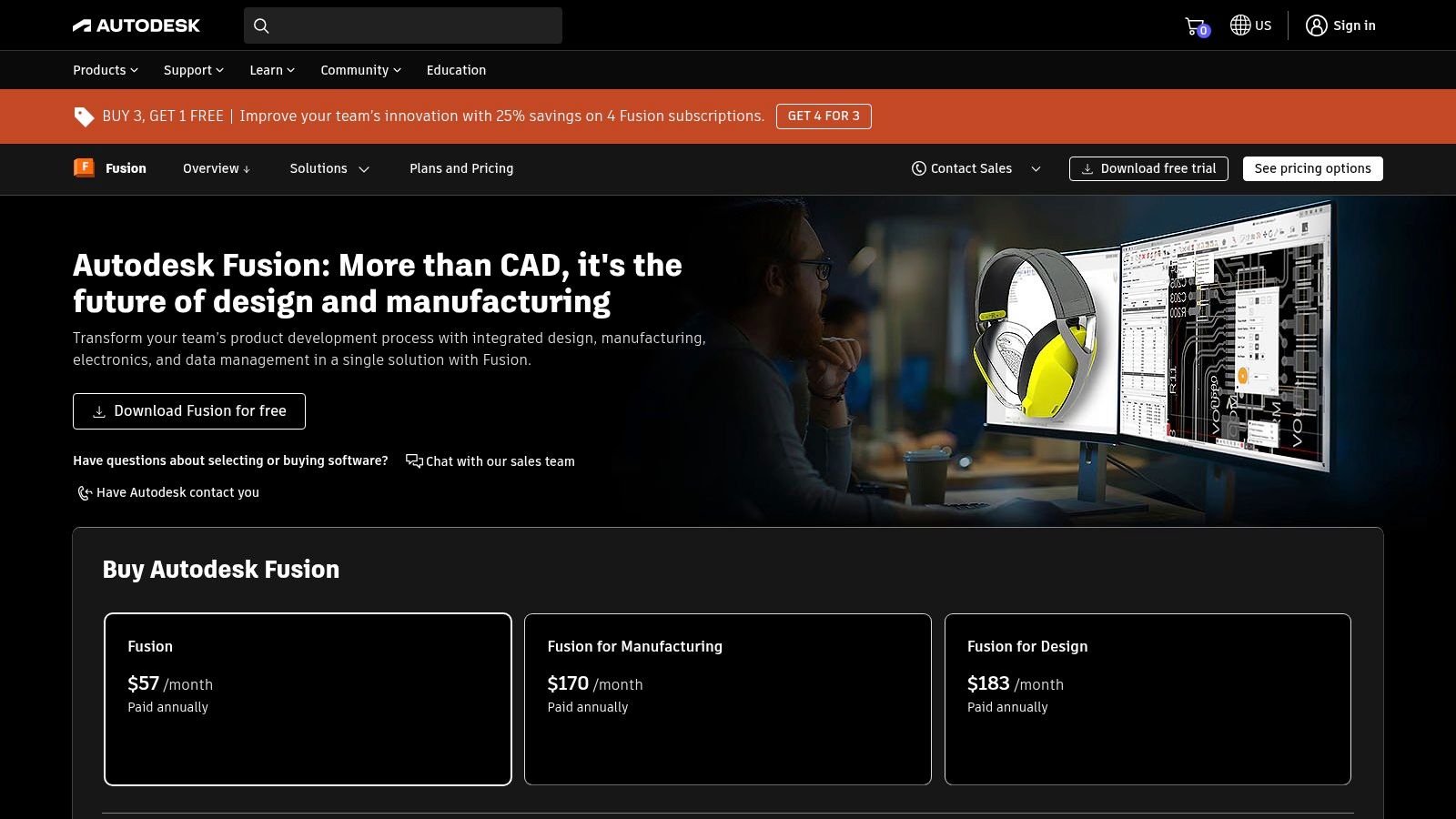
Fusion 360's biggest strengths are its collaborative ecosystem and modern interface, which make teamwork and learning straightforward. While its performance does rely on a stable internet connection 🌐, its accessibility is a major plus. It offers a free license for personal and educational use, making it a fantastic option for beginners. If you're just getting started, building a solid foundation is key — check out our ultimate beginner's guide to 3D printing to learn the basics.
Fusion 360 — Key Specs:
| Feature | Details |
|---|---|
| Modeling Type | Parametric, surface, T-splines, mesh |
| Learning Curve | Moderate. Takes dedication, but plenty of resources are available. 📚 |
| Best For | ⚙️ Functional parts, prototypes, engineering projects. |
| Price | Free for personal use, students, and startups. Paid subscription for commercial use. |
| Export Formats | STL, OBJ, 3MF, STEP, and many more. |
| Website | autodesk.com/products/fusion-360 |
2. SketchUp
SketchUp is one of the most intuitive and widely used 3D design programs out there, particularly popular in architecture, interior design, and rapid prototyping. Its standout feature is the direct "Push/Pull" modeling approach, which lets users create and modify 3D shapes with minimal effort. This ease of use makes it a perfect entry point for anyone new to three-dimensional design. ✨
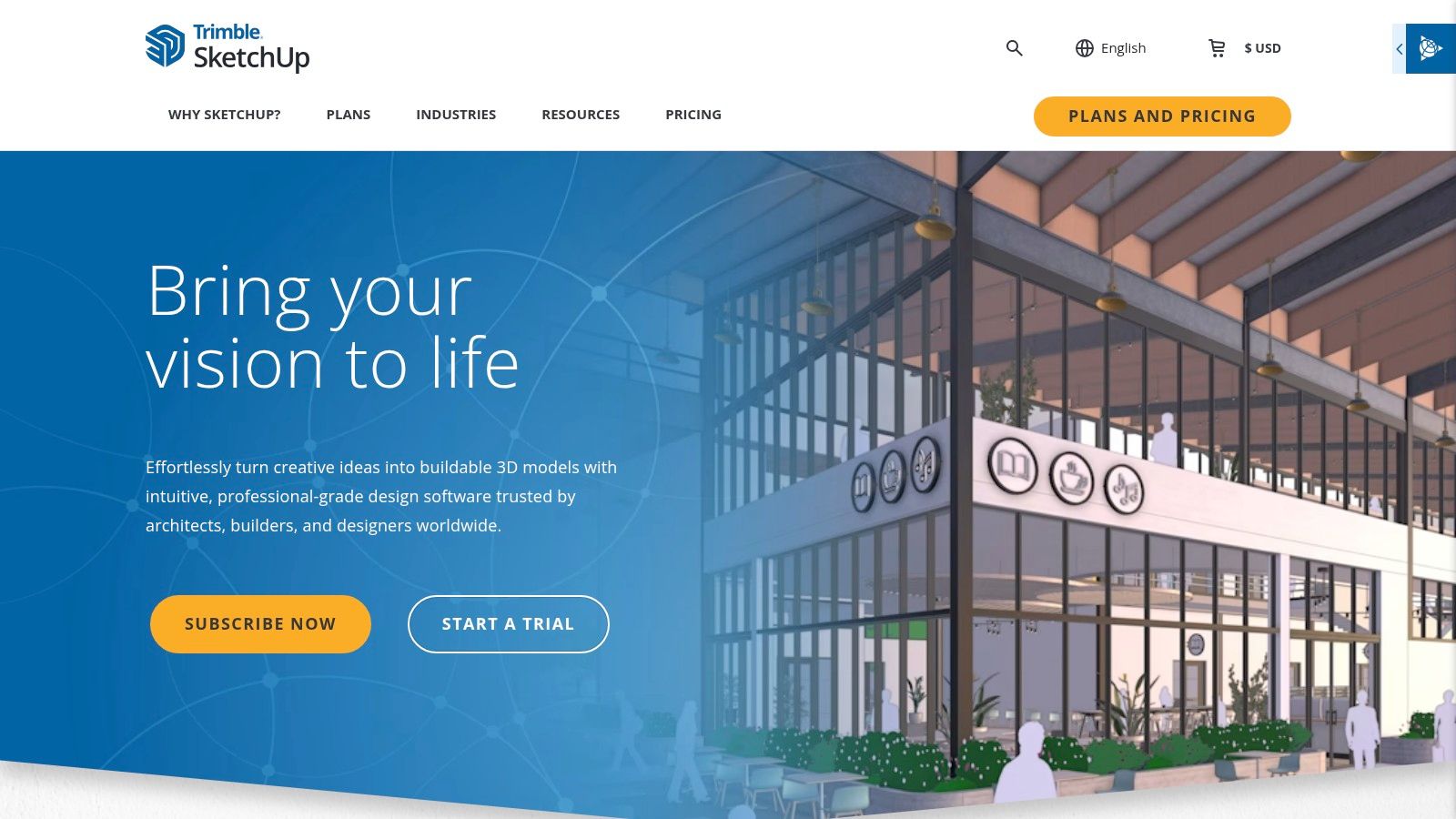
The platform stands out for its massive library of free models, 3D Warehouse, where you can download almost any object imaginable and drop it straight into your projects. While its mechanical CAD tools aren't as robust as other software, its versatility is greatly expanded through an extensive plugin ecosystem. A free, fully functional web version is available, though the paid Pro and Studio tiers unlock its full potential — including detailed 2D drawing generation. 📄
SketchUp Specs:
| Feature | Details |
|---|---|
| Modeling Type | Direct modeling and surface modeling |
| Learning Curve | Low. Very easy to pick up for basic concepts. ✅ |
| Best For | 🏠 Architecture, interior design, rapid prototyping. |
| Price | Free for personal use (web version). Paid subscriptions for Pro and Studio plans. |
| Export Formats | STL, OBJ, DAE, 3DS and many more (some require the Pro version). |
| Website | www.sketchup.com |
3. Blender
Blender is a true Swiss Army knife 🇨🇭 among 3D design programs. This completely free, open-source suite covers nearly everything: polygon modeling, digital sculpting, animation, texturing, rendering, and even video editing. Its greatest strength is its sheer versatility — it's an exceptional choice for creating detailed organic characters and artistic miniatures, as well as hard surface modeling. It's the go-to software for a global community of artists and creators. 🌍
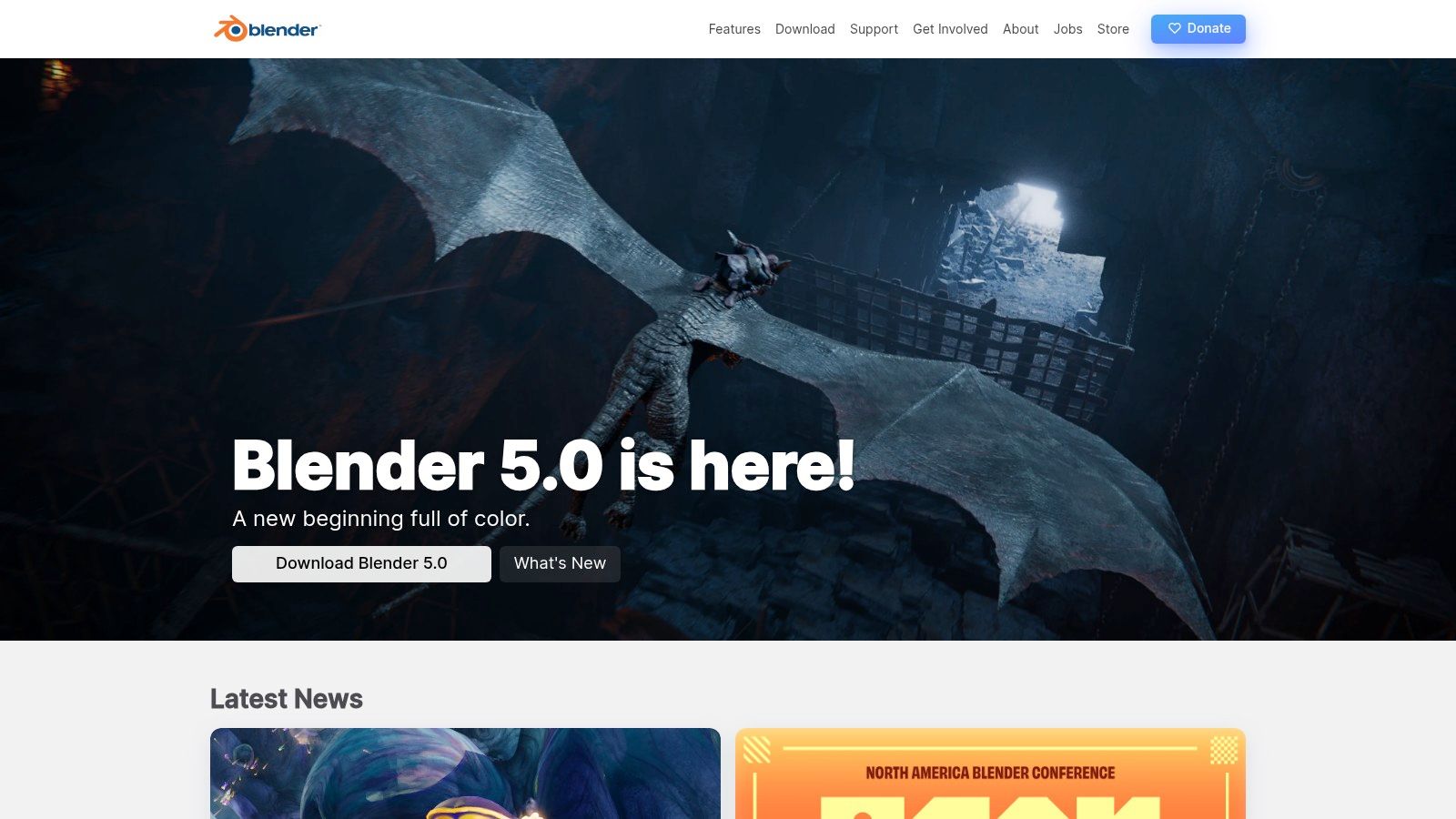
Blender's community is its greatest asset, constantly generating a huge volume of tutorials, add-ons, and resources that keep the program growing. While its interface can feel intimidating for beginners, recent versions have greatly improved usability. It's not parametric CAD software, so it's not ideal for precision engineering — but for creative modeling and digital sculpting, it has very few rivals. Its power also means you can modify and customize models you find on free STL file sites and give them a truly unique touch.
Blender Specs:
| Feature | Details |
|---|---|
| Modelling Type | Polygonal, digital sculpting, NURBS curves. |
| Learning Curve | Medium-High. Powerful but steep at first. 🧠 |
| Best For | 🎨 Digital sculpting, miniatures, characters, renders. |
| Price | Completely free (Open Source). 🆓 |
| Export Formats | STL, OBJ, FBX, GLB/GLTF and many more. |
| Website | blender.org |
4. FreeCAD
FreeCAD has established itself as one of the most powerful and accessible 3D design programs in the open-source ecosystem. It is a full parametric modeller, ideal for creating mechanical parts with millimetre precision, engineering designs, and functional prototypes. Its modular structure, built around "Workbenches", lets you tailor the interface to specific tasks such as finite element analysis (FEM), computer-aided manufacturing (CAM), or even architectural design (BIM). 🏗️
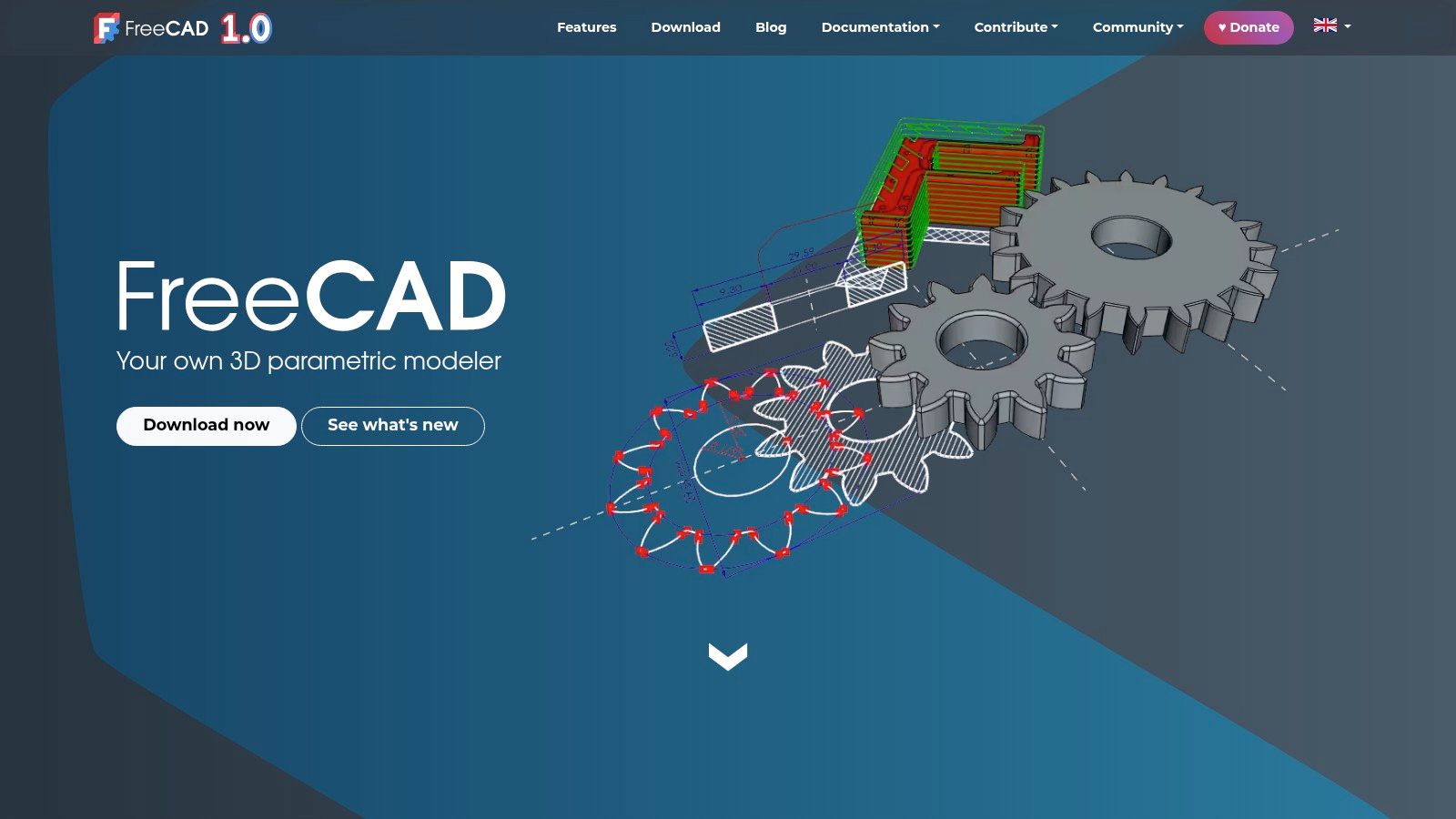
FreeCAD's greatest strength is that it is completely free and extensible, with no commercial use restrictions whatsoever. Its active community ensures ongoing development and a wealth of learning resources. Although its interface may feel less polished compared to commercial alternatives, its ability to control every dimension of a design and its non-destructive workflow make it an invaluable tool for any maker or engineer looking for a robust, cost-free solution. 💪
FreeCAD Specs:
| Feature | Details |
|---|---|
| Modelling Type | Parametric, feature-based. |
| Learning Curve | Medium-High. Requires understanding its parametric logic. 🧐 |
| Best For | ⚙️ Engineering, mechanical parts, functional prototyping. |
| Price | Completely free (Open Source). 🆓 |
| Export Formats | STL, OBJ, STEP, IGES, and many more. |
| Website | www.freecad.org |
5. Rhinoceros 3D (Rhino)
Rhinoceros 3D, commonly known as Rhino, is a benchmark in the world of 3D design programs, particularly valued for its powerful NURBS-based modelling (Non-Uniform Rational B-Splines). This technology enables the creation of complex geometries and curved surfaces with exceptional mathematical precision. It is the tool of choice across industries such as product design, jewellery, architecture, and naval design, where organic, flowing forms are essential. 💎
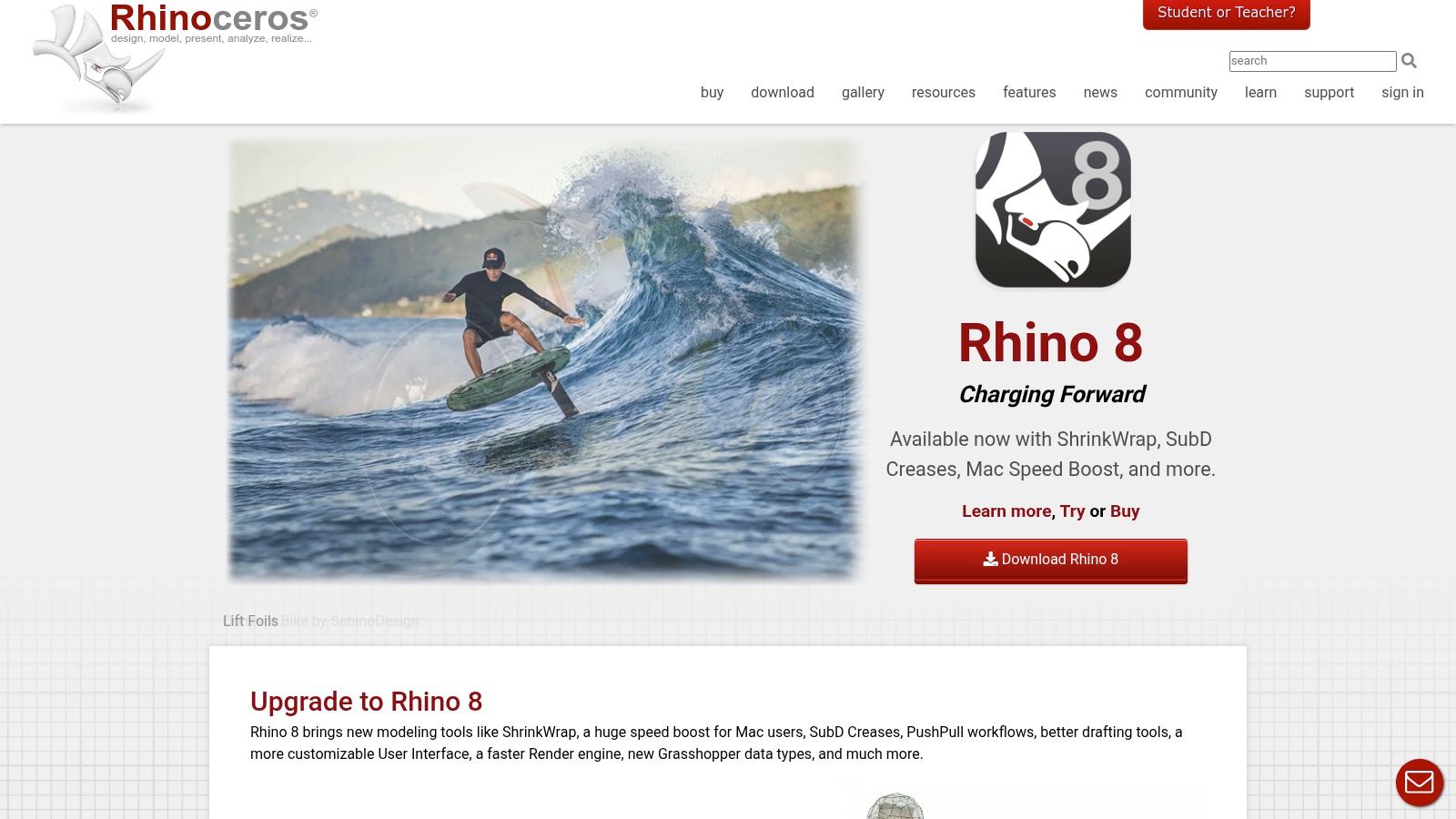
Its biggest differentiator is the inclusion of Grasshopper, a visual algorithm editor that opens the door to parametric and generative design without writing a single line of code. On top of that, its perpetual license model is a major draw for professionals and studios who prefer a one-time investment. Rhino also boasts a vast plugin ecosystem that expands its capabilities into photorealistic rendering, SubD modeling, and CAM (computer-aided manufacturing).
Rhino Technical Specs:
| Feature | Details |
|---|---|
| Modeling Type | NURBS, surfaces, solids, meshes, SubD. |
| Learning Curve | Medium-High. Mastering NURBS and Grasshopper takes time. ⏳ |
| Best For | 💍 Jewelry design, product design, architecture, complex forms. |
| Price | Paid perpetual license. Discounts available for students and educators. |
| Export Formats | STL, OBJ, 3DM, STEP, IGES, and an extensive list of others. |
| Website | rhino3d.com |
6. SOLIDWORKS (including 3DEXPERIENCE)
SOLIDWORKS is the gold standard in engineering and mechanical design, standing out as one of the most powerful and robust 3D design programs on the market. This parametric CAD software is the go-to tool for creating complex assemblies, high-precision mechanical parts, and detailed technical documentation. Its ecosystem has expanded with the 3DEXPERIENCE platform, bringing collaboration and data management to the cloud and making distributed teamwork easier than ever. 🤝
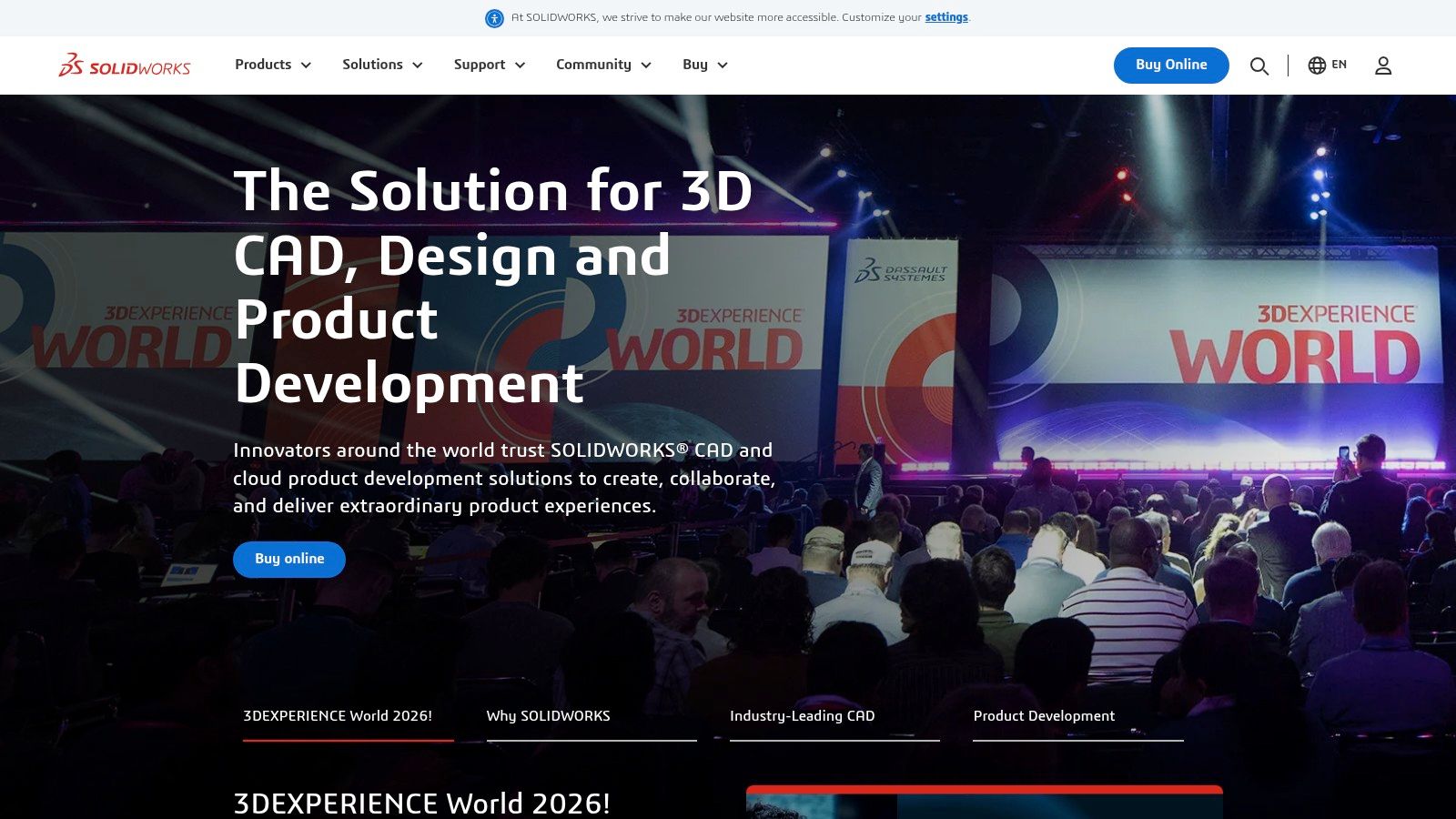
While the learning curve is steep and the cost is high, no other tool comes close to its depth for product development. Its built-in modules for finite element analysis (FEA), fluid simulation, and product lifecycle management (PLM) make it a complete, all-in-one solution for businesses. If you're pursuing a career in engineering, mastering SOLIDWORKS is essentially a must. 🎓
SOLIDWORKS Technical Specifications:
| Feature | Details |
|---|---|
| Modelling Type | Parametric, surfaces, assemblies. |
| Learning Curve | Steep. Designed for professionals with an engineering background. 📈 |
| Best For | 🔩 Professional engineering, product design, machinery. |
| Price | Expensive annual professional subscription. Student versions available. |
| Export Formats | STL, STEP, IGES, SLDPRT and many more. |
| Website | solidworks.com |
7. Onshape
Onshape is a game-changer in the world of 3D design software, being the first fully cloud-based CAD platform (SaaS). It removes the need for software installations and powerful hardware, letting you design directly from any web browser. Its greatest strength lies in real-time collaboration and a robust version control system, making it ideal for engineering and design teams working remotely. ☁️
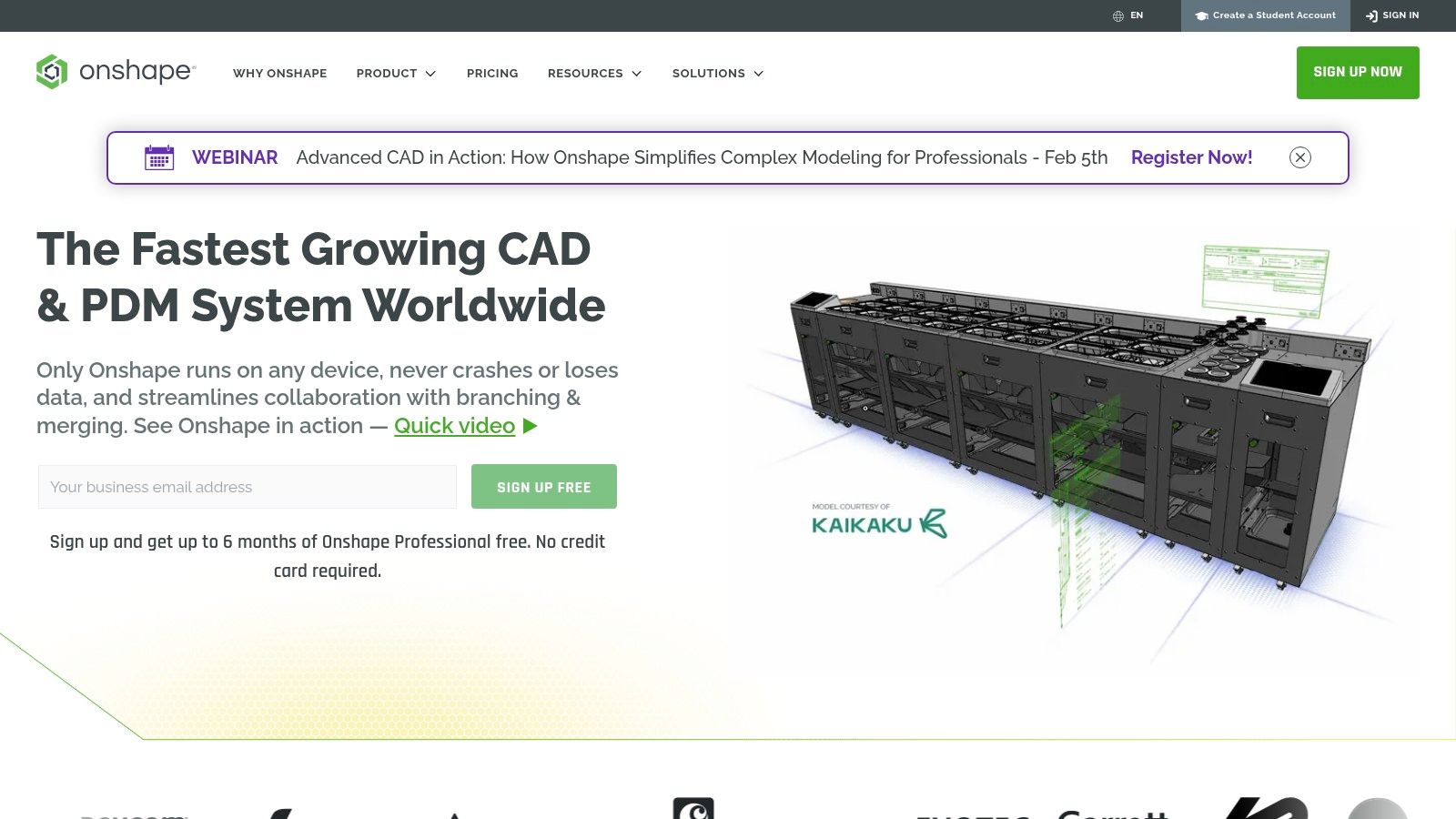
While it does require a constant internet connection, its accessibility is hard to beat. You can start a project on your desktop and seamlessly continue editing it on a tablet or mobile device. Onshape offers a generous free plan for hobbyists and open-source projects, where documents are publicly visible. This makes it an excellent option for learning parametric design without investing in expensive licences — perfect for rapid prototyping of functional parts.
Onshape Technical Specifications:
| Feature | Details |
|---|---|
| Modelling Type | Parametric, assemblies, surfaces. |
| Learning Curve | Moderate. Familiar to users of other CAD tools, but requires adjustment to the cloud environment. 💻 |
| Best For | ⚙️ Collaborative engineering, prototyping, education. |
| Price | Free for non-commercial use (public documents). Subscription plans available for professional use. |
| Export Formats | STL, STEP, PARASOLID, IGES and others. |
| Website | www.onshape.com |
8. ZBrush (Maxon)
ZBrush is the industry standard for digital sculpting and one of the most powerful 3D design programmes for organic creation. Its workflow is built around using brushes to shape a polygon mesh as if it were clay, enabling an extraordinary level of detail. It is the go-to tool for character artists, miniature designers, and anyone looking to create models with high organic complexity and intricate surface detail. 🐉
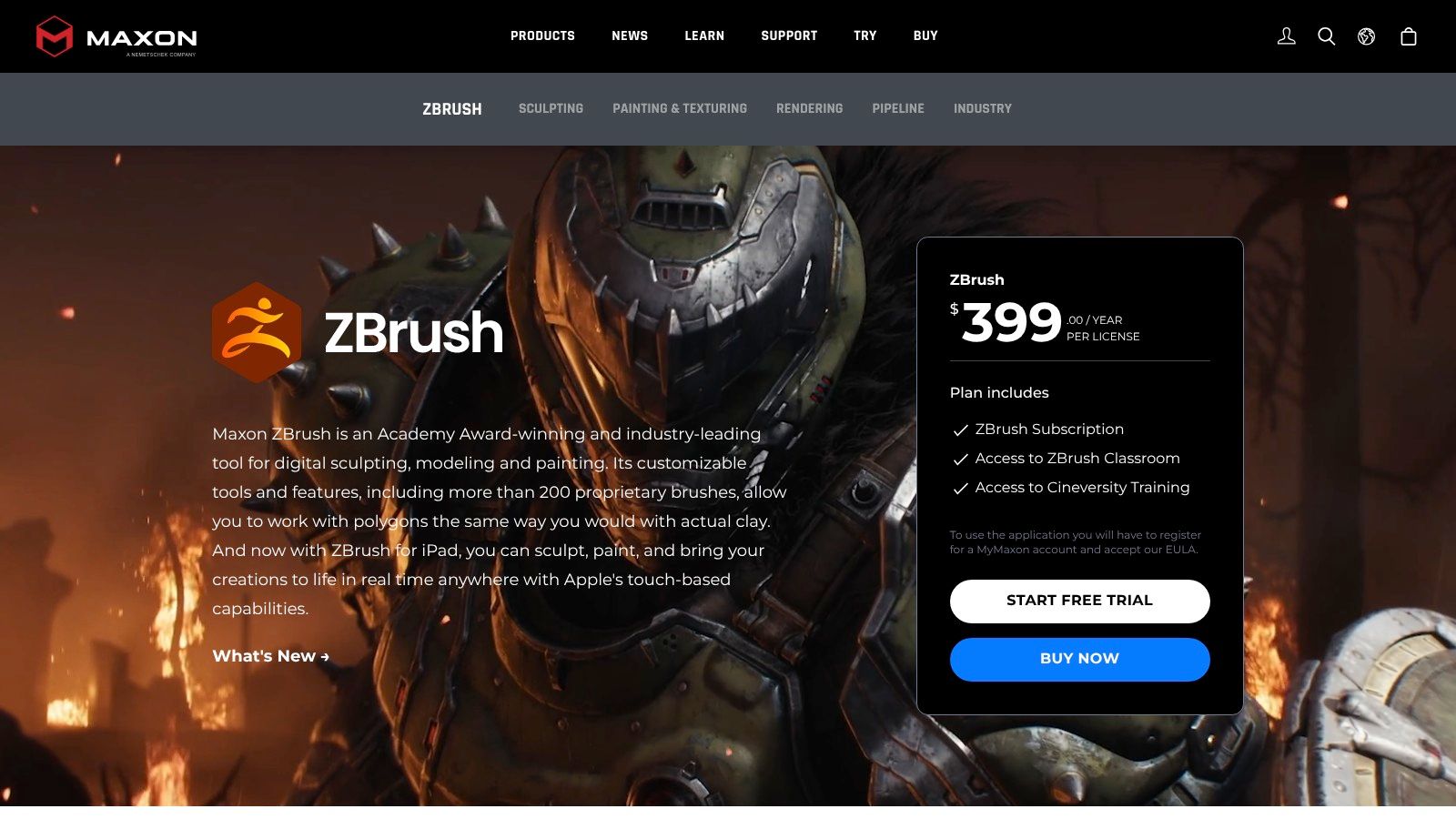
While its interface can feel intimidating at first, tools like Dynamesh and ZRemesher streamline complex topology workflows considerably. Now distributed by Maxon, ZBrush is available via subscription, which has eliminated perpetual licensing for new users. This software is ideal for getting the most out of resin 3D printers, where every sculpted detail can be brought to life with stunning precision.
ZBrush Specs:
| Feature | Details |
|---|---|
| Modeling Type | Digital sculpting, polygon modeling. |
| Learning Curve | Steep. Its interface and workflow are unlike anything else. 😵💫 |
| Ideal For | 🎨 Miniatures, characters, creatures, digital sculpting. |
| Price | Monthly/annual subscription. Included in Maxon One. |
| Export Formats | STL, OBJ, VRML, MA, FBX. |
| Website | maxon.net/zbrush |
9. Adobe Substance 3D
While it isn't a traditional modeling package, Adobe Substance 3D is an essential suite in the workflow of many 3D design programs. It specializes in texturing and photorealistic material creation. With tools like Substance Painter, you can paint textures directly onto your 3D models, adding a level of detail and realism that's hard to achieve any other way. It's perfect for product visualization renders or giving your creations a polished, professional finish before sharing them. 🖼️
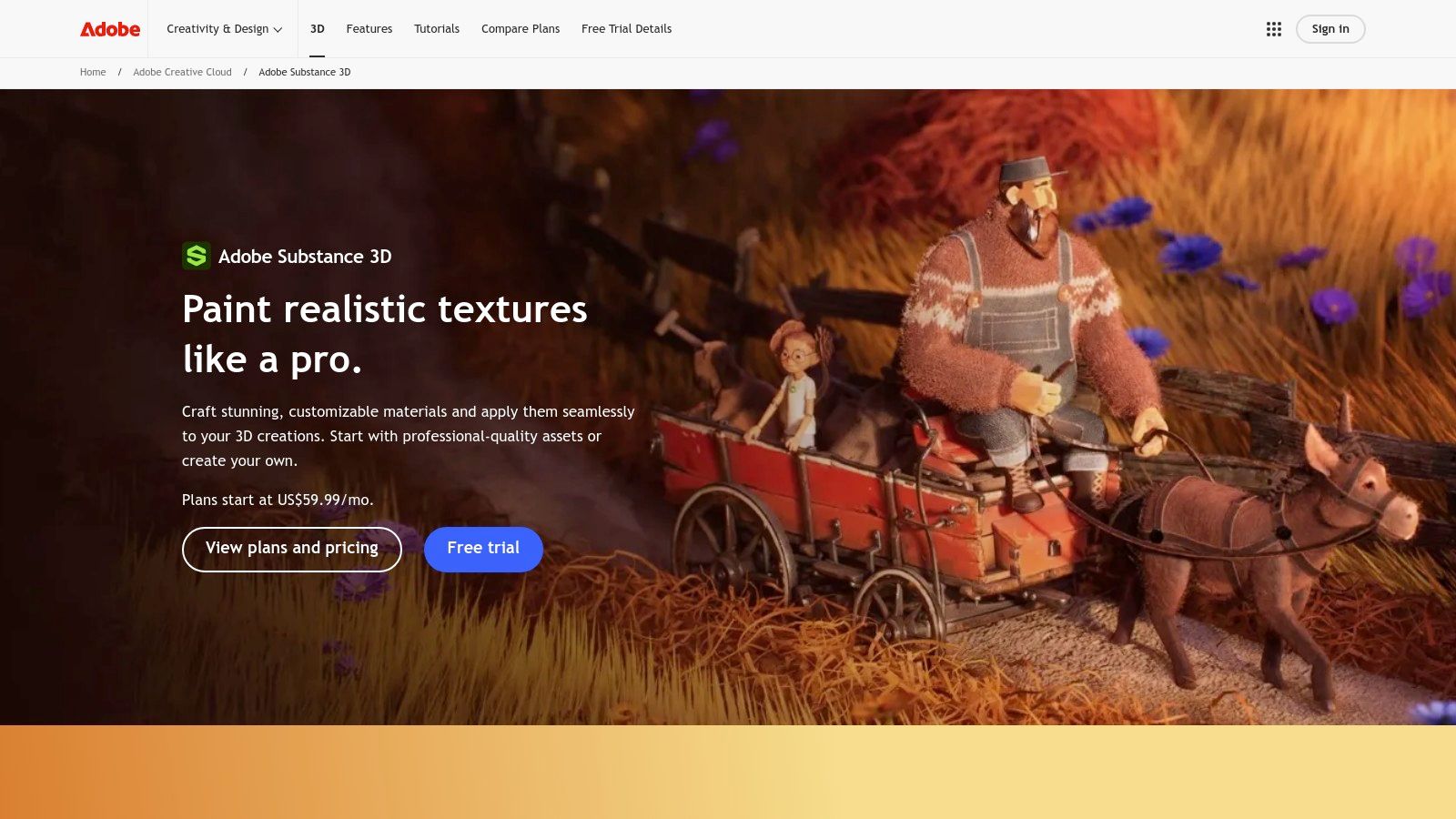
The suite lets you build complex materials from scratch using Substance Designer, or digitize real-world surfaces with Sampler. For 3D printing, its real value lies in producing stunning presentation renders that show exactly how your printed piece will look with professional surface finishes. Access to its vast library of materials and assets also speeds up the creative process enormously.
Adobe Substance 3D Specs:
| Feature | Details |
|---|---|
| Modelling Type | Not a modeller; it's a PBR texturing and materials suite. |
| Learning Curve | Medium-High. Requires a solid understanding of materials and textures. 🧑🎨 |
| Ideal For | 🎨 Digital artists, product visualisation, game asset creators. |
| Price | Subscription model. Pricing varies by region and plan. |
| Export Formats | Exports texture maps (PNG, TGA, etc.) compatible with any render engine. |
| Website | adobe.com/products/substance |
10. Shapr3D
Shapr3D has established itself as one of the most agile and accessible 3D design programs available, particularly for those who prefer a touch-based workflow. Born on iPad and optimised for the Apple Pencil, it delivers a solid, direct CAD modelling experience that feels remarkably intuitive. It's the perfect tool for turning quick ideas and sketches into precise 3D models without the complexity of traditional interfaces. ✍️
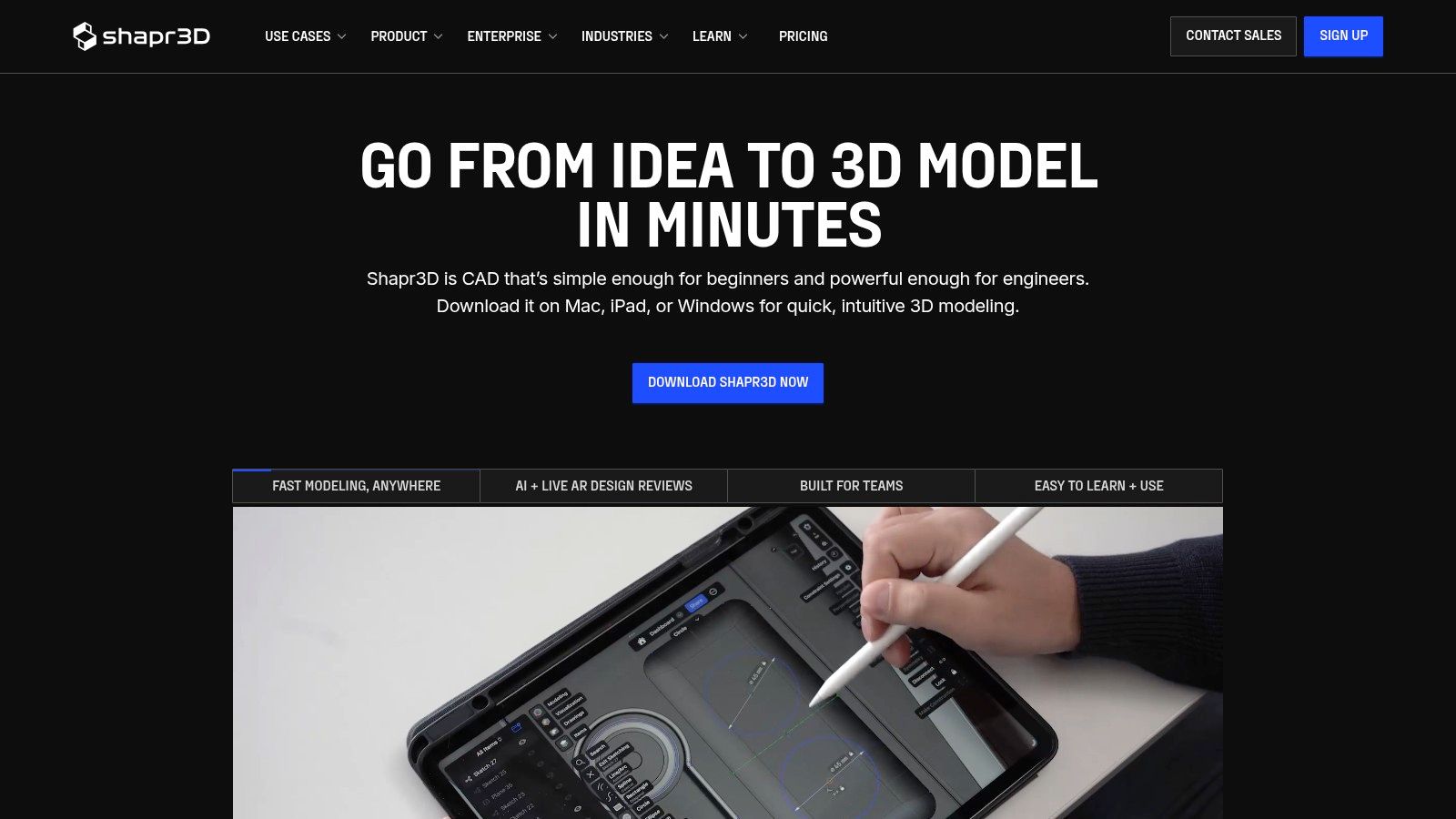
Its biggest strength is the speed of the ideation process, allowing designers and engineers to create and modify complex geometry on the go. While the free version limits the number of projects and exports, its expansion to macOS, Windows, and visionOS makes it a powerful cross-platform ecosystem for professionals who invest in the Pro plan.
Shapr3D Specs:
| Feature | Details |
|---|---|
| Modelling Type | Direct and solid CAD modelling (NURBS) |
| Learning Curve | Low. Very intuitive, especially with a stylus. ✏️ |
| Ideal For | ✍️ Rapid sketching, product design, industrial modelling. |
| Price | Free Basic plan with limitations. Paid subscription for Pro features. |
| Export Formats | STL, OBJ (Basic). STEP, IGES, DXF and more (Pro). |
| Website | shapr3d.com |
11. 3DCoat
3DCoat is a specialist software that truly shines in the voxel sculpting and PBR texturing space, cementing its reputation as a go-to tool for digital artists. Unlike other 3D design programs that try to do everything, 3DCoat focuses on a specific workflow: modelling, retopology, and painting. This makes it exceptionally powerful for creating game assets, detailed miniatures, and complex props that demand a high-quality finish. Its 3D painting system is among the most advanced available, offering incredible control when applying textures and materials. 🎯
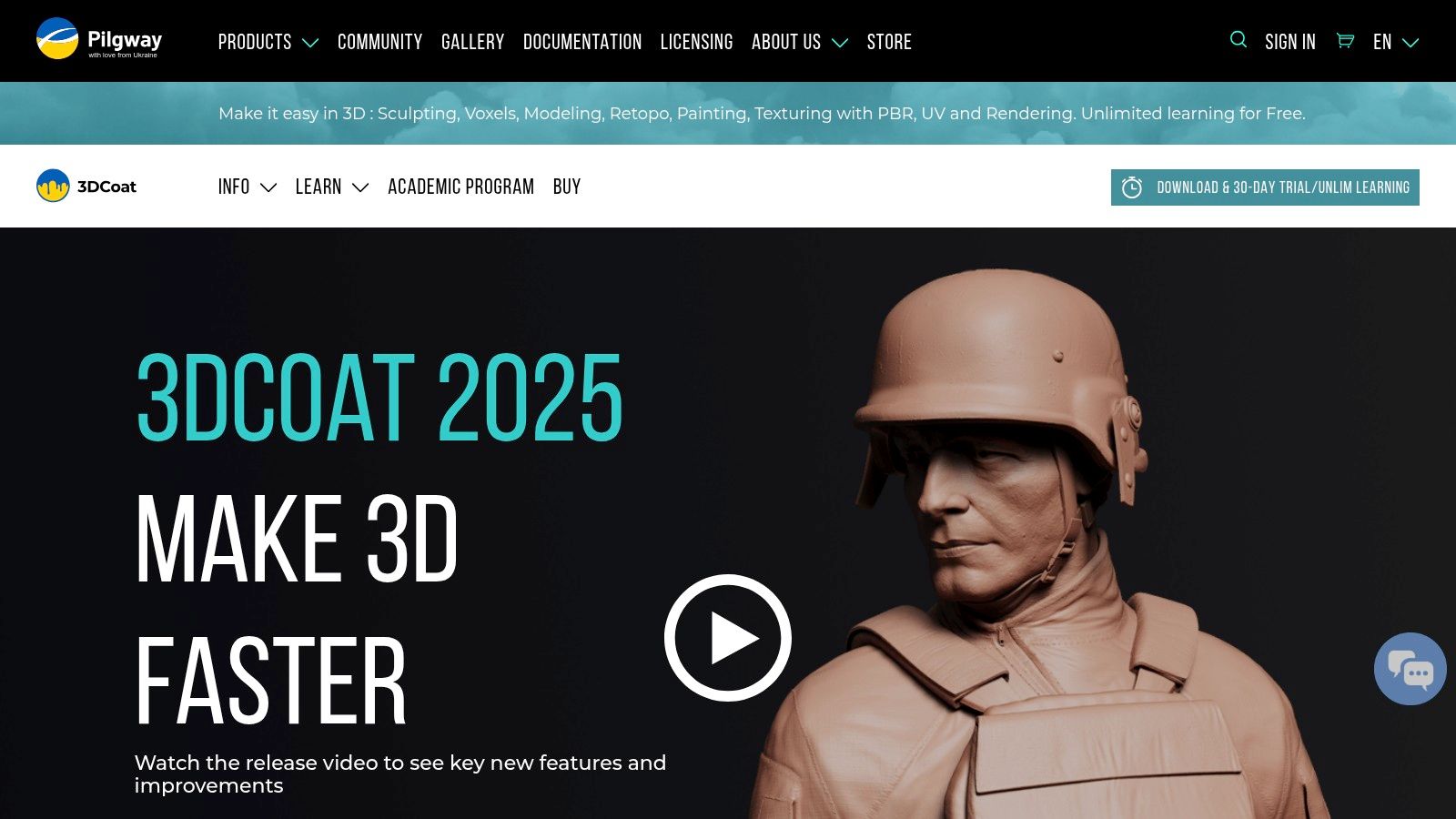
3DCoat's biggest strength is its combination of voxel sculpting with best-in-class retopology tools — both automatic and manual. This lets users go from a free-form organic sketch to an optimized mesh ready for animation or 3D printing, all without leaving the application. The interface can feel unconventional compared to other industry giants, but its perpetual licensing options and educational programs make it a highly attractive, cost-effective long-term alternative.
3DCoat — Key Specs:
| Feature | Details |
|---|---|
| Modeling Type | Voxel, surface, polygonal, retopology |
| Learning Curve | Moderate to High. The interface takes some getting used to. 🧑🏫 |
| Best For | 🎨 Digital sculpting, PBR texturing, retopology. |
| Pricing | Perpetual license, subscription, and rent-to-own options. Student discounts available. |
| Export Formats | STL, OBJ, FBX, 3MF, PLY, and more. |
| Website | 3dcoat.com |
12. Tinkercad (Autodesk)
Tinkercad is the go-to entry point into the world of 3D design software. Developed by Autodesk, this free browser-based tool is built specifically for beginners, kids, and educators. The concept is straightforward: you build complex models by combining basic geometric shapes — cubes, spheres, cylinders — in an intuitive, visual way. No installation required, and you can get started instantly, with zero technical barriers. 😃
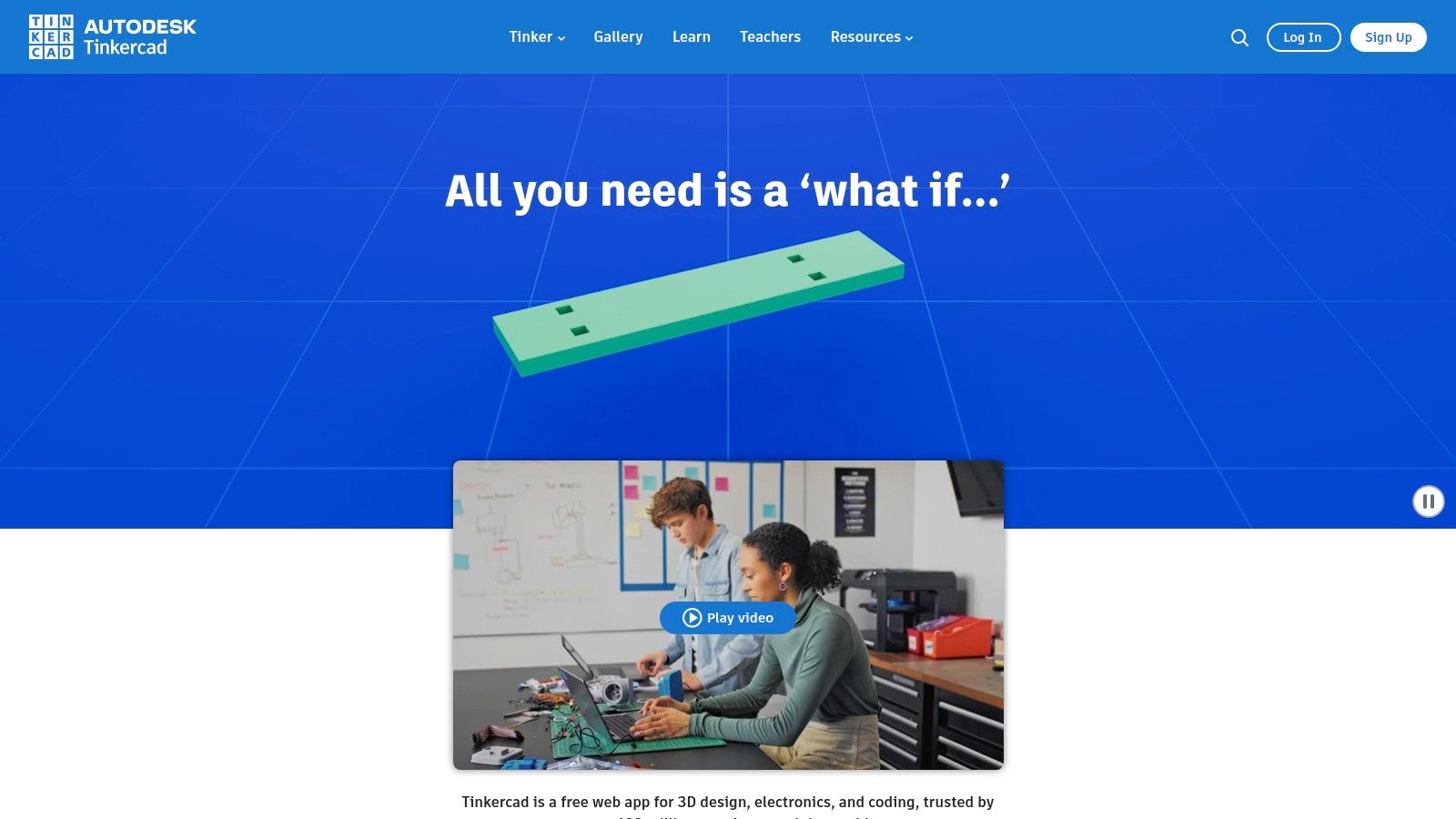
Its greatest advantage is its simplicity, backed by a wealth of learning resources — making it the perfect tool for classrooms and beginner 3D printing workshops. While its capabilities fall short for complex mechanical or artistic designs, nothing beats it for picking up the fundamentals of 3D modeling quickly and enjoyably. It's the ideal starting point before moving on to more advanced software.
Tinkercad Technical Specifications:
| Feature | Details |
|---|---|
| Modeling Type | Direct solid primitive modeling |
| Learning Curve | Very low. You can learn it in minutes. 👶 |
| Ideal For | 👶 Beginners, education (STEM), makers, simple models. |
| Price | Completely free.🆓 |
| Export Formats | STL, OBJ, GLB, SVG. |
| Website | www.tinkercad.com |
Comparison of 12 3D Design Programs
| Software | Type / Functionality | Experience ★ | Price / Value 💰 | Audience 👥 | Highlights ✨/🏆 |
|---|---|---|---|---|---|
| Autodesk Fusion 360 | Cloud-based CAD/CAM/CAE; parametric design and simulation | ★★★★☆ | 💰 Subscription; free/education; Flex pay-per-use | 👥 Engineers, prototyping, workshops | ✨ CAD→CAM integration and cloud collaboration |
| SketchUp | Intuitive 3D modeling; 3D Warehouse and plugins | ★★★★☆ | 💰 Subscription (Go/Pro/Studio) | 👥 Architecture, product design, makers | ✨ Massive 3D Warehouse library |
| Blender | Modeling, sculpting, texturing and rendering (Cycles/Eevee) | ★★★★☆ | 💰 Free (open‑source) | 👥 Artists, sculptors, advanced modelers | 🏆 Powerful sculpting and photorealistic rendering |
| FreeCAD | Parametric CAD (OpenCASCADE); Path/FEM/Arch workbenches | ★★★☆☆ | 💰 Free (open‑source) | 👥 Technical makers, DIY engineers | ✨ Parametric design with integrated CAD→CAM/FEM workflow |
| Rhinoceros 3D (Rhino) | Precise NURBS modeling; Grasshopper visual parametric tools | ★★★★★ | 💰 Perpetual license (management options available) | 👥 Product design, jewelry, architecture | 🏆 NURBS precision and visual Grasshopper scripting |
| SOLIDWORKS (3DEXPERIENCE) | Industrial parametric 3D CAD; assemblies and PDM | ★★★★★ | 💰 High annual cost / modular packages | 👥 Engineering, manufacturing, enterprise | 🏆 Industry standard for complex engineering design |
| Onshape | 100% browser-based CAD; PDM and real-time collaboration | ★★★★☆ | 💰 Per-user subscription (limited Free plan) | 👥 Distributed teams, education | ✨ Simultaneous collaboration and built-in version control |
| ZBrush (Maxon) | Multi-resolution digital sculpting with extreme detail | ★★★★★ | 💰 Subscription (Maxon One) | 👥 Sculptors, miniature artists, character artists | 🏆 Industry leader for miniature and character detail |
| Adobe Substance 3D | PBR texturing suite: Painter, Designer, Sampler and Stager | ★★★★★ | 💰 Subscription (individual/team) | 👥 Visualization, texturing for renders and presentations | 🏆 Professional PBR workflow and extensive asset library |
| Shapr3D | Touch-optimized solid CAD for iPad/Apple Pencil | ★★★★☆ | 💰 Freemium → Pro subscription | 👥 Designers, rapid ideation, iPad users | ✨ Fluid touch workflow with STEP/IGES/STL export |
| 3DCoat | Voxel sculpting, retopology and advanced PBR painting | ★★★★☆ | 💰 Perpetual license / rent‑to‑own | 👥 Artists, props, modeling | para impresión✨ Great retopo→texture workflow and perpetual licence option. |
| Tinkercad | Browser-based modeller for education and beginners; STL export | ★★★☆☆ | 💰 Free | 👥 Education, beginner makers, intro to 3D | ✨ Instant access, classroom-friendly and beginner-oriented |
Conclusion:
The world of 3D design software is vast and varied, but as we've seen, no single tool does it all. The key to success lies in understanding your own needs and goals so you can choose the software that best fits your project — whether that's the detailed organic sculpting of ZBrush, the millimetre-precise engineering of Fusion 360, or the beginner-friendly simplicity of Tinkercad.
The right choice comes down to a combination of factors: the nature of your designs (organic or mechanical?), your experience level, your budget, and — crucially — your 3D printing workflow. Each program offers a different path, with its own learning curve and unique capabilities. Don't be afraid to experiment; many of these tools offer free trials or free tiers that are perfect for exploring and finding which one feels most intuitive to you.
To take the next step, we recommend:
- 🎯 Define your main goal: Are you creating miniatures for wargaming, functional prototypes, or digital art? Narrowing this down will dramatically cut your options.
- 🧠 Be realistic about the learning curve: Be honest about how much time you can commit. Starting with a more approachable program like Tinkercad or Shapr3D can build your confidence before moving on to more advanced tools like Blender or SOLIDWORKS.
- 🧑🤝🧑 Join the community: Dive into forums, groups, and tutorials. The community is an invaluable resource for troubleshooting and levelling up your skills with 3D design software.
Remember, the software is just the first step. Bringing your ideas to life requires high-quality materials that do justice to the precision of your digital designs. The best 3D model deserves the best resin to capture every detail.
Now that you've got your software sorted, make sure you have the best materials to bring your creations to life. At Mr Resin we specialise in high-definition resins and 3D printing equipment so your digital designs become tangible masterpieces. Visit our store at Mr Resin and take your projects to the next level! 🛒
Don't leave just yet. Join our thriving community on Telegram for exclusive discounts, news, and tips. And don't forget to subscribe to our newsletter to get the best deals delivered straight to your inbox. ✉️
✨ Happy Printing! 🚀
Composed with the Outrank tool