

Want to print parts that bend like rubber, survive drops, and fit any design — all from home? 🤩 Flexible filament 3D printing opens up a whole new world of creativity, letting you print phone cases, toys, prosthetics, and technical parts that once seemed impossible.
In this guide, you'll learn everything from the basics to expert tips for mastering flexible filament 3D printing. We'll cover filament types, real-world applications, how to avoid jams, and how to choose the right printer.
Ready to take your projects to the next level? Keep reading and start creating in 2025! 🚀
What is flexible filament in 3D printing?
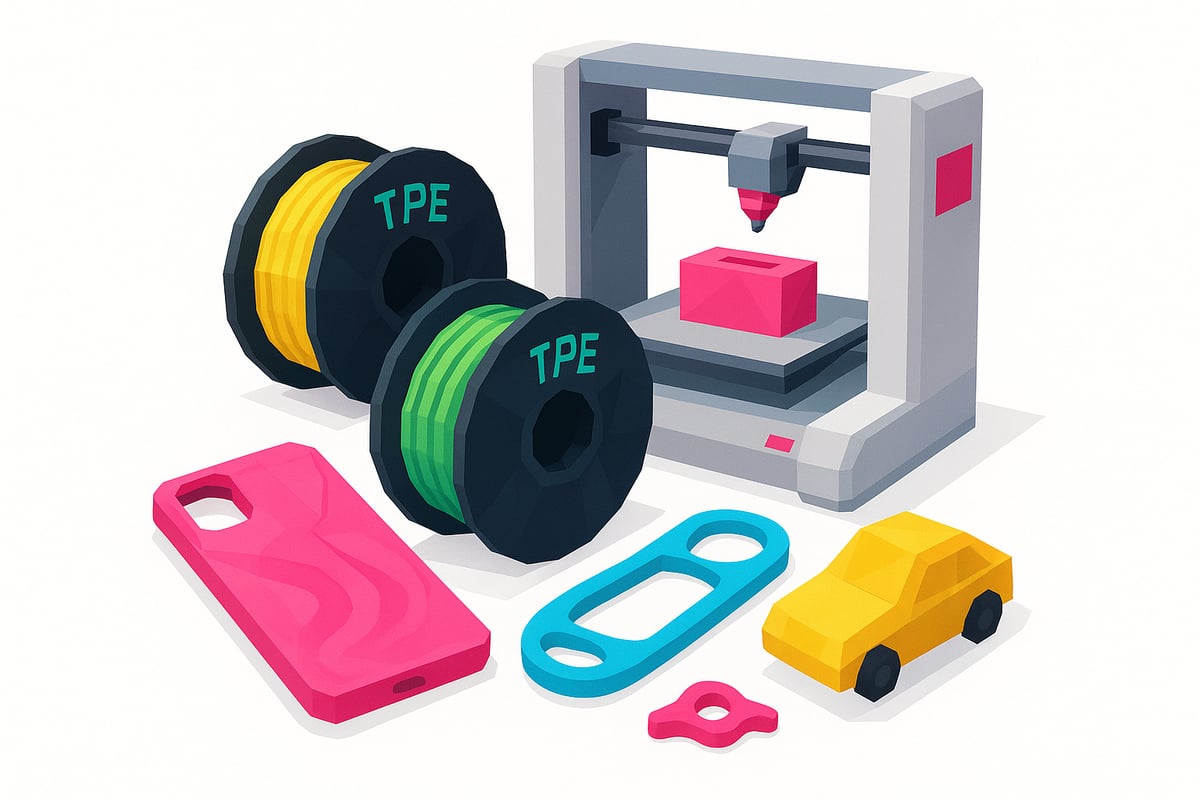
Ever seen a phone case that bends without cracking? That's flexible filament in action — the star material in flexible filament 3D printing. The most popular types are TPU, TPE, and Soft PLA, each with its own balance of elasticity and durability.
Here's a quick comparison table showing how they stack up against standard PLA and ABS:
| Filament | Flexibility 🤸♂️ | Shore Hardness | Impact Resistance 💥 | Wear Resistance 🚴♀️ |
|---|---|---|---|---|
| TPU | Very high | 85A-98A | Excellent | High |
| TPE | High | 80A-95A | Very good | Medium-High |
| Soft PLA | Medium | 90A-92A | Good | Medium |
| PLA | Low | 60D | Low | Low |
| ABS | Low | 70D | Medium-High | Medium |
The secret behind flexible filament 3D printing lies in the molecular structure of these materials, which gives them the ability to bend and absorb impact. That's why they're perfect for printing:
- Phone cases and screen protectors
- Gaskets and vibration dampeners
- Custom prosthetics
- Flexible toys
- Robotics and technical parts
According to Statista and 3D Hubs, the flexible filament market has grown 25% year-on-year since 2021, and by 2025 it's expected to account for one in every six home 3D printing projects. Incredible!
The upsides? Exceptional versatility, impact and wear resistance, and the ability to create truly unique parts at home. The challenges? Flexible filaments are trickier to print than PLA — they need fine-tuned settings and can jam in certain printers.
Want to dive deeper into filament types and find the best one for your project? Check out this complete guide to choosing 3D printer filament with real photos and hands-on advice.
From early prototypes in 2010 to the explosion of options in 2025, flexible filament has transformed creativity both at home and in industry. Today, anyone can experiment and print flexible parts right from their desk.
Types of flexible filament and how to choose the right one
The world of flexible filament 3D printing is as diverse as it is exciting. There are several types of flexible filament out there, each with unique properties and applications that make them ideal for different projects — whether you're working at home or in a workshop. 🤩
Comparison: TPU vs TPE
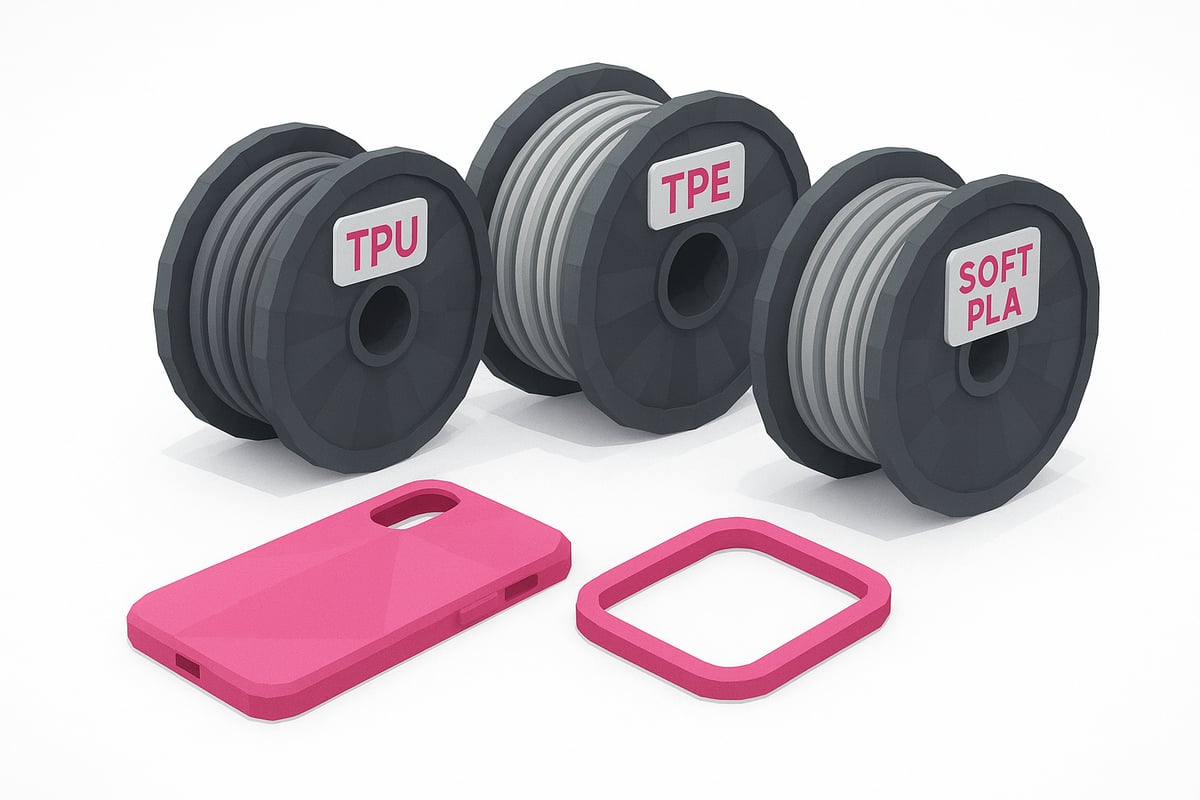
Among the most popular flexible filaments, TPU and TPE stand out. TPU is well known for its excellent wear resistance and elasticity, making it ideal for parts that need to bend and return to their original shape. TPE is even softer and more flexible, perfect for applications like gaskets or protective covers.
| Property | TPU | TPE |
|---|---|---|
| Elasticity | High | Very high |
| Durability | Excellent | Good |
| Ease of printing | Easy to print | Requires experience |
Both are great options for flexible filament 3D printing, but the best choice depends on your end use.
Soft PLA and hybrid composites
Another interesting option is Soft PLA, which combines the easy printability of standard PLA with added flexibility. It's a great middle ground if you need something between rigid and fully elastic.
There are also hybrid composite filaments that blend materials to achieve custom properties, such as chemical resistance or a satin finish.
Understanding Shore hardness
Shore hardness measures how soft or firm a flexible filament is. For projects that require a lot of flex, go for lower values (e.g. Shore 85A). For stiffer, more structured parts, choose higher Shore ratings.
Compatibility and technical requirements
Not all FDM printers handle flexible filaments equally well. A direct drive extruder is strongly recommended over a Bowden setup, as it gives you much better control over the material feed. Always check that your printer is compatible with the flexible filament you plan to use.
Leading brands and real-world examples
In 2025, brands like eSUN, Prusament, and ColorFabb are leading the flexible filament market. You can browse real product photos and a wide range of options at specialist retailers. To explore all available choices, check out this FDM 3D printing filament catalogue, where you'll find photos and user reviews.
Key factors when choosing your filament
Before making a decision, consider:
- Price and availability
- Ease of printing
- Surface finish and colour options
- Resistance to chemicals or UV light
Try sample packs before committing to larger quantities. That way, you can make sure your flexible filament 3D printing project is a complete success. 😉
Setting up your 3D printer for flexible filament
Getting your printer properly configured for flexible filament 3D printing is essential if you want great results without the headaches. 🛠️ Every flexible material has its quirks, but with the right settings and a bit of testing, you'll see a huge improvement. If you're new to FDM printing, I'd also recommend reading this article on what filament 3D printing is and how it works before diving into more advanced materials.
Technical requirements and recommended settings
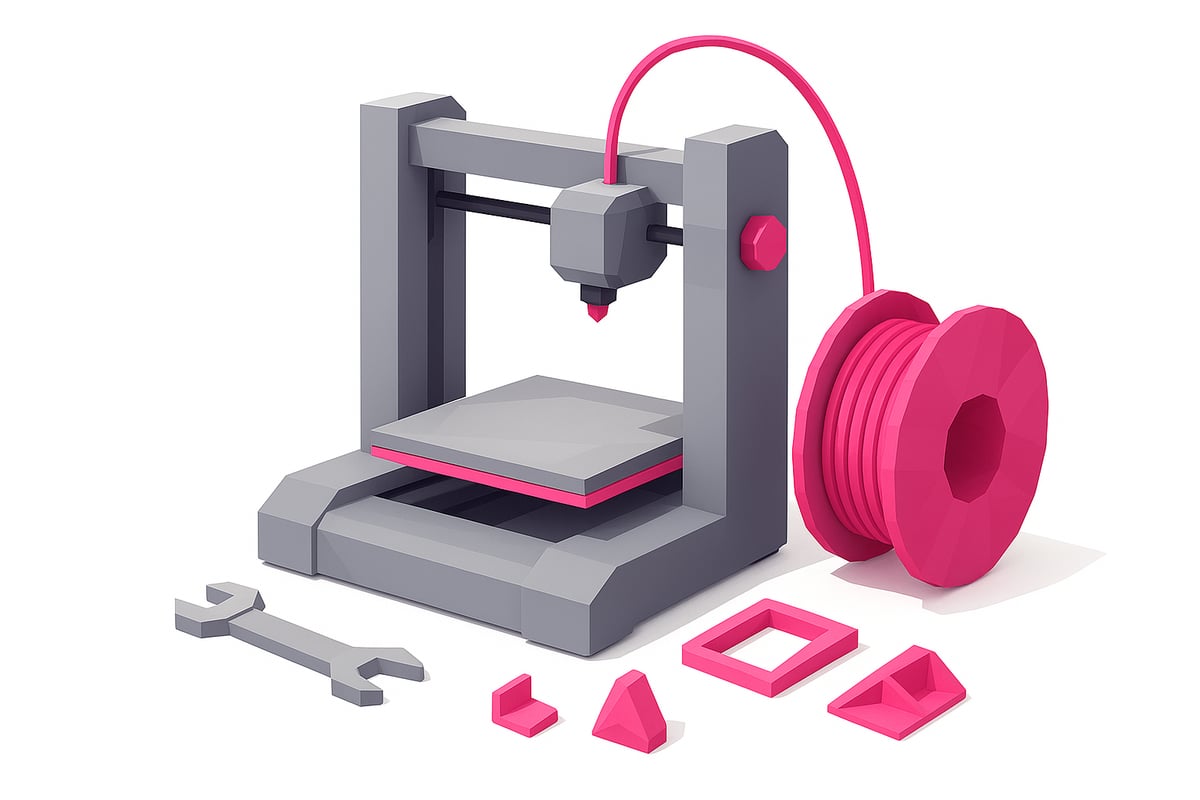
First, dial in your extrusion temperature: TPU and TPE typically run between 210°C and 240°C, while Soft PLA sits around 200°C to 220°C. A heated bed makes a real difference — set it between 40°C and 60°C. Slow your print speed down to 20–40 mm/s to avoid jams, and make sure to reduce retraction while keeping moderate extruder pressure. Here's a quick reference table:
| Material | Extrusion Temp | Bed Temp | Speed (mm/s) |
|---|---|---|---|
| TPU | 220-240°C | 50-60°C | 20-35 |
| TPE | 210-230°C | 40-60°C | 20-40 |
| Soft PLA | 200-220°C | 40-60°C | 25-40 |
Printers like Anycubic, Creality, and Prusa make it easy to dial in these settings. Don't forget to clean your nozzle and do a quick maintenance check before each print session!
Useful upgrades and accessories
If you want the best results when 3D printing flexible filament, go with a direct drive extruder instead of a Bowden setup — it feeds the filament far more precisely and dramatically reduces the risk of clogs. Add filament guides or anti-tangle rollers to keep material feeding smoothly. Bed surfaces like PEI or BuildTak improve adhesion and make it much easier to remove finished prints.
- Direct drive extruder: the go-to choice for flexible filaments.
- Filament guides: prevent tangles and feeding issues.
- PEI bed surface: prints release cleanly and easily.
Check out specialist stores for real-world photos of these upgrades to get inspired and see how they look on your printer.
Initial testing and calibration
Before jumping into large prints, run a flexibility test and fine-tune your retraction settings using calibration models. This helps you catch common issues like stringing or poor bed adhesion early on. Use calipers and tweezers to make small adjustments along the way. Remember, patience is key when 3D printing with flexible filament — it's always better to test and tweak than to rush and ruin a project. Print, learn, and enjoy the process!
Step-by-step guide to printing with flexible filament
Ready to dive into 3D printing with flexible filament? Here's a straightforward, step-by-step guide to help you nail those first prints. Let's go! 🎯
1. Model preparation and slicing
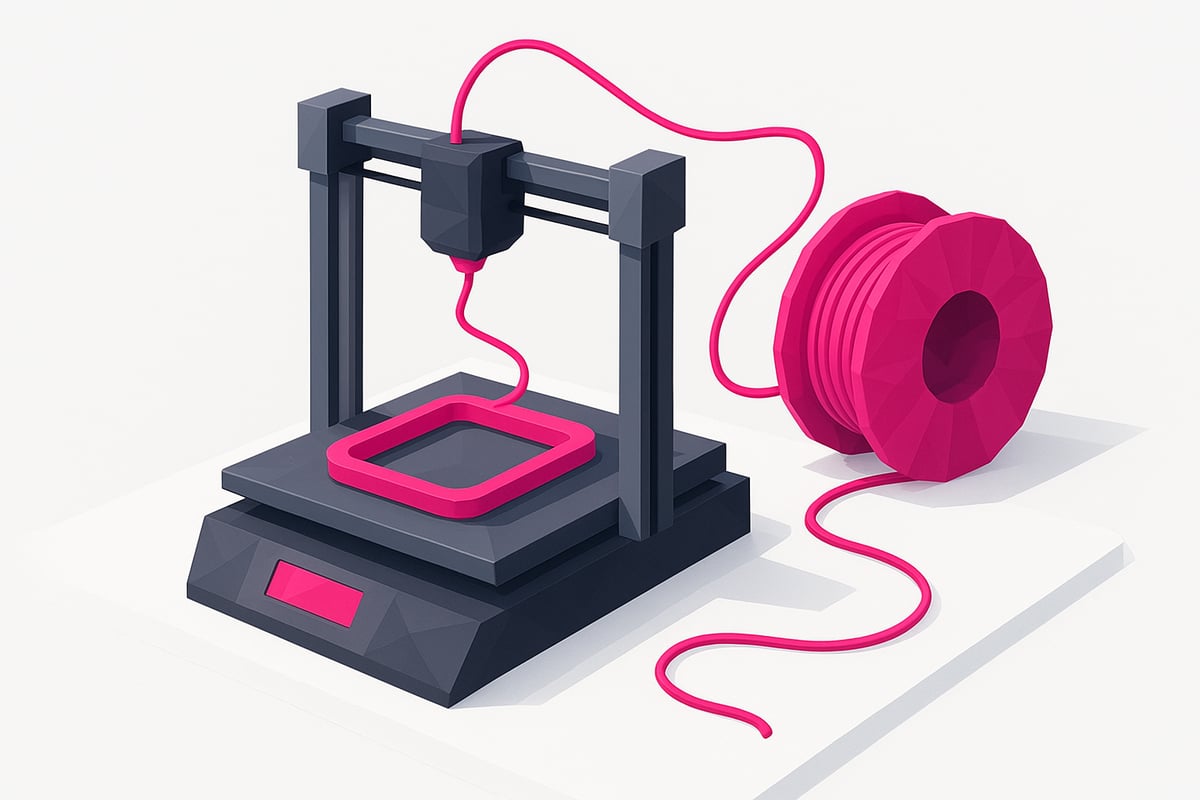
Before you hit print, make sure your 3D model is optimised for flexibility. Use slicing software like Cura or PrusaSlicer and select profiles specifically designed for flexible filament.
- Lower your print speed and increase the number of perimeters to boost strength and durability.
- Use 10%–20% infill to preserve flexibility.
- Only add supports where absolutely necessary, as they can make post-processing more difficult.
A practical example in Cura: select TPU, set your speed to 30 mm/s, and dial retraction down to a minimum. This prevents clogs and gives you smooth, resilient parts.
2. Loading the filament and getting started
Loading flexible filament takes a little patience. Trim the tip of the filament at an angle and guide it gently into the extruder.
- Clean the extruder before you start to prevent debris buildup.
- Don't apply too much pressure, as you could buckle the filament.
- Use slow, steady movements and watch that it feeds in straight.
Check that filament flows evenly from the nozzle. If you feel any resistance, stop and inspect the feed path. This prevents jams from the very beginning and keeps your flexible filament 3D printing running smoothly.
3. Monitoring during the print
Don't walk away from the printer during the first layers! Watch how the flexible filament is being deposited and make real-time adjustments if you spot any irregularities.
- Look for signs of clogs or under-extrusion, such as skipped layers or stringing.
- Use cameras or sensors on advanced printers to monitor without standing over the machine.
- If you spot issues, pause the print and fix them before continuing.
Flexible filament 3D printing can be unpredictable at first, but actively watching the print is key to avoiding nasty surprises. If you want to dive deeper into techniques and tips, check out this Flexible 3D Printing Guide.
4. Removing and post-processing your print
Once the print is done, let the bed cool before removing the part to avoid damage. Use a flexible spatula to gently lever it off.
- Wash the part with soap and water if there are any filament residues.
- Remove supports with small scissors or nail clippers to avoid tearing.
- If you want a smoother finish, you can lightly sand with fine-grit sandpaper.
And that's it! You now have a flexible, functional part — perfect for your DIY projects, gadgets, or prototypes. Share your results and keep experimenting with different settings to improve with every print.
Common problems and solutions in flexible filament 3D printing
Does flexible filament 3D printing ever feel like an impossible challenge? 😅 You're definitely not alone! This material has its quirks, but with a few tips, any maker can achieve great results.
Extruder clogs
Flexible filament tends to jam if the print speed is too high or the extruder isn't properly set up. Reduce speed to 20–40 mm/s and check the filament feed path. If you're using a Bowden setup, consider switching to a direct drive extruder. Clean the nozzle and keep the feed pressure just right.
Poor bed adhesion
Is your print lifting off the bed? Try surfaces like PEI or BuildTak, dial in your bed temperature (40–60 °C for TPU, for example), and make sure it's properly levelled. A light coat of hairspray or glue stick can also help improve adhesion.
Stringing
Stringing is very common with flexible filament 3D printing. Try lowering the temperature and fine-tuning your retraction settings. Increasing travel speed can also help. Always keep the extruder clean to avoid sticky residue build-up.
Warping and deformation
Warping is usually caused by uneven cooling. Use an enclosure if you can and keep the printer away from draughts. Don't overheat the bed, and if you see lifted edges, revisit your first layer settings and bed adhesion.
Layer failures and poor layer bonding
If you're seeing weak or separated layers, try increasing the extruder temperature slightly and make sure your filament is properly dried. Adjust the flow rate in your slicer and run test prints to find the sweet spot.
| Problem | Quick Fix |
|---|---|
| Clogs | Lower speed, clean nozzle |
| Poor bed adhesion | PEI, BuildTak, hairspray |
| Stringing | Lower temperature, retraction |
| Warping | Enclosure, level the bed |
| Layer failures | Adjust temperature and flow rate |
For more practical tips and troubleshooting advice, check out the Common 3D Printing Problems & Solutions guide, where you'll find specific tips for flexible filament 3D printing, real-world examples, and community support.
Creative applications and success stories with flexible filament
Flexible filament 3D printing has transformed the way we create functional and customized objects — both at home and in industry. 🚀 Today, the possibilities are limited only by your imagination.
Industrial prototypes and functional parts
Automotive and electronics companies use flexible filament 3D printing to produce gaskets, shock absorbers, and rapid prototyping parts. For example, sports shoe soles and cable protectors have been printed that withstand constant wear and bending. Learn more about the properties and applications in this 3D printer filament analysis.
Robotics, wearables, and personalized medicine
In robotics, flexible components are printed for soft grippers and actuators, improving human-machine interaction. In medicine, adaptive splints and ergonomic prosthetics tailored to the individual patient are making a real impact. DIY wearables — such as smart wristbands and sensor housings — are becoming increasingly popular.
Maker projects, DIY builds, and community
The maker movement has fully embraced flexible filament for creating toys, custom cases, and home solutions. Platforms like Thingiverse and Printables are packed with innovative ready-to-print models. Communities share tips, designs, and results, driving collaborative learning forward.
Stats and emerging trends
According to Statista, the flexible filament market grew by more than 20% in 2024, and further growth is expected in 2025 driven by new industrial and consumer applications. Experts predict that flexible materials will be central to the next wave of 3D printing innovation.
Ready to create your own success story? Creativity and technology go hand in hand to push flexible filament 3D printing into the future.
If this guide has inspired you to experiment with flexible filament and start your own projects, Mr Resin has everything you need to get started. You'll find a wide range of flexible filaments — from TPU to Soft PLA — sample packs to test before you commit, and plenty of useful resources to keep you moving forward. Their team is always on hand if you have any questions or need expert advice. Want to browse all the options?
Shop all 3D Printing Filaments