

Ready to take your prints to the next level? If you own an Elegoo Mars 4 and want professional results in 2025, this guide is for you. 🏆
Here you'll find the best updated tips and tricks to get the most out of your printer, whether you're a complete beginner or an experienced user.
We'll walk you through everything step by step: initial setup, choosing the right resin, dialing in your calibration, essential maintenance, troubleshooting common issues, and advanced tricks that make a real difference.
The goal? Perfect prints, less wasted time, and an even better experience with your Elegoo Mars 4. Keep reading to find out how to make it happen!
Key Features of the Elegoo Mars 4 in 2025
The Elegoo Mars 4 stands out in 2025 thanks to its stunning Mono 9K LCD screen 🖥️, delivering a resolution of up to 8520 x 4320 pixels for incredibly fine detail at impressive speed. With this level of precision, your miniatures and prototypes will have a professional-grade finish without the extra effort.
In terms of build volume, the Elegoo Mars 4 handles both larger pieces and precision work with ease 👾. Its compatibility with standard resins, water-washable resins, and advanced materials gives you the flexibility to choose the perfect finish for every project.
The user interface has been revamped — it's now more intuitive and better connected, making it easy to control from any device. This printer is a solid choice for both hobbyists and professionals looking for reliable, high-quality results.
| Model | Resolution | LCD Screen | Build Volume |
|---|---|---|---|
| Mars 4 | 8520 x 4320 | Mono 9K | 153 x 77 x 165 mm |
| Mars 4 Ultra | 8520 x 4320 | Mono 9K Enhanced | 153 x 77 x 170 mm |
| Mars 4 DLP | 2560 x 1440 | DLP | 132 x 74 x 150 mm |
According to Elegoo Mars 4 Technical Specifications, its value for money makes it a top pick for 2025, outperforming previous models in both precision and versatility. 💡
Bottom line: the Elegoo Mars 4 is the go-to choice if you want a robust, flexible resin printer that's ready to handle the demands of modern 3D printing in any setting. ⚙️
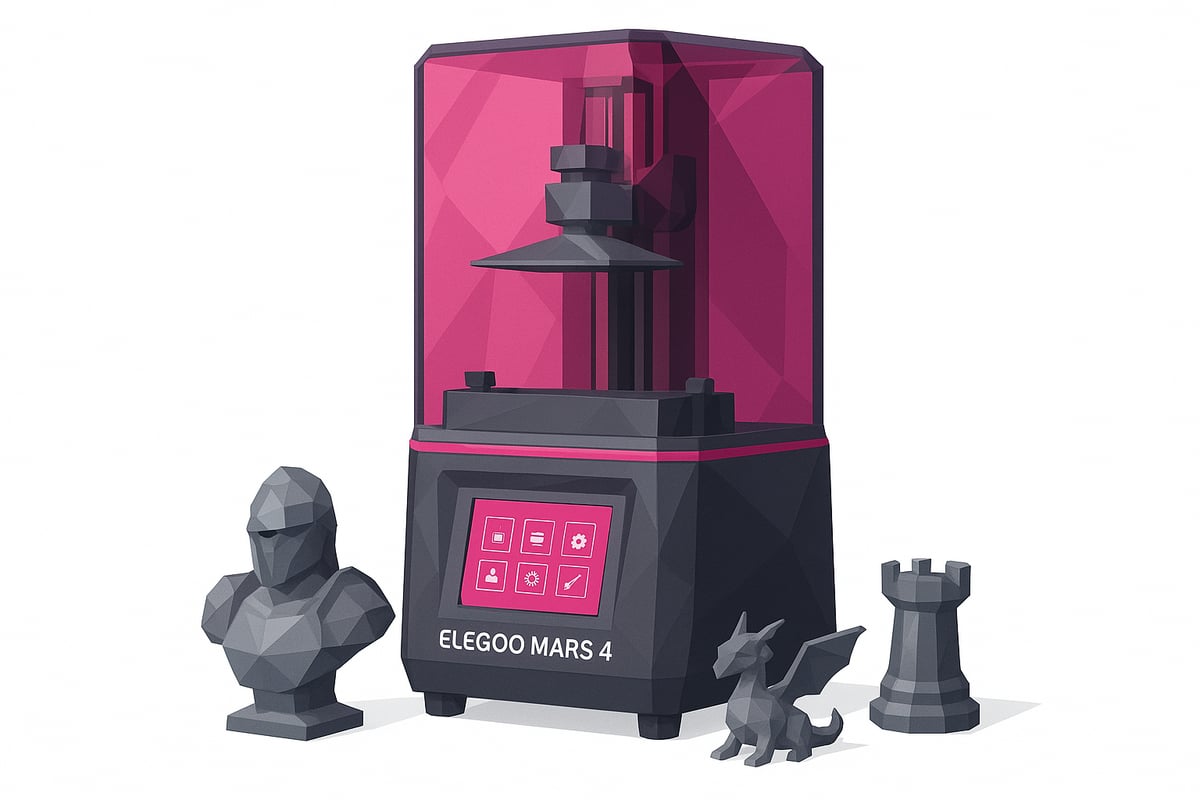
Initial Setup and Calibration: A Step-by-Step Guide
Ready to get started with your Elegoo Mars 4? It's easier than you think if you follow these steps. From unboxing to calibration, you'll be printing like a pro in no time. 😎

Unboxing and First Assembly
Inside the box you'll find the printer, resin vat, LCD screen, power supply, scraper, gloves, and user manual. Check that everything is included before you get started.
Place the printer on a flat, level surface and follow the manual step by step. Assembly typically takes between 10 and 15 minutes depending on your experience level. Always wear gloves and keep your workspace clean.
Check the product images on our website for a clear look at the kit and all its components before moving on to the next step.
Build plate leveling and screen calibration
Getting your Z-axis leveled correctly is essential for successful prints. Place a sheet of paper on the LCD screen and lower the build plate until you feel slight resistance. Tighten the screws to lock the platform in place.
On the touchscreen, set the zero point and make sure the gap is even across the whole surface. This will help you avoid common issues like "elephant foot" on your first layers.
Run a quick screen test to check for dead pixels or light bleed before you start printing.
Firmware installation and initial setup
Before your first print, update your Elegoo Mars 4 firmware from the official website. This helps reduce errors and improves overall compatibility.
Set your language and dial in key parameters like layer height and print speed. Run a simple test print to confirm everything is working as expected.
Studies show that updating your firmware can reduce early print failures by up to 30%. Get this sorted from the start and you'll be getting the most out of your printer from day one.
Compatible resins and materials
Choosing the right resin makes a huge difference when printing with your Elegoo Mars 4. This printer works with a wide range of resins, from standard options for rapid prototyping to flexible and tough resins built for functional parts.
Need ultra-fine detail for miniatures or figurines? High-detail resins deliver smooth, precise surfaces — perfect for scale modeling and collecting. If post-processing is a concern, water-washable resins can cut your cleanup time by up to 30%, which is a game changer if you print frequently.
Don't overlook biocompatible resins, which are recommended for medical applications or anything in direct contact with skin. The variety available means you can match your material to each specific project. Check out this curated selection of Elegoo Mars 4 compatible resins with real product photos, so you can make the right call for your next print.
Your resin choice directly affects surface finish and part durability. Take full advantage of the Elegoo Mars 4's versatility to explore new materials and push your projects further.

Printing tips and advanced tricks for perfect results
Ready to take your Elegoo Mars 4 projects to the next level? Here are practical tips to get flawless results and unlock everything your printer is capable of in 2025. 👇
Optimizing your print settings
Fine-tuning your settings to match your resin is key to getting the best out of your Elegoo Mars 4. Use thin layers (0.02–0.05 mm) for maximum detail and adjust exposure times based on the material you're using. For miniatures, try 2.5–3 seconds of exposure; for prototypes, bump it up to 3.5–4 seconds.
Check out this practical Elegoo Mars 4 print settings guide and cut your failure rate by up to 40%. Your models will come out sharper and with fewer issues right from the first attempt.
Support and bed adhesion tips
Support design can make or break the final quality of your prints on the Elegoo Mars 4. Use thin supports and place them in low-visibility areas to avoid surface marks. Adding a raft helps improve bed adhesion and prevents prints from detaching mid-print.
Keep tools like plastic spatulas and tweezers on hand to remove supports without damaging your model. Remember: good preparation makes post-processing easier and saves you time.
Post-processing: washing and curing
Wash your prints with isopropyl alcohol or, if you used water-washable resin, simply rinse with water. Submerge the print for a few minutes and use a soft brush to remove any residue. For curing, a UV lamp or a DIY curing station works great — 3 to 5 minutes is usually enough to fully harden your prints and maximise strength.
Prevent warping on longer pieces by rotating them during the curing process. This ensures an even finish and your models will look professional right from the start!
Maintenance and troubleshooting common issues
Keeping your Elegoo Mars 4 well maintained is the key to consistent, high-quality prints and a longer printer lifespan. 🧼 If you want to avoid frustrating surprises, these tips will help keep your machine running at its best.
Regular cleaning: the secret to print-perfect results
Clean the screen and resin vat after every print session. Use soft cloths and isopropyl alcohol to remove resin residue — don't forget the corners! Up to 70% of print failures on the Elegoo Mars 4 are caused by residue build-up. A quick cleaning routine after each print makes all the difference.
- Always wear gloves and a mask to avoid direct contact with resin.
- Empty the vat and strain the resin before storing it.
- Check that the screen is free of drips or smudges.
Print failures or adhesion issues? Here's how to fix them
If the build plate isn't lifting properly or prints aren't sticking, there may be cured resin debris in the vat or the FEP film may be damaged. Carefully remove any residue and check that the surface is smooth. If the screen shows lines or dark spots, clean it gently and inspect its condition.
- Check the FEP film for punctures or scratches.
- Re-level the build plate if you're seeing recurring errors.
- Consult the manual for any unfamiliar error messages.
Replace the FEP film and keep spare parts on hand
The FEP film is essential for print quality. When you notice cloudiness, bubbles, or surface marks, it's time for a replacement. At Essential 3D Printing Accessories you'll find FEP films and replacement parts compatible with the Elegoo Mars 4, along with the tools you need to get the job done.
- Loosen the screws carefully and remove the old film.
- Clean the frame thoroughly before fitting the new one.
- Tighten evenly to prevent resin leaks.
Spending a few minutes on preventive maintenance will save you hours of frustration. Keeping spare parts and accessories stocked means you can get the most out of your Elegoo Mars 4 and achieve consistently professional results.
Resources, community, and support for Elegoo Mars 4 users
Looking for quick help or want to share your best tips with fellow Elegoo Mars 4 enthusiasts? The community in 2025 is more active than ever, and there's a wealth of resources available to help you get the most out of your printer.
Official Resources
- 📄 Manuals and firmware on the Elegoo website
- ⚙️ Updates and FAQs directly from technical support
Having the official documentation on hand saves you headaches and makes for a smoother experience right from day one.
Communities and Real Support
- 💬 Telegram group: over 2,000 active users ready to help and share their experiences
- 🔥 Reddit and Facebook forums dedicated to the Elegoo Mars 4
- 🎥 YouTube channels with step-by-step tutorials and printing tips
Did you know that 85% of users solve their questions through online communities? You're never alone — there's always someone happy to help.
Share and Learn Together
Community support accelerates your learning curve and helps you discover solutions before problems even arise. Sharing your results, asking questions, and browsing other people's models sparks creativity and keeps you motivated to keep improving.
Join the Telegram group for exclusive deals and discounts, and don't forget to subscribe to the Newsletter to stay up to date with news, coupons, and events.
Recommended Materials and Accessories from Mr Resin
Looking for the best materials for your Elegoo Mars 4? Mr Resin is the go-to source in Spain and Europe for 100% compatible resins and accessories, delivering outstanding results on every project.
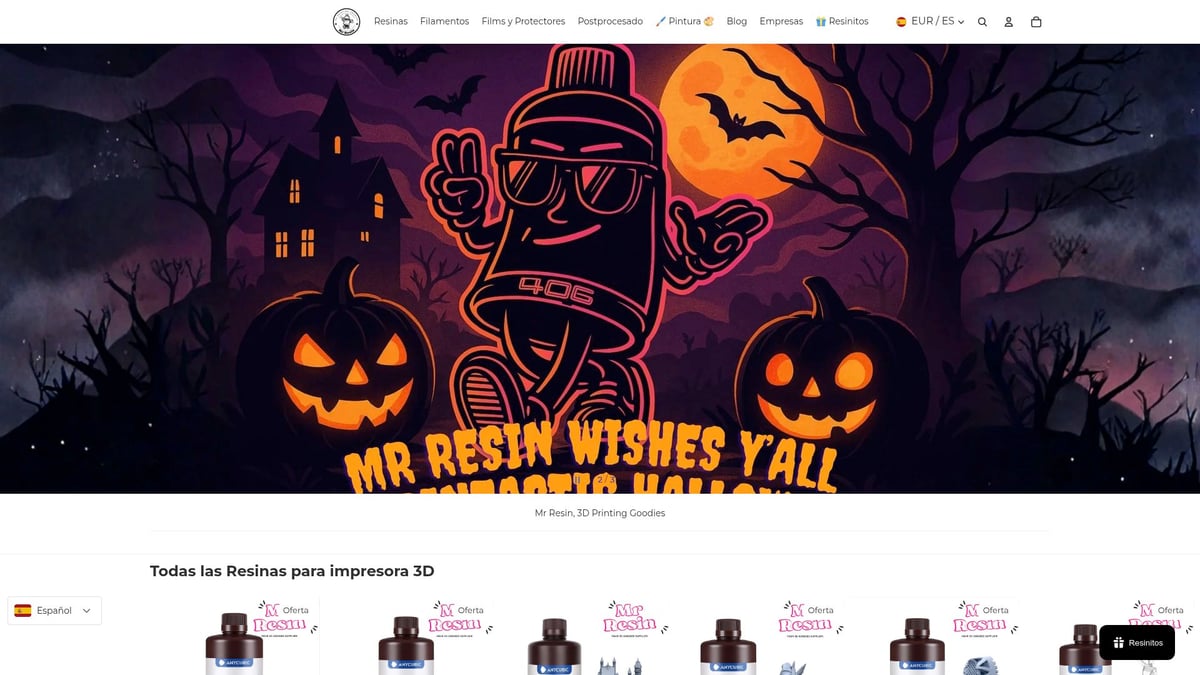
Among the most popular products you'll find:
- Standard, tough, and flexible resins
- Water-washable resins for easier post-processing (view selection here)
- FEP films and isopropyl alcohol
- Tool kits and paint sets for perfect finishing
Take advantage of exclusive deals and discounts, explore their blog for in-depth guides, and share questions and results with the Telegram community. Choosing a specialist supplier like Mr Resin makes a real difference to your print quality.
Conclusion:
You now have everything you need to get the most out of your Elegoo Mars 4! From initial setup to the best pro tips, you're ready to achieve stunning prints and troubleshoot any issue that comes your way. If you want to compare models or dig into the technical details, check out this Elegoo Mars 4 DLP Review.
Don't forget to visit our store to discover resins, accessories, and everything else you need. Join our Telegram group at https://t.me/MrResin3D and subscribe to the Newsletter for exclusive offers, discounts, and content.
Make every print something special and become part of the best maker community!
✨ Happy Printing! 🚀
Now that you have all the tips and tricks to get the most out of your Elegoo Mars 4, why not check out the resins that can take your prints to the next level? At Mr Resin you'll find an amazing selection of compatible resins for any project, from highly detailed miniatures to tough prototype parts. Whether you're looking to explore new textures, finishes, or simply find the perfect resin for your next idea, now is the ideal time. Make every print count and enjoy experimenting with materials designed with you in mind.