

Want to discover the resin printer that's revolutionizing 3D printing in 2025? 🚀 The Elegoo Mars 5 is here to change the game, combining quality, innovation, and affordability in one machine.
In this complete guide, we'll cover everything you need to know about the Elegoo Mars 5: from specs and new features to practical tips for getting the most out of it.
The new Mars generation is here. Get ready to transform your projects and achieve incredible results with clear information, real images, and hands-on examples. Keep reading and master the Elegoo Mars 5 in 2025.
We'll break down specs, comparisons, recommended resins, maintenance, and much more so you can get the most out of your 3D printing experience.
Elegoo Mars 5 Specs and New Features
The Elegoo Mars 5 is a game-changer in the world of resin 3D printing. This model comes packed with improvements in both design and technology, built to streamline your workflow and take your prints to the next level. Let's dive into the highlights! 😍
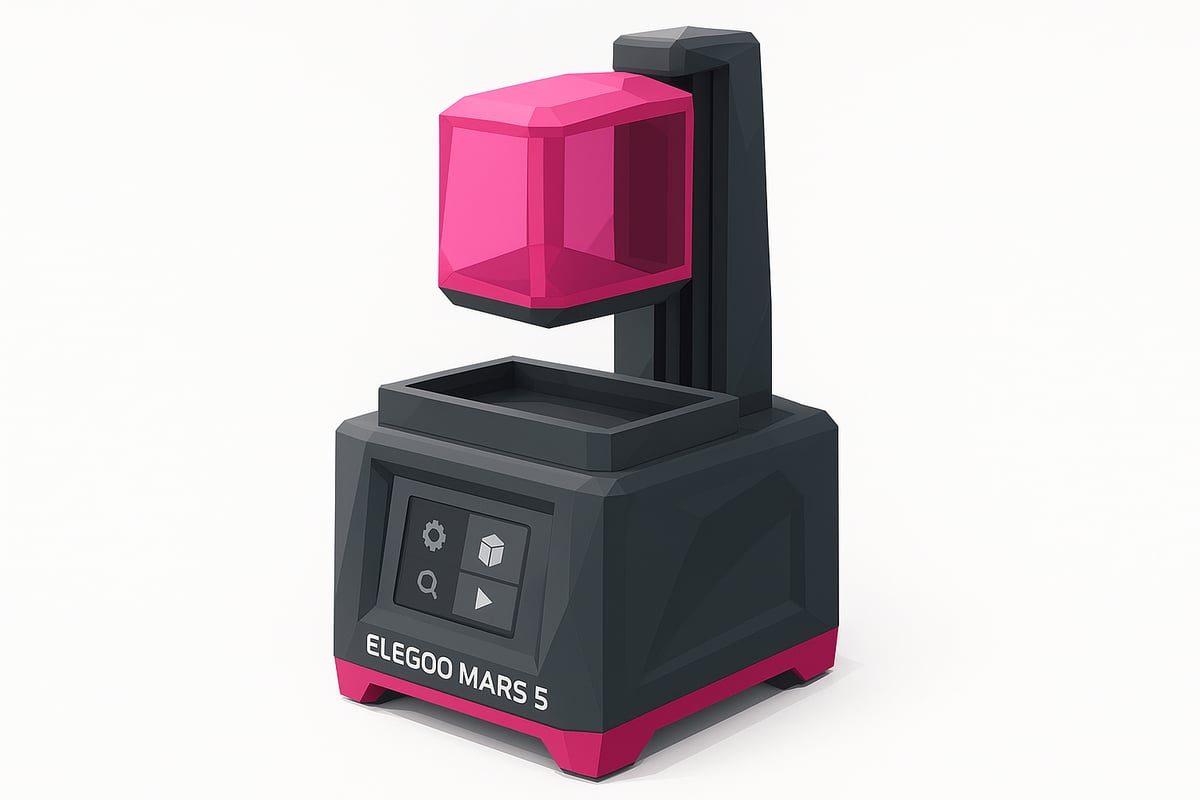
Improved Design and Display
The Elegoo Mars 5 features a 4K or 9K monochrome LCD (depending on the model), delivering razor-sharp resolution and a significantly longer screen lifespan. The build volume increases up to 6.6" — or 7" on the Ultra version — letting you print larger pieces or run multiple models at once. The aluminum chassis is both sturdy and compact, making it a great fit for any workspace.
The touchscreen interface is now more intuitive and available in multiple languages, making setup and daily use straightforward. The printer's modern, minimalist look also makes it a stylish addition to any maker setup. You can see real photos of the Elegoo Mars 5 at mrresin.es.
Print Technology and Speed
At the heart of the Elegoo Mars 5 is an upgraded COB light source, ensuring even exposure and impressive precision on every layer. Print speeds exceed previous generations, reaching up to 150 mm/h on the Ultra version — meaning less waiting and more output.
The automatic leveling system and smart resin sensor simplify the printing process and cut down on common errors. The Elegoo Mars 5 can print up to 30% faster than the Mars 4 Ultra — a significant leap if you're looking for efficiency without sacrificing quality.
Connectivity and Software
Connectivity is one of the Elegoo Mars 5's strongest suits. With WiFi, USB, and LAN options, transferring files is quick and hassle-free. Compatibility with Chitubox, Lychee Slicer, and Elegoo's own software gives you plenty of flexibility when preparing and fine-tuning your models.
OTA updates keep the firmware current automatically, and mobile app integration makes it easy to monitor your prints remotely. All of this makes the Elegoo Mars 5 a versatile, future-ready choice for makers who want the latest in resin printing technology.
Comparison: Elegoo Mars 5 vs Mars 5 Ultra and Previous Models
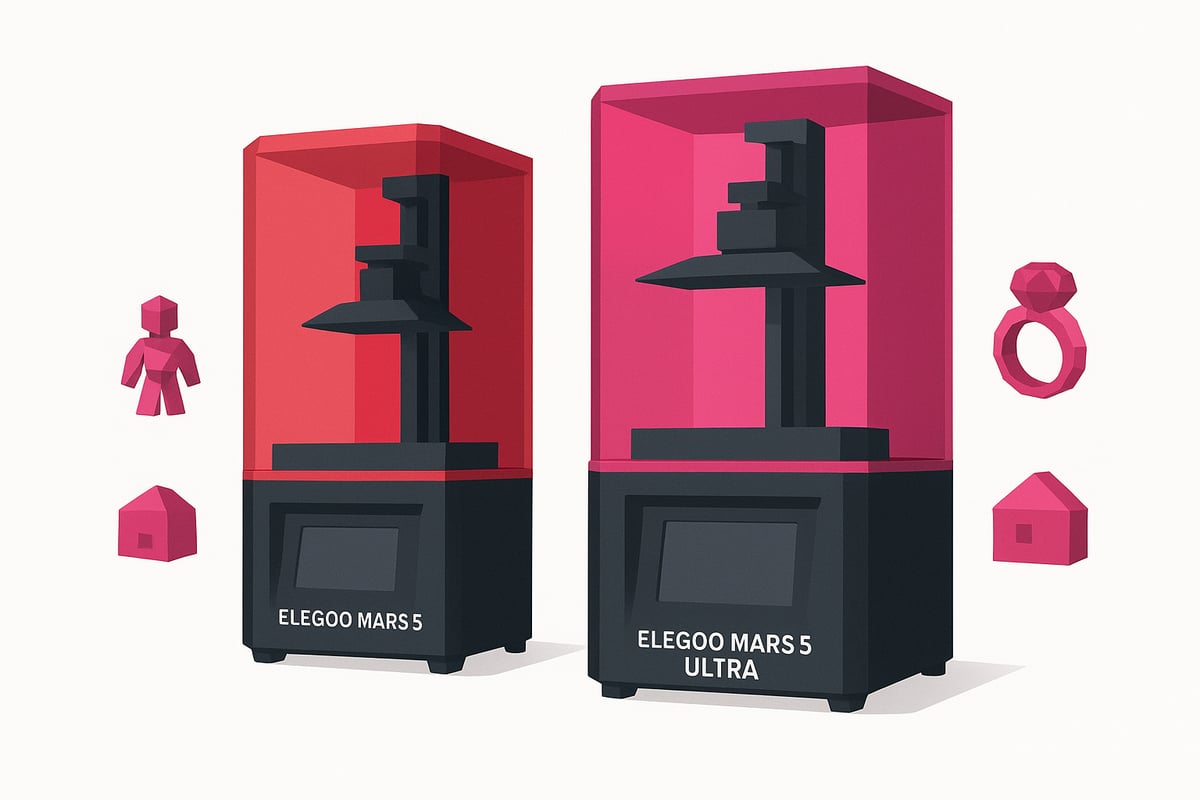
Not sure which printer to go with for your 2025 projects? The Elegoo Mars 5 brings some serious upgrades — but how does it stack up against the Mars 5 Ultra and older models? Check out the table below for a clear breakdown of the key differences:
| Model | Screen Resolution | Build Volume | Max Speed | Approx. Price |
|---|---|---|---|---|
| Mars 3 | 4K | 143 x 89 x 175 mm | 50 mm/h | €200 |
| Mars 4 | 6K | 153 x 77 x 165 mm | 70 mm/h | €250 |
| Elegoo Mars 5 | 4K/9K (depending on model) | 154 x 77 x 175 mm | 100 mm/h | €270 |
| Mars 5 Ultra | 9K | 165 x 89 x 220 mm | 150 mm/h | €340 |
What makes the Mars 5 and Ultra stand out?
Both feature an upgraded mono screen and robust chassis, but the Mars 5 Ultra delivers higher resolution and faster print speeds. It also comes with built-in WiFi, auto-levelling, and a smart resin sensor. For a more in-depth breakdown, check out this Elegoo Mars 5 vs Mars 5 Ultra comparison.
Which model is right for you?
The Elegoo Mars 5 is perfect for anyone who wants reliable, straightforward printing for miniatures or prototypes. The Ultra, on the other hand, is the community favourite for jewellery and demanding projects — widely recognised as the best value-for-money resin printer of 2025. If you're upgrading from an older Mars, the Elegoo Mars 5 brings better connectivity and cleaner results, but go for the Ultra if you need extra speed and a larger build volume.
Recommended Materials and Print Results
Ready to find out which materials get the best out of the Elegoo Mars 5? 😎 This printer is compatible with a wide range of resins, including standard, ABS-like, flexible, and water-washable resins. Thanks to its advanced technology, you can print everything from highly detailed miniatures to tough functional prototypes.
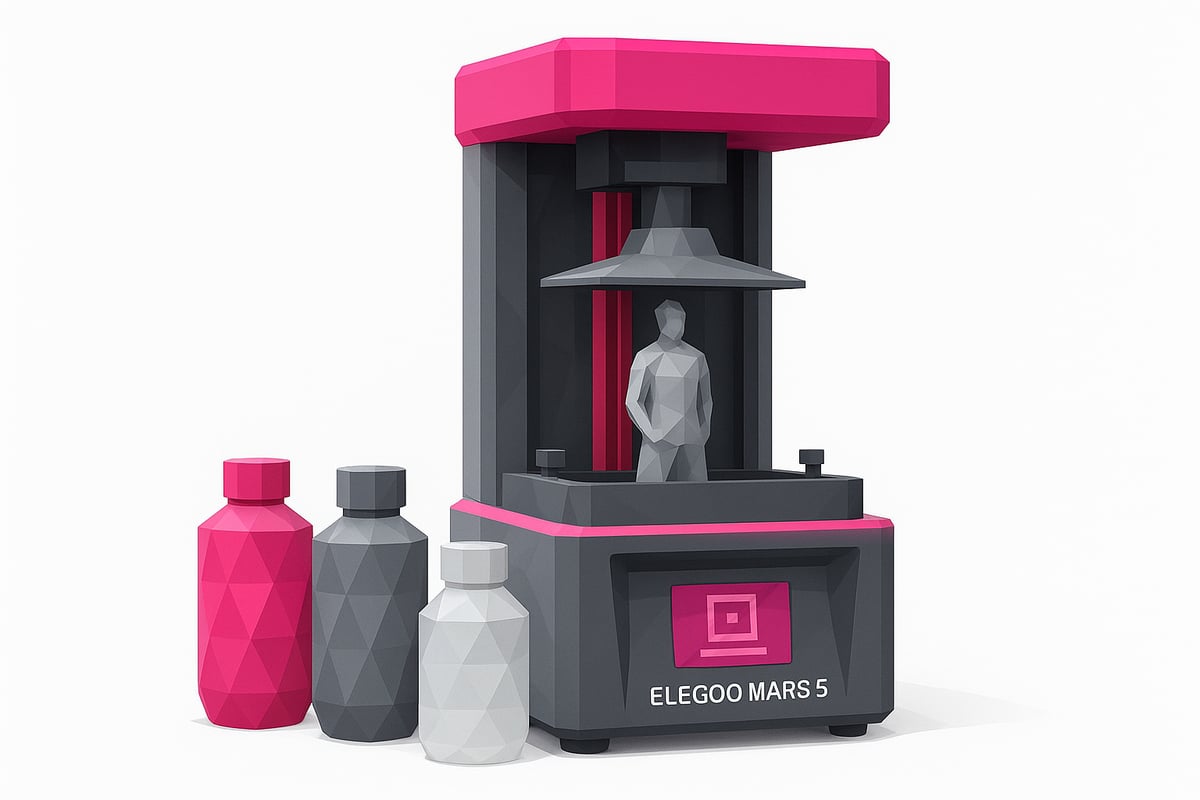
The most popular brands among users are Elegoo, Anycubic, and Siraya Tech. For professional-quality results, Elegoo-compatible 3D resins offer excellent quality and fewer print failures. Browse real miniature print examples at www.mrresin.es to compare finishes for yourself.
For the Elegoo Mars 5, optimal exposure settings typically fall between 2.5 and 3.5 seconds per layer with standard resins, and final curing is quick thanks to the powerful COB light source. Choose your resin based on your project: ABS-like resins for durable parts, flexible resins for elastic prototypes, and water-washable resins for easy clean-up.
The Elegoo Mars 5 delivers a noticeably improved surface finish and finer detail resolution, producing sharper and smoother results. Using high-quality resins can reduce print failure rates by up to 25%. Don't forget to stock up on essential accessories like spare resin vats, FEP films, and air filters to keep your printer running at its best.
Step-by-Step Guide: Getting Started and Setting Up the Elegoo Mars 5
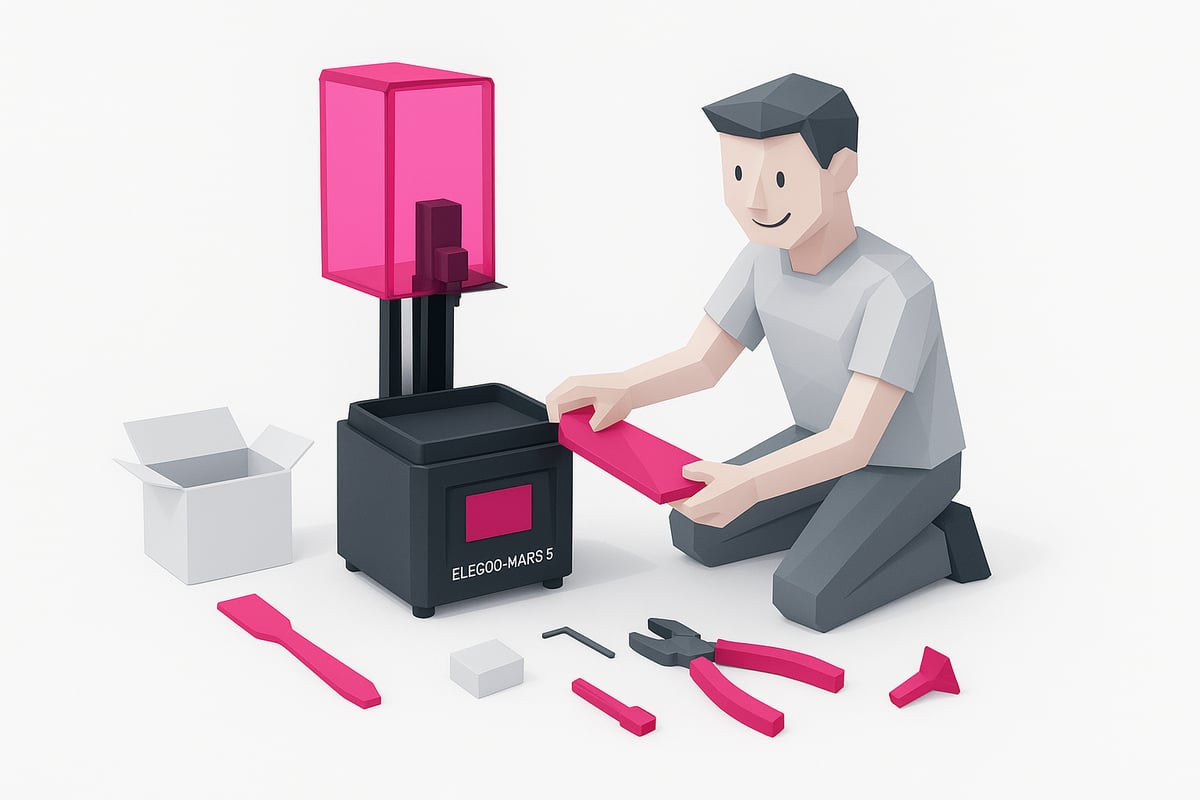
Ready to unbox your Elegoo Mars 5? 😍 Here's a straightforward guide to help you get started on the right foot and avoid the most common beginner mistakes. Follow these steps for a smoother, more enjoyable experience. You can also check out real unboxing photos on our website.
Unboxing and Initial Setup
When you open the Elegoo Mars 5 box, you'll find the printer, basic tools, gloves, a mask, a spatula, cables, and a manual. Take a moment to inspect each item and make sure everything is in perfect condition. Check out our Complete Guide to Setting Up Your Elegoo Mars 5 for detailed photos and visual tips.
To get everything set up, follow these steps:
- Remove all packaging and protective materials.
- Place the printer on a flat, stable surface.
- Install the resin vat and build plate following the manual.
This way you'll avoid any surprises and start printing with confidence.
Leveling and Calibration
Your next step is leveling the build plate. Use the included calibration paper, lower the plate until it touches the paper, and tighten the screws as directed in the manual. Make sure the screen is clean and check whether the firmware is up to date. This process is essential for achieving perfect prints.
Common calibration mistakes:
- Not tightening the screws properly.
- Not cleaning the screen before leveling.
- Using paper that's too thick or too thin.
Follow these tips and your printer will perform beautifully.
First Prints and File Setup
Now you're ready to prepare your first model in Chitubox or Lychee. Select your file, dial in your initial settings, and transfer it to the Elegoo Mars 5 via USB or WiFi. We recommend printing the test model included by Elegoo to confirm everything is working correctly.
Watch your first miniature come to life — the print quality will genuinely impress you. If you have any questions, browse real print photos on our website to compare results.
Maintenance, Cleaning, and Troubleshooting Common Issues
Keeping your Elegoo Mars 5 in top condition is essential for consistently great prints and extending the lifespan of your machine. Here's a simple breakdown of how to care for your printer and fix the most common problems. Let's get into it! 🧼✨
Essential Maintenance Routines
Regular maintenance on your Elegoo Mars 5 is straightforward if you stick to a few key steps:
- Clean the resin vat and build plate after every use — always wear gloves and use a soft cloth.
- Replace the FEP film if you notice scratches or reduced clarity.
- Don't forget to clean or replace the air filters to keep odors under control.
- Periodically lubricate and inspect the rails and screws to ensure smooth movement.
A solid maintenance routine makes a real difference. For a deeper dive, take a look at this basic maintenance guide for resin 3D printers to help you get the most out of your machine.
Troubleshooting Common Issues
Having trouble with layer adhesion? Check your build plate leveling and make sure the screen is clean. If you're seeing display errors or firmware glitches, restart the printer and check for available updates.
For persistent failures, thoroughly clean up any spilled resin and verify that the sensors are working properly. If none of this helps, contact Elegoo's official support and check community resources for quick answers.
Tips to Extend Your Printer's Lifespan
Always use compatible resins and store them somewhere cool, away from direct sunlight. Keep your Elegoo Mars 5 up to date by installing the latest software and firmware versions.
Keep in mind: printers with regular maintenance can last up to 2 years longer, according to industry statistics. A little effort today means incredible prints tomorrow. Take care of your printer and it'll repay you in quality! 🛠️💖
Recommended Accessories and Bundles for the Elegoo Mars 5
Don't miss out on the best accessories for your Elegoo Mars 5! Choosing the right bundles and add-ons can make a real difference from day one. 😎
Among the most popular options are official bundles that pair the Elegoo Mars 5 with the Mercury Plus V2.0 or V3.0 washing and curing station for efficient post-processing. You can also find kits that include resin, perfect if you want to start printing right out of the box. 🛒
Here's a quick overview of recommended accessories:
| Bundle / Accessory | Key Benefit |
|---|---|
| Mars 5 + Mercury Plus V3.0 | All-in-one post-processing solution |
| Resin bundles | Start printing straight away |
| Anti-UV vats and covers | Better durability and safety |
| Cleaning kits | Easy day-to-day maintenance |
| Paints and tools | Professional-quality finishes |
For official information on specs and bundle compatibility, check out the Elegoo Mars 5 Ultra technical specifications to make sure you're choosing 100% compatible accessories.
Want to save money? Take advantage of Black Friday and Cyber Monday deals, where discounts on bundles can reach up to 53%. Remember, investing in the right accessories not only improves your experience but also extends the lifespan of your Elegoo Mars 5.
Conclusion:
Now you know everything you need about the Elegoo Mars 5: quality, innovation, and ease of use for all skill levels. If you'd like to see the printer and its accessories in person, visit our store! Join our community on Telegram for exclusive discounts and news. And don't forget to subscribe to our newsletter for more surprises and deals. ✨ Happy Printing! 🚀
Now that you know everything about the Elegoo Mars 5 and how to get the most out of it, it's time to take your prints to the next level. If you want truly impressive results, resin choice is everything. I invite you to browse our selection, where you'll always find options for any project along with tips from the community. That way, you can experiment with different finishes and durability levels depending on what you're after. Go ahead and discover new possibilities in 3D printing right here:
Shop all 3D printing resins