

Ready to take your prints to the next level in 2026? If you own the Elegoo Saturn 4 Ultra 16K, this guide is your ultimate resource for achieving stunning results without wasting time or patience.
Here you'll discover proven tips, tricks, and straightforward steps to get the most out of every feature your printer has to offer — and avoid the most common mistakes along the way.
We'll walk you through everything from initial setup and file optimization to fine-tuning print settings, routine maintenance, troubleshooting, and the best resources to help you grow as a maker.
Want professional-quality prints and a frustration-free workflow? Stay and explore the full guide — your experience with the Elegoo Saturn 4 Ultra 16K is about to level up!
Key Features of the Elegoo Saturn 4 Ultra 16K
The Elegoo Saturn 4 Ultra 16K is a game-changer in resin 3D printing, featuring a 16K mono LCD screen with an impressive resolution of 15360 x 2560 pixels across a 12-inch display. This delivers ultra-fine detail on everything from miniatures to large-scale prototypes.
With a build volume of 218 x 122 x 260 mm, it's perfectly suited for large parts or batch printing. Want to print multiple figures in a single run? This printer makes it happen, saving you serious time and effort.
Thanks to the updated 2026 firmware, print speeds exceed 150 mm/h without compromising quality. Compatible resins include standard, ABS-like, flexible, and biocompatible formulations — opening up a wide range of project possibilities.
The automatic leveling system simplifies setup and ensures accurate results right from your very first print. The Elegoo Saturn 4 Ultra 16K also features USB and WiFi connectivity, with new remote control functions so you can manage print jobs from anywhere.
Here's a quick comparison:
|
Model |
Resolution |
Build Volume (mm) |
Speed (mm/h) |
|---|---|---|---|
|
Saturn 4 Ultra 16K |
16K (15360x2560) |
218x122x260 |
150+ |
|
Saturn 3 Ultra 12K |
12K |
218x123x250 |
150 |
|
Anycubic Photon M3 Max |
7K |
300x298x164 |
60 |
If you want to dive deeper into each feature, check out the Complete Elegoo Saturn 4 Ultra Guide for advanced tips and in-depth details.

Getting started and optimal setup
Ready to fire up your Elegoo Saturn 4 Ultra 16K? Starting off on the right foot is key to achieving flawless prints and avoiding frustration. Here are the essential steps for a smooth, hassle-free experience.

Unboxing and initial assembly
When your Elegoo Saturn 4 Ultra 16K arrives, make sure the package includes the printer, build plate, screen, tools, and manual. Check that everything is in perfect condition before assembly. Choose a clean, well-ventilated workspace away from direct sunlight to protect the screen and prevent accidents.
When installing the build plate and screen, handle them carefully to avoid scratches. Follow the instructions in the manual, and if you have any questions, refer to this step-by-step initial setup guide so you don't miss any important details.
Leveling and precise calibration
Proper leveling is the foundation of every successful print on the Elegoo Saturn 4 Ultra 16K. Use the auto-leveling system to evenly adjust the build plate, but manually check that there are no gaps or excess pressure. Run the paper test: if you feel uneven resistance, repeat the process.
On your first print, check whether the base adheres properly. If you notice lifted edges or uneven lines, your leveling likely needs a small adjustment. Take your time — this step makes all the difference.
Resin selection and initial parameters
Choose your resin based on the type of project: standard resin for miniatures, ABS-like resin for stronger, more durable parts. Read the manufacturer's recommendations and start with the suggested parameters for your specific resin. For example, standard resin typically requires shorter exposure times than ABS-like resin, which directly affects the level of final detail.
Run a few short test prints before committing to large pieces — this lets you dial in your settings and avoid wasting material.
Advanced tips for perfect prints
Want to take your results with the Elegoo Saturn 4 Ultra 16K to the next level? Here are the best tricks to ensure every piece comes out flawless, whether you're printing miniatures or large prototypes. These tips will help you save time, avoid headaches, and get the most out of your printer.

File preparation and support optimization
The first step to perfect prints on the Elegoo Saturn 4 Ultra 16K is proper file preparation. Use compatible slicing software like Lychee or Chitubox, which let you customize supports and preview results before printing.
-
Set up automatic supports for simple parts.
-
Add manual supports in delicate or overhanging areas.
-
Adjust thickness and density based on the size of the part.
A handy tip: for miniatures or technical parts, place supports in less visible areas and use the "light supports" option to minimise marks. This gives you a much cleaner finish with barely any sanding needed.
Exposure and resolution settings
Make the most of the elegoo saturn 4 ultra 16k's 16K resolution by fine-tuning exposure times to match your resin and layer thickness. Keep in mind that higher resolution enables finer detail, but it also requires more precise settings.
-
Run test prints with small models to find the ideal exposure time.
-
If edges look "burned", dial the exposure back slightly.
-
To avoid overcuring, follow the manufacturer's recommendations and adjust based on your results.
A word of advice: don't get too fixated on maximum resolution for large parts — a slightly thicker layer often saves time while still delivering excellent detail.
Tips for large volumes and complex parts
When printing models larger than 20 cm, orientation is everything. Tilt your parts to reduce the contact surface and avoid adhesion failures.
-
Split large models into multiple pieces and assemble them afterwards.
-
Use cutting tools in your slicer software to make post-processing easier.
-
According to user surveys, applying these techniques reduces errors on large parts by up to 60%.
With these tricks, your most ambitious projects will be far easier to complete — with better results and fewer headaches along the way.
Maintenance and extending the lifespan of your printer
Keeping your elegoo saturn 4 ultra 16k in top condition is essential for flawless prints and a long service life. A few simple, regular checks make all the difference and help you avoid unpleasant surprises. Here are the key tips to keep your printer running like new.
Cleaning and caring for the LCD screen
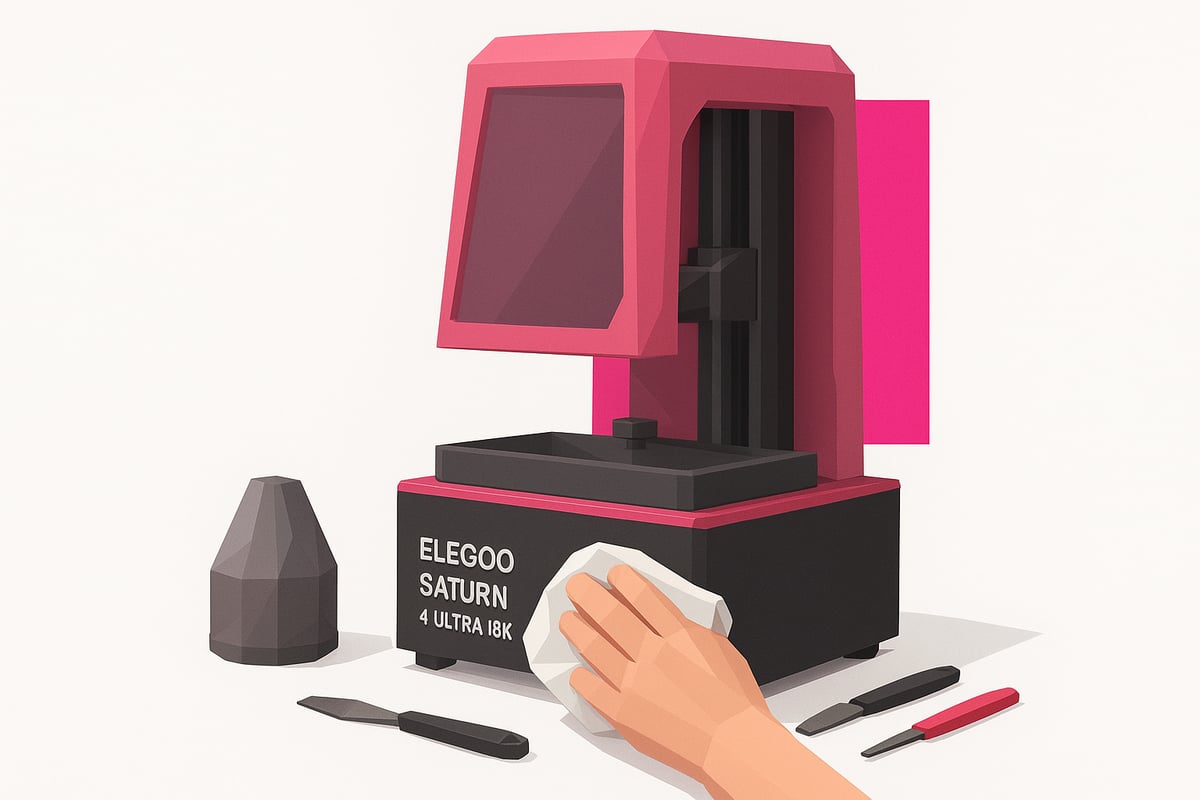
The elegoo saturn 4 ultra 16k's screen needs regular cleaning to prevent scratches and resin residue build-up. Use a soft microfibre cloth — never paper towels or anything abrasive. Always switch the printer off before cleaning. For stubborn marks, apply a small amount of 99% isopropyl alcohol.
Make sure no resin residue is left behind. If you'd like a more detailed routine, check out the Elegoo Saturn 4 Ultra basic maintenance guide for the best possible care practices.
Filtering and reusing resin
Filtering used resin is essential to prevent clogs in the elegoo saturn 4 ultra 16k. Use fine mesh filters after every print. If you notice lumps or clumps, replace the resin. Spotting contamination is straightforward — look out for solid particles or colour changes. Always store resin in opaque, tightly sealed containers.
FEP replacement and preventive maintenance
Replace the FEP film if you notice scratches, cloudiness, or prints that are difficult to release. Lubricate the Z-axis rails and check the motors periodically. Regular maintenance reduces the risk of failures and extends the life of your printer. Pay attention to unusual noises or irregular movements — these are often early signs of wear.
Troubleshooting common issues and frequent errors
Is your Elegoo Saturn 4 Ultra 16K not printing the way you expected? Don't worry — here's a rundown of the most common errors and how to fix them without losing your mind.
Most common print failures
-
Layers not adhering to the build plate
-
Bubbles in the resin or finished print
-
Curing failures — soft or tacky parts
These issues are usually caused by poor leveling, insufficient exposure, or contaminated resin. If you're seeing horizontal lines, check that the build plate is properly secured and free of residue.
Quick fixes and key adjustments
Try increasing the exposure time slightly if prints are coming out incomplete. If you notice bubbles, filter the resin and clean the vat. For issues related to temperature or humidity, print in a controlled environment away from drafts.
A useful tip: if lines or banding appear, adjust your layer height settings and make sure the FEP film isn't damaged. Don't forget to update the firmware to avoid compatibility issues — you can check the Elegoo Saturn 4 Ultra 16K User Manual for detailed steps.
According to user surveys, 60% of failures with the Elegoo Saturn 4 Ultra 16K come down to poor initial calibration or degraded resin. A few minutes checking these points can save you hours of frustration!
Recommended accessories and useful resources
Want to get even more out of your Elegoo Saturn 4 Ultra 16K? The right accessories and a few extra resources can make a real difference in quality, convenience, and results. Here's what we recommend to get the most from your printer.
Compatible wash and cure stations
For professional-quality finishes and time savings, nothing beats an automatic wash and cure station. The Elegoo Mercury Plus V3.0 at Mr Resin is fully compatible with the Elegoo Saturn 4 Ultra 16K and streamlines the entire post-processing workflow. Just place your print, select the mode, and you're done. It keeps your hands clean and minimizes handling, protecting the fine details of your models.
High-performance resins and consumables
Choose resins formulated for miniatures, prototypes, or functional parts depending on your project. Specialist stores offer a wider range and better quality consumables, which means more consistent prints and fewer adhesion or curing problems. Keep filters, FEP sheets, and gloves on hand at all times to keep your printer running at its best.
Where to buy the Elegoo Saturn 4 Ultra 16K in Spain
If you're looking for technical support, warranty coverage, and fast shipping, your best bet is to go with a specialist retailer. At Elegoo Saturn 4 Ultra 16K at Mr Resin you'll find up-to-date stock, personalised customer service, and all the official accessories for your printer.
Community, support, and ongoing learning
Joining an active community is essential to getting the most out of your Elegoo Saturn 4 Ultra 16K. Platforms like Telegram, Facebook, and Discord bring together users who share tips, troubleshooting advice, and solutions in real time.
Elegoo provides official resources including manuals, firmware updates, and FAQs — perfect for solving common issues or diving deeper into your printer's features. Having access to these documents saves you time and a lot of frustration.
On top of that, specialist retailers like Mr Resin offer blogs, tutorials, and practical guides tailored to their customers. If you're looking for personalised support or more information about the Elegoo Saturn 4 Ultra 16K at Mr Resin, this is the place to start.
For those who want to take things further, there are workshops, webinars, and online courses where experts share advanced printing techniques and answer questions live. Never stop learning!
Joining these communities speeds up your learning curve significantly. According to surveys, over 70% of users see better results after engaging with forums and collaborative resources.
If this guide has got you excited to explore everything your Elegoo Saturn 4 Ultra 16K can do, the next step is a crucial one: choosing the right resin for your next project. Remember, every detail matters — and resin quality makes a real difference to your final prints. Whether you're printing miniatures, prototypes, or functional parts, Mr Resin has a huge range of options, all tried and tested by makers just like you. Want to browse everything and find exactly what you need? Take a look here:
Shop all 3D printing resins