

Are you passionate about 3D printing and want to discover the most advanced resin printer for 2025? 🛰️ You've come to the right place.
The Elegoo Saturn 4 is here to revolutionize the world of resin 3D printing, combining innovation, precision, and ease of use in a single machine. In this guide, you'll find everything you need to get the most out of it — from technical specs to advanced tips.
Get ready to explore its advantages over previous models, step-by-step setup, compatible materials, and expert tricks. Keep reading and find out why the Elegoo Saturn 4 will be your next workshop essential! 🚀
Elegoo Saturn 4 Technical Specifications
The Elegoo Saturn 4 arrives with a bang in 2025, bringing impressive upgrades for resin 3D printing enthusiasts. If you're looking for precision and power, what this machine has to offer will blow you away. Let's take a closer look at its key features.

Print Resolution and Quality
The Elegoo Saturn 4 features a 12K or even 16K monochrome LCD screen, depending on the model. This means you can print miniatures and prototypes with ultra-sharp detail and crisp edges. Coming from a Saturn 3, you'll notice up to 40% greater accuracy on fine details.
Imagine printing figures with textures so realistic they look hand-sculpted — now that's a reality. If you'd like to dive deeper into the technical specs and see real product images, check out Elegoo Saturn 4 Technical Specifications.
Here's a quick comparison table:
| Model | LCD Resolution | Detail Accuracy |
|---|---|---|
| Saturn 3 | 10K | Medium |
| Saturn 4 | 12K/16K | Very High |
| Mars 5 Ultra | 9K | Medium-High |
Build Volume and Size
Another major upgrade with the Elegoo Saturn 4 is its build volume: 218 x 122 x 250 mm. This lets you create large parts or print multiple miniatures in a single run — perfect for ambitious projects like full architectural models without sacrificing detail.
Compared to the Mars series, the Saturn 4 offers significantly more space, while next to the Jupiter it strikes the ideal balance between size and usability. Whether you work in design, architecture, or tabletop gaming, this build volume gives you serious creative freedom.
Print Speed and Efficiency
Tired of waiting hours to see your results? The Elegoo Saturn 4 prints at up to 70 mm/h in ultra mode, significantly cutting down production times. Its optimized cooling system keeps the machine running cool even during long print sessions.
On top of that, uniform exposure technology ensures every layer cures with precision, reducing failures and improving consistency. You can trust that your prints will come out right the first time — getting the most out of your Elegoo Saturn 4 with fewer reprints and wasted resin.
What's New and How It Compares to Previous Models
The Elegoo Saturn 4 arrives in 2025 with a completely redesigned look and an even more robust build, made for demanding users. Key upgrades include an improved auto-leveling system that streamlines calibration and reduces print failures. The printer also features a next-generation touchscreen with a super intuitive interface, making every adjustment as simple as a tap.
The Elegoo Saturn 4 is also compatible with air purifiers and Mercury bundles, helping you keep your workspace clean and safe. The resin vat has been redesigned for easier handling and a cleaner workflow, reducing the risk of spills and simplifying maintenance. Built-in smart sensors detect and correct issues before they can affect your print.
Want a quick side-by-side comparison? Check out this table:
| Feature | Saturn 3 Ultra | Mars 5 Ultra | Saturn 4 Ultra 16K |
|---|---|---|---|
| Resolution | 12K | 9K | 16K |
| Auto-Leveling | Manual | Improved | Advanced |
| Touchscreen | Yes | Yes | Next-Generation |
| Failure Reduction | - | - | 25% fewer errors |
According to recent data, the print failure rate has dropped by up to 25% compared to the Saturn 3. To dive deeper into all the new features, we recommend checking out this Elegoo Saturn 4 Ultra 16K in-depth review for exclusive details and highlights.
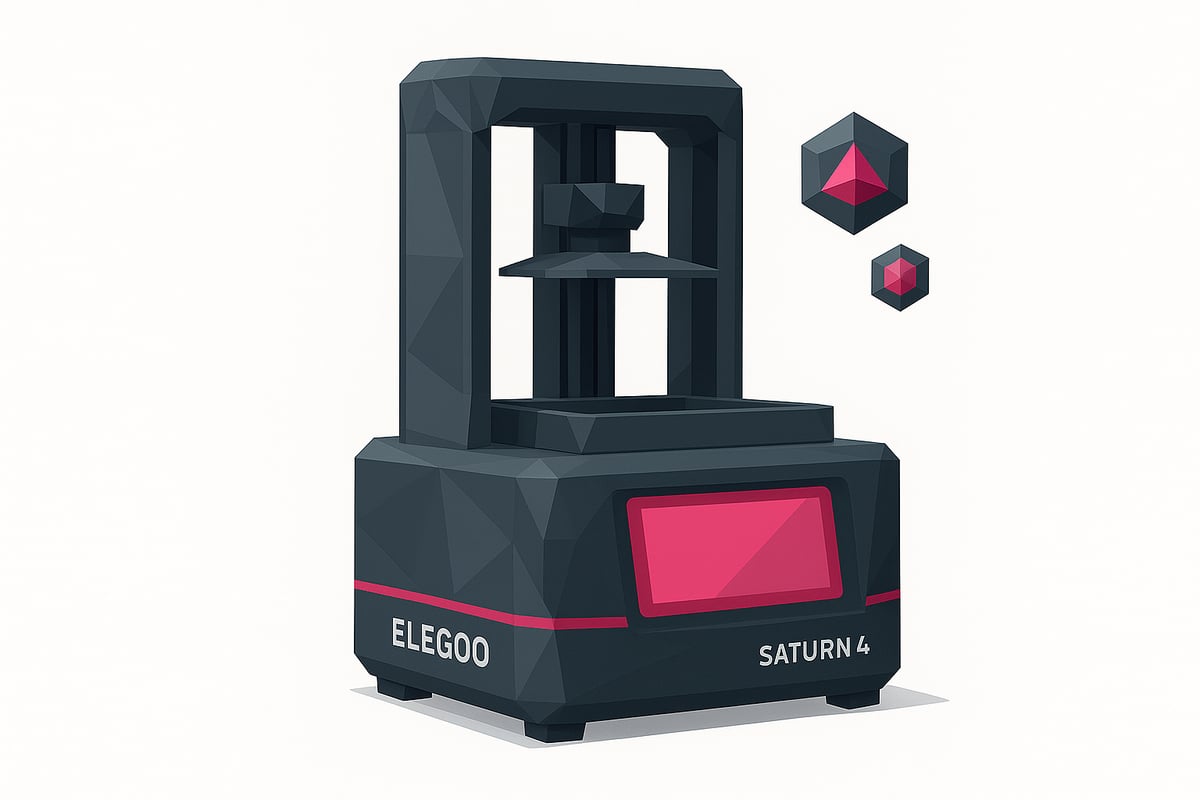
Setup Guide and Getting Started
Let's get your Elegoo Saturn 4 up and running! We'll walk you through every step, from unboxing to your first successful print — so you can hit the ground running like a pro, stress-free.

Unboxing and Initial Assembly
When you open the Elegoo Saturn 4 box, you'll find the printer, user manual, tools, gloves, mask, funnel, and power cable. Lay everything out on a clean surface and make sure nothing is missing.
Assembly is straightforward: remove the protective covers, fit the resin vat, and make sure the base is level. A handy tip — put your gloves on right away to avoid any resin mess. Check the unboxing photos on our website to make sure everything lines up.
If you run into any questions, follow the step-by-step guide in the manual and double-check that all parts are properly secured before powering the printer on.
Calibration and Auto-Leveling
The Elegoo Saturn 4 features an upgraded auto-leveling system that makes calibration a breeze. Simply launch the function from the touchscreen and let the Z-axis lower until it touches the build plate.
Make sure the platform is firmly tightened before you start. If you notice the resin isn't adhering properly, just run the process again. Proper leveling is the single most important step to avoiding failed prints and getting great results every time.
If you notice issues like layer separation or strange lines, check the FEP film and re-run the calibration. Make sure to clean any resin residue before trying again.
First Prints and Compatible Software
Install slicing software such as Chitubox or Lychee to prepare your models. Import the included sample file and adjust settings like layer height, exposure time, and supports. This way you'll get the most out of the Elegoo Saturn 4 right from the start.
Choose a recommended standard resin, such as those from Standard resins for 3D printers, for your first print. Place the model on the virtual build plate and generate automatic supports.
Keep an eye on that first print — if you spot any issues, review your settings or redo the leveling. You'll have your first finished model before you know it!
Compatible Materials and Usage Tips
Wondering what materials you can use with the Elegoo Saturn 4 to get the best results? Let's break it down. Here are the top options and recommendations to ensure your prints come out perfectly every time.
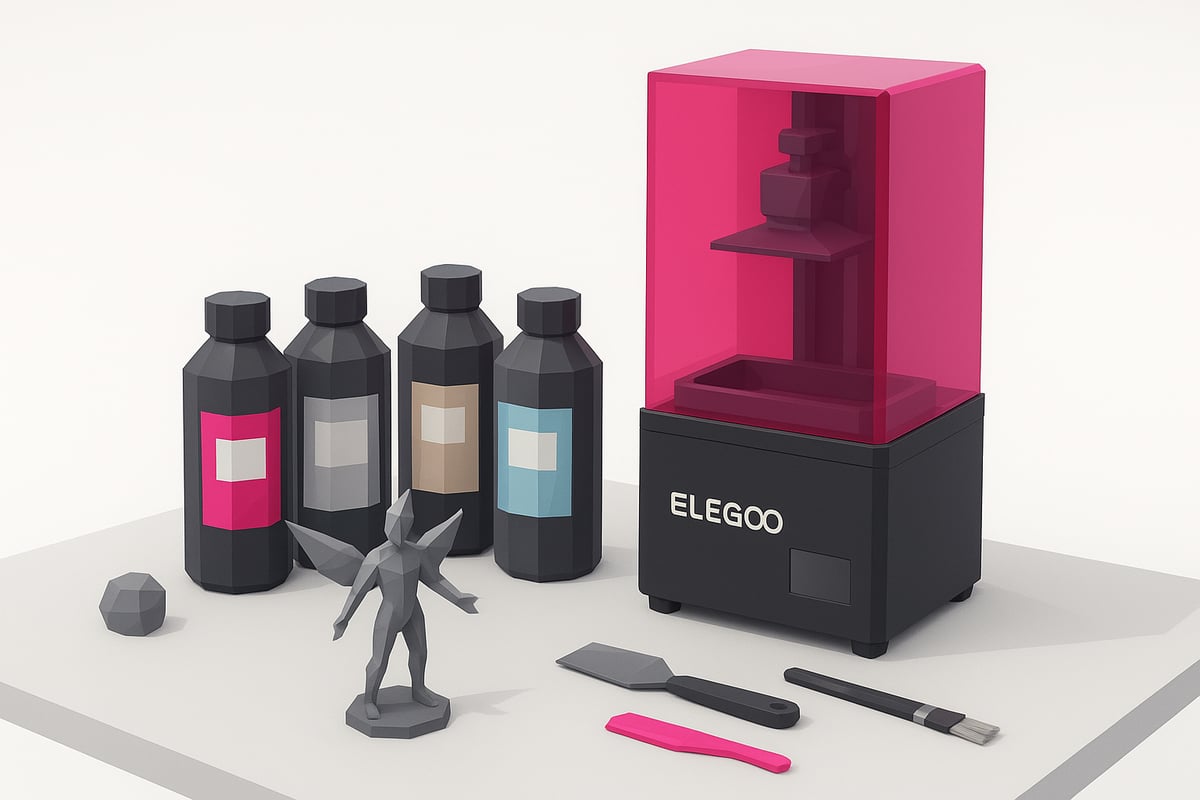
Compatible Resin Types
The Elegoo Saturn 4 is compatible with a wide range of resins: standard, ABS-like, flexible, and biocompatible resins for medical or dental applications. For extreme surface detail, high-definition resins (14K) are ideal for miniatures and prototypes.
Prefer easier cleanup? Water-washable resins are a great choice, making post-processing quick and hassle-free. Thanks to the advanced technology in the Elegoo Saturn 4, you can now work with over 30% more resin variety compared to the Saturn 3 — giving you complete freedom to choose the best material for every project.
Tips for Choosing the Right Resin
Not sure which resin to use with your Elegoo Saturn 4? Start with the project type: for strong, durable parts, go with ABS-like resins; for flexible pieces, choose dedicated elastic resins. Color also matters — you'll find opaque, translucent, and specialty shades for unique effects.
Resin quality has a direct impact on your final results. Brands like Elegoo and Anycubic are reliable choices, but there are plenty of other great options out there. Check out this Resin compatibility guide for the Elegoo Saturn 4 to find the perfect resin for your needs. Always use quality products to protect your printer and achieve professional-grade finishes.
Maintenance, Cleaning, and Troubleshooting Common Issues
Keeping your Elegoo Saturn 4 in top condition is essential for achieving perfect prints and extending the lifespan of your machine. Building good maintenance habits not only prevents problems — it also saves you time and money. Here's how to keep things running smoothly.
Preventive Maintenance and Cleaning
After every print, thoroughly clean the vat and LCD screen of your Elegoo Saturn 4. Wear gloves and remove any resin residue with a soft spatula. It's essential to use dedicated products like isopropyl alcohol for 3D printing cleanup to remove residue and prevent staining.
- Clean the FEP/nFEP film gently to avoid scratches.
- Make sure all parts are completely dry before reassembling.
- Periodically inspect cables and connections.
Regular cleaning prevents issues and keeps your printer running like new. A well-maintained Elegoo Saturn 4 consistently delivers better results.
Troubleshooting and FAQ
Experiencing adhesion problems, layer lines, or uncured resin on your Elegoo Saturn 4? Don't worry — these are common issues with straightforward fixes.
- If prints aren't sticking, check your leveling and clean the FEP film.
- Layer lines usually point to dirt or wear on the film — replace it if needed.
- If resin isn't curing, check your exposure settings in the slicer software.
Browse community forums and resources for additional help. Replace the FEP/nFEP film if you notice scratches or loss of clarity. That way, your Elegoo Saturn 4 will always be ready for your next project.
Advanced Tips and Community Resources
Ready to take your Elegoo Saturn 4 to the next level? 🎯 Here are the best tips to optimize your print quality — from fine-tuning advanced slicer settings to choosing the right supports for every model.
- Join active communities on forums and Telegram groups, where fellow users share print profiles, free models, and exclusive tips.
- Explore 3D printing tips and resources to find in-depth guides, recommended settings, and the latest news on the Elegoo Saturn 4.
- Remember: 80% of users see improved results by following community tips. Don't miss out!
Always stay up to date with the latest firmware and take part in giveaways, discounts, and exclusive events. If you're looking for direct support or want to share your prints, join the Telegram group and connect with a passionate maker community.
Conclusion:
The Elegoo Saturn 4 has established itself as the most complete resin printer of 2025, delivering power, precision, and ease of use for makers at every level.
Why choose it?
- High-quality prints with a generous build volume.
- Easy maintenance and readily available replacement parts, such as FEP and ACF films for resin printers.
- Compatible with a wide range of resins and accessories.
Visit our store to discover resins, promotions, and exclusive accessories. Join our Telegram group at https://t.me/MrResin3D for discounts, news, and community support.
Don't forget to subscribe to our Newsletter to get deals and updates before anyone else.
✨ Happy Printing! 🚀
Now that you know everything about the Elegoo Saturn 4 and how to get the most out of it, here's one more thing worth knowing: choosing the right resin makes all the difference in your prints. Whether you're experimenting with new textures, colors, or pushing for precision on miniatures and prototypes, it's worth browsing our full resin selection. There's an option for every project — from easy-to-wash resins to high-strength formulas. Finding the perfect combination can truly take your creations to the next level. Check it out!
Shop all 3D printing resins