

If you've ever dealt with a 3D print covered in stringing, bubbles, or so brittle it snaps at the slightest touch, you've already met the number one enemy of every maker: moisture. 💧 Many filaments, like PLA or PETG, act like sponges that soak up humidity from the air, and that can completely ruin your prints. That's exactly where filament dryers come in — the ultimate tool for removing moisture in a controlled, reliable way.
Why Moisture Is Your Worst Enemy 🤫
The plastic we use in FDM 3D printing is hygroscopic — a technical word that basically means it loves to absorb moisture from the surrounding air. When that damp filament passes through a hot extruder, the trapped water turns into steam almost explosively. What a mess! 🤯
This seemingly small problem degrades your material and leads directly to print failures:
- Weak and brittle parts: Layer bonding suffers and the print loses all its structural strength. 💔
- Surface finishes you'd rather forget: Bubbles start appearing, along with annoying stringing and unexpected textures. 🕸️
- Extruder clogs: Steam can cause blockages that make your print fail halfway through. 😫
In the world of 3D printing, especially in coastal areas with high humidity, this problem is responsible for up to 80% of failed prints. Investing in a filament dryer isn't a luxury — it's an essential step to guarantee print quality and save yourself a lot of frustration. If you want to learn more about the process, we recommend reading about what FDM filament 3D printing is and how it works on our blog.
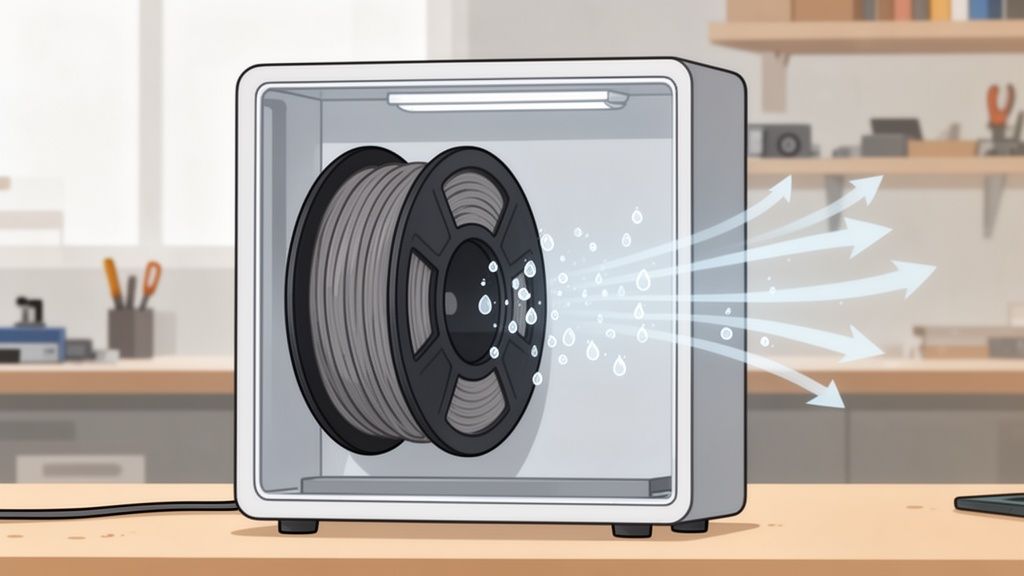
How to Tell If Your Filament Has Absorbed Moisture 🤔
Before you go crazy tweaking slicer settings or tearing apart your printer, learn to listen and look at what your filament is telling you. The clearest sign is an audible one: if you hear small popping or crackling sounds 💥 while printing, that's the unmistakable sound of trapped water flash-evaporating as it passes through the hotend.
Visually, the clues are just as obvious. If your prints suddenly start coming out poorly, watch for these telltale signs of a wet spool:
- Excessive stringing: Those annoying spider-web threads connecting parts of the print that should never touch.
- Strange surface texture: The finish looks rough, porous, or even shows tiny micro-bubbles.
- Poor layer adhesion: Layers aren't bonding properly, making the model feel weak and fragile.
A pro tip: if a printed part snaps too easily when you flex it slightly, chances are the filament was wet.
A print made with moisture-laden filament will always be significantly weaker. Catching these problems early will save you a ton of frustration, wasted time, and wasted material.
How to Choose the Right Filament Dryer for You 👍
Finding the perfect filament dryer for your setup isn't as straightforward as it sounds. The market is packed with options, ranging from basic boxes with a simple heating element all the way to more advanced units that give you full temperature control, built-in timers, and even fans for active air circulation.
The key is asking yourself what you actually need. Do you dry a single spool every now and then, or do you have several in constant rotation? Do you like experimenting with more technical materials that need precise temperature and humidity control?
A good filament dryer does much more than just heat up. It maintains a stable temperature and circulates air to effectively remove moisture.
If you hear crackling while printing, strings are appearing everywhere, or your filament snaps just from handling it, that's a clear sign: it's time to dry.
Our goal is to help you invest in a tool you'll actually use, not another gadget that ends up collecting dust in a corner. And to make sure you get it right not just with the dryer, but with your materials too, don't miss our complete guide to choosing filament for your 3D printer.
Filament Drying Times and Temperatures: The Ultimate Cheat Sheet 📝
Here's the cheat sheet you'll want to keep next to your printer. Every material is different and, as such, needs its own drying recipe — drying PLA is nothing like drying Nylon, not even close.
So you're not flying blind, we've put together a clear, straightforward guide with the settings that work best for the most common filaments.
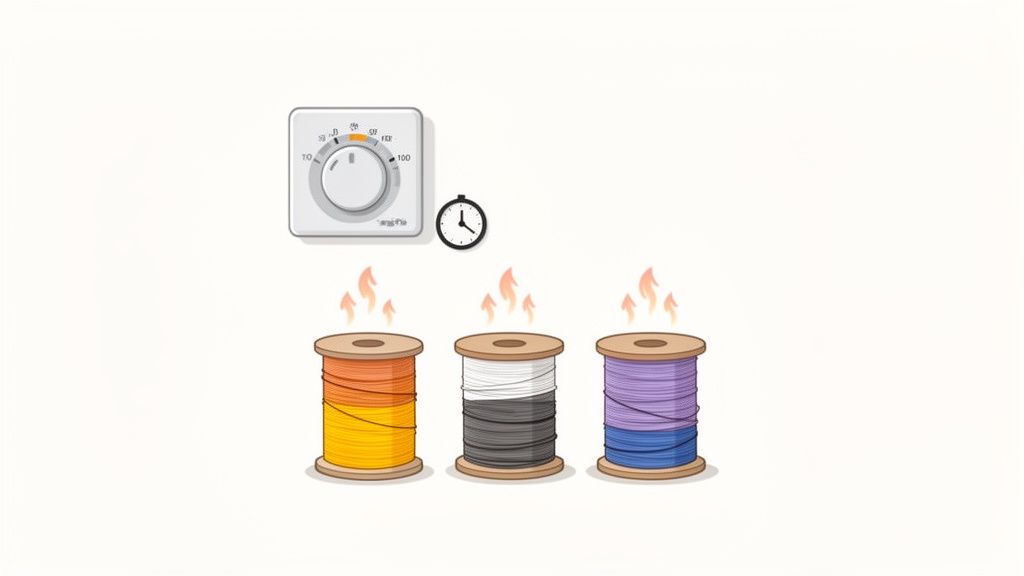
Getting these values right is essential. Too low a temperature and the moisture stays put; too high and you risk warping the filament or even the entire spool. To better understand why, check out our guide on the different types of 3D filaments.
Pro tip 💡: Always start at the lower end of the recommended temperature and time range. It's far easier to add an extra hour of drying than to try to salvage filament that's been ruined by too much heat.
DIY Filament Drying Methods (Proceed With Caution) ⚠️
If you haven't committed to a dedicated filament dryer yet, there are some DIY methods that can get you out of a pinch. Just use them carefully.
The most talked-about option is using your kitchen oven. However, it's a risky move. The chance of melting your plastic spool, or worse, the filament itself, is very high. Home oven thermostats are far from accurate and often produce temperature spikes that can ruin your material in the blink of an eye.
Watch out! 💥 Just a few degrees too many and you can kiss an entire spool goodbye. I'd strongly advise against it for temperature-sensitive materials like PLA, which has a very low glass transition temperature.
Another option is using food dehydrators or setting up an airtight container with a generous amount of silica gel. While these are considerably safer than the oven, their effectiveness is limited.
These solutions can work as a temporary fix, but if you're genuinely after consistent results and peace of mind, investing in dedicated equipment is worth it. It'll save you headaches and wasted material.
Quick FAQs About Drying Filament 🤔
Here we'll answer those common questions that always come up when talking about keeping moisture under control.
Do I need to dry a freshly opened spool?
The short answer is: yes, just to be safe. Even if it comes vacuum-sealed, that's no absolute guarantee the filament is 100% dry. Sometimes the bag has lost some of its seal along the way, or the desiccant packet is little more than decorative.
For moisture-sensitive materials like Nylon or TPU, running a quick drying cycle as soon as you open the spool is a habit that'll save you a lot of headaches down the line. As they say, better safe than sorry! ✅
Can you print directly from the dryer?
Absolutely — and honestly, it's the best way to do it! Most modern filament dryers are designed with a feed slot so you can run the filament straight into your printer.
This is a total game-changer for long prints. It keeps your filament in perfect condition from the first layer to the last, no matter how many hours the print takes. 🌟
Final Thoughts:
At this point, it's pretty clear: managing moisture isn't optional — it's essential if you want professional-quality 3D prints. 🎯 Take it from us: a filament dryer is one of the best investments you can make to put an end to failed prints, wasted material, and those hours of frustration we've all been through.
It's a small step that makes a huge difference in your results and takes your builds to the next level.
Ready to leave moisture problems behind for good? Browse our full range of filament dryers and filaments in the Mr Resin online store!
Want more? Join our maker community on our Telegram group, where we share exclusive deals and discounts. And don't forget to subscribe to our newsletter so you never miss new arrivals, coupons, or exclusive events. 💌
✨ Happy Printing! 🚀