

Ready to take your 3D printing projects to the next level in 2025? If you need strong, durable parts, printing with ABS is the way to go — but it's also a challenge that demands technique, patience, and a few insider tips.
In this guide, you'll find everything you need to master ABS: what it is and why to choose it, how to dial in your printer settings, avoid common mistakes, achieve professional finishes, and stay on top of the latest trends for this year.
Want to unlock the secrets to perfect prints? Keep reading and take your 3D prints to a truly pro level! 🚀
What Is ABS and Why Choose It for 3D Printing?
ABS (Acrylonitrile Butadiene Styrene) is one of the most popular thermoplastic polymers in the world of 3D printing. Its three-monomer composition delivers a unique combination of strength, flexibility, and heat resistance. If you're looking to print with ABS and need parts that can handle real-world use, this material is your best bet. 💪
But why choose ABS over other filaments like PLA or PETG? Here's a quick comparison:
| Property | ABS | PLA | PETG |
|---|---|---|---|
| Strength | ⭐⭐⭐⭐⭐ | ⭐⭐⭐ | ⭐⭐⭐⭐ |
| Heat Resistance | Up to 100°C | Up to 60°C | Up to 80°C |
| Durability | Very High | Medium | High |
| Finish | Matte, smooth | Glossy | Glossy |
ABS is ideal for printing functional parts, prototypes, automotive components, and electronic housings. It's estimated that over 20% of professional FDM printing uses ABS, thanks to its performance and versatility. 🚗🔧
That said, it's not without its downsides: ABS can produce strong fumes when printing and requires a heated bed and a controlled environment. But the results are well worth the effort. In scale modeling and industry alike, ABS has made it possible to produce detailed, durable prototypes that simply weren't achievable before.
Want to explore the different variants of this material? Browse our ABS 3D Filaments section and find the right one for your projects.
Optimal Printer Settings for ABS in 2025
Let's get into it! When it comes to 3D printing — and especially printing with ABS — your settings make all the difference. Even the most experienced makers know that a few degrees off can ruin an entire print. Here are the key settings to get perfect results in 2025. 🔧🖨️
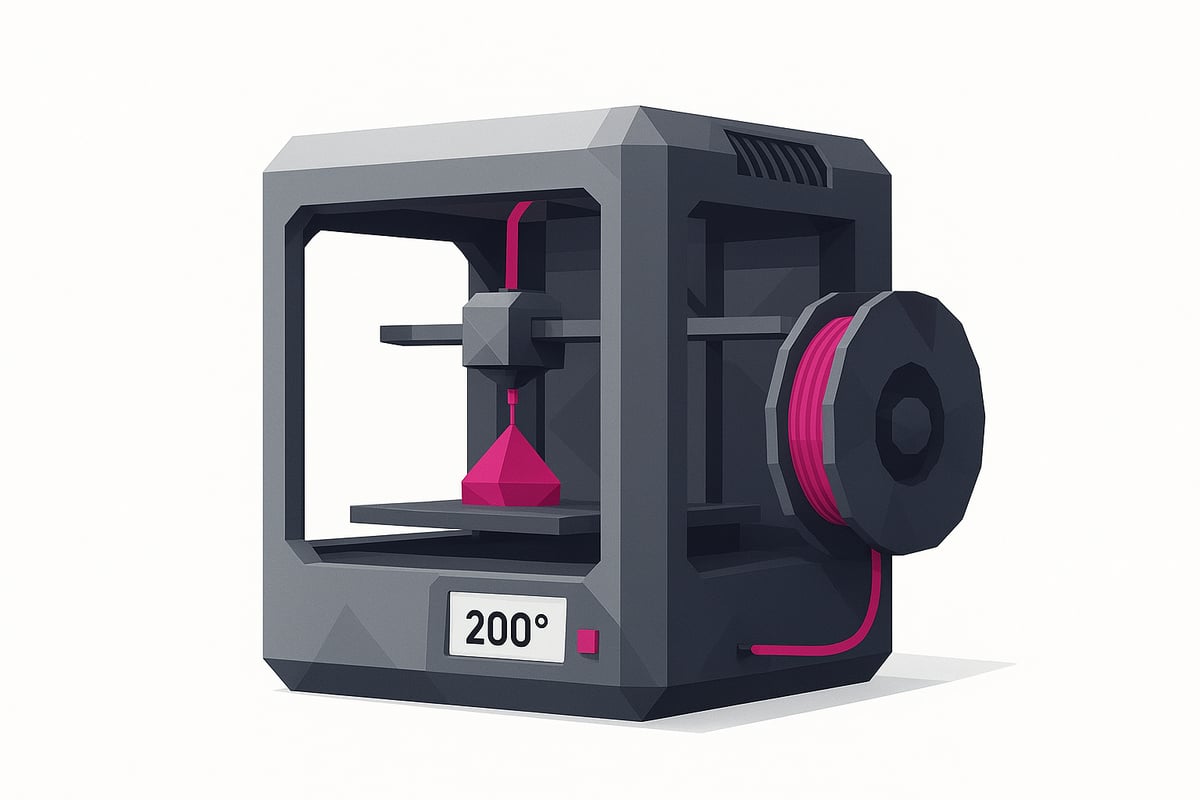
Nozzle and Bed Temperature
Getting the temperature right is the foundation of successful ABS printing. The ideal nozzle temperature range is 230°C to 260°C, while the bed should be kept between 90°C and 110°C. Drop below 230°C and the material won't flow properly, leading to warping or poor bed adhesion. Go too high and you risk stringing and bubbling.
| Parameter | Recommended Temperature |
|---|---|
| Extruder | 230°C – 260°C |
| Heated Bed | 90°C – 110°C |
For example, printing ABS at 220°C often results in weak, poorly bonded parts. Bump it up to 245°C and you'll notice stronger layer adhesion and a much more consistent finish. Never underestimate what a few degrees can do!
Print Environment and Ventilation
For safe, stable ABS printing, you need an enclosure to shield your print from drafts. ABS is highly sensitive to sudden temperature changes, which can lead to cracking and warping. Ventilation is equally important — use exhaust fans, HEPA filters, and if you're working in a small space, a respirator mask.
ABS releases styrene fumes, which can be harmful with prolonged exposure. So look after your printer, but look after yourself too. If you want to explore different filaments compatible with your printer, check out this selection of 3D printing filaments.
Bed Levelling and Adhesion
One of the most common ABS printing mistakes is underestimating how critical bed levelling is. Use auto-levelling sensors if your printer supports them, or calibrate manually using a sheet of paper. To improve adhesion, try hairspray, Kapton tape, or a glue stick.
A poorly levelled bed leads to warping and prints peeling off mid-job — and there's nothing more frustrating than that. A few minutes spent on calibration can save you hours of failed prints.
Advanced Tips for Error-Free ABS 3D Printing
Ready to take your prints to the next level? ABS printing can seem daunting at first, but with these advanced techniques you'll avoid the most common pitfalls and achieve a clean, professional finish. Let's dive into the methods that really make a difference — from tackling warping to nozzle maintenance.
Minimising Warping and Cracking
Warping is the number one enemy when printing ABS, but it can be prevented with a few key strategies:
- Use a brim, skirt, or raft to improve first-layer adhesion.
- Keep the ambient temperature stable and eliminate drafts around your printer.
- If you have a thermal enclosure or heated chamber, use it to prevent sudden temperature drops.
These techniques will help your parts stay bonded to the bed and prevent cracking. Always double-check your enclosure seal and bed temperature before starting a print!
Speed and Retraction Settings
Print speed is a crucial variable. For detailed ABS prints, keep your speed between 40 and 60 mm/s to reduce errors and achieve a smoother surface finish.
Fine-tune your retraction settings to minimise stringing and blobbing. Every printer behaves differently — on Prusa and Creality machines, experimenting with retraction values can make a significant difference. For more tips and step-by-step guides, check out our 3D printing tips and tutorials and dial in your own optimal settings.
Nozzle Selection and Maintenance
Always opt for hardened steel nozzles, especially when printing technical filaments. They're far more durable and will last significantly longer.
Clean your nozzle regularly to prevent blockages from ABS residue. Simple, routine maintenance prevents failures and extends the lifespan of your printer. If you're running abrasive materials, make a habit of inspecting your nozzle condition frequently.
Troubleshooting Common ABS 3D Printing Problems
Ever wondered why printing with ABS can feel like such a challenge? Don't worry! Here's a quick guide to identifying and fixing the most common issues — perfect if you're after professional results without the headaches. 😉
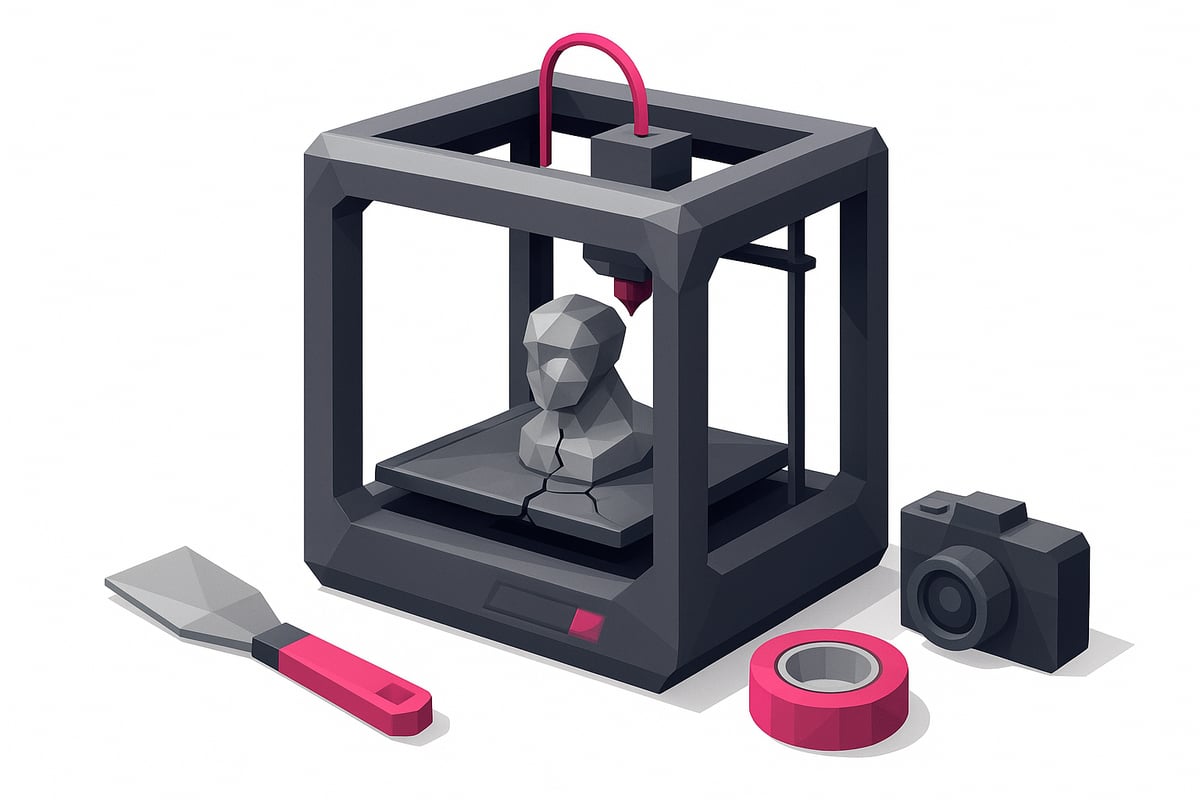
Warping: Causes and Fixes
Warping happens when the corners of your print lift off the bed. It's usually caused by temperature fluctuations or poor bed adhesion. Use a heated bed, an enclosure, and adhesion aids like hairspray or glue stick. One user found that simply closing up their printer and controlling the ambient temperature was enough to eliminate warping entirely. Keep in mind that 35% of ABS printing failures come down to temperature and adhesion issues.
Delamination and Layer Cracking
Delamination shows up as cracks between layers. It typically happens when there are drafts or the extrusion temperature is too low. Raise your hotend temperature and keep the printing environment stable. Avoid opening the enclosure mid-print. With these adjustments, printing with ABS becomes far more reliable and your parts will be noticeably stronger.
Stringing and Blobs
Seeing thin strings or small blobs on your prints? This is usually down to incorrect retraction settings or excessive temperatures. Dial in your retraction and reduce the temperature gradually. If you want to go deeper on the best ABS print settings, check out this complete guide to ABS filament in 3D printing.
Bed Adhesion Problems
If your print is coming loose, check your bed leveling and try different adhesion methods such as Kapton tape or a glue stick. Keep the bed surface clean and make sure the temperature is set correctly for ABS — getting this right gives you a solid foundation every time.
Rough Surfaces and Surface Defects
Rough or uneven surfaces are often a sign that your filament has absorbed moisture. Store ABS in airtight bags with desiccant and dry the filament before use if needed. This will help you avoid surface defects and get a much cleaner finish on your prints.
Post-Processing and Professional Finishing for ABS Prints
Getting a professional finish on your ABS prints is essential if you want them to look great and perform well. 😎 Post-processing takes an ordinary print and turns it into something polished, durable, and ready for any project.
Start with sanding using fine-grit sandpaper or sanding sponges to remove imperfections and smooth out visible layer lines. For an ultra-smooth finish, acetone vapor smoothing is the go-to technique. Simply place your part in a sealed container with a small amount of acetone — just make sure to work in a well-ventilated area and wear a mask. The results are nothing short of impressive!
Want to paint your prints? ABS takes acrylic paints and dedicated spray paints very well. Before painting, clean the surface with isopropyl alcohol (you can find alcohol and post-processing products perfect for this), then apply a primer coat for vibrant, long-lasting colour.
If you need to join multiple parts after printing with ABS, use ABS-specific adhesives or even chemical welding with acetone. This technique fuses the pieces together, creating a strong bond that's nearly invisible.
A golden tip: always wear gloves and safety glasses when handling chemicals. Notice the difference in finish — an untreated part looks dull and rough, while one that's been chemically smoothed looks factory-fresh. Don't be afraid to experiment and take your projects to the next level!
ABS 3D Printing Trends and Recommendations for 2025
The world of 3D printing never stops evolving, and ABS is at the heart of many of these developments. Low-odor ABS filaments are now making the experience much easier, with reduced fumes and improved bed adhesion. The market growth speaks for itself — annual sales have increased by 15%, according to the ABS Filament 3D Printing Material Market Analysis. 🚀
If you want to print with ABS like a pro in 2025, invest in a printer with an enclosed chamber and smart sensors. Models like the Prusa MK4, Bambu Lab X1, and Anycubic Kobra 2 (check out real photos of these on our website) offer optimized slicing profiles and automated parameter settings for perfect results.
Sustainability is also a growing focus — recycled and eco-friendly ABS options are becoming increasingly available. Make sure to keep your slicing software up to date, use humidity sensors, and always look for certified materials. That way, you'll produce parts that are strong, safe, and kind to the planet. 🌱
Conclusion:
Printing with ABS may seem challenging at first, but with the right settings, practical tips, and the trends shaping 2025, you'll be producing strong, professional-quality parts in no time. Remember, choosing the right filament and dialing in your printer settings makes all the difference. If you're looking for the best filaments and accessories, Mr Resin's store has everything you need to level up your projects.
Want more? Join our community on Telegram for exclusive discounts, coupons, and events. You can also stay up to date and receive promotions directly by subscribing to our Newsletter.
To learn more about the growth of ABS and its role in 3D printing, we recommend this 3D printing thermoplastics market report with up-to-date data and trends.
✨ Happy Printing! 🚀
Now that you've seen how to get the most out of ABS for your 3D prints, you're probably itching to put these tips into practice with the best materials available. If you want professional results without the hassle, quality filaments and the right support make a real difference. At the Mr Resin store, you'll find a wide range of options for every project and skill level — so if you're searching for the perfect filament for your next build, browse our full selection here:
Shop All 3D Printing Filaments
Your next epic print is waiting!