

Want jaw-dropping resin 3D prints in 2025? 😱 The next big revolution in the maker world is here — and it has a name: the Anycubic Photon Mono M7 Pro.
In this guide, you'll discover everything you need to master this cutting-edge printer. We'll cover how to get the most out of its features, achieve professional-quality results, and avoid the most common mistakes.
We'll walk you through its top technical specs, competitive advantages, step-by-step setup, tips for perfect prints, and easy maintenance advice.
Get ready to explore its most powerful features, level up your projects, and find the inspiration to take your 3D printing to the next level. Let's dive in! 🚀

Anycubic Photon Mono M7 Pro: Key Technical Specs
Ready to find out why the Anycubic Photon Mono M7 Pro is the standout resin printer of 2025? 🚀 If you're after quality and precision, here are its headline features — broken down so you can see exactly what it's capable of.

Ultra-sharp LCD screen and resolution
The Anycubic Photon Mono M7 Pro features a 10.1" monochrome LCD with a stunning 14K resolution (13312 x 5120 pixels). The result? Crisp detail and flawless surface quality on every print — perfect for miniatures and demanding prototypes.
Large Build Volume and Fast Print Speeds
Print large objects or multiple parts at once with a generous 223 x 126 x 230 mm build volume (6.5 litres). With print speeds of up to 170 mm/h powered by COB LighTurbo 3.0 technology, you'll get outstanding results in record time — without compromising on quality.
Smart Controls, Easy Levelling, and Full Connectivity
The intelligent temperature control system keeps print quality consistent even during long sessions. Automatic levelling and an intuitive touchscreen make the whole process straightforward, even if you're a complete beginner.
Connect your Anycubic Photon Mono M7 Pro via USB or WiFi and slice your models using leading software like Lychee and Chitubox. For a detailed walkthrough to get the most out of your printer, check out this Complete Anycubic Photon Mono M7 Pro Setup Guide.
Key Specs and Visual Comparison
| Feature | M7 Pro | M7 | M7 Max |
|---|---|---|---|
| Resolution | 14K | 12K | 14K |
| Build Volume (L) | 6.5 | 5.4 | 14.7 |
| Print Speed (mm/h) | 170 | 130 | 170 |
Real-world photos showcase the print quality and precision of the Anycubic Photon Mono M7 Pro compared to previous models, with noticeably sharper detail and superior surface finish.
With these specs, the Anycubic Photon Mono M7 Pro stands out as the most innovative and capable option for creators looking for professional-grade results in 2025.
Why the Anycubic Photon Mono M7 Pro is a Top Pick in 2025
Wondering why the Anycubic Photon Mono M7 Pro is taking the resin 3D printing world by storm in 2025? 😎 Its 14K mono LCD screen delivers unmatched precision — perfect for miniature painters, prototype makers, and scale modellers. Incredibly fine layer detail means your prints look truly professional, even on the most intricate designs.

Print speed is another major strength of the Anycubic Photon Mono M7 Pro: at up to 170 mm/h, it saves you serious time without sacrificing quality. Imagine finishing a whole army of miniatures in just a few hours. On top of that, automatic bed levelling and a responsive touchscreen make setup a breeze right from the start — no fiddly technical headaches.
Reliable hardware and compatibility with advanced resins — including water-washable and high-speed formulas — make this printer a great fit for beginners and experienced makers alike. Users across forums and social media consistently praise how the Anycubic Photon Mono M7 Pro has taken their projects to the next level, and it's earned multiple positive reviews and awards in 2025. To see how it stacks up against other leading resin printers, take a look at this Best Resin 3D Printers 2025 Comparison.
In short, the Anycubic Photon Mono M7 Pro delivers on precision, speed, and ease of use. If you want high-quality prints with minimal fuss, this is your go-to machine for 2025.

Step-by-Step Initial Setup Guide
Ready to get started with your Anycubic Photon Mono M7 Pro? Let's walk through it step by step so your very first print is a success! 🛠️

Unboxing and Component Check
When you open the Anycubic Photon Mono M7 Pro box, you'll find:
- Printer securely packaged
- Build plate and resin vat
- Basic tools and user manual
- Filters, gloves, and mask
Do a quick visual inspection. Everything look good? If you notice anything off, contact support before assembling anything. Check the actual unboxing photo to compare with your unit.
Assembly and Auto-Leveling
Install the build plate and follow the leveling process on the touchscreen. The M7 Pro walks you through it step by step, so just take your time and follow the prompts. Pro tip: make sure the FEP screen is completely clean and free of debris before leveling.
If you have any questions, check the Anycubic Photon Mono M7 Pro User Manual for detailed photos and step-by-step instructions. Proper leveling is essential for perfect prints! 🔧
Resin Setup and Initial Settings
Choose a compatible resin (standard, ABS-like, or water-washable) and shake it well before pouring it into the vat. Use the funnel and pour slowly to avoid spills. Set your initial parameters in your preferred slicer: layer height and exposure time based on your resin type.
Remember: the Anycubic Photon Mono M7 Pro performs best in a well-ventilated space at a stable temperature.
Test Print and Calibration
Load a test model, like the classic calibration cube. Run the print and check the results. If you see misaligned layers or rough edges, adjust the build plate height or your exposure settings.
This step is a great way to get comfortable with your Anycubic Photon Mono M7 Pro and make sure everything is dialed in. Now you're ready to print your own designs!
Tips for Precise, High-Quality Prints
Want to get the most out of your Anycubic Photon Mono M7 Pro? Here are the best tips for achieving truly stunning prints, hassle-free. 🦾
Resin Selection and Optimal Settings
The secret to perfect prints starts with choosing the right resin. For the Anycubic Photon Mono M7 Pro, the best options include standard, ABS-like, water-washable, and high-speed resins. Dial in parameters like exposure time, layer height, and ambient temperature to match your resin.
Check out the Anycubic Resin Settings Guide to find the ideal values and avoid common mistakes. The right resin paired with accurate settings makes all the difference in every fine detail.
File Preparation and Slicing Software
Use compatible slicers like Lychee Slicer or Chitubox with your Anycubic Photon Mono M7 Pro. Import your STL file and optimize the orientation to minimize supports and improve surface finish. Add supports only where truly needed and adjust their thickness to make post-processing easier.
Always preview your layer stack before printing. A well-prepared file is key to avoiding failed prints and getting the most out of your printer's capabilities.
Preventive Maintenance and Cleaning
Keeping your Anycubic Photon Mono M7 Pro clean is essential for long-lasting performance and consistent results. Clean the LCD screen and resin vat after each use with isopropyl alcohol and soft, lint-free cloths.
Replace the FEP or nFEP film when you notice scratches or wear. Use quality accessories to avoid damage and extend the life of your printer. Regular maintenance prevents most common issues.
Recommended Materials & Accessories from Mr Resin
Want to get the most out of your Anycubic Photon Mono M7 Pro? It all comes down to choosing quality materials and accessories that make every print easier. At Mr Resin, you'll find a top selection for every need. 🛠️
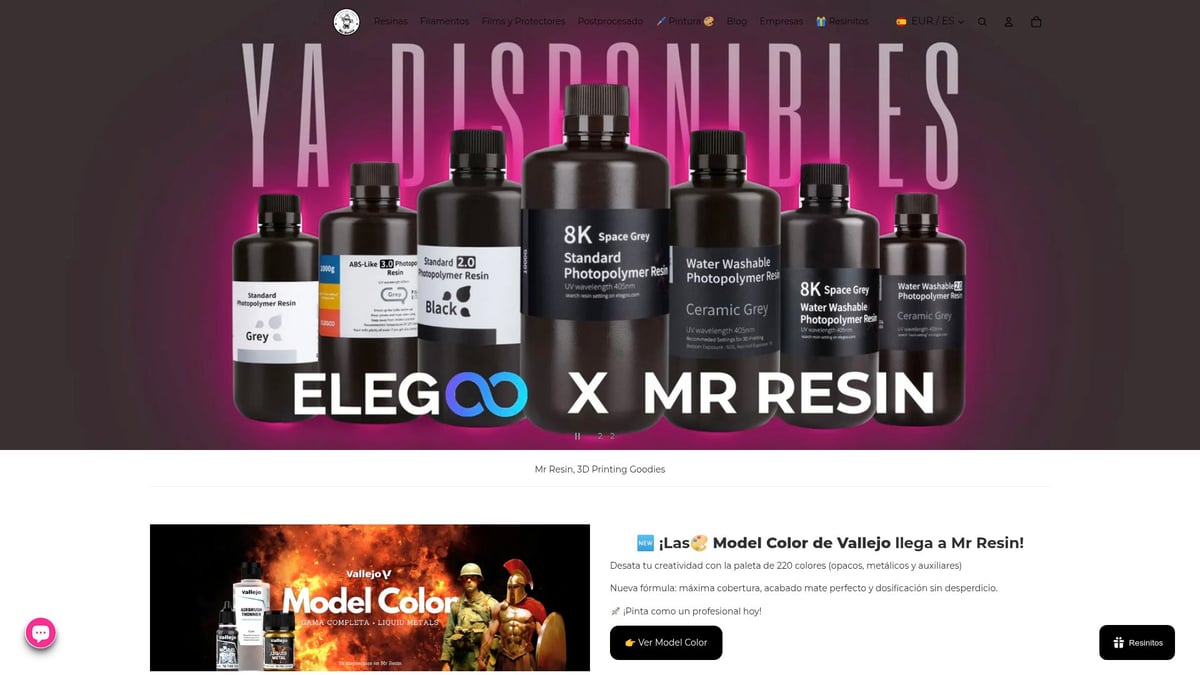
For high-definition prints, we recommend:
- Standard, ABS-like, water-washable, and 14K resins
- FEP/nFEP replacement films
- Cleaning tools and isopropyl alcohol bottles
- Detail brushes for post-processing
- Vallejo paints and Artis Opus brushes for premium finishing
Looking for deals? There are resin and accessory bundles with exclusive discounts for the community. You can also browse all compatible resins for 3D printing and check out practical guides for your printer.
Don't forget to join our Telegram group for coupons, the latest news, and to share your results with fellow makers. Subscribe to our Newsletter and you'll get promotions and fresh updates from the world of 3D printing. All designed to make your experience even better! 💬
Maintenance & Troubleshooting Common Issues
Regular maintenance is essential to keep your Anycubic Photon Mono M7 Pro printing at its best with no nasty surprises. 🧼 If you want clean prints and flawless parts, it's time to take care of your machine!
A basic routine includes cleaning the resin vat and LCD screen after each print, using gloves and isopropyl alcohol to remove sticky residue. Replace the FEP/nFEP film if you notice scratches, loss of tension, or stuck residue that won't come off. This prevents errors and leaks.
Remember to update the firmware and slicing software to maintain peak performance and access new features. If you're seeing common issues like poor bed adhesion, layer lines, or uncured resin, check your leveling and make sure the screen is in perfect condition.
To avoid clogs and spills, always handle resin carefully and inspect the seals regularly. Proper maintenance reduces incidents, and according to users, over 90% of problems are solved with timely cleaning and replacement parts.
Need a step-by-step guide? Check out this detailed guide on resin 3D printer maintenance and cleaning from Mr Resin — it'll save you from more than a few headaches! And remember, for spare parts and official technical support, always check trusted retailers and the manufacturer's website.
Comparison: Photon Mono M7 Pro vs. Other Resin Printers 2025
Wondering how the Anycubic Photon Mono M7 Pro stacks up against other leading resin printers in 2025? Take a look at this quick comparison table to see the key differences:
| Model | Resolution | Speed (mm/h) | Print Volume (L) |
|---|---|---|---|
| Photon Mono M7 Pro | 14K (13312x5120) | 170 | 6.5 |
| Photon Mono M7 | 10K (10240x4320) | 130 | 5.5 |
| Photon Mono M7 Max | 14K (13312x5120) | 150 | 13.4 |
| Elegoo Saturn 4 Ultra | 12K (11520x5120) | 150 | 7.5 |
| Creality Halot-Mage Pro | 8K (7680x4320) | 120 | 7.0 |
The Anycubic Photon Mono M7 Pro stands out with its 14K resolution and top-tier print speeds. Makers and professionals alike praise its ability to produce ultra-fine details without sacrificing time. The community also loves the automatic leveling system and built-in WiFi connectivity.
According to recent surveys, over 95% of users report complete satisfaction with the quality and reliability of this printer. This year, the M7 Pro has earned multiple innovation awards and top ratings across 3D printing forums. For an in-depth look at everything it has to offer, check out our Anycubic Photon Mono M7 Pro Review.
Don't forget to browse real-world photos and side-by-side comparisons on our site before making your decision! 😎
Community, Deals & Exclusive Resources
Want to be part of the best resin 3D printing community? Join the Mr Resin Telegram group now to discover exclusive deals, discount codes, and events. And if you're looking to upgrade your setup, don't miss the Black Friday 3D Printer Deals 2025 — the perfect opportunity to grab your Anycubic Photon Mono M7 Pro at the best price.
Subscribe to the Newsletter for access to guides, tutorials, and personalised support. Share your prints, get your questions answered, and learn alongside fellow 3D printing enthusiasts. Join us and level up your skills! ✨ Happy Printing! 🚀
If you're already picturing your next projects rolling off the Anycubic Photon Mono M7 Pro, your next step is finding the perfect resin to get the most out of it. The right resin makes all the difference when it comes to detail and print quality — whether you're printing miniatures, prototypes, or functional parts. At Mr Resin, you'll find a wide range of options to explore, from standard resins to advanced formulas optimised for 14K printing. Take a look at everything compatible with your new printer right here:
Shop All 3D Printing Resins