

Ready to take your 3D creations to the next level? 😍 SLA printing is the go-to choice for makers and professionals in 2025, delivering precise results and ultra-smooth finishes on every single print.
In this beginner's guide, you'll discover how SLA 3D printing works, how to choose your first printer, the most popular resin types, and the basic steps to start printing from home or your workshop.
Want professional-looking parts without the hassle? Keep reading to learn pro tips, avoid common mistakes, and join the 3D printing revolution this year. Let's kick things off together! 🚀
What Is SLA Printing and How Does It Work?
Ever wondered how those flawless miniatures and silky-smooth 3D parts are made? SLA printing, or stereolithography, is a technology that uses ultraviolet light to cure liquid resin, building objects layer by layer with incredible precision. 😍
Unlike FDM, which melts plastic filament, SLA printing is based on photopolymerization: a laser or LCD screen "draws" each layer onto the resin, hardening it instantly. The technique was invented in the 1980s, but by 2025 it has evolved to become far more accessible and efficient for makers and professionals alike.
The process is straightforward: prepare your 3D model, pour resin into the tank, and let the printer do its magic. The main advantages include ultra-high resolution, fine detail, and incredibly smooth surfaces that look like they came out of a mold. Here's a quick summary:
- High resolution: stunning detail on every print.
- Smooth surfaces: professional finishes with minimal sanding.
- Precision: perfect for small and complex parts.
SLA printing is widely used in jewelry, dentistry, rapid prototyping, and of course collectible miniatures. According to 3D Printing Market Growth, the 3D printing market — especially SLA — grew by more than 20% in 2024 and 2025, and it shows no signs of slowing down!
Today you can find hugely popular SLA printers like the Anycubic Photon Mono and the Elegoo Mars (check out real photos at www.mrresin.es), combining ease of use with outstanding results. Whether you're just getting started or looking to level up your builds, SLA printing is a solid bet for 2025.
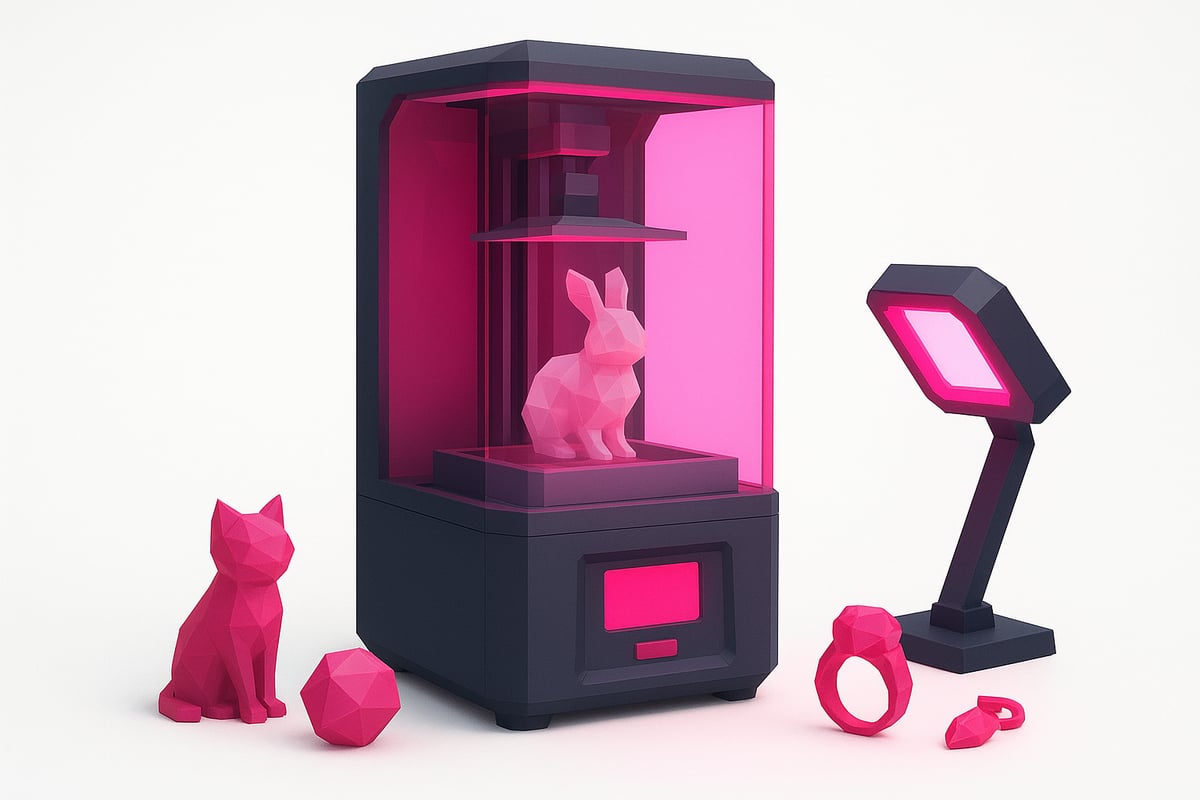
SLA Printers and Resins for Beginners
Not sure where to start with SLA printing? Let's walk through the best printers and resins for beginners together! Here's a straightforward guide to help you choose what suits you best and avoid any unnecessary headaches.
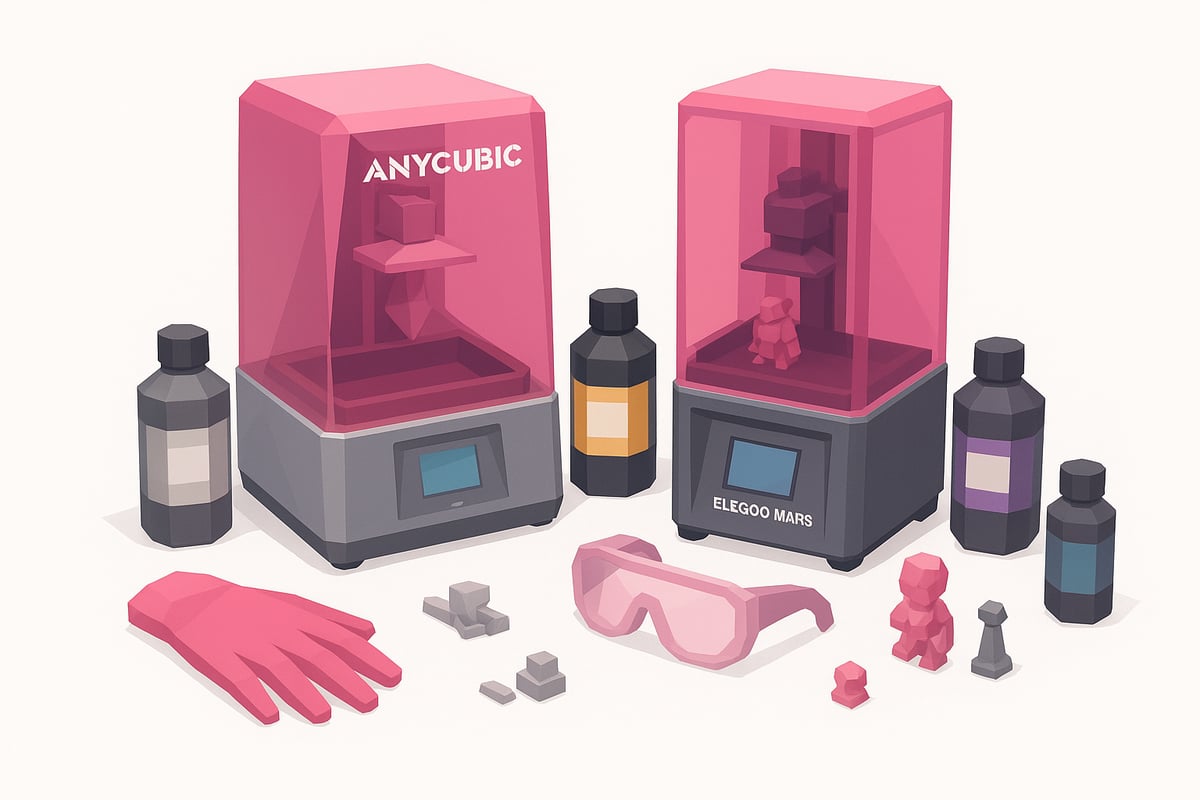
Top SLA Printers Recommended for 2025
If you're new to SLA printing, there are some incredibly beginner-friendly and reliable models out there. Two of the most popular are the Anycubic Photon Mono and the Elegoo Mars. Both stand out for their compact build volume, high resolution (up to 4K), and intuitive menus that make the whole experience much smoother.
Here's a quick comparison table:
| Model | Resolution | Build Volume (mm) | Ease of Use | Approx. Price (€) |
|---|---|---|---|---|
| Anycubic Photon Mono | 4K | 130x80x165 | ⭐⭐⭐⭐⭐ | 180-250 |
| Elegoo Mars | 4K | 129x80x150 | ⭐⭐⭐⭐⭐ | 160-220 |
You can find real photos of these printers in action at www.mrresin.es. Both are easy to maintain and have huge, active communities behind them — so you'll never be stuck for answers.
Types of Resin and Their Uses
No guide to SLA printing would be complete without covering resins. There are several types, each with its own strengths and ideal applications:
- Standard resin: Great for prototypes and miniatures. Easy to work with and budget-friendly.
- Flexible resin: Perfect for parts that need to bend without breaking, such as gaskets or articulated figures.
- Tough resin: Designed for functional parts or prototypes that need extra durability.
- High-detail resin: Ideal for jewellery, dental applications, and highly detailed miniatures.
A word of caution: every resin type has its trade-offs. Tough resins tend to cost more, while standard resins are generally easier to clean. Always wear gloves and make sure your workspace is well ventilated.
To explore the full range available and find safety tips for handling resin, check out the SLA Printing Resins collection at Mr Resin.
How to Choose the Right Printer and Resin Combination
The best printer-and-resin pairing depends on your budget, the type of models you want to print, and how much time you're willing to spend on post-processing. If you're just starting out, stick to standard or prototyping resins and avoid complex industrial options.
Key tips:
- Think about what you want to make: miniatures, prototypes, functional parts?
- Consider how easy the resin is to clean and cure.
- Check out forums and online communities — user satisfaction with SLA printers and resins consistently exceeds 90%.
Ultimately, the best choice is the one that fits your needs and keeps you coming back to experiment more.
The SLA Printing Process: A Step-by-Step Practical Guide
Ready to turn your designs into real 3D-printed parts? SLA printing is straightforward once you know the steps. Here's a no-nonsense walkthrough to get you started. 🛠️✨
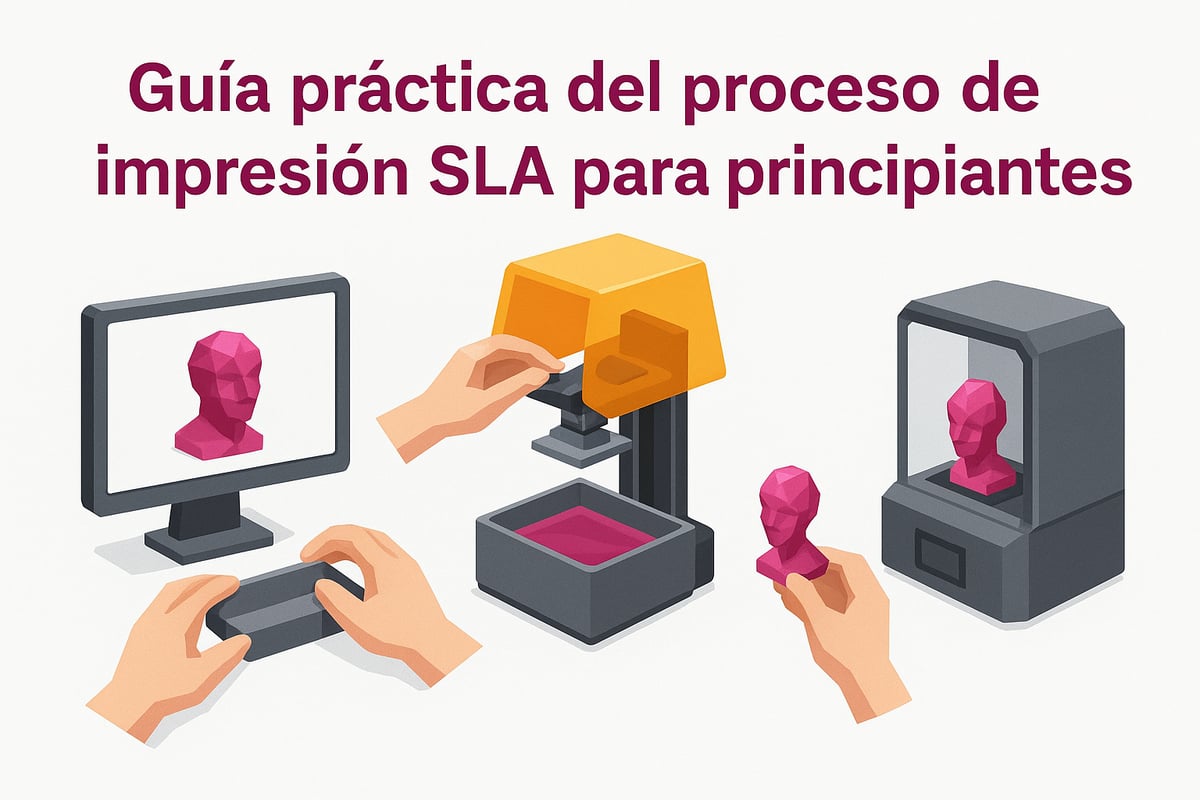
Preparing Your Model and Printer
It all starts with your 3D file — usually in STL format. You can find ready-made models on platforms like Thingiverse, or design your own in Fusion 360. Open the file in a slicer such as Lychee Slicer or Chitubox, where you can add supports and adjust the orientation of your print.
Before you hit print, make sure your build plate is properly levelled — getting this wrong can ruin a print before it even gets going. Clean the screen and resin vat to remove any residue, then configure your slicer settings to match your chosen resin and printer. Double-check everything, and you're ready for the next step! 🖥️🧑🔬
Printing Process: Step by Step
Fill the vat with your favourite resin, wearing gloves and a mask for protection. Insert the USB drive or connect your printer to your computer. Select your file and dial in your print settings — layer height, initial exposure time, and so on.
Start the print and watch that first layer bond to the build plate. This moment is critical for avoiding failed prints. Total print time depends on the size of your model, but a typical miniature takes around two hours. Throughout the process, you can watch the printer building your piece layer by layer with remarkable precision. Don't wander too far — watching it work in real time is genuinely addictive! 🕒👀
Post-Processing and Curing Your Prints
Once your SLA print is done, carefully remove it from the build plate using a plastic scraper. Wash it in isopropyl alcohol to remove any uncured resin residue. You can use a dedicated wash station or do it manually in a sealed container. Let it dry thoroughly before moving on to curing.
UV curing is essential for hardening your print. Use a UV lamp or a dedicated curing station for between 2 and 5 minutes, depending on the size of the piece. Remove your supports and lightly sand any areas that need it. For more detail on washing and curing, check out the Alcohol and Post-Processing Guide from Mr Resin — it'll help you achieve truly professional results. Your print is ready to shine! 🧼🌞
Key Tips for Getting the Best Results from SLA Printing
Want your SLA prints to come out perfect every time? Pay close attention to your printer calibration and exposure settings. Getting your layer height and exposure time right is what gives you crisp details and ultra-smooth surfaces. 🛠️
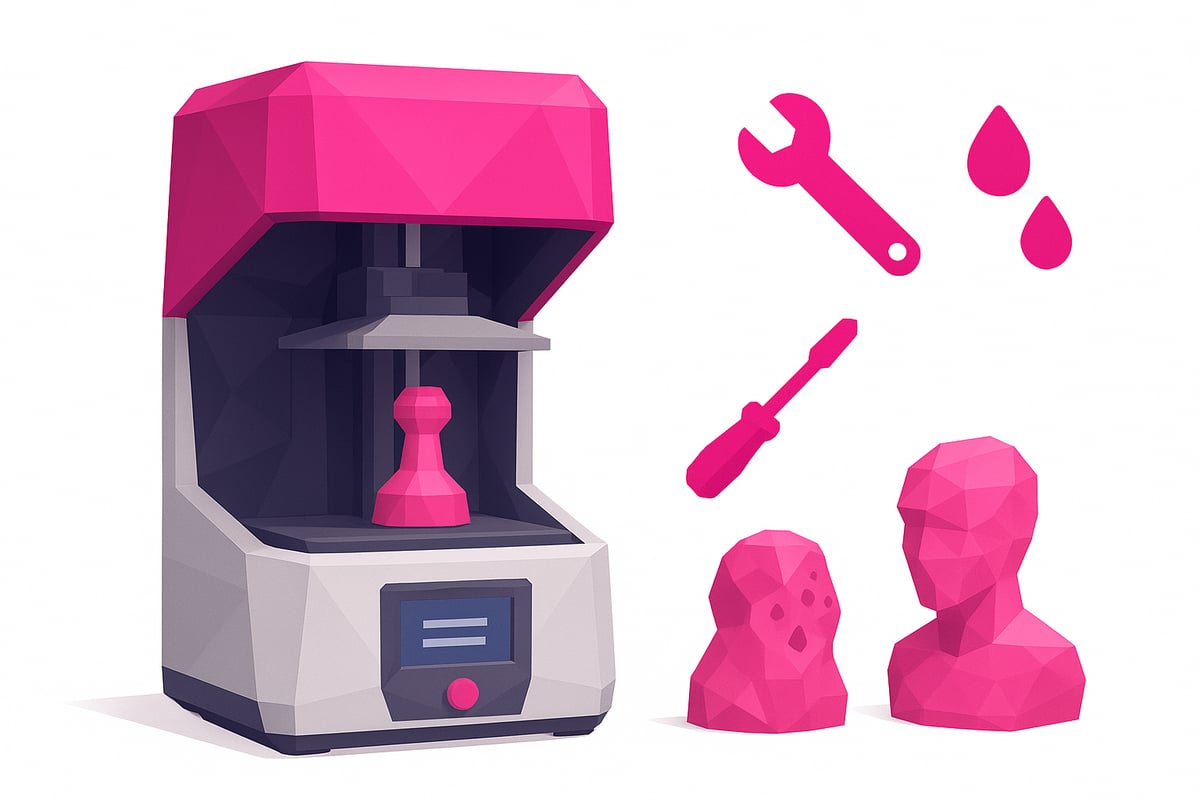
Common SLA printing mistakes and how to avoid them:
- Warping and deformation: this usually happens when the build plate isn't properly levelled. Always check your levelling before you start a print.
- Adhesion failures: make sure the build platform is clean and that you're using the recommended exposure settings.
- Bubbles in the resin: stir your resin before each use and avoid disturbing the vat while printing is underway.
Regular maintenance is essential. Clean the resin vat and FEP film after every use. A well-maintained printer lasts longer and gives you a much better success rate across all your projects.
Using quality resins makes a significant difference to your finished prints. You can browse real-world examples of resins and accessories for the best printers at Anycubic and Elegoo SLA Printers. That's how you get consistent, professional-quality results every time.
| Well-Calibrated Print 😍 | Poorly Calibrated Print 😬 |
|---|---|
| Sharp, crisp details | Blurry, soft details |
| Smooth surface finish | Visible lines and marks |
| High success rate (>90%) | Frequent print failures |
Worth remembering: the success rate for SLA printing exceeds 90% when everything is set up correctly, according to users across specialist 3D printing communities.
Finally, store your resins away from direct sunlight and in tightly sealed containers. Keep your finished prints somewhere dry and protected from UV exposure to preserve their quality for as long as possible.
Resources & Community: Learn and Level Up Your SLA Printing
Want to progress faster with SLA printing? Community is everything. There are groups and resources where you can learn, get answers, and share your work. Here's a rundown of the best places to take your experience to the next level.
Recommended Groups, Forums & Telegram Channels
Joining active communities opens up a world of tips, support, and the latest news on SLA printing. On Telegram, the Mr Resin 3D group is perfect for beginners and experienced makers alike. You'll find exclusive discounts, coupons, events, and real user support.
You can also explore forums like Reddit or dedicated Facebook groups for 3D printing enthusiasts. Never underestimate the power of asking questions and sharing your progress — collaboration makes all the difference!
Blogs, Tutorials & Newsletters to Keep You in the Loop
To stay up to date, check out blogs and YouTube channels that post step-by-step tutorials and reviews of the latest releases. We recommend subscribing to the Mr Resin newsletter so you never miss a deal or new product launch.
You can also visit 3D Printing Community & Resources, where you'll find useful articles, guides, and news on SLA printing — perfect for anyone looking to improve every day.
Online Shops & Trusted Suppliers
Shopping at a specialist store guarantees genuine resins and quality accessories. Mr Resin is a trusted choice, offering real product photos and personalised support.
Buying from specialist retailers comes with real benefits: expert advice, warranties, and access to tried-and-tested materials. That way, you avoid nasty surprises and always have the best supplies for your prints.
Conclusion
You now have everything you need to master SLA printing and create stunning pieces from home or your workshop! You know how the technology works, which printers and resins to choose, and the tips and tricks to achieve professional results without the hassle.
Ready to take the next step? Head over to the Mr Resin online store, where you'll find resins, printers, and accessories with real product images, plus exclusive deals you won't find anywhere else. If you want to compare models, take a look at this 3D Printer Buyer's Guide for Beginners to help you decide which one is right for you.
Join our Telegram community at https://t.me/MrResin3D to share your experiences, get your questions answered, and access exclusive discounts and events. Don't forget to subscribe to the Mr Resin newsletter — be the first to hear about new releases, coupons, and special promotions.
Thanks for joining us on this maker journey! ✨ Happy Printing! 🚀
If you've made it this far, you're probably ready to put everything you've learned about SLA printing into practice and start working on your own projects. Remember, the key to getting amazing results is choosing the right resin for what you want to create — and at Mr Resin, you'll find a huge range of options to suit every style and need. If you want to see real examples, compare resin types, and discover special deals, head over to their online store — you won't leave without inspiration. Click here and explore all the options:
Shop all 3D printing resins