

Do you want to discover the best way to 3D print with resin in 2025? 🛠️ The Elegoo Jupiter SE is the most sought-after professional resin 3D printer for its quality and accessible price.
In this guide we tell you everything essential about the Elegoo Jupiter SE: from its technical specifications, to practical tips to get the most out of it and keep it like new.
We will show you its advantages, the most recent innovations, and why so many users prefer it for prototypes, miniatures and industrial projects.
Ready to make an informed decision? Keep reading and learn how to configure it, choose compatible resins, maintain your equipment and compare real opinions from those who already use it.
Get ready to take your 3D printing to the next level with the Elegoo Jupiter SE. Let's go for it!
Technical specifications of the Elegoo Jupiter SE
Do you want to know why the Elegoo Jupiter SE is the most sought-after resin 3D printer this year? Its technical specifications make it a top option for both professionals and demanding makers. I'll tell you everything essential so you know if it's the perfect machine for your workshop.

Key specifications
The Elegoo Jupiter SE stands out for its generous print volume and impressive detail quality. Take a look at these main specifications:
| Specification | Detail |
|---|---|
| Print Volume | 277.85 x 156.26 x 300 mm |
| XY Resolution | 6K (0.051 mm) |
| Maximum Speed | 70 mm/h |
| Layer height resolution | 0.01 - 0.20 mm |
| Screen | 12.8" monochrome LCD |
| Connectivity | USB |
| Resin compatibility | 405nm |
| Supported formats | STL, OBJ |
| Software | Chitubox, Lychee Slicer |
| Weight | 19.5 kg |
| Dimensions | 479.9 x 377.4 x 657.5 mm |
This 3D printer is ideal if you are looking to print large parts with great precision. Its monochrome LCD screen guarantees durability, and compatibility with popular formats and software streamlines your workflow. Thanks to the Elegoo Jupiter SE, you can create everything from industrial prototypes to detailed miniatures.
2025 innovations and improvements
The 2025 generation of the Elegoo Jupiter SE incorporates improvements that make a real difference day to day. Among its most useful advances, the automatic resin feeding and recycling system stands out, reducing waste and making the process cleaner.
The 4-point leveling system enables precise calibration, avoiding common errors in long prints. The updated USB air purifier is ideal for those who print in enclosed spaces, as it eliminates odors and particles.
In addition, LCD-based MSLA technology provides greater speed and efficiency, while the monochrome screen has a longer lifespan than previous models. This means less maintenance and greater stability for complex projects.
If you are interested in comparing it in detail with the previous model, you can check out this Comparison between the Elegoo Jupiter and Jupiter SE, where you will find all the technical differences and key improvements.
Advantages and Applications of the Jupiter SE
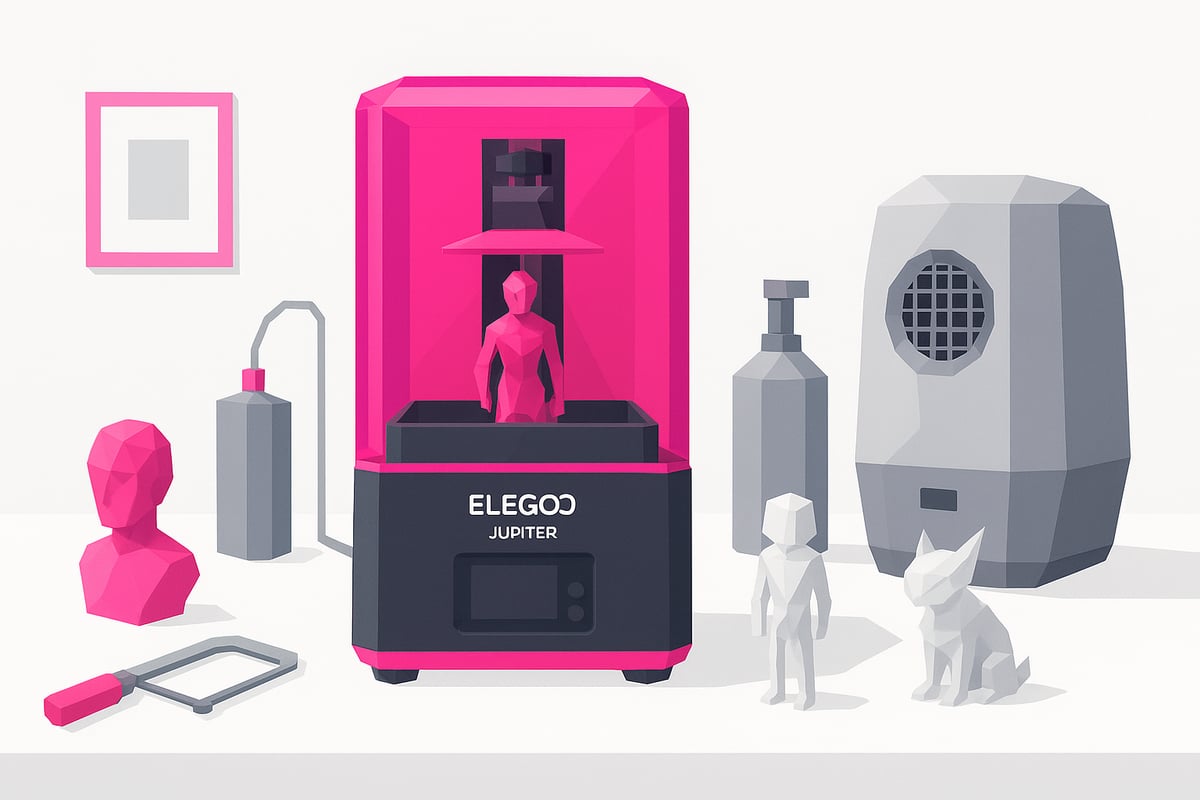
Can you imagine printing highly detailed prototypes or miniatures at home? The Elegoo Jupiter SE makes it possible, for both professionals and makers. Its print volume allows you to create large pieces in a single run, perfect for industrial models, dental parts, cosplay, or collectible figures.
Key Advantages
- 6K resolution and XY precision for sharp finishes with no layer failures.
- Automatic resin feeding that reduces errors and makes long print jobs easier.
- Built-in air purifier: print without unpleasant odors or particles.
- Above-average speed among MSLA 3D printers.
- Excellent value for money compared to other brands.
The best part? Real users highlight that the Elegoo Jupiter SE allows them to print complex figures without errors, even during long sessions. If you want a detailed opinion and real images of results, take a look at this Elegoo Jupiter SE Review.
Setup and First Steps with the Elegoo Jupiter SE
Getting started with your Elegoo Jupiter SE is easier than you might think! From the very beginning, the experience is smooth and ideal for both beginners and advanced makers. Here we guide you step by step, with tips and tricks to make your first print a complete success.
Unboxing and Initial Assembly
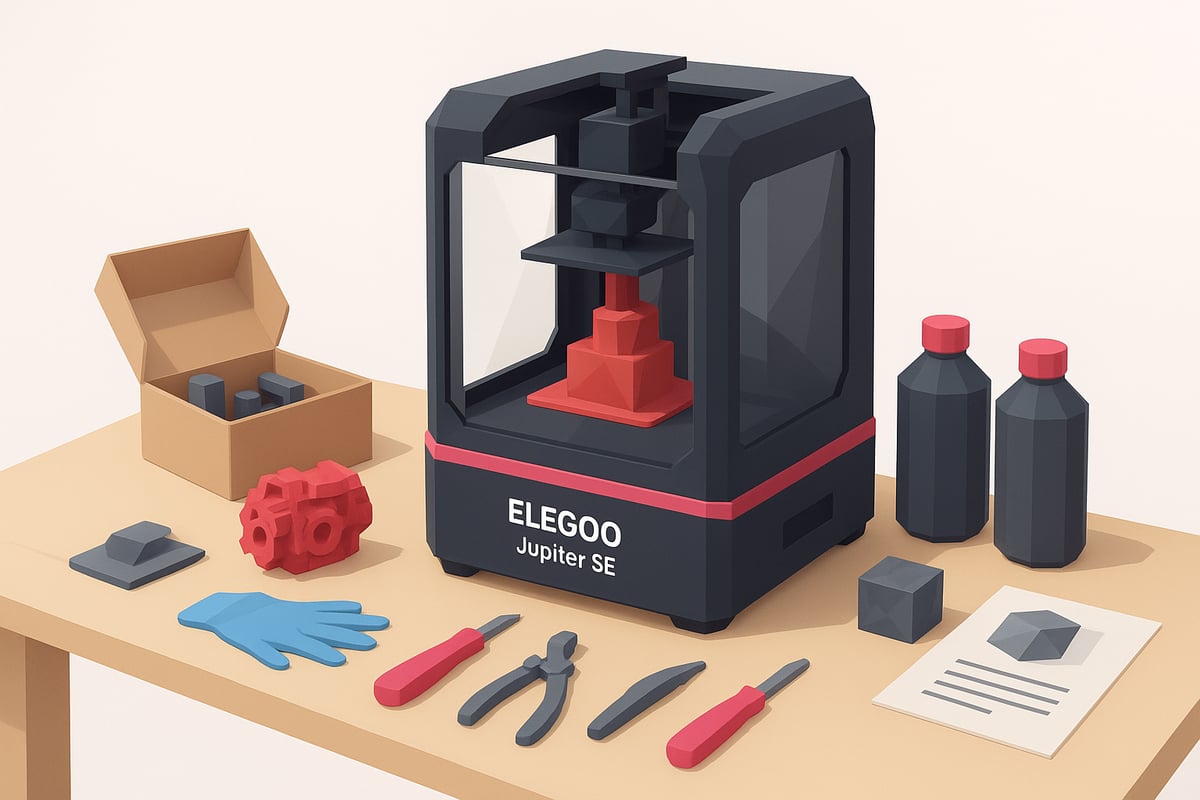
When you open the Elegoo Jupiter SE box, you will find everything you need to get started: a 3D printer, an illustrated manual, assembly tools, gloves, an air filter, a USB cable, and extra accessories. There is even a spatula and a sample resin bottle!
Assembly is very intuitive. You simply need to secure the platform, connect the filter, and follow the step-by-step manual. Many users share in videos that they can have it ready to print in under 30 minutes. On mrresin.es you can see real images of the product and included accessories, which is very helpful if you are a visual learner.
Calibration and Leveling
Before printing, it is essential to calibrate the print bed. The Elegoo Jupiter SE's 4-point leveling system simplifies the process and prevents common errors. You simply need to loosen the screws, lower the platform until it touches the calibration paper, and tighten again.
Some useful tips:
- Always use the included calibration paper.
- Adjust the Z axis precisely to prevent the first layer from failing.
- Repeat the leveling process if you notice that parts are not adhering properly.
This step, though quick, makes all the difference in the quality of your prints.
First Prints and Resin Test
Time for the moment of truth! Choose a compatible 405nm resin and pour a small amount into the tank. We recommend choosing a simple test model and adjusting the settings in Chitubox or Lychee Slicer for your Elegoo Jupiter SE.
If you're new to resin 3D printing, you can check out this Complete guide to resin 3D printing to resolve basic questions. The majority of users – 9 out of 10! – achieve perfect prints on their first attempt. Don't forget to wear gloves and ventilate your workspace well.
Resin compatibility and recommended materials
Choosing the right resin for your Elegoo Jupiter SE is key if you want to achieve spectacular prints, whether for detailed miniatures, industrial prototypes, or functional parts. The 3D printer is compatible with a wide range of resins, from standard and ABS-like to flexible and biocompatible, making it super versatile for any type of project.
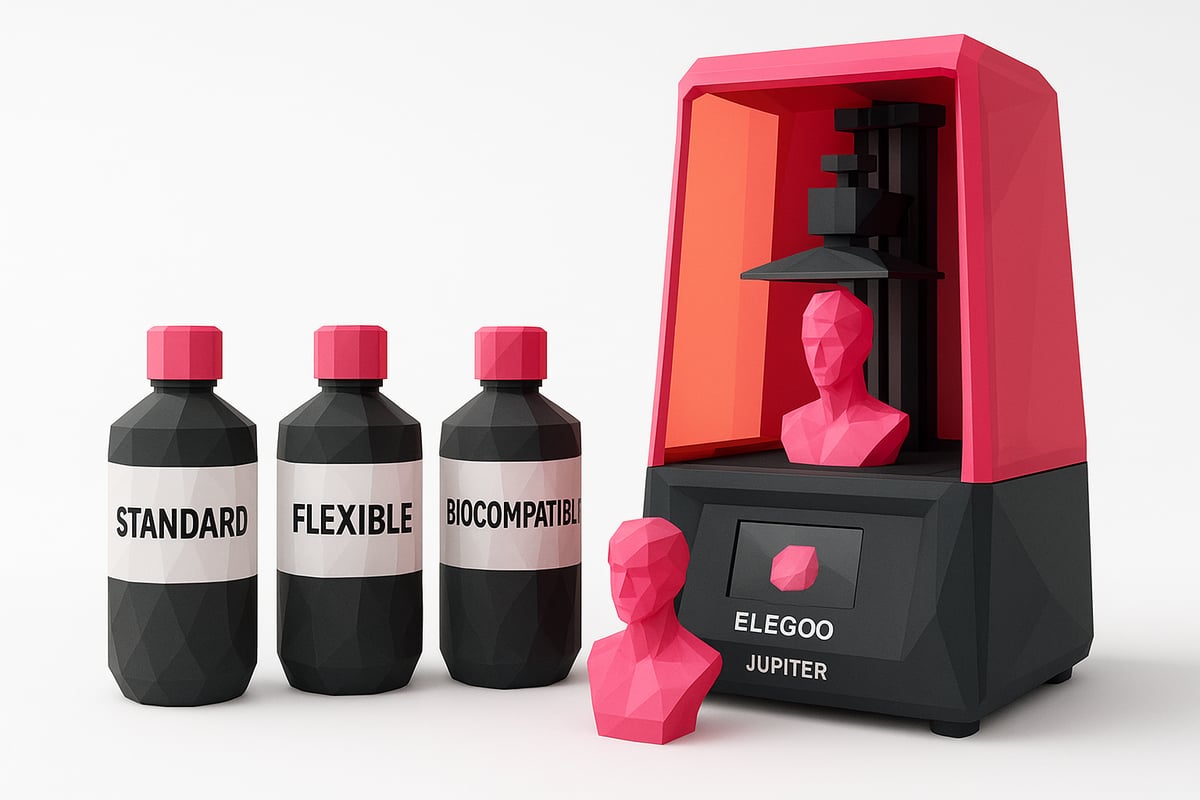
Here's a quick table to compare the compatible resin types:
| Resin type | Best for | Main advantages |
|---|---|---|
| Standard | Miniatures, prototypes | Easy to use, good detail |
| ABS-like | Functional parts | Greater strength, less brittleness |
| Flexible | Rubbers, elastic parts | Flexibility, impact absorption |
| Biocompatible | Dental, medical use | Safety, extra certification |
| Water-washable | Simple post-processing | No alcohol required, less odor |
Brands like Elegoo and Anycubic are safe bets, but you can also explore other compatible options. Remember: using quality resins for the Elegoo Jupiter SE reduces print failures by 30% and improves the final finish. Additionally, water-washable resins make washing and post-processing much easier — perfect for those looking for convenience!
Make sure to wear gloves and a mask when handling resins, and keep the area well ventilated. If you want to see all compatible options, real images, and recommendations, visit the collection of Resins compatible with Elegoo 3D printers.
Have questions about which one to choose? Think about the final use of the part and check opinions from the community. That way, your experience with the Elegoo Jupiter SE will always be top-notch.
Maintenance, cleaning, and usage tips
Keeping your Elegoo Jupiter SE in optimal condition is key to achieving perfect prints and extending the lifespan of your equipment. Good care prevents breakdowns and ensures consistent results, whether you're a beginner or an advanced maker.
Washing and post-processing
After each use, clean the tank and the LCD screen of the Elegoo Jupiter SE using isopropyl alcohol or resin-specific products. It is essential to replace the FEP/nFEP film when you notice scratches or leaks to avoid future issues.
Don't forget to clean the print platform and remove solid residue. Many users who follow this routine after each print report fewer breakdowns and greater printer durability. For more practical details, you can check out this basic resin 3D printer maintenance guide.
Preventive maintenance and troubleshooting
Perform periodic checks of the moving parts and tighten any loose screws on your Elegoo Jupiter SE. Keep the firmware and software up to date to optimize performance and prevent failures.
If curing errors or layer lines appear, check the LCD screen and replace the air purifier when necessary. These small steps extend the equipment's lifespan and keep the quality of your prints consistently at the highest level.
Comparison and user opinions on the Jupiter SE
Thinking about making the leap to the Elegoo Jupiter SE but not sure if it's the best option in 2025? 🤔 Before deciding, it's worth comparing it with other popular models like Creality, Anycubic, or Phrozen. We make it easy for you right here!
| Model | Volume (mm) | Resolution | Speed | Price |
|---|---|---|---|---|
| Elegoo Jupiter SE | 277x156x300 | 6K | 70 mm/h | ⭐⭐⭐⭐ |
| Anycubic Photon M3 Max | 300x298x164 | 7K | 60 mm/h | ⭐⭐⭐⭐ |
| Phrozen Sonic Mega | 330x185x400 | 8K | 70 mm/h | ⭐⭐⭐⭐ |
| Creality Halot-Mage | 228x128x230 | 8K | 60 mm/h | ⭐⭐⭐ |
The Elegoo Jupiter SE stands out for its generous volume, precise resolution, and superior speed. Users highlight its ease of use from the very first assembly and the quality of the parts, even on large models or those with fine details.
According to ratings on forums and stores, 95% of users recommend it for its value for money and after-sales support. makers and professionals agree: ideal for cosplay, industrial prototypes, and collectible figures.
Want to see the technical differences between the Elegoo Jupiter and the Jupiter SE? Check out this detailed comparison and choose the best one for your needs.
In short, if you're looking for a reliable, powerful, and versatile machine, the Elegoo Jupiter SE is a safe bet for any profile, from hobby to professional.
Now that you know everything about the Elegoo Jupiter SE and how to get the most out of it, you're sure to have a ton of projects in mind to print. Remember that choosing the right resin makes all the difference in the final result, whether you're a beginner or already a 3D printing pro. At Mr Resin you'll find plenty of options for every type of part, from miniatures to large prototypes, and you can always count on their expert advice. Ready to bring your ideas to life? Take a look at all the options here:
View all 3D printing resins