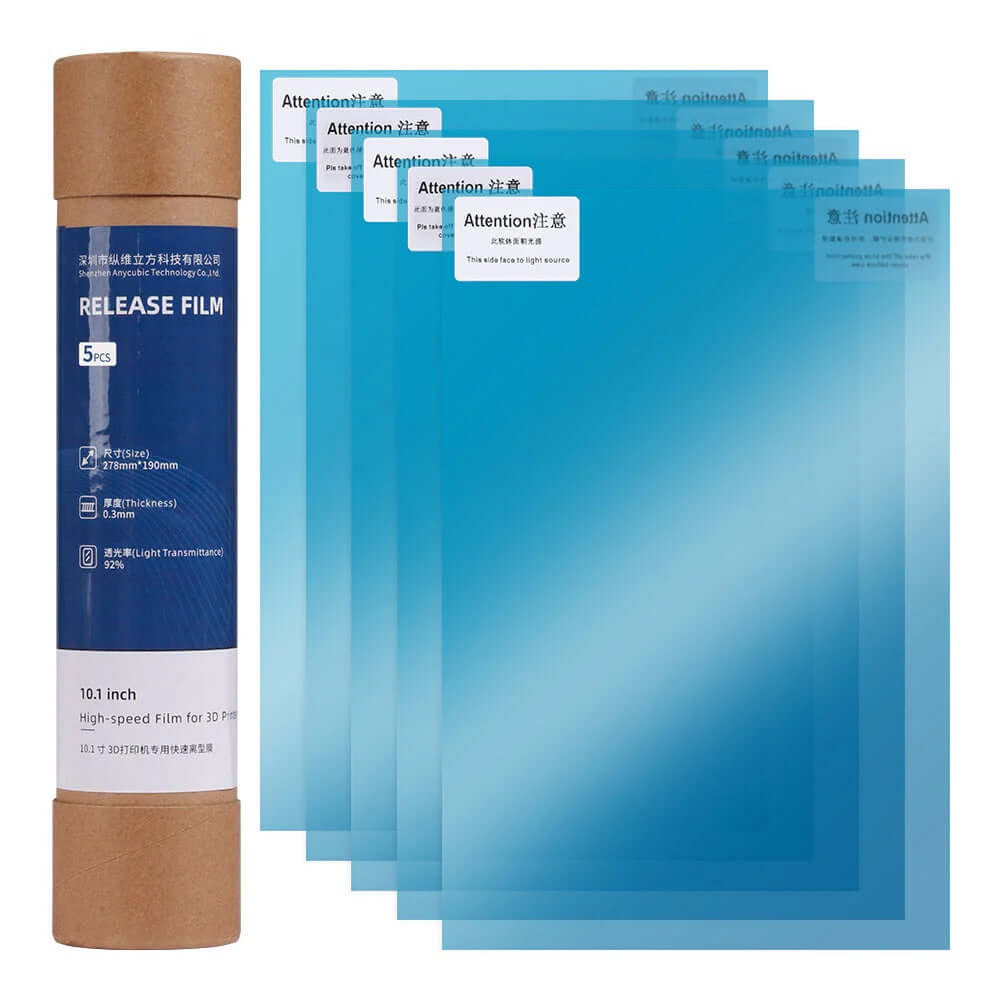
FEP, nFEP and ACF Films and LCD Screen Protectors

FEP, nFEP and ACF films are the clear sheet at the bottom of your resin 3D printer's vat. The light shines through it and every layer peels off it, so once the film gets scratched, pitted or loses tension, prints start failing. Here you'll find genuine Anycubic films for the Photon Mono range and LCD screen protectors so a resin leak doesn't cost you the screen.

Each printer takes its own film size and type. Below there's a table with the film and screen protector for each Photon, plus how to tell when it's time to replace it.
Skip to results list
1 item
Column grid
Column grid

Filter

  • Anycubic LCD Screen Protectors

    Anycubic LCD Screen Protectors

FEP, nFEP or ACF: what's the difference?

FEP is the classic film: a clear, non-stick fluoropolymer sheet that's tensioned on the vat frame. It works well, it's cheap and it's what most Photon Mono printers use.

nFEP is a version that releases layers with less force. Because it pulls less on the part, you get fewer failures on large prints and can print a bit faster. It's the film used on the Photon Mono M5 and M7.

ACF is a stiffer multi-layer film designed for fast printers. It isn't tensioned like FEP and releases with very little force. Anycubic uses it on the M5s Pro, M7, M7 Max and Mono 4 Ultra. On the film product page you pick your printer and film type, and only the combinations that actually exist show up.

Film ACF de repuesto para impresora de resina 3D Anycubic Photon M5s - Mr Resin

When to replace your vat film

There's no set number of prints. Replace it as soon as you see any of these signs: scratches or cloudy patches where light no longer passes through evenly, a hole or leak (even a small one), a loose film that no longer sounds like a drum when you tap it, or prints that stay stuck to the film instead of the build plate.

If failures always show up in the same area of the build plate, hold the film up to the light at exactly that spot. More often than not it's a mark you hadn't noticed. If you print with Elegoo resin, there are more cases in common Elegoo resin printing errors.

How to replace the film step by step

Empty the vat, filter the resin and clean everything with isopropyl alcohol. Undo the frame screws, lay the new film in without wrinkles and tighten the screws in a cross pattern, a little at a time, so it tensions evenly all round. Trim the excess and check the tension with a tap: it should sound like a drum without being so tight that it warps.

Before you pour the resin back in, put a little alcohol in the vat with a sheet of paper underneath and wait a while. If the paper comes out dry, there are no leaks. The whole process is in our FEP film replacement guide, with photos. Films come in packs of 2 or 5, so you always have a spare.

Which film and screen protector each Anycubic Photon takes

PrinterAvailable filmScreen protectorFilms per pack
Photon Mono 4KFEPYes2
Photon Mono 2FEPYes2 or 5
Photon Mono XFEPYes2 or 5
Photon Mono X 6KFEP—2 or 5
Photon Mono X2 / X 6KsFEPYes2 or 5
Photon Mono M3 MaxFEPYes2 or 5
Photon Mono M5nFEPYes2 or 5
Photon Mono M5snFEP or ACFYes2 or 5
Photon Mono M5s PronFEP or ACF—2 or 5
Photon Mono 4 UltraFEP or ACF—2 or 5
Photon Mono M7nFEP or ACF—2 or 5
Photon Mono M7 PronFEP or ACFYes2 or 5
Photon Mono M7 MaxACF—2 or 5

How to make your film last longer

Never scrape the film with a metal scraper. To free a bit of a print that's stuck, use a plastic scraper or your Photon's vat cleaning function, which exposes a full layer and lifts the debris out in one go.

After a failed print, filter the resin before printing again: a small cured chunk floating around can puncture the film on the next print. And keep the vat covered when you're not printing so dust can't get in. Once your part is off the plate, move on to post-processing.

Pack 5 protectores de pantalla LCD de repuesto para impresora de resina 3D Anycubic Photon Mono X - Mr Resin

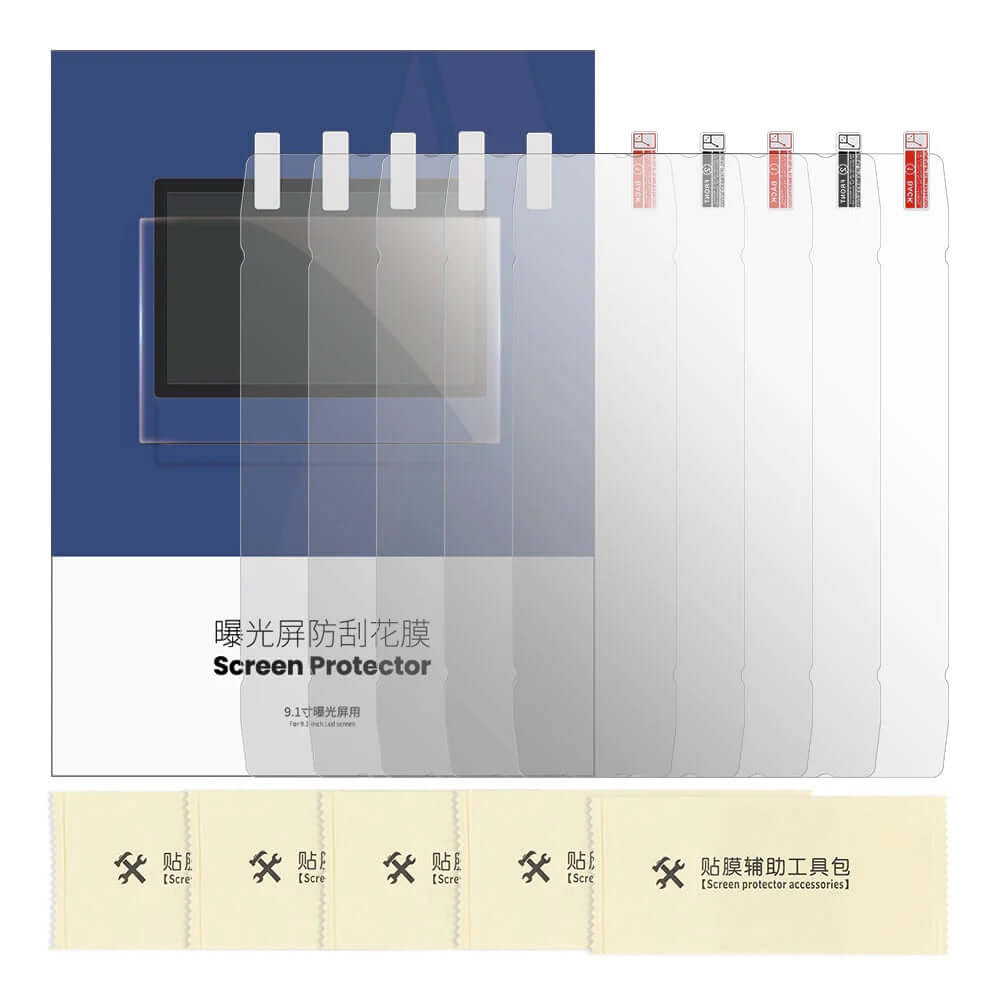
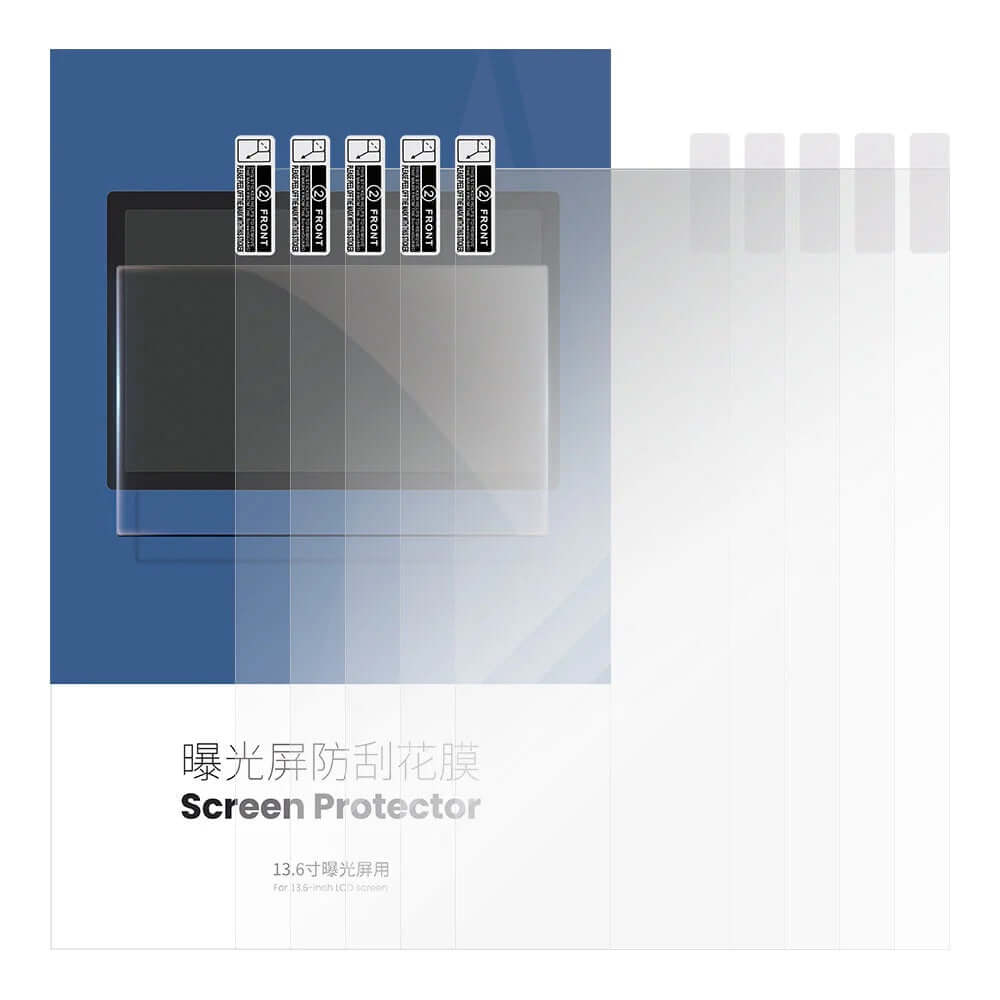
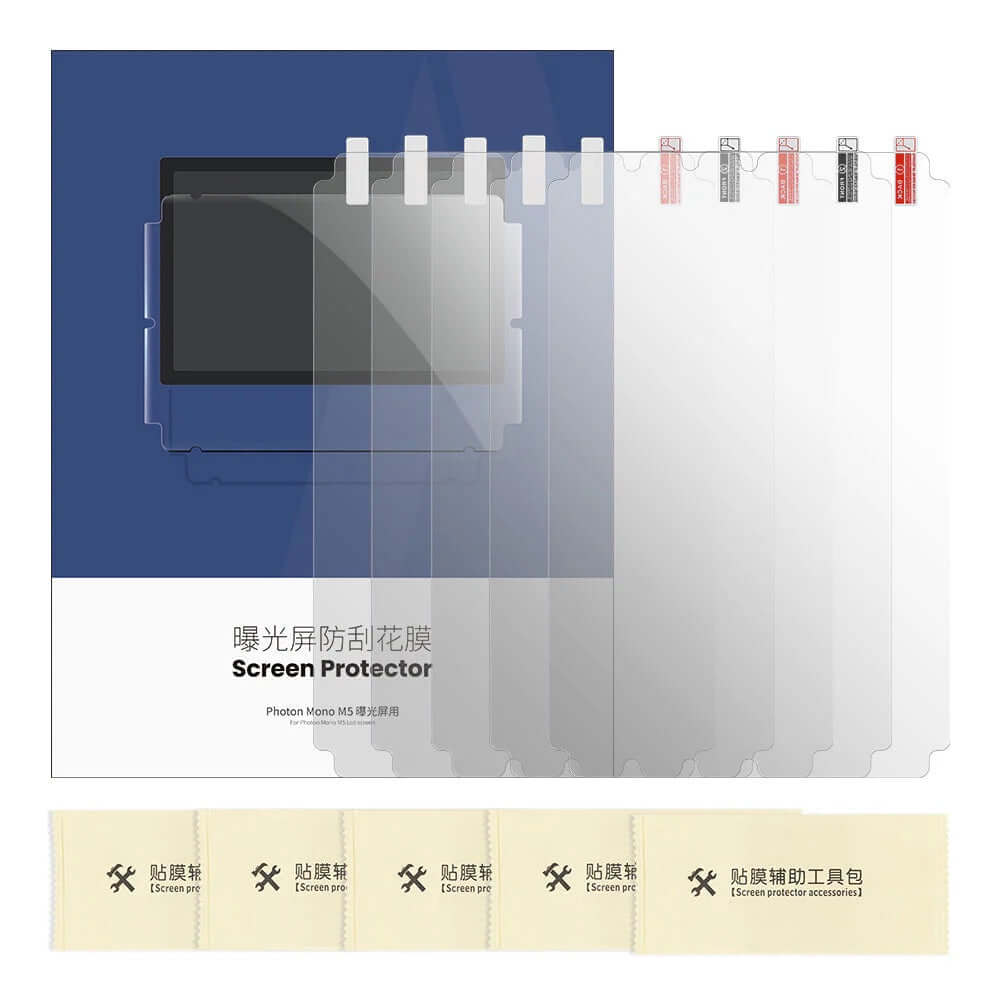
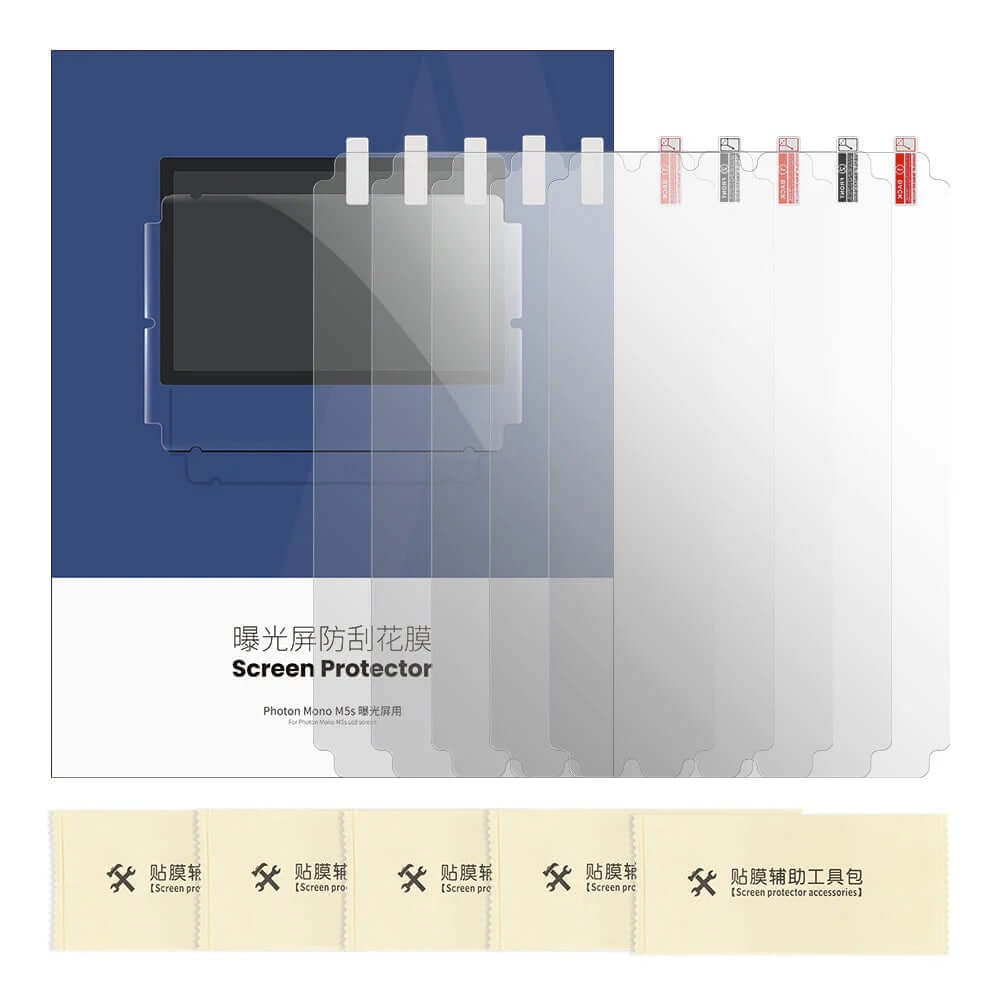
What an LCD screen protector is for

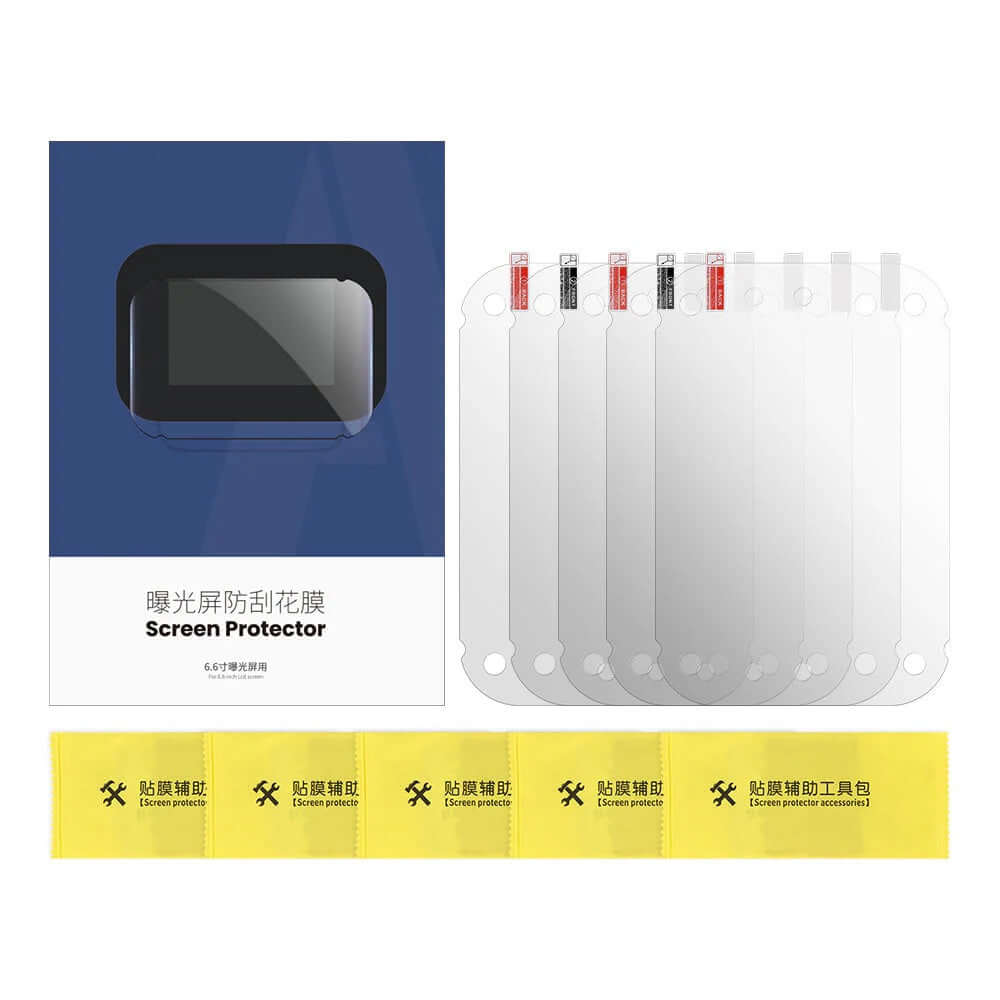
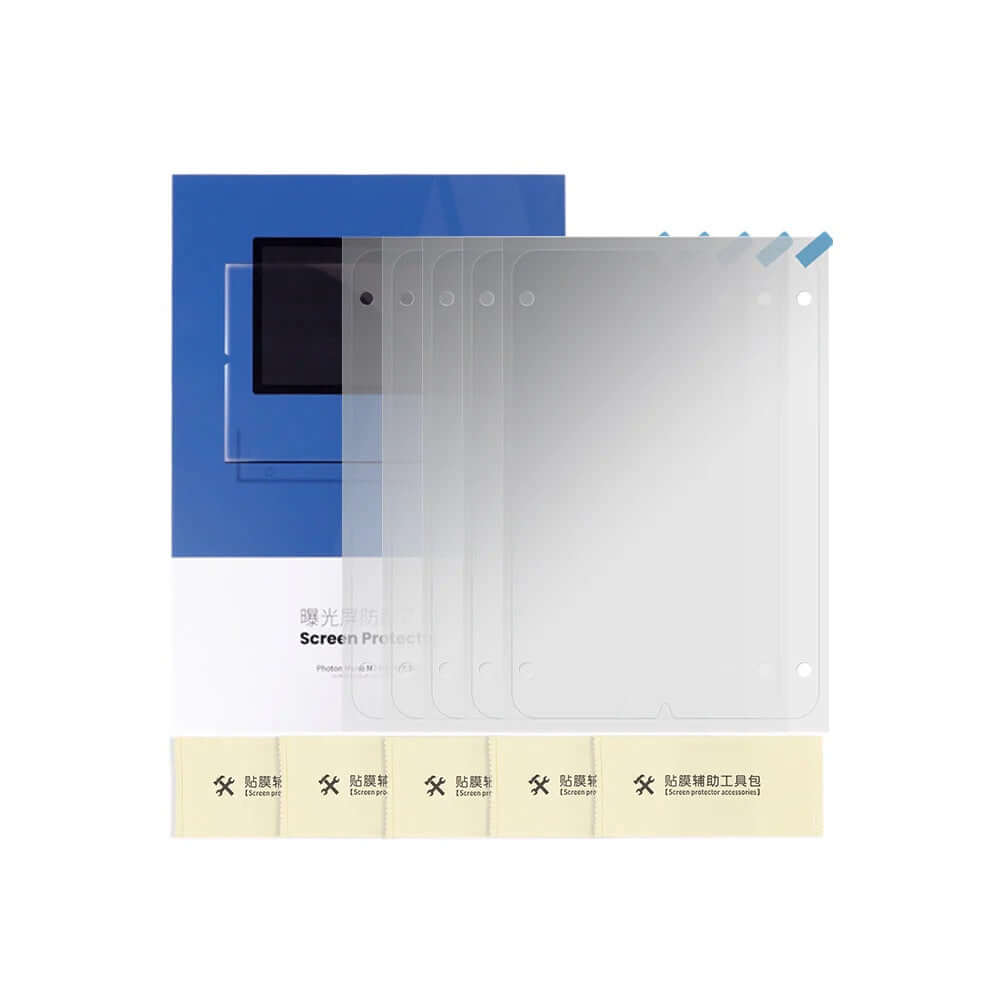
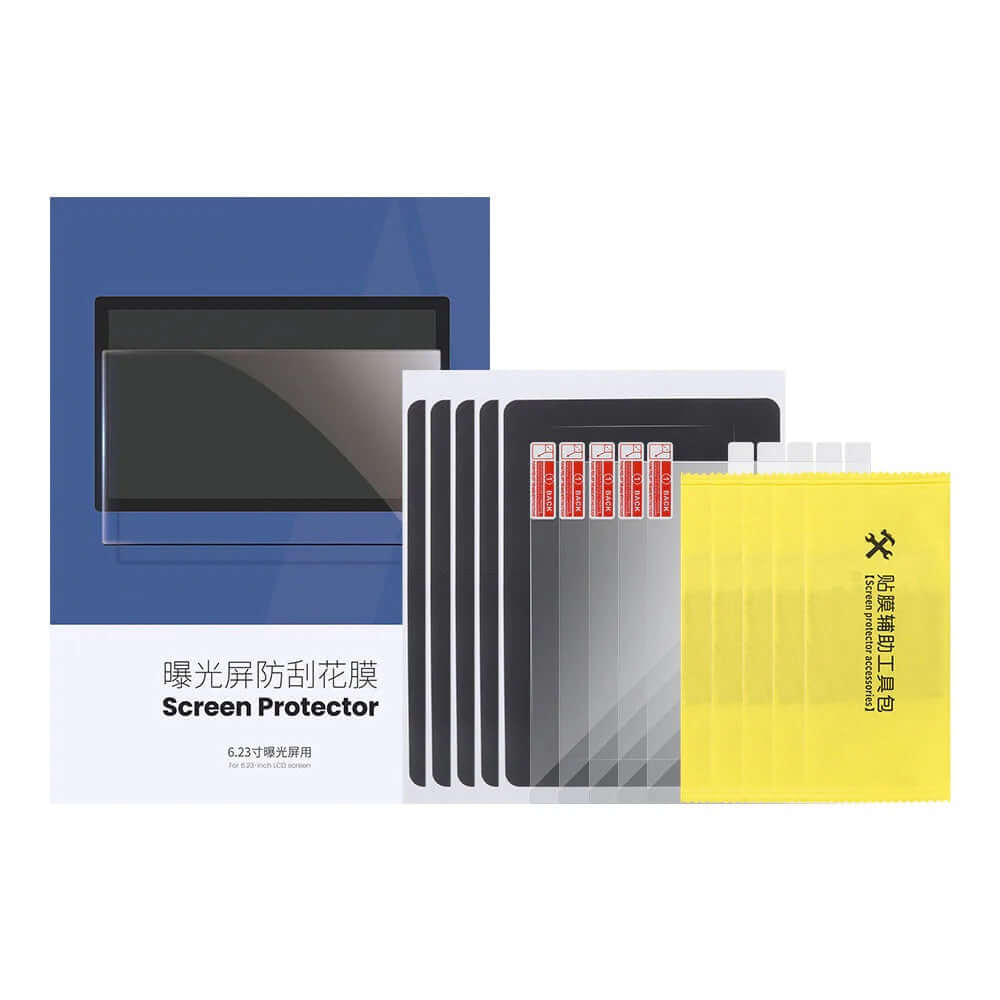
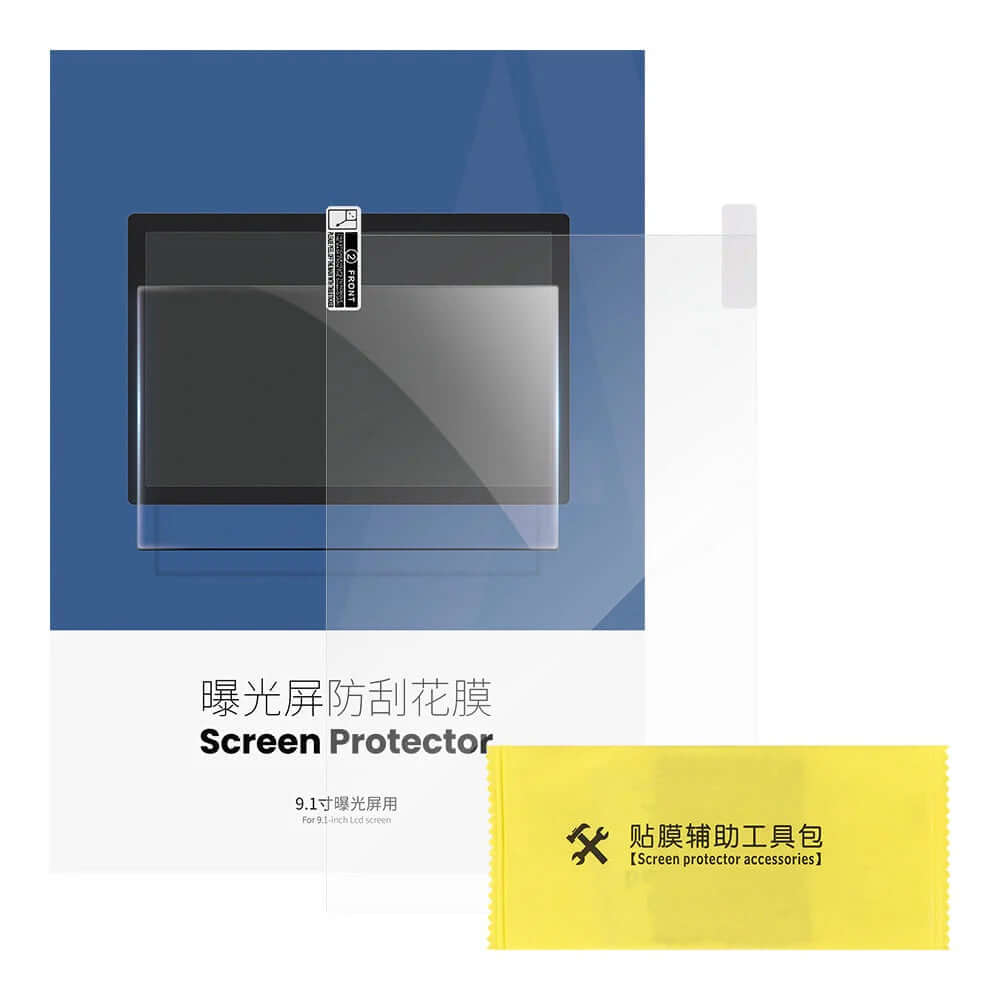
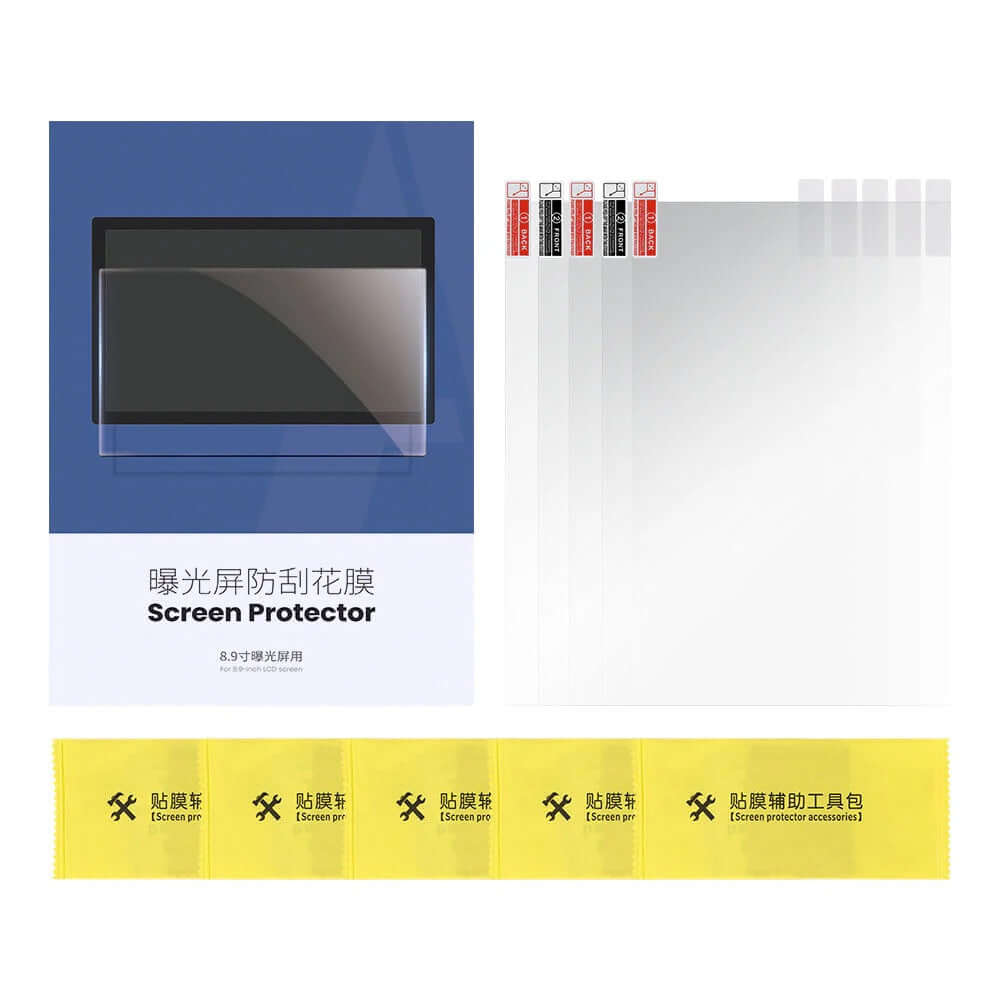
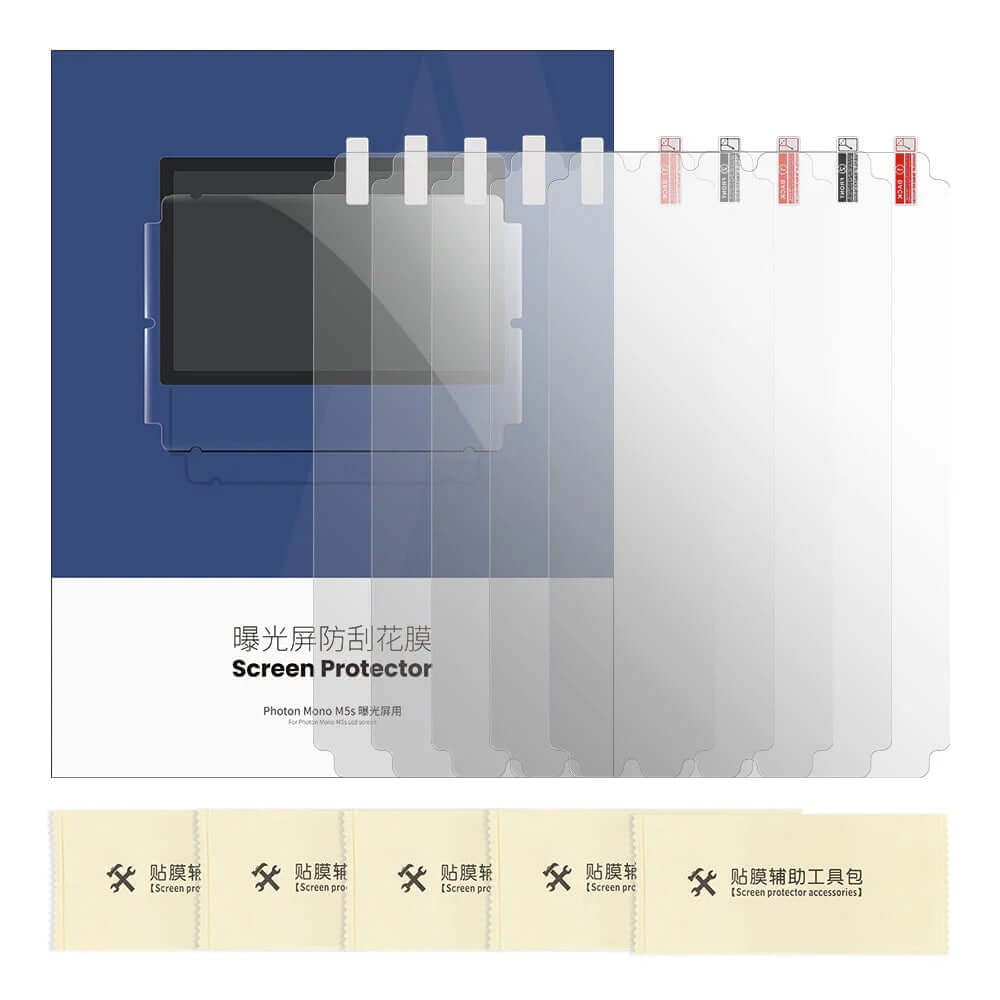
The LCD screen sits right under the vat. If the film breaks, resin drips onto it, gets cured by the screen's own light and ruins it. A new screen costs a lot more than a pack of protectors.

A screen protector is a thin sheet that sticks onto the LCD and acts as a shield. If resin ever gets through, you swap the protector and the screen stays as good as new. Apply it to a spotless screen with no bubbles; if dust or a bubble gets trapped underneath, it can show on the print.

FEP, nFEP and ACF film and screen protector FAQs

What is the FEP film on a resin 3D printer?

It's the clear, non-stick sheet at the bottom of the vat. It lets the light from the screen through to cure each layer and lets that layer peel away when the build plate lifts.

What's the difference between FEP, nFEP and ACF?

FEP is the standard film that you tension on the frame. nFEP releases layers with less force. ACF is a stiffer multi-layer film designed for fast printers, and it isn't tensioned the way FEP is.

How often should I replace the FEP film?

There's no set number. Replace it when it has scratches or cloudy patches, a hole, has lost tension or prints keep sticking to the film.

Can I fit nFEP or ACF on a printer that came with FEP?

Only if it's made in the size for your model. The table shows which types are available for each Photon. If you switch type, run an exposure test before starting a long print.

How do I know if my FEP film is tensioned properly?

Give it a tap with your finger: it should sound like a drum. If it sounds dull it's too loose; if it's so tight that it warps or shows marks, you've overdone it.

Does the film come fitted to the frame?

No, it comes as a loose sheet and you fit it to your vat's frame. It's sold in packs of 2 or 5, depending on the model.

What does an LCD screen protector do?

It protects the screen if the film breaks and resin leaks through. Instead of replacing the screen, you replace the protector.

Does a screen protector affect print quality?

Stuck down properly, with no bubbles or dust underneath, you shouldn't notice any difference. If there's a bubble or a speck under it, it can show on the print: in that case, replace it.

What should I do if resin gets on the screen?

Switch the printer off and lift the resin off with paper towel without rubbing hard. Clean up what's left with a cloth and isopropyl alcohol (IPA). If you had a protector on, replace it; if not, check the screen before printing again.

What should I do if the film has a hole in it?

Stop printing. Empty the vat, filter the resin, check nothing has got through to the screen and replace the film. Don't patch it with tape: light doesn't pass through it the same way and it'll fail again.

Related Categories