

Ready to take your prints to the next level? If you have an Elegoo Mars 4 and want to achieve professional results in 2025, this guide is for you. 🏆
Here you'll find the best updated tips and tricks to get the most out of your 3D printer, whether you're a beginner or already have experience.
We'll walk you through it step by step: from initial setup, choosing resins, perfect calibration, essential maintenance and how to solve common problems, to advanced tricks that make a real difference.
The goal? For you to achieve perfect prints, save time and enjoy your Elegoo Mars 4 experience even more. Keep reading and discover how to do it easily!
Key features of the Elegoo Mars 4 in 2025
The Elegoo Mars 4 stands out in 2025 for its impressive Mono 9K LCD screen 🖥️, offering a resolution of up to 8520 x 4320 pixels and enabling ultra-fine details to be printed at great speed. Thanks to this advancement, your miniatures and prototypes will have professional-level definition effortlessly.
In terms of print volume, the Elegoo Mars 4 is perfect for both large pieces and precision work 👾. Its compatibility with standard resin, water-washable resin and advanced materials allows you to experiment and always choose the ideal finish for each project.
The user interface has been redesigned, now more intuitive and with better connectivity, making it easy to control from any device. This 3D printer adapts to both hobbyists and professionals looking for reliability and quality.
| Model | Resolution | LCD Screen | Print volume |
|---|---|---|---|
| Mars 4 | 8520 x 4320 | Mono 9K | 153 x 77 x 165 mm |
| Mars 4 Ultra | 8520 x 4320 | Enhanced Mono 9K | 153 x 77 x 170 mm |
| Mars 4 DLP | 2560 x 1440 | DLP | 132 x 74 x 150 mm |
According to Elegoo Mars 4 Technical Specifications, its value for money makes it a benchmark for 2025, surpassing previous models in precision and versatility. 💡
In short, the Elegoo Mars 4 is the recommended choice if you're looking for a robust, flexible 3D printer ready for the challenges of modern 3D printing in any environment. ⚙️
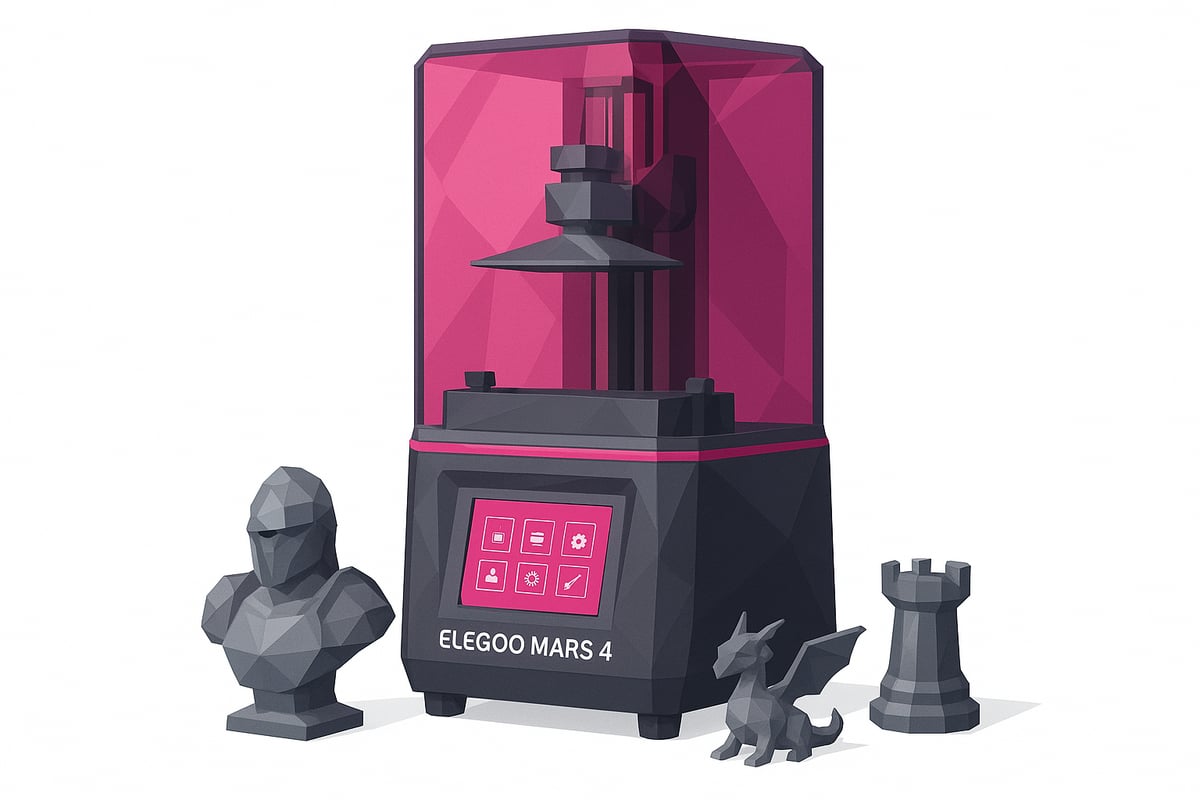
Initial setup and perfect calibration: step by step
Ready to get started with your Elegoo Mars 4? It's super easy if you follow these steps. From the very first unboxing to calibration, I guarantee you'll get pro-level results. Let's go! 😎

Unboxing and initial assembly
When you open your Elegoo Mars 4, you'll find the 3D printer, resin tank, LCD screen, power supply, spatula, gloves and manual. Check that everything is complete.
Place the 3D printer on a level surface and follow the manual step by step. Assembly typically takes 10 to 15 minutes based on user experience. Wear gloves and keep the area clean.
Check a real image of the kit and its parts on our store to make sure everything is ready for the next step.
Bed leveling and screen calibration
To achieve perfect prints, leveling the Z axis is key. Place a sheet of paper on the LCD screen and lower the platform until you feel slight resistance. Tighten the screws to secure the bed.
On the screen, set the zero point and check that the distance is uniform. This way you'll avoid issues like the infamous "elephant foot" on the first layers.
Run a quick screen test to check for dead pixels or blemishes before printing.
Firmware installation and initial settings
Before your first print, update the firmware on your Elegoo Mars 4 from the official website. This will help reduce errors and improve compatibility.
Select the language and adjust key settings such as layer height and speed. Run a simple test print to make sure everything works properly.
Statistics show that updating the firmware reduces initial failures by up to 30%. That way, you'll be ready to get the most out of your experience from day one.
Resin selection and compatible materials
Choosing the right resin is key to achieving spectacular prints with your Elegoo Mars 4. This 3D printer is compatible with a wide variety of resins, from standard resin for rapid prototyping to flexible and ultra-resistant options perfect for functional parts.
Looking for extreme detail in miniatures or figures? High-definition resins offer smooth and precise finishes, ideal for scale modeling and collecting. If you prefer easy cleanup, water-washable resin saves you up to 30% of time in post-processing, which is great for those who print frequently.
Don't overlook biocompatible resins, recommended for medical applications or skin-contact accessories. The variety allows you to experiment and choose the right material based on each model's use. You can browse a selection of compatible resins for Elegoo Mars 4 with real images, so you can make sure you nail your next print.
The choice of resin directly impacts the finish and durability of your parts. Take advantage of the versatility of the Elegoo Mars 4 to explore new possibilities and take your projects to the next level.

Printing tips and advanced tricks for perfect results
Ready to take your Elegoo Mars 4 projects to the next level? Here are practical tricks to achieve flawless finishes and unlock the full potential of your 3D printer in 2025. 👇
Optimizing print settings
Adjusting the settings according to the type of resin is key to getting the best out of your Elegoo Mars 4. Use thin layers (0.02–0.05 mm) for extreme detail and adapt the exposure times to each material. For miniatures, try 2.5–3 seconds of exposure and for prototypes, go up to 3.5–4 seconds.
Check out this practical guide to print settings for Elegoo Mars 4 and reduce failures by up to 40%. This way, your models will have sharp finishes and fewer errors from the very first attempt.
Tips for supports and adhesion
Support design can make all the difference in the final quality of your prints with the Elegoo Mars 4. Use thin supports and place them in less visible areas to avoid marks. Adding a raft-type base helps improve adhesion and prevents pieces from detaching mid-process.
Always keep tools like plastic spatulas or tweezers on hand to remove supports without damaging the model. Remember: good preparation makes post-processing easier and saves time.
Post-processing: washing and curing
Clean your pieces with isopropyl alcohol or, if you used water-washable resins, simply with water. Submerge the print for a few minutes and use a soft brush to remove any residue. For curing, a UV lamp or a DIY box works perfectly: 3-5 minutes is usually enough to harden and achieve maximum strength.
Avoid warping on longer pieces by rotating them during curing. This way, the finish will be uniform and your models will look pro from day one!
Maintenance and troubleshooting common issues
Maintaining your Elegoo Mars 4 is the key to achieving perfect prints and extending the lifespan of your 3D printer. 🧼 If you want to avoid unpleasant surprises, these tips will help keep your machine always ready.
Regular cleaning: the secret to flawless prints
Clean the screen and resin tank after each use. Use soft cloths and isopropyl alcohol to remove resin residue. Don't forget the corners! 70% of failures on the Elegoo Mars 4 are due to residue buildup. A quick cleaning routine after each print makes all the difference.
- Wear gloves and a mask to avoid contact with resin.
- Empty the tank and filter the resin before storing it.
- Check that the screen is free of drips or stains.
Jams or print failures? Fix them easily
If you notice the platform isn't lifting properly or pieces aren't adhering, there may be solid residue in the tank or the FEP film could be damaged. Carefully remove any debris and check that the surface is smooth. If the screen shows lines or dark areas, clean it gently and check its condition.
- Inspect the FEP film for perforations or scratches.
- Re-level the build plate if you notice recurring errors.
- Consult the manual for any unknown error messages.
Replace the FEP film and keep spare accessories on hand
The FEP film is essential for the quality of your prints. When you notice loss of transparency, bubbles, or marks, it's time to replace it. In Essential accessories for 3D printing you'll find FEP films and replacement parts compatible with the Elegoo Mars 4, as well as tools to make the process easier.
- Loosen the screws carefully and remove the used film.
- Clean the frame thoroughly before fitting the new one.
- Tighten evenly to prevent resin leaks.
Dedicating a few minutes to preventive maintenance will save you hours of frustration. Always having spare parts and accessories ready will let you get the most out of your Elegoo Mars 4 and achieve professional results.
Resources, community and support for Elegoo Mars 4 users
Looking for quick help or want to share your best tips with other Elegoo Mars 4 enthusiasts? The community in 2025 is more active than ever, and you have a wealth of resources at your fingertips to get the most out of your 3D printer.
Official resources
- 📄 Manuals and firmware on the Elegoo website
- ⚙️ Updates and FAQs directly from technical support
Always having the official documentation on hand saves you headaches and improves the experience from day one.
Communities and real support
- 💬 Telegram group: more than 2,000 active users ready to help and share experiences
- 🔥 Reddit and Facebook forums dedicated to the Elegoo Mars 4
- 🎥 YouTube channels with step-by-step tutorials and printing tips
Did you know that 85% of users resolve their questions in online communities? You're not alone, and there's always someone willing to lend a hand.
Share and learn as a community
Community support accelerates your learning curve and lets you discover solutions before problems arise. Sharing your results, asking questions, and viewing other people's models boosts your creativity and motivates you to keep improving.
Join the Telegram group to access exclusive discounts and offers, and don't forget to subscribe to the Newsletter to stay up to date with news, coupons, and events.
Recommended materials and accessories from Mr Resin
Looking for the best materials for your Elegoo Mars 4? Mr Resin is the go-to reference in Spain and Europe for 100% compatible resins and accessories, guaranteeing spectacular results on every project.
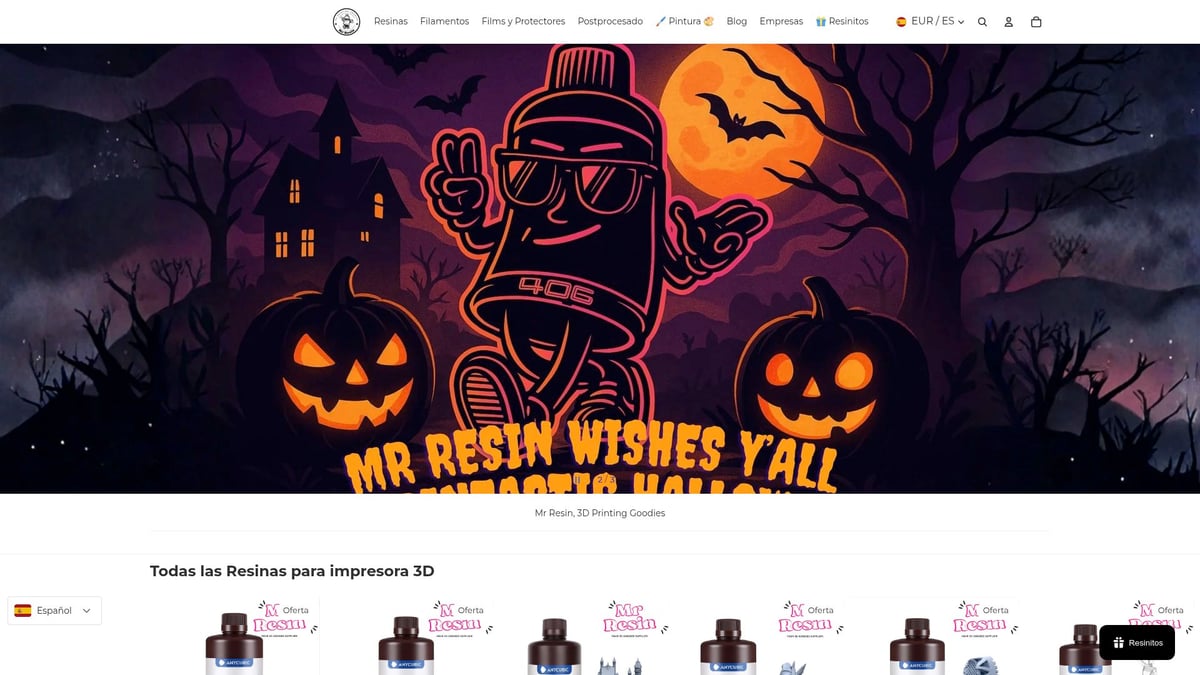
Among the most recommended products you will find:
- Standard, tough, and flexible resins
- Water-washable resin to make post-processing easier (view selection here)
- FEP sheets and isopropyl alcohol
- Tool kits and paint sets for perfect finishes
Take advantage of exclusive offers and discounts, access their blog with guides, and share questions and results in the Telegram community. Choosing a specialist supplier like Mr Resin makes all the difference in print quality.
Conclusion:
You now have everything you need to get the most out of your Elegoo Mars 4! From the initial setup to the best tips and tricks, you can now achieve spectacular prints and solve any problem that comes your way. If you want to compare models or find out more technical details, take a look at this Elegoo Mars 4 DLP Review.
Don't forget to visit our store to discover resins, accessories, and everything you need. Join our Telegram group at https://t.me/MrResin3D and subscribe to the Newsletter to access offers, discounts, and exclusive content.
Make every print special and become part of the best maker community!
✨Happy Printing! 🚀
Now that you have all the tips and tricks to get the most out of your Elegoo Mars 4, why not take a look at the resins that can take your prints to the next level? At Mr Resin you'll find an amazing selection of compatible resins for any project, from detailed miniatures to resistant prototype parts. If you want to explore new textures, finishes, or simply find the ideal resin for your next idea, this is the perfect time. Make every print count and enjoy experimenting with materials made for you.