

Can you imagine printing giant parts with professional precision from your home or workshop? 🚀 The Elegoo OrangeStorm Giga arrives in 2025 to change the rules of the game in large-scale FDM 3D printing.
In this guide you'll discover its most powerful features, advantages, comparisons, and expert tips to master it from day one.
Get ready to explore key specifications, step-by-step installation, material recommendations, maintenance tips and how it measures up against other top 3D printers on the market.
Dare to take your projects to the next level, achieve spectacular results and become a master of the Elegoo OrangeStorm Giga.
What is the Elegoo OrangeStorm Giga?
Can you imagine printing enormous parts without limits? The Elegoo OrangeStorm Giga is the new beast of FDM 3D printing for 2025. Designed for professionals, advanced makers and businesses looking for maximum productivity, this 3D printer takes the large-format concept to another level.
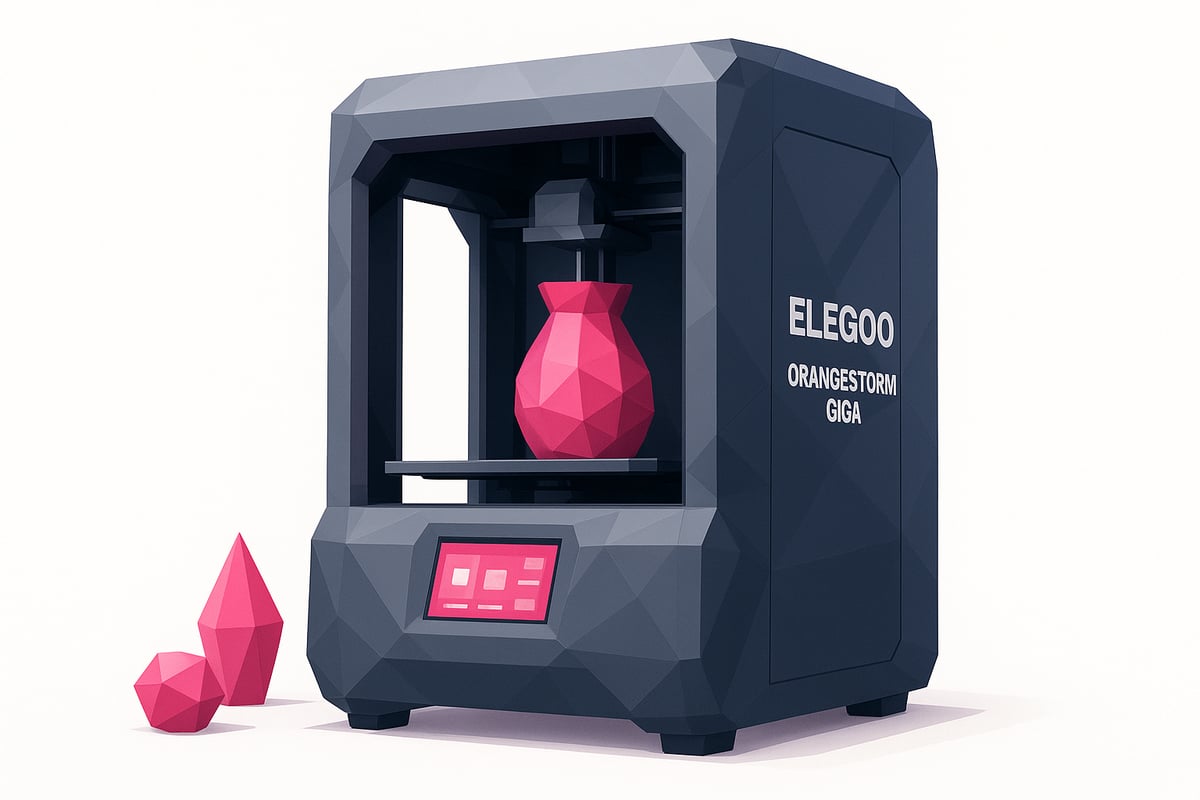
Thanks to its impressive print volume, the Elegoo OrangeStorm Giga allows you to create everything from architectural prototypes to XXL miniatures and functional parts in a single print. The best part? It surpasses models like Neptune, Bambu Lab and Creality in capacity and precision. If you want to see a full comparison of specifications and advantages, I recommend visiting this complete overview of the OrangeStorm Giga.
Some figures that astonish: a print volume of up to 800 x 800 x 1000 mm, speeds exceeding 300 mm/s and compatibility with PLA, PETG, TPU and more. There are already users who have printed giant technical parts in a single run, saving time and avoiding complicated joins.
The community is excited about its robustness and ease of use. First impressions highlight its reliability, professional finishes and the feeling of standing before a true "giant" of 3D printing. If you're looking for innovation and scale, the Elegoo OrangeStorm Giga is the definitive step forward.
Technical features and 2025 updates
Ready to discover what makes the Elegoo OrangeStorm Giga the queen of large-format 3D printing? Get ready to be amazed by its latest-generation specs and everything new it brings for 2025. Here's the full technical breakdown!
Main specifications
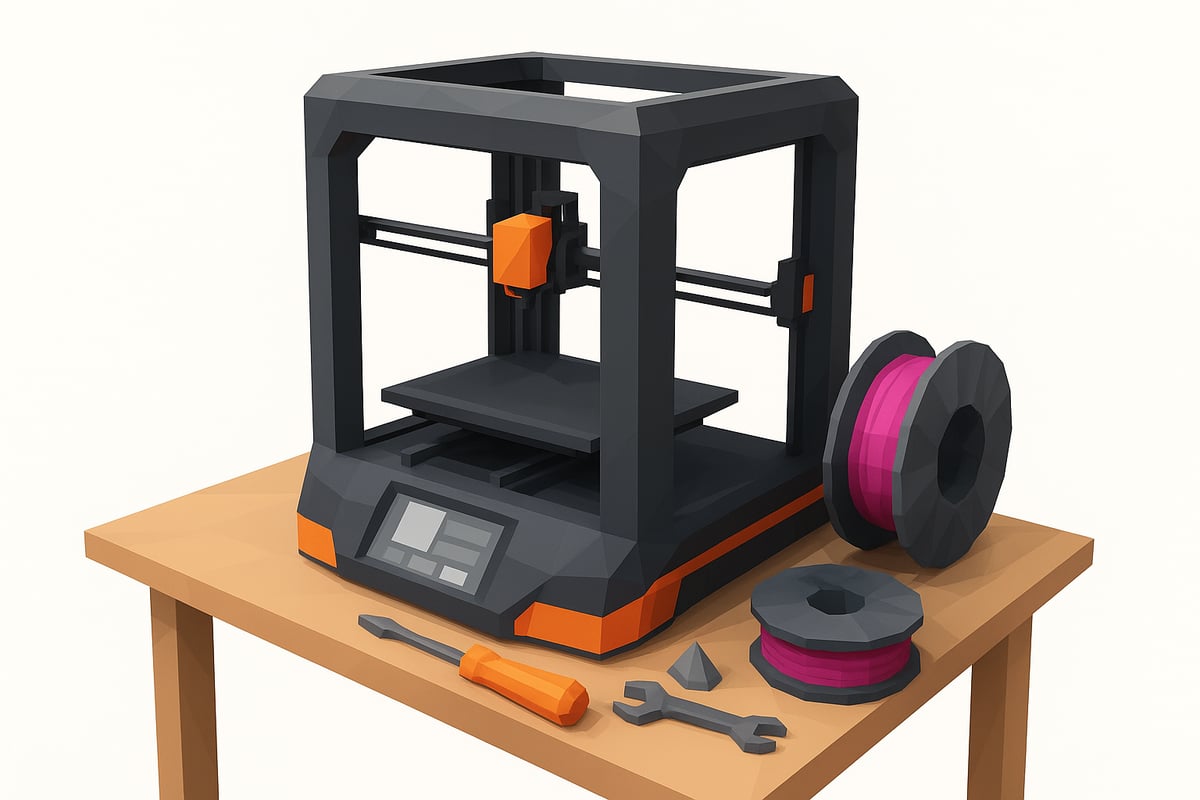
The Elegoo OrangeStorm Giga impresses with a print volume of up to 800 x 800 x 1000 mm, perfect for XXL projects. Its robust aluminium frame ensures stability and precision. Layer height resolution reaches 0.05 mm, guaranteeing professional finishes. You can choose between single, dual or quad print heads, opening up a world of possibilities.
It includes an intuitive touchscreen and WiFi, USB and LAN connectivity for maximum flexibility. Materials? Compatible with PLA, PETG, TPU, ABS and composites. If you're looking for variety, discover all the filaments for FDM 3D printing recommended for this model.
Innovations and improvements over previous versions
The Elegoo OrangeStorm Giga features smart auto-leveling, which automatically adjusts the bed and prevents leveling errors. Its improved motors allow for higher 3D printing speeds and less vibration, achieving large parts in record time.
The updated firmware improves safety and adds advanced functions for pro users. Ease of use has also leveled up, with simpler maintenance and fewer interruptions. Compared to the Neptune 4 Max, the Giga reduces printing time by up to 35% on equivalent models.
Available accessories and packages
You can choose from All-in-One packages, bundles with filament and printhead upgrades to customize the Elegoo OrangeStorm Giga to your liking. The most popular bundles include premium spools and essential maintenance kits.
Want to maximize your output? The combos let you save money and have everything ready from day one. Analyze your needs and choose the package that best suits your projects — large-scale printing has never been so easy!
Installation and first steps: Step-by-step guide
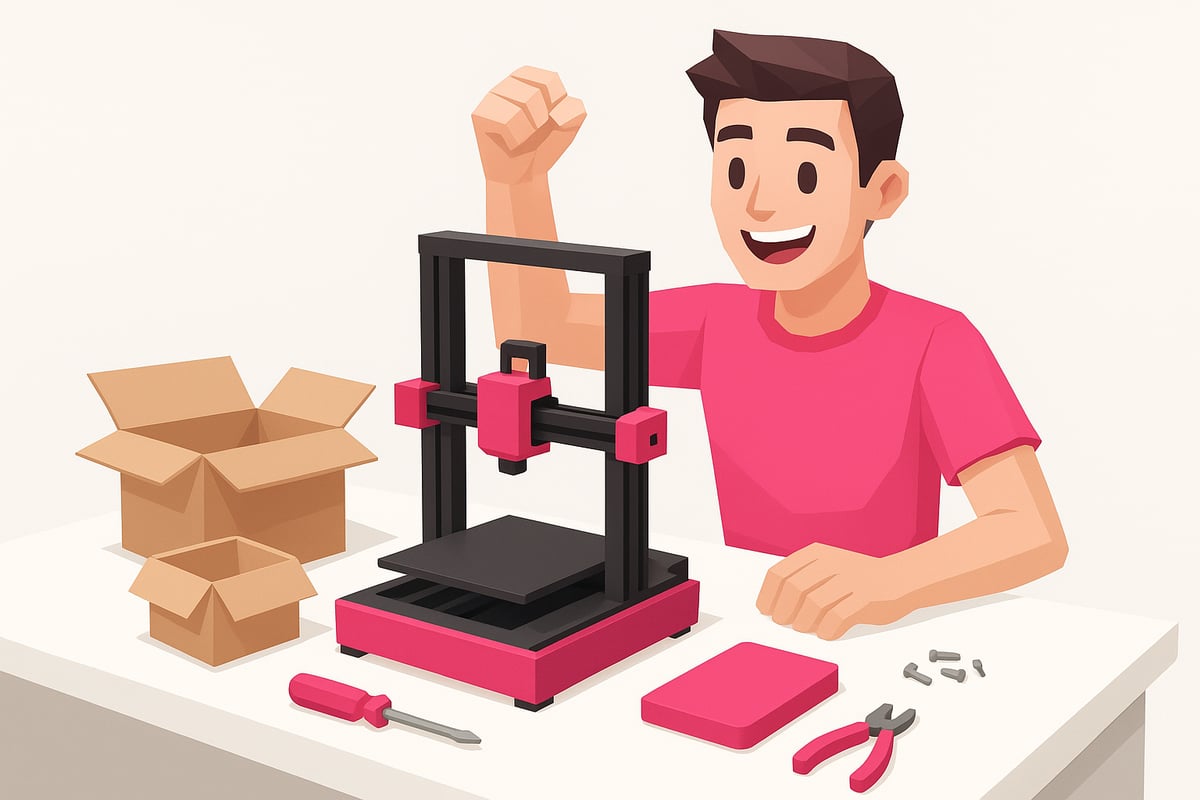
Let's get started with the Elegoo OrangeStorm Giga! The installation process is straightforward and will have you printing your XXL projects in no time. Here is a quick visual guide so you don't miss a single detail.
Unboxing and initial assembly
When you receive your Elegoo OrangeStorm Giga, open the box and verify that everything is in place. You will find:
- Pre-assembled main frame
- Touch screen
- Cables and tools
- User manual
- Nozzle set and spool holder
- Basic maintenance kit
Place all the parts on a flat, clean surface. Use the illustrated manual for step-by-step assembly. We recommend tightening the screws in a cross pattern and checking that the frame is sturdy. Don't forget to remove the transport protectors before connecting the 3D printer!
Firmware setup and calibration
Turn on your Elegoo OrangeStorm Giga for the first time and follow the on-screen instructions to update the firmware if necessary. The auto-leveling system will help you calibrate the print bed without any hassle.
If you prefer manual calibration, adjust the leveling screws following the pattern suggested in the manual. If any errors arise, check the connections and make sure all sensors are properly connected. This ensures you get the best adhesion from the very first use.
Test print and initial optimization
Choose a test file, such as the classic benchy or a functional part, for your first print. Adjust the temperature, speed, and retraction according to the selected material. If you are looking for optimal results from the start, we recommend using PLA Plus Filament for 3D printers, highly compatible with the Elegoo OrangeStorm Giga.
Observe the first layer: it should be smooth and well-adhered. If you notice any issues, adjust the nozzle layer height or the bed temperature. In no time, you will be printing impressive models with your new 3D printer!
Recommended materials and compatibility
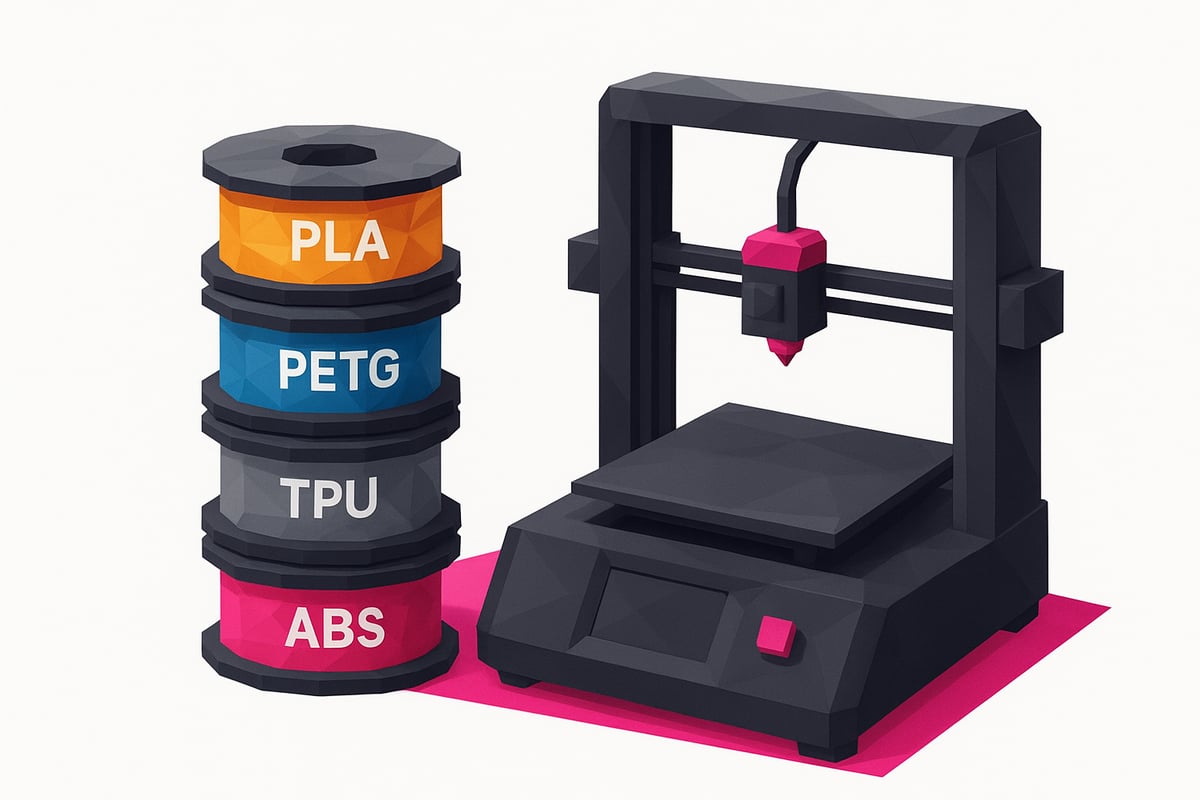
When talking about the elegoo orangestorm giga, choosing the right materials is key to achieving spectacular prints. This 3D printer is compatible with a wide range of FDM filaments, allowing you to experiment and achieve professional results on every project.
Main compatible filaments:
- PLA and PLA Plus: ideal for prototypes and large parts due to their ease of printing and smooth finish.
- PETG: perfect for functional objects that require thermal and mechanical resistance.
- TPU: for flexible parts such as gaskets or protective cases.
- ABS and composites: recommended for technical parts that need high durability.
For printing XXL parts without losing detail, we suggest using PLA Plus Rapid, as it offers better adhesion and 20% faster printing speed compared to standard filament. If you're looking for maximum strength, try printing a technical part with reinforced PETG: you'll notice the difference in robustness and finish.
Remember to store your filaments in airtight bags or dry boxes to prevent moisture absorption, which could affect print quality. Choosing high-quality filaments not only improves results, but also extends the lifespan of your elegoo orangestorm giga.
Comparison: OrangeStorm Giga vs other FDM 3D printers 2025
Wondering how the elegoo orangestorm giga stacks up against other leading FDM 3D printers of 2025? Let's look at it with real data and examples so you can make the best decision.
Compared to Neptune 4 Max, Bambu Lab and Creality
Here's a quick table to compare the key specifications:
| Model | Volume (mm) | Max. speed | Extruders | Connectivity |
|---|---|---|---|---|
| OrangeStorm Giga | 800x800x1000 | 300 mm/s | 2-4 | WiFi, LAN, USB |
| Neptune 4 Max | 420x420x500 | 500 mm/s | 1 | WiFi, USB |
| Bambu Lab X1C | 256x256x256 | 500 mm/s | 1-2 | WiFi, LAN |
| Creality K1 Max | 300x300x300 | 600 mm/s | 1 | WiFi, USB |
The elegoo orangestorm giga stands out for its enormous print volume and the option of dual or quadruple print heads, making it ideal for XXL parts or industrial prototypes. Furthermore, its robust structure and advanced connectivity position it as a top choice.
Want more technical details and to see the evolution of this model? You can check the Elegoo OrangeStorm Giga Kickstarter Campaign for official information and direct comparisons.
Who is the OrangeStorm Giga ideal for?
The elegoo orangestorm giga is perfect for professionals, advanced makers and businesses looking to print large parts without splitting models. Architects, industrial designers and prototype manufacturers will find an efficient solution here.
Sectors like architecture, robotics, and set design benefit from its capacity and precision. Its quality-to-price ratio is excellent for those seeking high performance and return on investment, as it reduces time and costs by printing in a single pass.
Maintenance, support, and updates
Keeping your Elegoo OrangeStorm Giga in optimal condition is key to achieving perfect prints and extending its lifespan. 🛠️ The good news is that basic maintenance is straightforward and won't take up much of your time.
What should you check regularly?
- Clean the axes and rods with a soft cloth to prevent dust buildup.
- Lubricate moving components every 2-3 months using recommended products.
- Check belts and screws, making sure everything is properly tightened.
- Replace nozzles and worn parts when you notice a drop in quality.
To make these tasks easier, there are specific maintenance kits and original spare parts available in our store, such as those found in 3D Printing Accessories and Spare Parts. This ensures you're using compatible, quality materials.
Updating the firmware is just as important. You simply need to download the latest version from the official download center and follow the straightforward on-screen wizard. Elegoo recommends performing full maintenance every 100 hours of use for the Elegoo OrangeStorm Giga, which helps prevent failures and maintain precision.
Have questions or need help? The user community, forums, and Elegoo's technical support are always available. This way, you'll have backing both for troubleshooting and for finding official upgrades.
Remember: good maintenance will save you time and money, and your 3D printer will be ready for any creative challenge. 💡
Expert tips to get the most out of your OrangeStorm Giga
Want to get the most out of your Elegoo OrangeStorm Giga and achieve perfect XXL prints? Here are the best tricks the pros use to take your projects to the next level. 💡
- Split large pieces into modules and use the enormous build volume of the Elegoo OrangeStorm Giga to join them in a single run.
- Adjust temperature and retraction based on the material. For example, with PETG use less retraction and a hotter bed.
- Enable the auto-leveling system before XXL jobs to avoid warping and improve adhesion.
- Try dual/quad print heads to print soluble supports or multicolor pieces in a single pass.
- Choose a good slicer like OrcaSlicer, PrusaSlicer, or Cura and experiment with custom profiles for the Elegoo OrangeStorm Giga.
- Don't forget the first layer: low speed and nozzle close to the bed are key to avoiding failures.
- Save your best settings and create profiles for each type of filament.
Want more tips and real-world experiences? Take a look at this Elegoo OrangeStorm Giga Review by The Gadgeteer and keep learning with the community.
Conclusion:
The Elegoo OrangeStorm Giga establishes itself as the best option for those seeking quality, innovation, and professional results in large-format 3D printing. If you want to take your projects to the next level, visit our online store to discover all the recommended filaments, resins, and accessories, including the original Elegoo 3D Resins that guarantee perfect results.
Join our Telegram group today at https://t.me/MrResin3D and enjoy exclusive discounts, coupons, and a community passionate about 3D printing. Don't forget to subscribe to our Newsletter to receive offers, news, and unique events directly in your inbox.
✨Happy Printing! 🚀
Now that you have a clear picture of everything the OrangeStorm Giga can offer you, we're sure you're eager to get to work and make the most out of every print. Whether you want large parts, precise prototypes, or detailed miniatures, choosing the right filament makes all the difference. If you have any doubts about which one to use for your next project, don't worry: our online store has an enormous selection tested by makers just like you. Take a look, compare, and find exactly what you need to take your 3D printer to the next level.
View all 3D printing Filaments