

Entering the world of 3D printing is a fascinating adventure 🚀, but choosing the right software can be a real maze. From precision engineering to organic sculpting for miniatures, every project has its ideal tool. The right choice not only streamlines your workflow, but unlocks the full potential of your printer, whether resin or FDM.
This guide is designed to be your compass 🧭. We'll analyze the best 3D design programs, classifying them by specialty: CAD, digital sculpting, modeling for miniatures, and options for beginners. We'll explore their pros and cons, learning curve, and compatibility with 3D printing formats. Forget the confusion — here you'll find straightforward analysis, screenshots, and links to resources so you can confidently select the program that will transform your ideas into tangible objects. Let's find out which one is perfect for you!
1. Autodesk Fusion 360
Autodesk Fusion 360 is one of the most complete and versatile tools in the world of 3D design programs. It is a comprehensive cloud-based platform that combines CAD (computer-aided design), CAM (manufacturing), CAE (engineering), and PCB (printed circuit board design) in a single environment. Its focus on parametric modeling makes it ideal for creating precise mechanical parts, functional prototypes, and complex assemblies. ⚙️
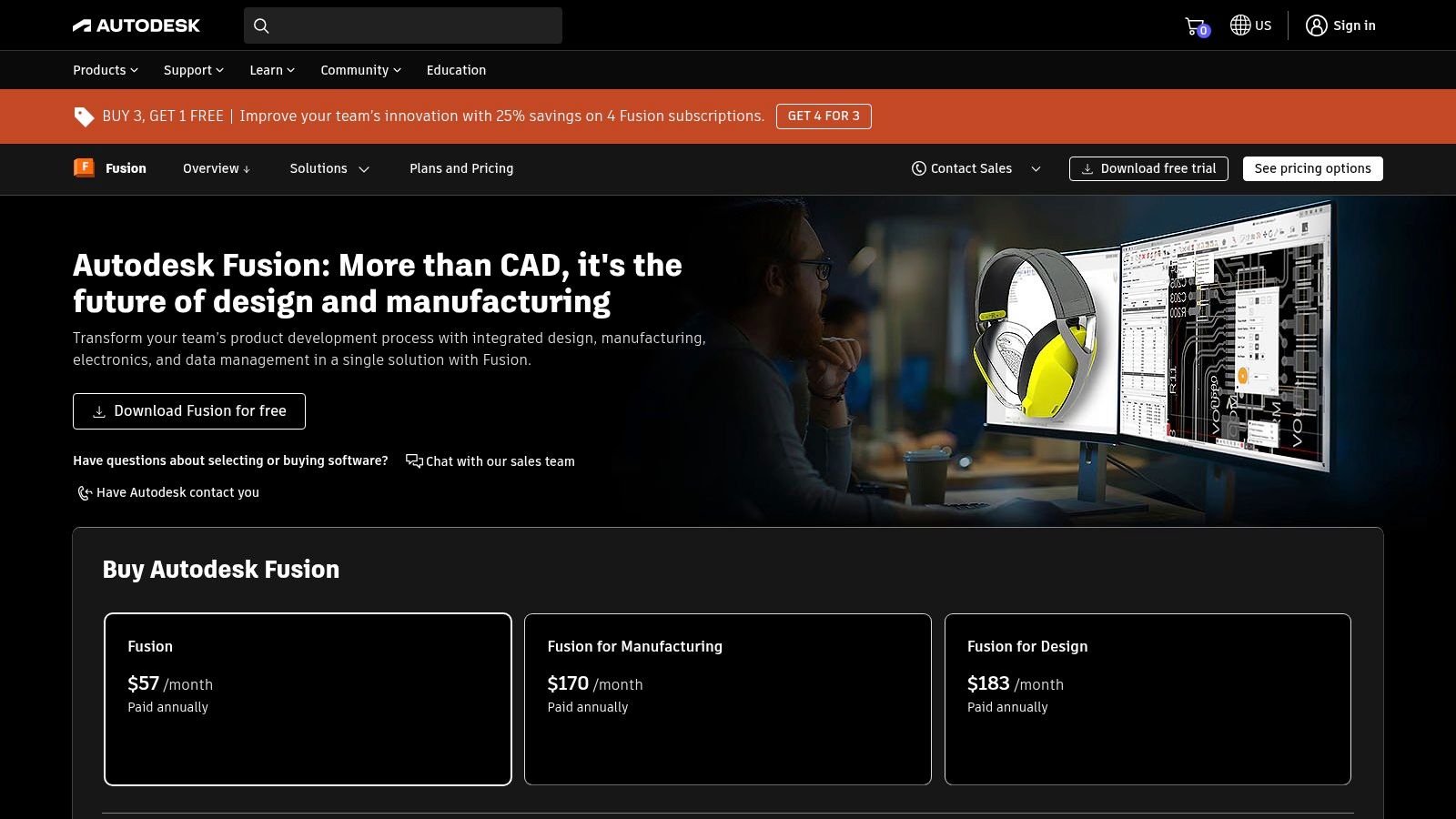
The main advantage of Fusion 360 is its collaborative ecosystem and modern interface, which make teamwork and learning easier. Although its performance depends on a stable internet connection 🌐, its accessibility is a strong point. It offers a free license for personal and educational use, making it a fantastic option for those just starting out. If you're taking your first steps, understanding the basics of design is crucial, as we explain in our definitive guide to getting started in 3D printing.
Fusion 360 Technical Sheet:
| Feature | Detail |
|---|---|
| Modeling Type | Parametric, surfaces, T-splines, mesh |
| Learning Curve | Medium. Requires dedication, but there are many resources. 📚 |
| Ideal For | ⚙️ Functional parts, prototypes, engineering. |
| Price | Free for personal use, students, and startups. Paid subscription for commercial use. |
| Export Formats | STL, OBJ, 3MF, STEP, and many more. |
| Website | autodesk.com/products/fusion-360 |
2. SketchUp
SketchUp is one of the most intuitive and popular 3D design programs, especially in architecture, interior design, and rapid prototyping. Its main appeal is its focus on direct "push and pull" modeling (Push/Pull), which allows users to create and modify volumes in an extremely simple way. This ease of use makes it a perfect entry point for those getting started in the world of three-dimensional design. ✨
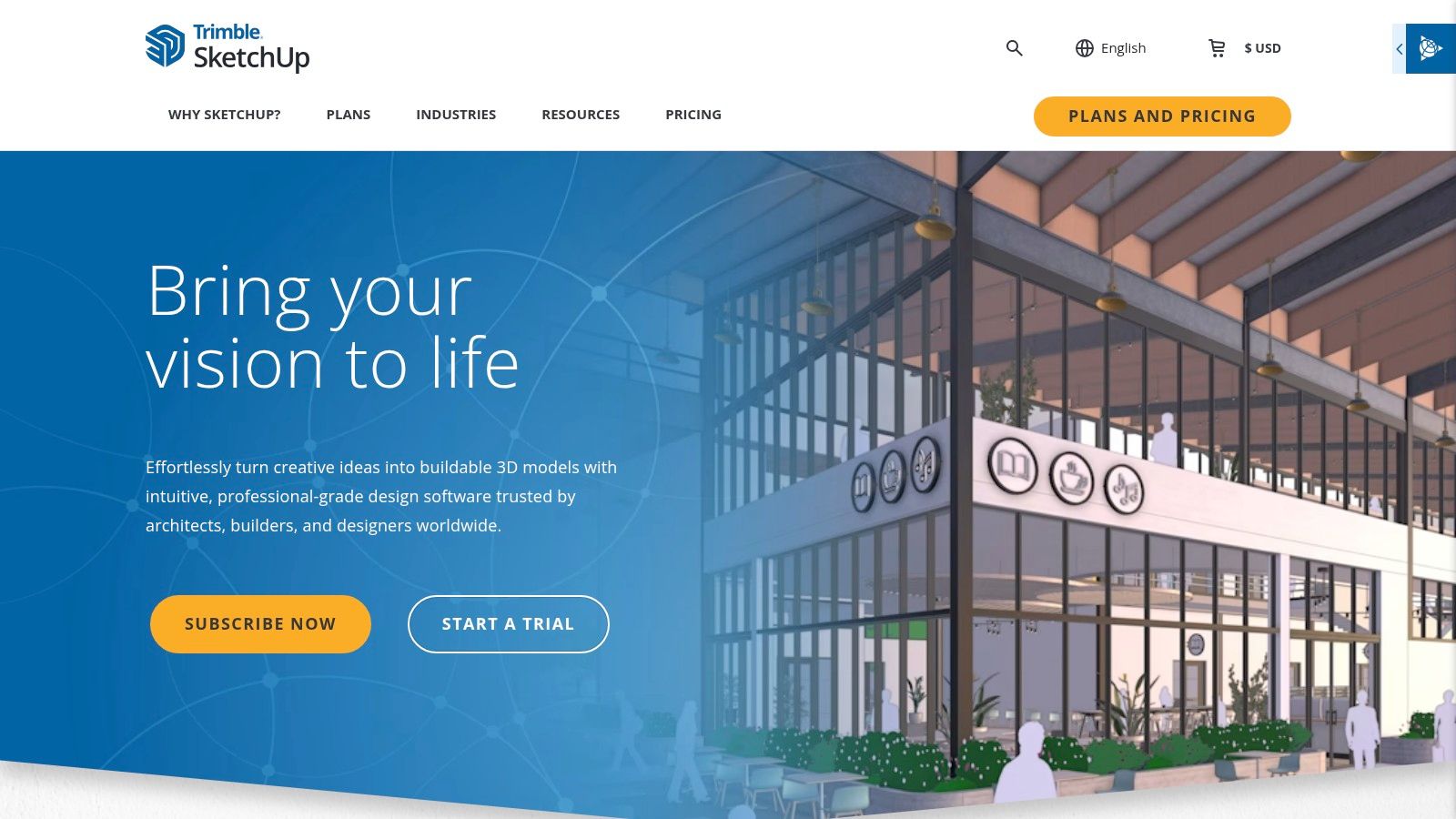
The platform stands out for its massive library of free models, the 3D Warehouse, where you can download almost any imaginable object to integrate into your projects. Although its mechanical CAD tools are not as robust as those of other programs, its versatility is greatly expanded thanks to an extensive plugin ecosystem. It offers a free, functional web version, although the paid Pro and Studio versions unlock its full potential, including the generation of detailed 2D plans. 📄
SketchUp Technical Sheet:
| Feature | Detail |
|---|---|
| Modeling Type | Direct and surface modeling |
| Learning Curve | Low. Very easy to learn for basic concepts. ✅ |
| Ideal For | 🏠 Architecture, interior design, rapid prototyping. |
| Price | Free for personal use (web version). Paid subscriptions for Pro and Studio plans. |
| Export Formats | STL, OBJ, DAE, 3DS and many others (some require the Pro version). |
| Website | www.sketchup.com |
3. Blender
Blender is a true Swiss Army knife 🇨🇭 among 3D design programs. This open-source and completely free suite covers almost everything: polygonal modeling, digital sculpting, animation, texturing, rendering, and even video editing. Its main strength lies in its versatility, making it an exceptional option both for creating detailed organic characters and artistic miniatures, and for hard surface modeling. It is the preferred software of a global community of artists and creators. 🌍
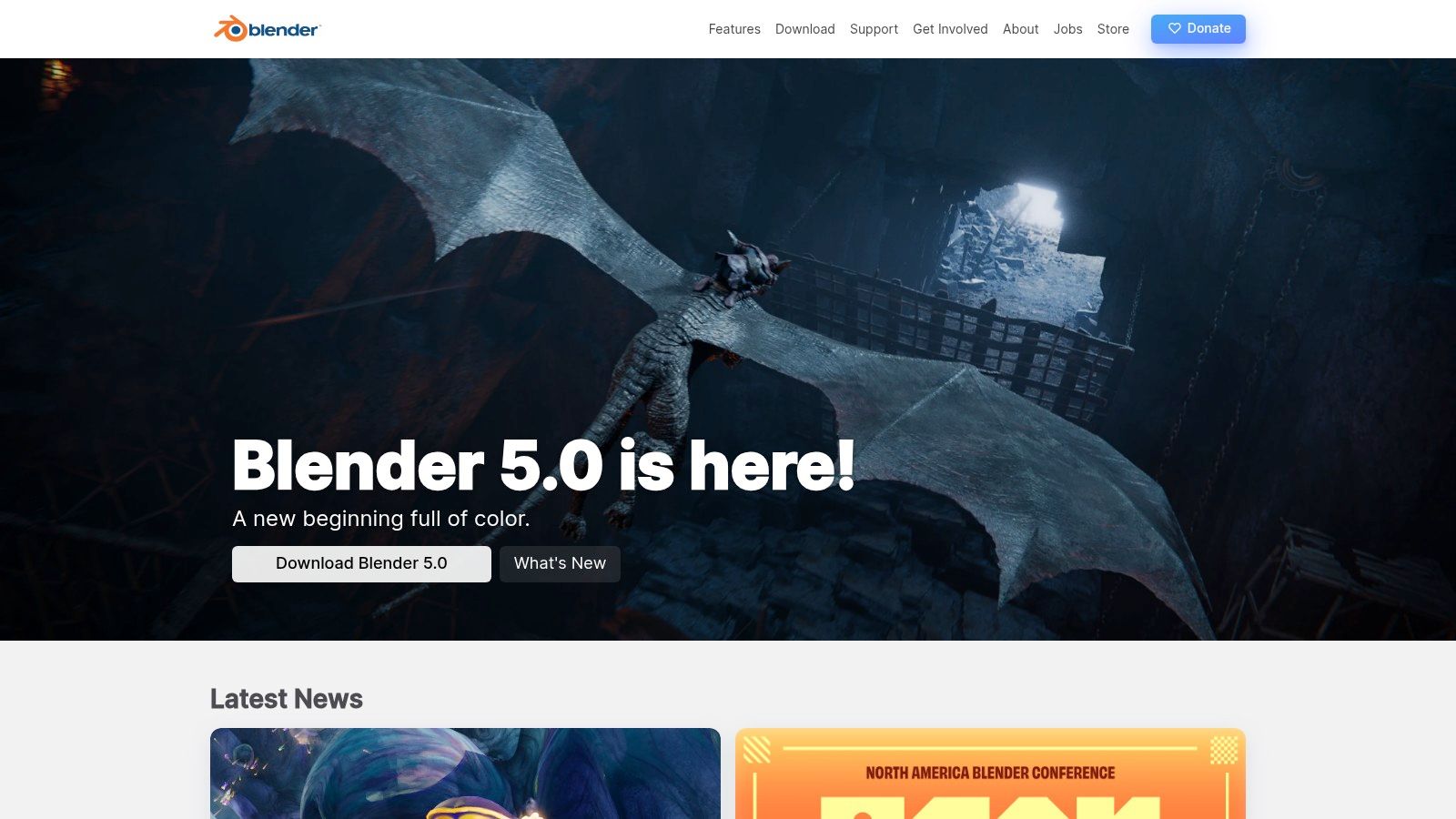
The Blender community is its greatest asset, generating an immense amount of tutorials, add-ons, and resources that constantly enrich the program. Although its interface can seem intimidating for a newcomer, the most recent versions have greatly improved its usability. It is not parametric CAD, so it is not ideal for precision engineering, but for creative modeling and digital sculpting, it has few rivals. Furthermore, its power will allow you to modify and customize models you find on free STL files pages to give them a unique touch.
Blender Technical Specifications:
| Feature | Detail |
|---|---|
| Modeling Type | Polygonal, digital sculpting, NURBS curves. |
| Learning Curve | Medium-High. Powerful but dense at first. 🧠 |
| Ideal For | 🎨 Digital sculpting, miniatures, characters, renders. |
| Price | Completely free (Open Source). 🆓 |
| Export Formats | STL, OBJ, FBX, GLB/GLTF and many more. |
| Website | blender.org |
4. FreeCAD
FreeCAD has established itself as one of the most powerful and accessible 3D design programs in the open-source ecosystem. It is a complete parametric modeler, ideal for creating mechanical parts with millimeter precision, engineering designs, and functional prototypes. Its modular nature, based on "Workbenches," allows the interface to be adapted to specific tasks such as finite element analysis (FEM), computer-aided manufacturing (CAM), or even architectural design (BIM). 🏗️
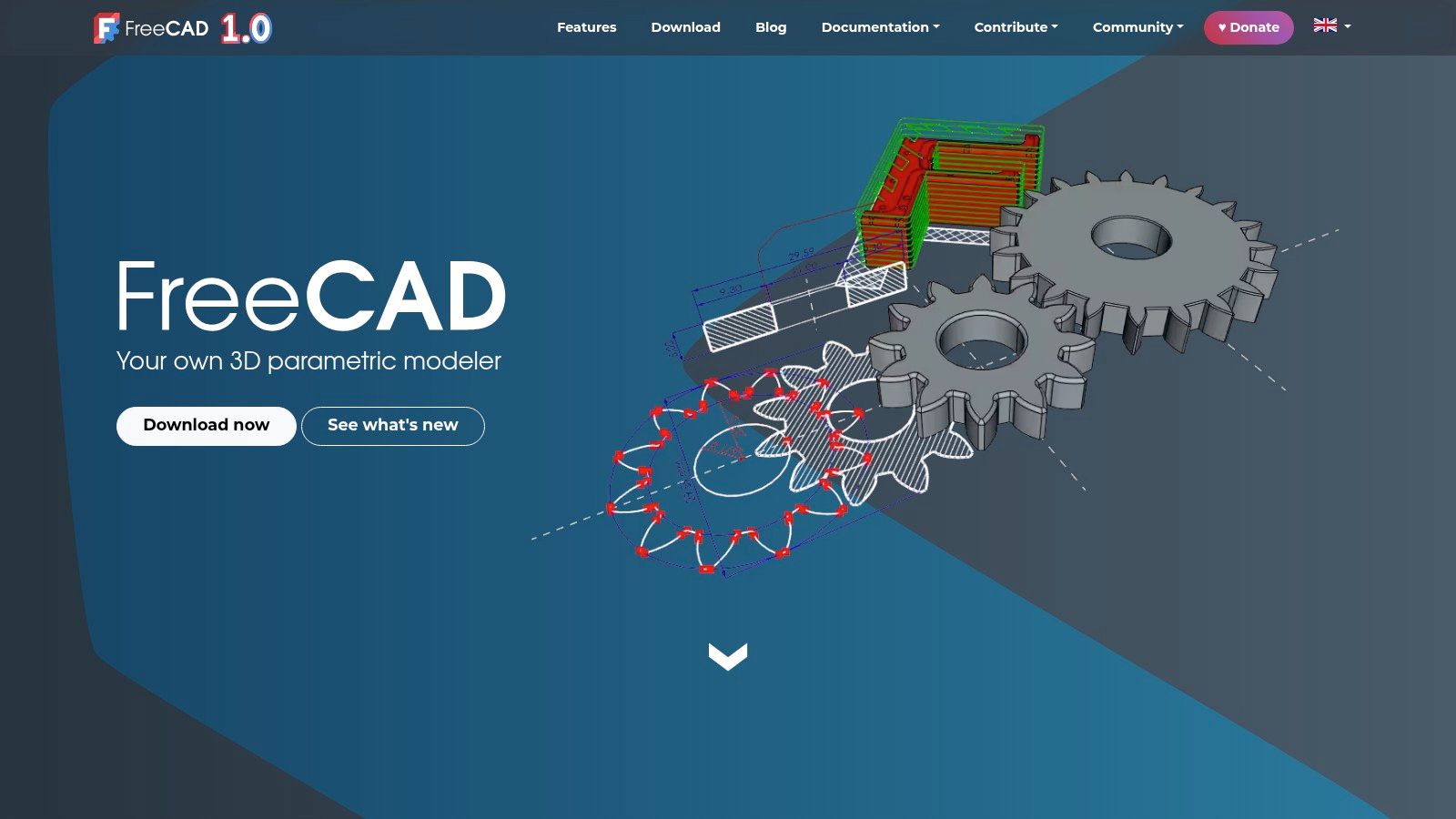
FreeCAD's main strength is that it is completely free and extensible, with no commercial use restrictions. Its active community ensures constant development and a wealth of learning resources. Although its interface may appear less polished compared to commercial alternatives, its ability to control every dimension of the design and its non-destructive workflow make it an invaluable tool for any maker or engineer looking for a robust, cost-free solution. 💪
FreeCAD Technical Specifications:
| Feature | Detail |
|---|---|
| Modeling Type | Parametric, feature-based. |
| Learning Curve | Medium-High. Requires understanding its parametric logic. 🧐 |
| Ideal For | ⚙️ Engineering, mechanical parts, functional prototyping. |
| Price | Completely free (Open Source). 🆓 |
| Export Formats | STL, OBJ, STEP, IGES, and many more. |
| Website | www.freecad.org |
5. Rhinoceros 3D (Rhino)
Rhinoceros 3D, commonly known as Rhino, is a benchmark in the world of 3D design programs, particularly valued for its powerful NURBS-based modeling (Non-Uniform Rational B-Splines). This technology allows it to create complex geometries and curved surfaces with exceptional mathematical precision. It is the tool of choice in sectors such as product design, jewelry, architecture, and naval design, where organic and fluid forms are essential. 💎
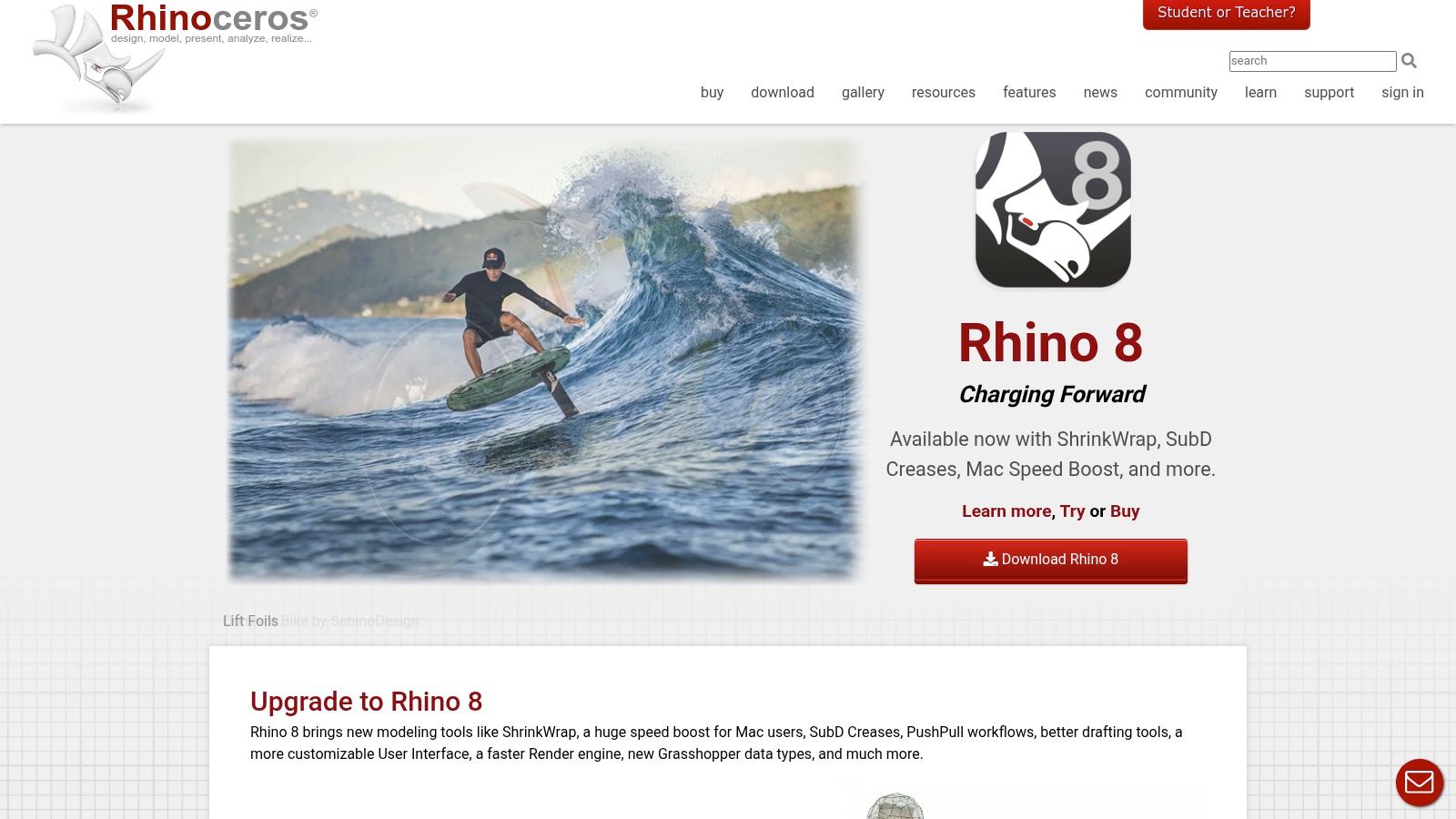
Its greatest differentiator is the inclusion of Grasshopper, a visual algorithm editor that opens the door to parametric and generative design without needing to write code. Additionally, its perpetual license model is a major attraction for professionals and studios that prefer a one-time investment. Rhino also boasts a vast plugin ecosystem that expands its capabilities to photorealistic rendering, SubD modeling, and manufacturing preparation (CAM).
Rhino Technical Specifications:
| Feature | Details |
|---|---|
| Modeling Type | NURBS, surfaces, solids, meshes, SubD. |
| Learning Curve | Medium-High. Mastering NURBS and Grasshopper takes time. ⏳ |
| Ideal For | 💍 Jewelry, product design, architecture, complex shapes. |
| Price | Paid perpetual license. Discounts for students and educators. |
| Export Formats | STL, OBJ, 3DM, STEP, IGES, and an extensive list. |
| Website | rhino3d.com |
6. SOLIDWORKS (includes 3DEXPERIENCE)
SOLIDWORKS is the gold standard in the world of engineering and mechanical design, positioning itself as one of the most powerful and robust 3D design programs on the market. This parametric CAD software is the go-to tool for creating complex assemblies, high-precision mechanical parts, and detailed technical documentation. Its ecosystem has expanded with the 3DEXPERIENCE platform, which takes collaboration and data management to the cloud, making distributed teamwork easier. 🤝
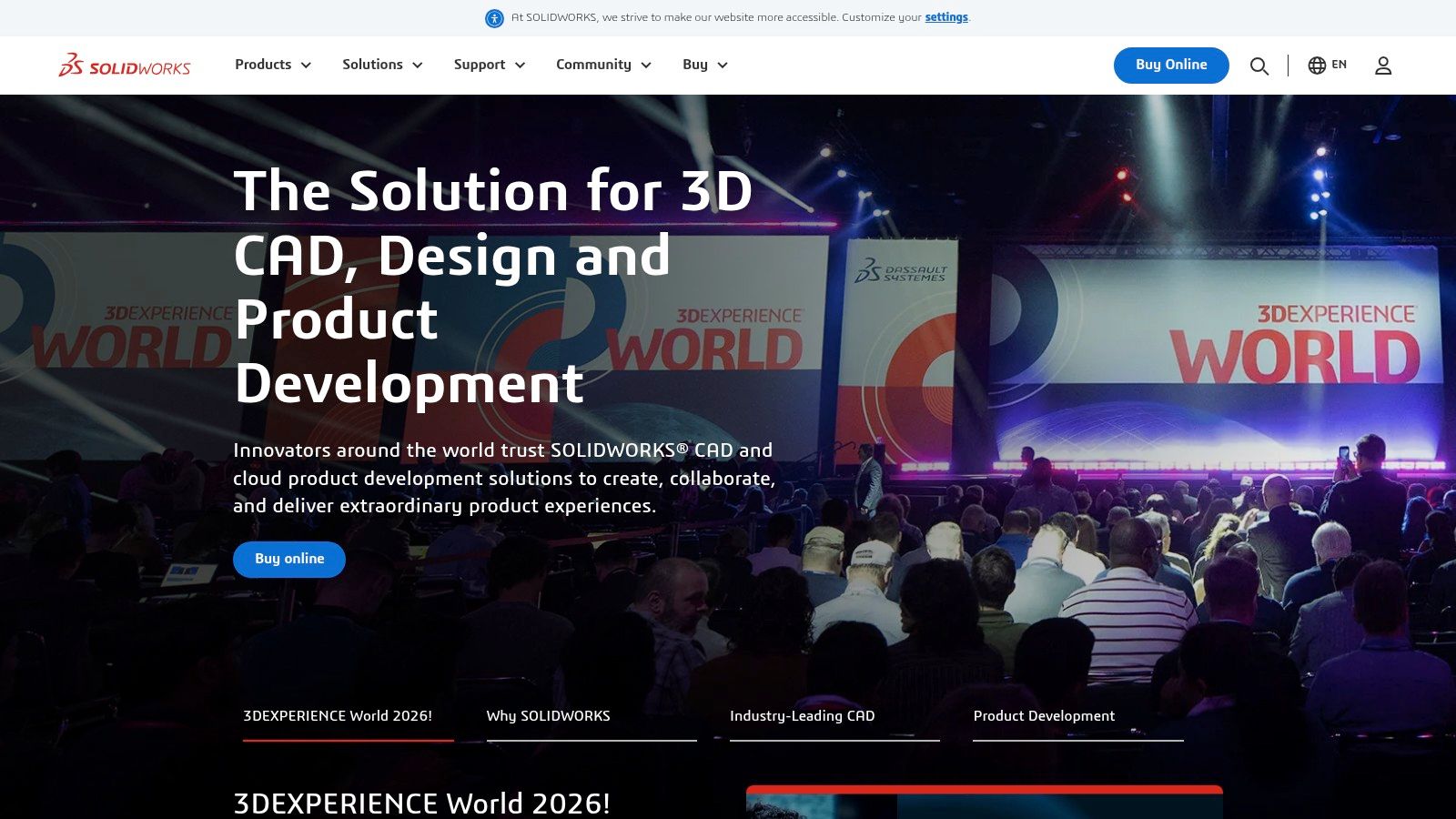
Although its learning curve is steep and its cost is high, no other tool offers its level of depth for product development. Its integrated modules for finite element analysis (FEA), fluid simulation, and product lifecycle management (PLM) make it a comprehensive solution for businesses. If you are looking for a career in engineering, mastering SOLIDWORKS is practically an essential requirement. 🎓
SOLIDWORKS Technical Specifications:
| Feature | Detail |
|---|---|
| Modeling Type | Parametric, surfaces, assemblies. |
| Learning Curve | High. Designed for professionals with an engineering background. 📈 |
| Ideal For | 🔩 Professional engineering, product design, machinery. |
| Price | High-cost professional annual subscription. Student versions available. |
| Export Formats | STL, STEP, IGES, SLDPRT and many more. |
| Website | solidworks.com |
7. Onshape
Onshape revolutionizes the world of 3D design programs by being the first fully cloud-based CAD platform (SaaS). It eliminates the need for software installations and powerful computers, allowing you to design directly from any web browser. Its greatest strength lies in real-time collaboration and a robust version control system, ideal for engineering and design teams working in a distributed manner. ☁️
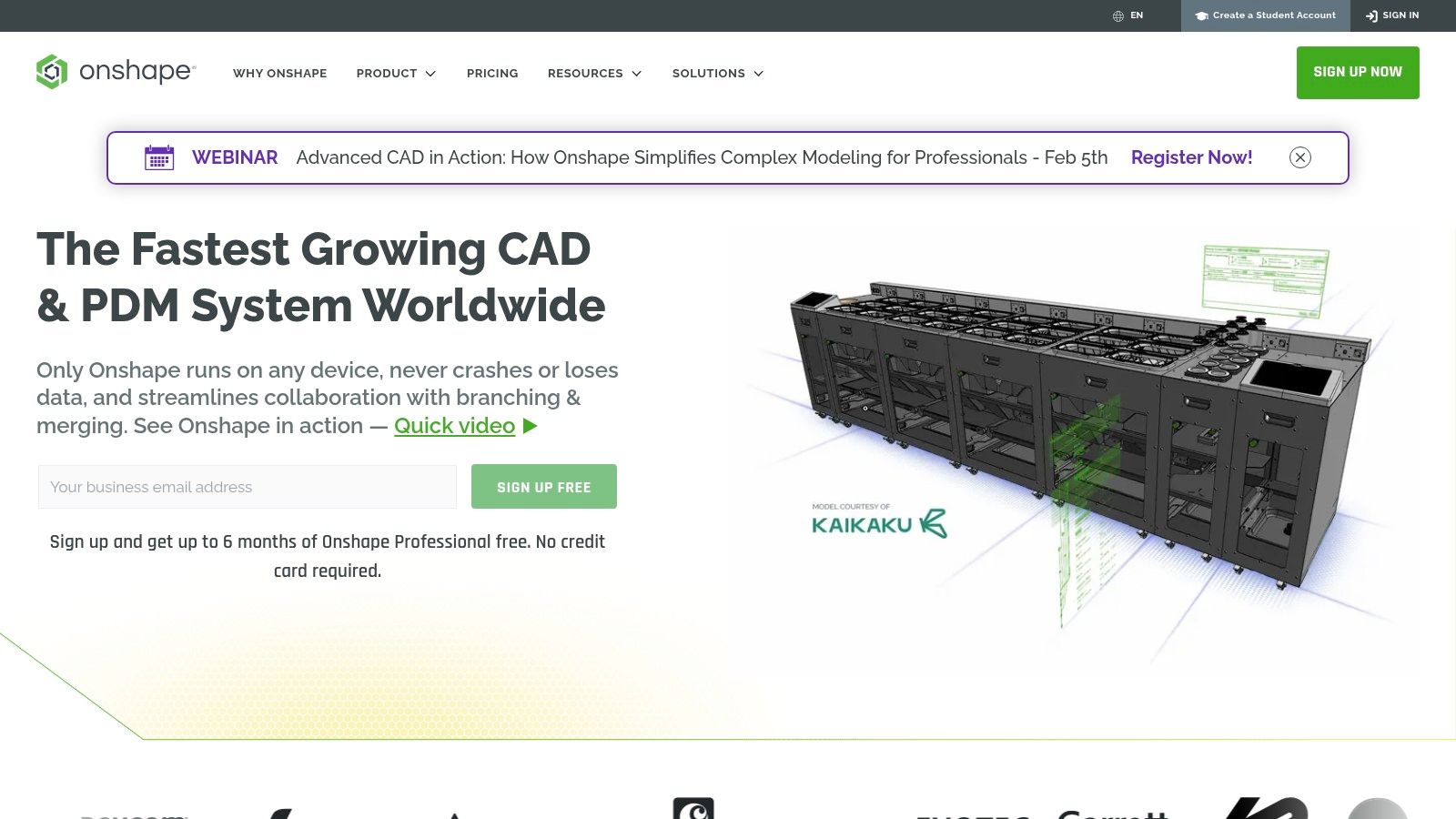
Although it requires a constant internet connection, its accessibility is unmatched. You can start a project on your desktop computer and continue editing it from a tablet or mobile device without any issues. Onshape offers a generous free plan for hobbyists and open-source projects, where documents are public. This makes it an excellent option for learning parametric design without investing in costly licenses, perfect for rapid prototyping of functional parts.
Onshape Technical Specifications:
| Feature | Detail |
|---|---|
| Modeling Type | Parametric, assemblies, surfaces. |
| Learning Curve | Medium. Familiar for users of other CAD software, but requires adaptation to the cloud environment. 💻 |
| Ideal For | ⚙️ Collaborative engineering, prototypes, education. |
| Price | Free for non-commercial use (public documents). Subscription plans for professional use. |
| Export Formats | STL, STEP, PARASOLID, IGES and others. |
| Website | www.onshape.com |
8. ZBrush (Maxon)
ZBrush is the industry standard when it comes to digital sculpting and one of the most powerful 3D design programs for organic creation. Its workflow is based on using brushes to shape a polygon mesh as if it were clay, allowing for an extreme level of detail. It is the go-to tool for character artists, miniature designers, and anyone looking to create models with high organic complexity and detailed surfaces. 🐉
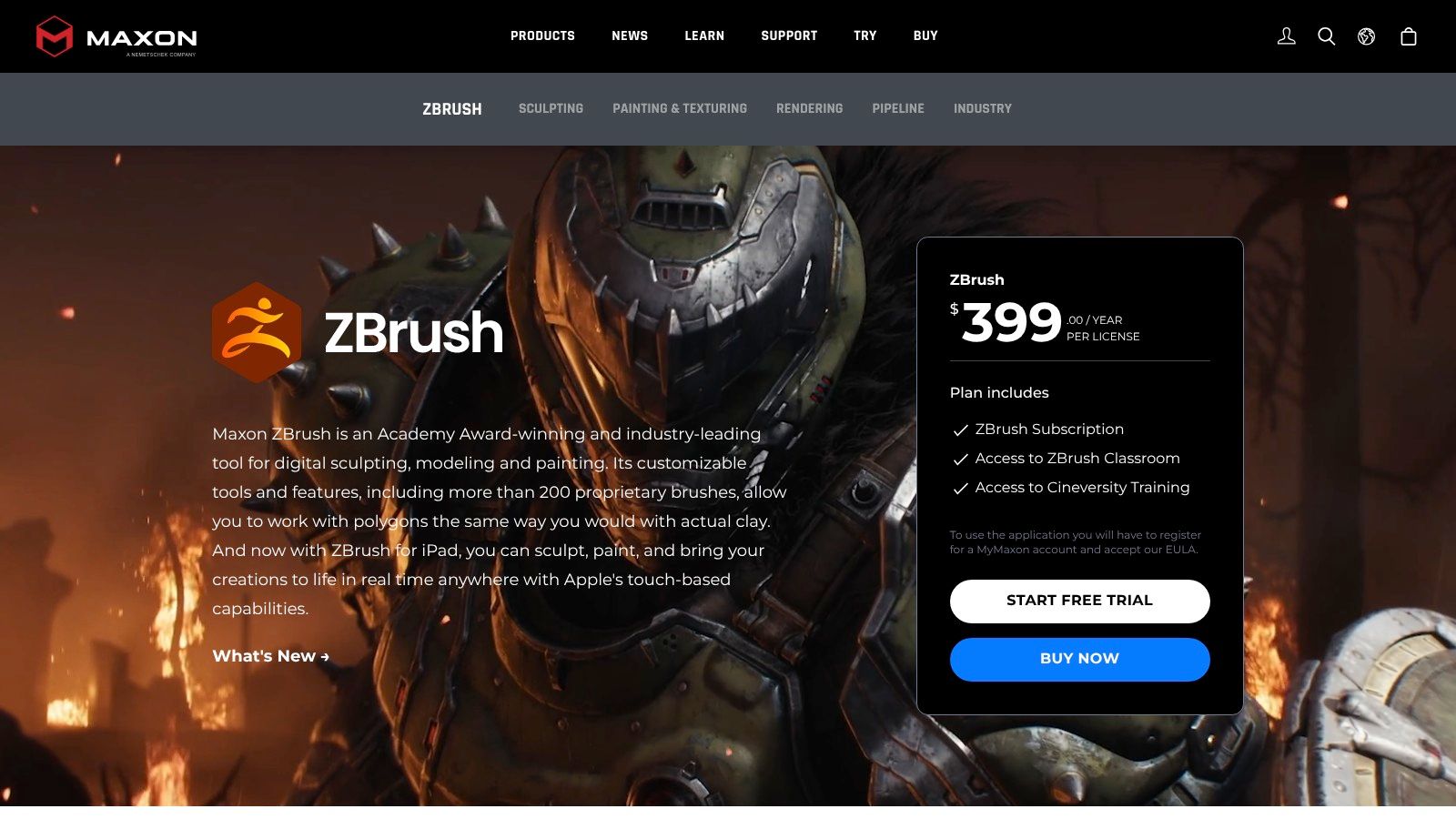
Although its interface can be intimidating at first, its tools like Dynamesh and ZRemesher simplify complex topology processes. Now distributed by Maxon, ZBrush is available via subscription, which has eliminated perpetual licenses for new users. This software is ideal for getting the most out of resin 3D printers, where every sculpted detail can be brought to life with astonishing precision.
ZBrush Technical Sheet:
| Feature | Detail |
|---|---|
| Modeling Type | Digital sculpting, polygonal modeling. |
| Learning Curve | High. Its interface and workflow are unique. 😵💫 |
| Ideal For | 🎨 Miniatures, characters, creatures, digital sculpting. |
| Price | Monthly/annual subscription. Included in Maxon One. |
| Export Formats | STL, OBJ, VRML, MA, FBX. |
| Website | maxon.net/zbrush |
9. Adobe Substance 3D
Although it is not traditional modeling software, Adobe Substance 3D is an indispensable suite in the workflow of many 3D design programs. Its specialty is texturing and the creation of photorealistic materials. With tools like Substance Painter, you can "paint" textures directly onto your 3D models, adding a level of detail and realism that is difficult to achieve any other way. It is ideal for preparing product visualizations or giving your creations a professional finish before sharing them. 🖼️
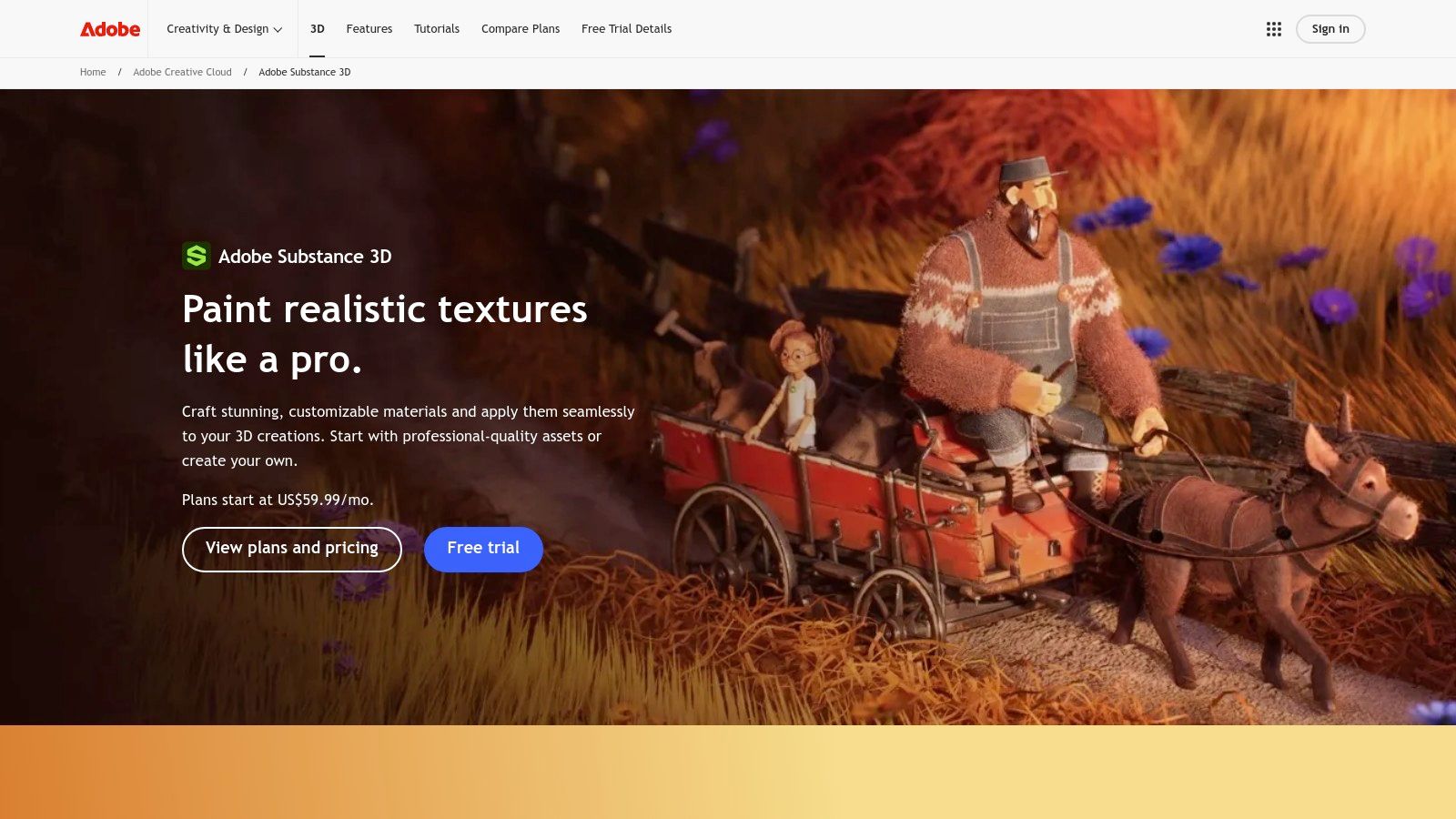
The suite allows you to create complex materials from scratch with Substance Designer or digitize real-world surfaces with Sampler. For 3D printing, its value lies in the ability to create spectacular presentation renders, showing how your printed piece will look with professional finishes. Access to its enormous library of materials and assets greatly speeds up the creative process.
Adobe Substance 3D Technical Specifications:
| Feature | Details |
|---|---|
| Modeling Type | Not a modeler; it is a PBR texturing and materials suite. |
| Learning Curve | Medium-High. Requires understanding of materials and texture concepts. 🧑🎨 |
| Ideal For | 🎨 Digital artists, product visualization, video game creators. |
| Price | Subscription model. Price varies by region and plan. |
| Export Formats | Exports texture maps (PNG, TGA, etc.) compatible with any render engine. |
| Website | adobe.com/products/substance |
10. Shapr3D
Shapr3D has established itself as one of the most agile and accessible 3D design programs, especially for those who prefer a touch-based workflow. Born on iPad and optimized for the Apple Pencil, it offers a solid and straightforward CAD modeling experience that is incredibly intuitive. It is the perfect tool for transforming quick ideas and sketches into precise three-dimensional models without the complexity of traditional interfaces. ✍️
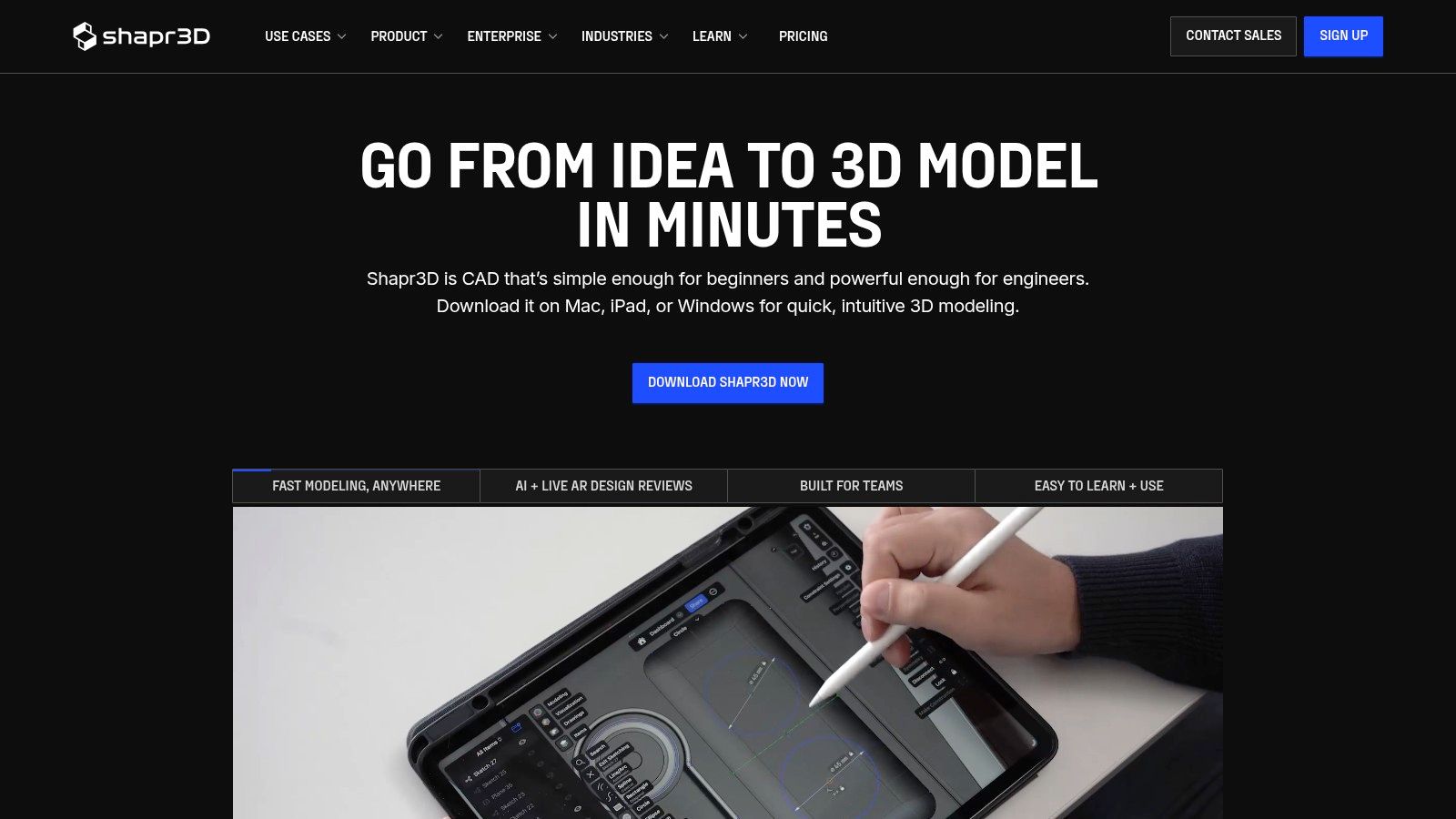
Its greatest advantage is the speed of the ideation process, allowing designers and engineers to create and modify complex geometries on the go. Although its free version limits the number of projects and exports, its expansion to macOS, Windows, and visionOS makes it a very powerful cross-platform ecosystem for professionals who invest in the Pro plan.
Shapr3D Technical Specifications:
| Feature | Details |
|---|---|
| Modeling Type | Solid and direct CAD modeling (NURBS) |
| Learning Curve | Low. Very intuitive, especially with a stylus. ✏️ |
| Ideal For | ✍️ Quick sketching, product design, industrial modeling. |
| Price | Free Basic plan with limitations. Paid subscription for Pro features. |
| Export Formats | STL, OBJ (Basic). STEP, IGES, DXF and more (Pro). |
| Website | shapr3d.com |
11. 3DCoat
3DCoat is a specialized software that shines in the niche of voxel sculpting and PBR texturing, establishing itself as a reference tool for digital artists. Unlike other 3D design programs that try to cover everything, 3DCoat focuses on a specific workflow: modeling, retopology, and painting. This makes it exceptionally powerful for creating video game assets, detailed miniatures, and complex props that require a high-quality finish. Its 3D painting system is one of the most advanced available, allowing textures and materials to be applied with incredible control. 🎯
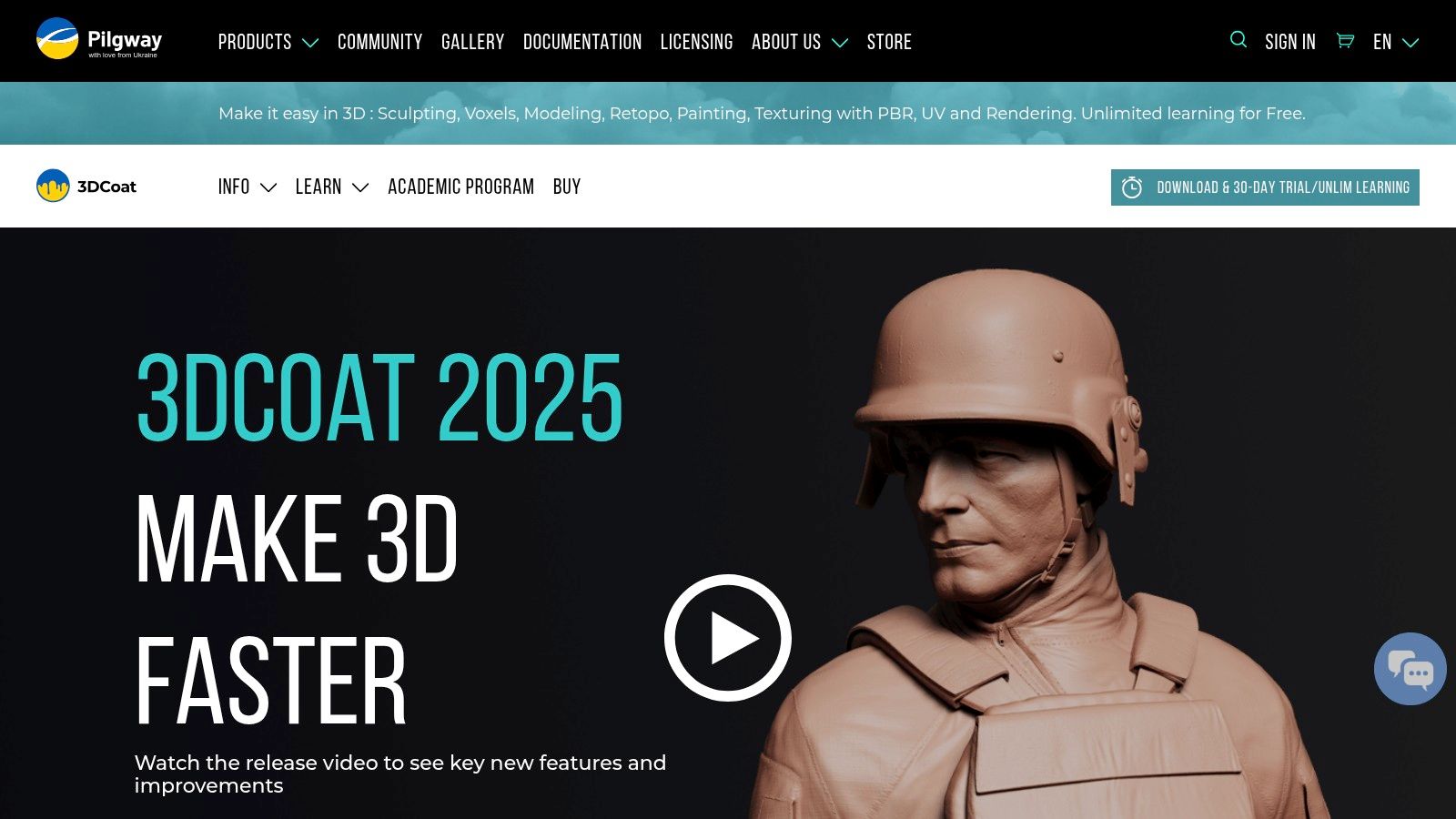
3DCoat's main strength is its combination of voxel sculpting with top-tier retopology tools, both automatic and manual. This allows users to go from an organic, freeform sketch to an optimized mesh ready for animation or 3D printing without leaving the program. Although its interface can feel less conventional compared to other industry giants, its perpetual license options and educational programs make it a very attractive and cost-effective long-term alternative.
3DCoat Technical Sheet:
| Feature | Details |
|---|---|
| Modeling Type | Voxel, surfaces, polygonal, retopology |
| Learning Curve | Medium-High. The interface requires an adaptation period. 🧑🏫 |
| Ideal For | 🎨 Digital sculpting, PBR texturing, retopology. |
| Price | Perpetual license, subscription and rent-to-own option. Student discounts. |
| Export Formats | STL, OBJ, FBX, 3MF, PLY and others. |
| Website | 3dcoat.com |
12. Tinkercad (Autodesk)
Tinkercad is the ultimate gateway into the world of 3D design programs. Developed by Autodesk, this free browser-based software is designed specifically for beginners, children, and educators. Its philosophy is simple: it lets you create complex models by combining basic geometric shapes (cubes, spheres, cylinders) in an intuitive and visual way. No installation is required and access is immediate, removing any initial technical barrier. 😃
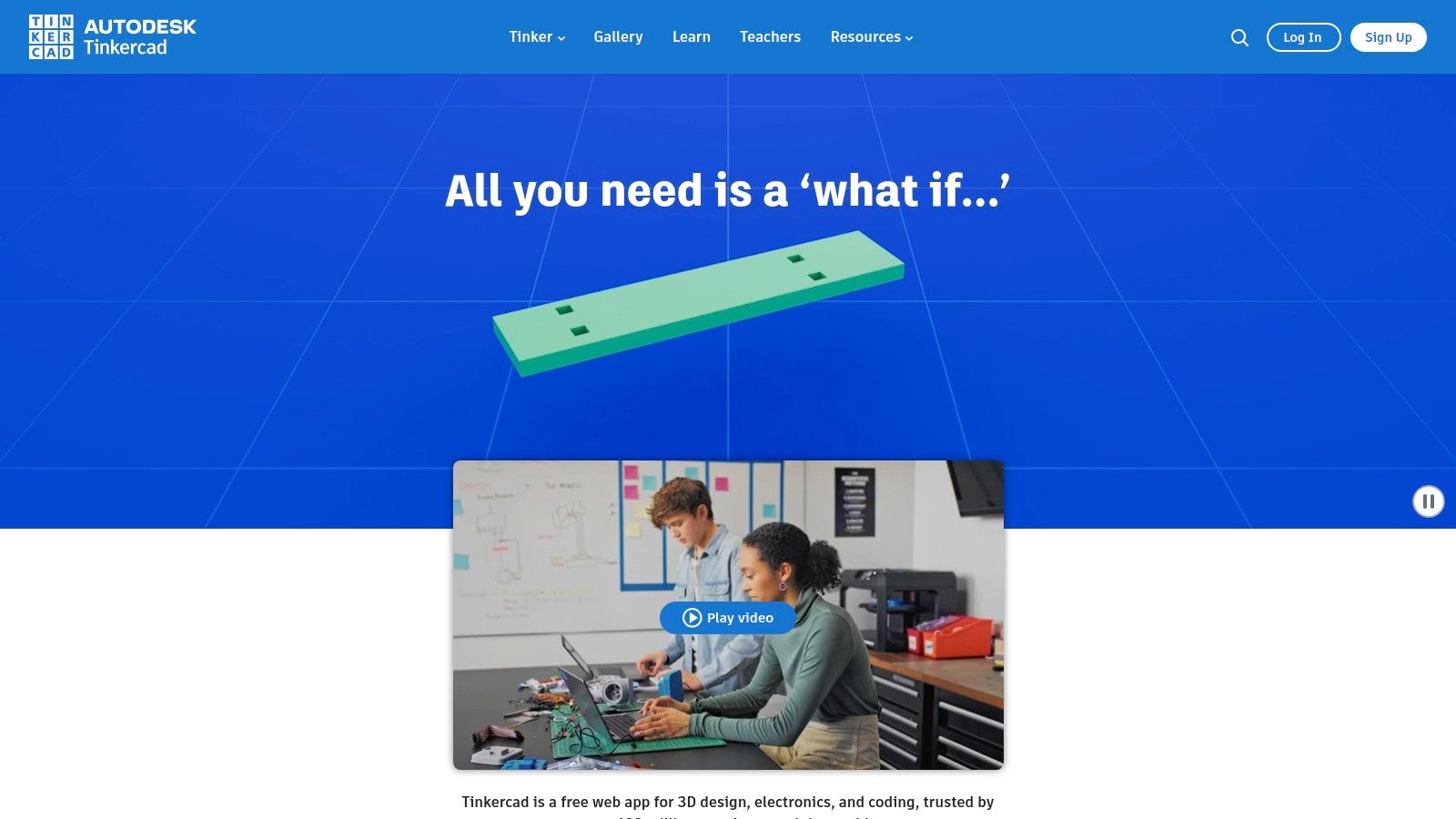
Its greatest advantage is its simplicity and the educational resources surrounding it, making it the perfect tool for classrooms and introductory 3D printing workshops. Although its capabilities are limited for complex mechanical or artistic designs, it is unbeatable for learning the fundamentals of 3D modeling in a fast and fun way. It is the ideal starting point before moving on to more advanced tools.
Tinkercad Technical Sheet:
| Feature | Detail |
|---|---|
| Modeling Type | Direct modeling with primitive solids |
| Learning Curve | Very low. Can be learned in minutes. 👶 |
| Ideal For | 👶 Beginners, education (STEM), makers, simple models. |
| Price | Completely free.🆓 |
| Export Formats | STL, OBJ, GLB, SVG. |
| Website | www.tinkercad.com |
Comparison of 12 3D design programs
| Software | Type / Functionality | Experience ★ | Price / Value 💰 | Audience 👥 | Differentiator ✨/🏆 |
|---|---|---|---|---|---|
| Autodesk Fusion 360 | Cloud-based CAD/CAM/CAE; parametric and simulation | ★★★★☆ | 💰 Subscription; free/education; Flex pay-per-use | 👥 Engineers, prototyping, workshops | ✨ CAD→CAM integration and cloud collaboration |
| SketchUp | Intuitive 3D modeling; 3D Warehouse and plugins | ★★★★☆ | 💰 Subscription (Go/Pro/Studio) | 👥 Architecture, product design, makers | ✨ Massive 3D Warehouse library |
| Blender | Modeling, sculpting, texturing and rendering (Cycles/Eevee) | ★★★★☆ | 💰 Free (open‑source) | 👥 Artists, sculptors, advanced modelers | 🏆 Powerful for sculpting and photorealistic rendering |
| FreeCAD | Parametric CAD (OpenCASCADE); Path/FEM/Arch workbenches | ★★★☆☆ | 💰 Free (open‑source) | 👥 Technical makers, DIY engineers | ✨ Parametric with integrated CAD→CAM/FEM workflow |
| Rhinoceros 3D (Rhino) | Precise NURBS modeling; visual parametric Grasshopper | ★★★★★ | 💰 Perpetual license (management options) | 👥 Product design, jewelry, architecture | 🏆 NURBS precision and visual Grasshopper |
| SOLIDWORKS (3DEXPERIENCE) | Industrial parametric 3D CAD; assemblies and PDM | ★★★★★ | 💰 High annual cost / module-based packages | 👥 Engineering, businesses, production | 🏆 Industry standard for complex engineering |
| Onshape | 100% browser-based CAD; PDM and real-time collaboration | ★★★★☆ | 💰 Per-user subscription (limited Free tier) | 👥 Distributed teams, education | ✨ Simultaneous collaboration and integrated versioning |
| ZBrush (Maxon) | Multi-resolution digital sculpting and extreme detail | ★★★★★ | 💰 Subscription (Maxon One) | 👥 Sculptors, miniature artists, character artists | 🏆 Leader in detail for miniatures and characters |
| Adobe Substance 3D | PBR texturing: Painter, Designer, Sampler and Stager | ★★★★★ | 💰 Subscription (individual/team) | 👥 Visualization, texturing for renders and presentations | 🏆 Professional PBR workflow and large asset library |
| Shapr3D | Touch-optimized solid CAD for iPad/Apple Pencil | ★★★★☆ | 💰 Freemium → Pro subscription | 👥 Designers, rapid ideation, iPad users | ✨ Agile touch workflow and STEP/IGES/STL exports |
| 3DCoat | Voxel sculpting, retopology and advanced PBR painting | ★★★★☆ | 💰 Perpetual license / rent‑to‑own | 👥 Artists, props, modelingfor 3D printing | ✨ Good retopo→texture workflow and perpetual license option. |
| Tinkercad | Web-based modeler for education and beginners; STL export | ★★★☆☆ | 💰 Free | 👥 Education, novice makers, 3D introduction | ✨ Immediate access, oriented toward classrooms and beginners |
Conclusion:
The universe of 3D design programs is vast and diverse, but as we have seen, no single tool dominates everything. The key to success lies in understanding your own needs and goals to select the software that best aligns with your project, whether that's the detailed organic modeling of ZBrush, the millimeter precision of Fusion 360, or the beginner-friendly accessibility of Tinkercad.
The right choice depends on a combination of factors: the nature of your designs (organic or mechanical?), your experience level, your budget, and, crucially, your 3D printing workflow. Each program offers a different path, with unique learning curves and capabilities. Don't be afraid to experiment; many of these programs offer trial or free versions that are perfect for exploring and finding the one that feels most intuitive to you.
To take the next step, we recommend:
- 🎯 Identify your main goal: Creating miniatures for wargames, functional prototypes, or digital art? This will drastically narrow down your options.
- 🧠 Evaluate the learning curve: Be honest about the time you can dedicate. Starting with a simpler program like Tinkercad or Shapr3D can give you the confidence to later move on to more complex tools like Blender or SOLIDWORKS.
- 🧑🤝🧑 Join the community: Dive into forums, groups, and tutorials. The community is an invaluable resource for resolving questions and perfecting your skills with 3D design programs.
Remember that software is only the first step. Bringing your ideas to life requires high-quality materials that do justice to the precision of your digital designs. The best 3D model deserves the best resin to capture every detail.
Now that you have the software, make sure you have the best materials to bring your creations to life. At Mr Resin we specialize in high-definition resins and 3D printing equipment so that your digital designs become tangible masterpieces. Visit our store at Mr Resin and take your projects to the next level! 🛒
Don't leave just yet. Join our vibrant community on Telegram to access exclusive discounts, news, and tips. And don't forget to subscribe to our newsletter to receive the best offers directly in your inbox. ✉️
✨Happy Printing! 🚀
Composed with the Outrank tool