

Are your 3D prints not turning out the way you expected? 😩 Don't worry, you're not alone. 3D printing errors are still the headache of makers and professionals alike, even now that we have more advanced printers and materials in 2026.
Although technology advances, failures like poor adhesion, warping, or extrusion problems appear when you least expect them. But don't worry, here you'll discover how to identify them and solve them step by step.
Get ready to learn about the 10 most common errors and find out how to avoid them to improve the quality of your prints, save material, and enjoy incredible results. Let's print without fear! 🚀
Why do 3D printing errors still happen in 2026?
It seems incredible, but even in 2026, 3D printing errors are still an everyday reality for makers and professionals! 🤯 Although FDM and resin printers have evolved, and we now have smarter materials and more intuitive software, the classic problems haven't disappeared.
3D printing errors persist because many users neglect the initial settings, maintenance, or simply underestimate the environment where they print. Does the drama of the first layer not sticking ring a bell? It doesn't matter if you're a beginner or a veteran, these failures affect everyone. In addition, factors like humidity, ambient temperature, or filament quality can ruin a perfect print in a matter of minutes.
According to the most recognized blogs, up to 60% of current failures are due to problems with the first layer and extrusion. That's why continuous learning and staying up to date with new techniques is essential. If you want to dive deeper into these challenges and discover how to avoid them, I recommend taking a look at this guide on common 3D printing errors and how to avoid them.
The world of 3D printing keeps changing, but the key is to learn, experiment, and adjust. That way, every print can be better than the last! 🚀
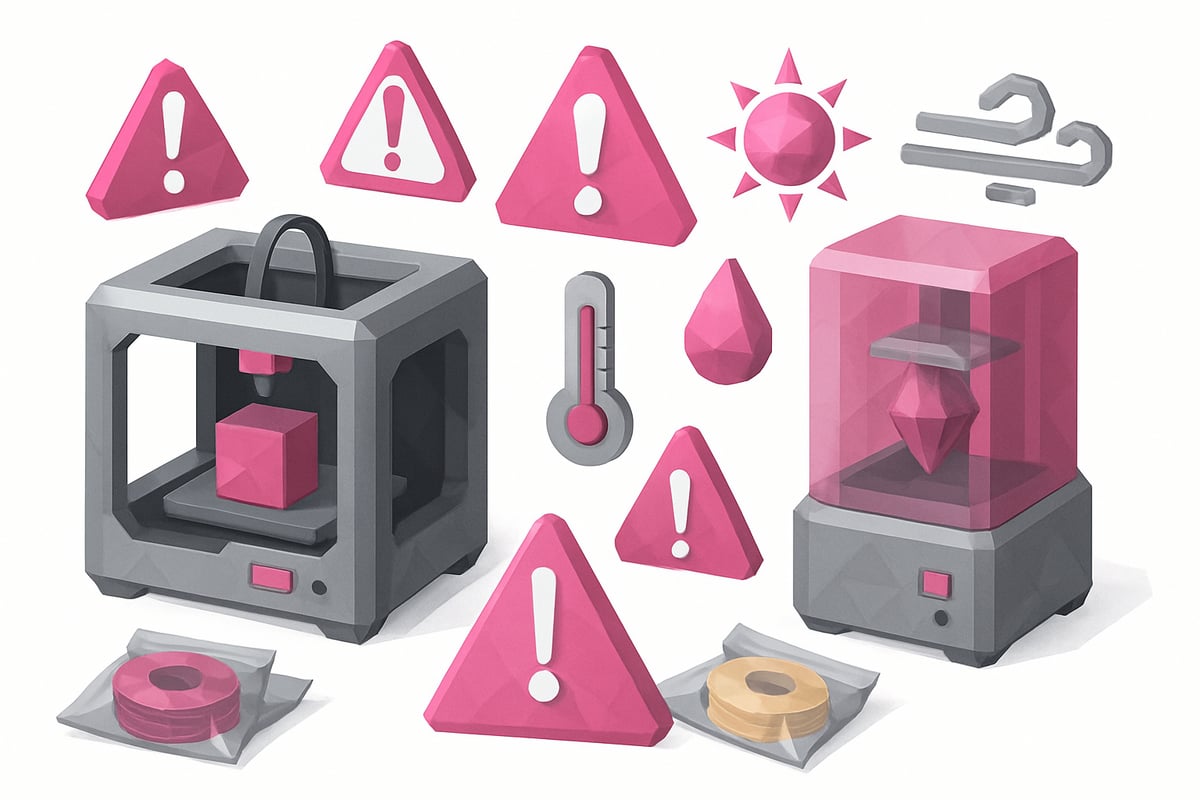
10 3D Printing Errors You Must Avoid in 2026
Has it ever happened to you that a 3D print seems to be going perfectly, but something goes wrong in the end? Don't worry! Here are the 10 most common 3D printing errors in 2026 and how you can avoid them to achieve incredible prints every time. 🛠️
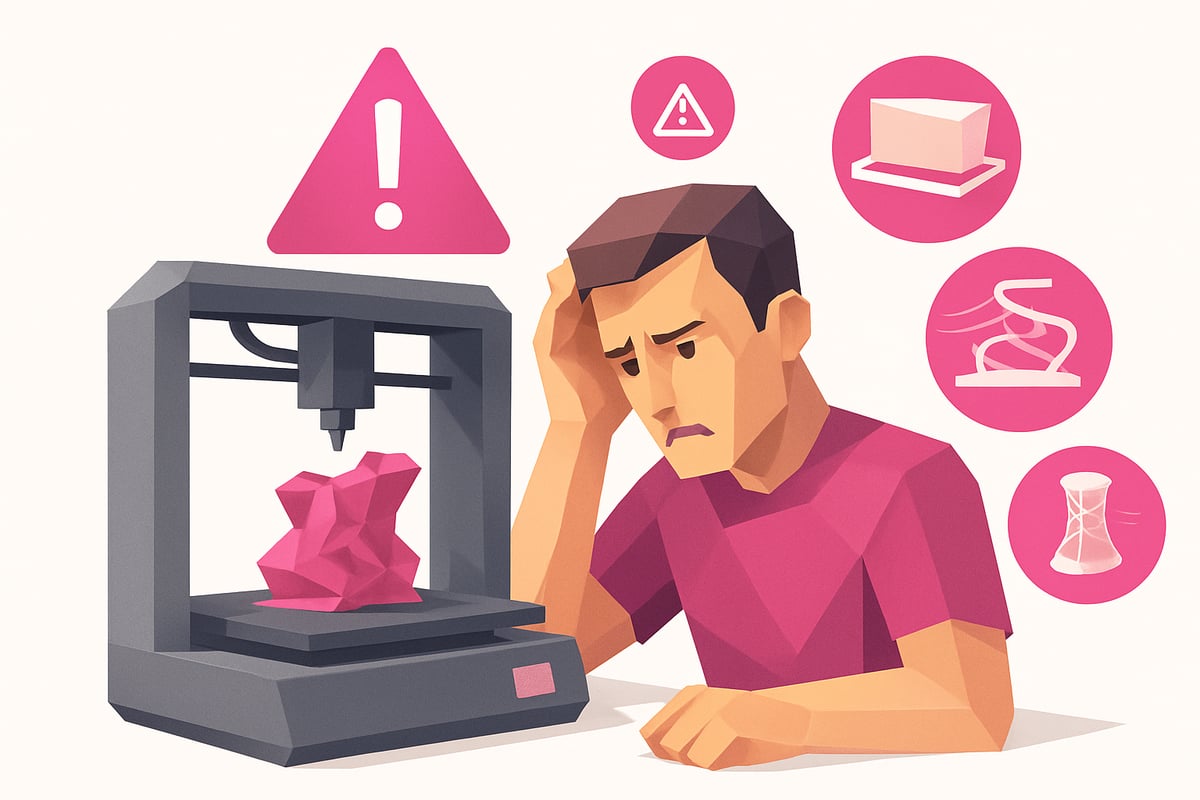
1. [Not leveling the print bed correctly]
If your printer's bed isn't level, the first layer will come out wrong and 3D printing errors will appear right away. Poor adhesion and part shifting are clear symptoms. Even though modern printers come with auto-leveling, it's always worth checking manually, using a sheet of paper or automatic sensors. Make calibration a routine before every print and you'll see how warping and first layer failures decrease.
2. [Ignoring the correct bed and extruder temperature]
Every material needs its own temperature, and skipping this step is opening the door to 3D printing errors. For example, PLA usually works at 55-60 °C on the bed, while ABS requires more. If the temperature is too low, you'll see poor adhesion or warping. If you go too high, you'll get stringing and ugly surfaces. Always check the technical data sheet for your filament!
3. [Not Cleaning the Print Surface]
Do you notice that the first layer lines don't stick or the corners lift? You may have dust or grease on the bed. A dirty surface is fertile ground for 3D printing errors. Use isopropyl alcohol between each print and pay attention to surfaces like PEI or glass, which require specific care. Keep the bed clean and your parts will thank you.
4. [Incorrectly Configuring the Nozzle Height (Z-offset)]
A poorly adjusted Z-offset can cause the filament not to deposit properly, dragging material or even damaging the bed if it's too low. Run first layer tests and adjust until you achieve a continuous, smooth line. Remember, neither too far nor too close; balance prevents many 3D printing errors and improves the quality of your parts.
5. [Neglecting Extruder and Nozzle Maintenance]
The extruder and nozzle are the heart of your 3D printer. If you don't clean them regularly, clogs, under-extrusion, or incomplete layers will appear — all very frustrating 3D printing errors. Use the cold-pull method and clean the nozzle every 500–1000 h. If you hear clicking or see hollow lines, it's time to check the entire system.
6. [Not Storing Filament or Resin Correctly]
Moisture is the number one enemy of filaments and resins. If you don't store them properly, you'll get popping, bubbles, and brittle parts — all avoidable 3D printing errors. Use airtight bags, desiccants, and dry boxes. Filaments like PLA and PETG absorb moisture quickly, especially on humid days. If you see irregular strands or rough surfaces, check your storage.
7. [Printing Too Fast or at Inadequate Speeds]
Want fast prints? Be careful, because printing too fast can cause vibrations, shifted layers, and lack of detail. 3D printing errors related to speed are more common than you think. For quality, stay between 40–60 mm/s and adjust travel and perimeters according to your 3D printer. Even high-speed models need fine-tuning.
8. [Not Adjusting Retraction and Material Flow]
Retraction and flow are essential to avoid stringing and rough surfaces. If you don't calibrate them, you'll see 3D printing errors like strands between parts and blobs. Adjust retraction distance and speed depending on whether your extruder is direct drive or Bowden. PETG usually requires extra attention here. Don't forget to calibrate the flow in your slicing software.
9. [Ignoring the Printing Environment (Air Currents, Ambient Temperature)]
The environment where you print matters a lot. Air currents or sudden temperature changes cause warping and layer separation — two very common 3D printing errors. Use enclosures, protect your 3D printer, and keep windows closed, especially if you're working with ABS or Nylon, which are more sensitive. This way, your parts will come out perfect.
10. [Not Updating Firmware and Slicing Software (Slicer)]
Outdated software can cause 3D printing errors due to incompatible codes or support failures. Always keep your slicer and firmware up to date to take advantage of new features and improvements. Programs like PrusaSlicer and Cura release frequent updates that fix common issues. Check the changelogs and don't fall behind.
Want to reduce 3D printing errors even further? Always choose quality materials and consult the Filaments for 3D Printing guide to ensure optimal results with every print. The difference is noticeable!
How to Detect and Fix Errors Before Printing
Has it ever happened to you that after hours of work your part doesn't turn out as expected? Detecting 3D printing errors before hitting "print" is key to saving time, material, and frustration. 🧐
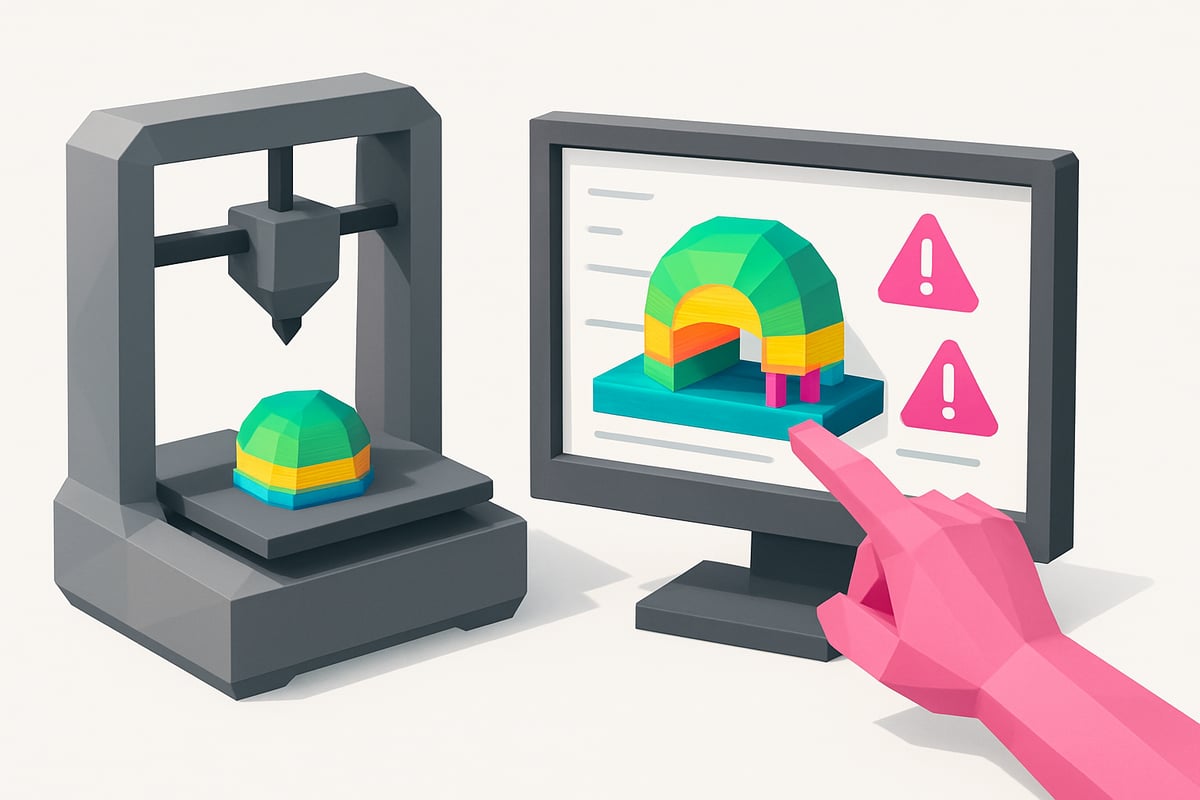
Today, slicers like PrusaSlicer or Cura allow you to simulate the print and preview each layer. This helps identify issues such as poorly placed supports, areas with complex overhangs, or suspicious toolpaths before it's too late.
Another good practice is to run test prints, especially when switching materials or adjusting settings. Checking the preview lets you see if there are extrusion failures or insufficient infill. On platforms like OctoPrint you can even monitor the flow in real time and pause if something goes wrong.
Prevention is much simpler than having to fix a disaster. If you want to dive deeper into how to anticipate and resolve the most common 3D printing errors, check out this helpful analysis of common 3D printing problems and solutions from Autodesk.
Remember! A few minutes of review can save you hours of work. 😉
Extra tips to improve your 3D printing in 2026
Want your prints to come out perfect on the first try? Here are some extra tricks to leave 3D printing errors behind and take your results to the next level! 😎✨
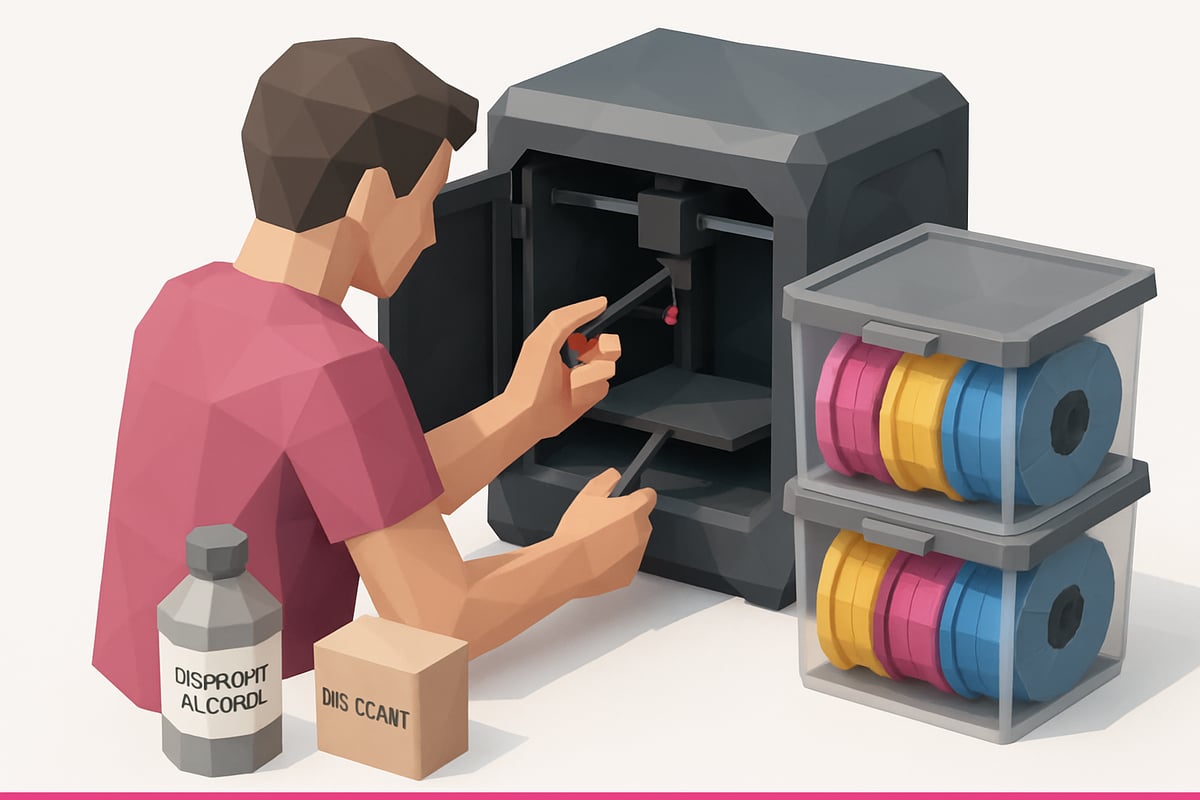
Keep a log: Write down the successful print settings for each material and model. That way you can replicate results without guessing.
Cleaning and maintenance: Check and clean the moving parts and guides of your 3D printer. Good maintenance prevents the majority of 3D printing errors. If you want to go further, check out this guide on maintenance for 3D printers with real images of our equipment.
Choose quality materials: Don't cut corners on filament or resins. Premium materials, such as resins for 3D printers, reduce failures and improve the finish.
Learn and stay up to date: Follow specialist blogs, videos, and forums. Continuous learning is key!
Consult manufacturers: Always use official guides and resources to adjust settings and avoid surprises.
Adjust orientation and infill: Change the orientation of the part to reinforce critical areas and choose infill patterns based on the intended function.
Did you know that 80% of problems are solved with good maintenance and configuration? Take advantage of the community's experience: join our Telegram group at https://t.me/MrResin3D and subscribe to our Newsletter for exclusive offers and news. Don't get left behind!
Now that you know what the most common mistakes in 3D printing are and how to avoid them, the next step is to make sure you use quality materials that help you achieve flawless results. Whether you're a fan of detailed miniatures, work on prototypes, or simply want that first layer to come out perfect, choosing the right resin makes all the difference. If you're eager to try new formulas or looking for inspiration for your next projects, take a look at our selection and discover all the options we have for you here:
View all 3D printing resins