

Ready to find out who wins the battle of resin slicers? 😎 In 2026, the chitubox vs lychee competition is more exciting than ever, and choosing the right software can make all the difference in your 3D printing.
Here we bring you the definitive and fully updated comparison between chitubox vs lychee, the two titans of slicing for resin 3D printers. We'll analyze everything: interface, licensing models, advanced features, compatibility, slicing speed, support generation, community and technical support.
Want to optimize your results and choose like a pro? Keep reading and make the right decision for your 3D printing projects this year. 🚀
Pricing and Licensing Models
Wondering which is more convenient in the chitubox vs lychee battle? 💸 Both offer freemium models, but the differences in pricing and licenses can shape your 3D printing experience.
|
Slicer |
Free Version |
Pro (monthly) |
Pro (annual) |
Premium |
Free Trial |
|---|---|---|---|---|---|
|
Chitubox |
Yes, ad-free |
$16/month |
$169/year |
No |
One month at reduced price |
|
Lychee |
Yes, with ads |
~$6/month |
~$76/year |
+$4/month |
30 days free |
In the free version, Lychee includes ads and a mandatory wait before slicing, while Chitubox Free is ad-free but limits advanced features. If you're looking to work on multiple devices, Lychee Premium allows up to 4 devices and personalized support, while Chitubox Pro targets professional users with advanced tools.
When you pay, you get access to features like automatic intelligent support generation, rapid hollowing and priority attention. Is it worth it? Many users choose Lychee for its lower annual cost and the ad-free experience in the paid version.
If you still have doubts about what each slicer is used for or how they relate to printing technology, we recommend reading this article about resin 3D printing to understand the context behind chitubox vs lychee.
Remember, the real value lies in the tools that streamline your workflow and the print quality you're looking for.
System Requirements and Printer Compatibility
Wondering if your setup is compatible for the chitubox vs lychee showdown? 🤔 Here's everything you need to know to print in resin without any technical surprises.
System specifications and compatibility
For smooth performance with both slicers, Chitubox recommends a minimum of an i5 or Ryzen 5 processor, 16GB of RAM and a 1GB GPU. Lychee, on the other hand, only requires 8GB of RAM and any WebGL2-compatible graphics card, making it more flexible if you have a modest setup.
Both programs run on Windows, Mac and Linux. Lychee even supports more Linux variants, ideal if you use less conventional systems in your workshop.
|
|
Chitubox |
Lychee |
|---|---|---|
|
CPU |
i5/Ryzen 5 |
Any |
|
RAM |
16GB |
8GB |
|
GPU |
1GB dedicated |
WebGL2 compatible |
|
OS |
Win/Mac/Linux |
Win/Mac/Linux (more distros) |
Printer support and profiles
Both Chitubox and Lychee offer support for more than 80 resin printer models. Chitubox stands out with official, up-to-date profiles, while Lychee bets on community profiles importable in various formats such as CFG, PWX, CTB or LYR.
Looking for compatible models and resins? You can explore our resin collection to find validated and recommended options for both slicers.
Lychee makes it easy to import and share profiles, which speeds up the process if you switch machines or materials.
Tips and usage perspective
If you work with large STL files (over 100MB), we recommend simplifying them before using Lychee in particular, as it can slow down without a dedicated GPU. According to All3DP, Lychee's flexibility in profiles is ideal for those looking for customization, while Chitubox shines in robustness and official reliability.
User Interface and User Experience
Do you prefer a classic interface or a guided, modern experience? In the Chitubox vs Lychee battle, the user experience can be the deciding factor for many makers. Both slicers compete not only in features, but also in how they make you feel when preparing your 3D models. 🖥️✨
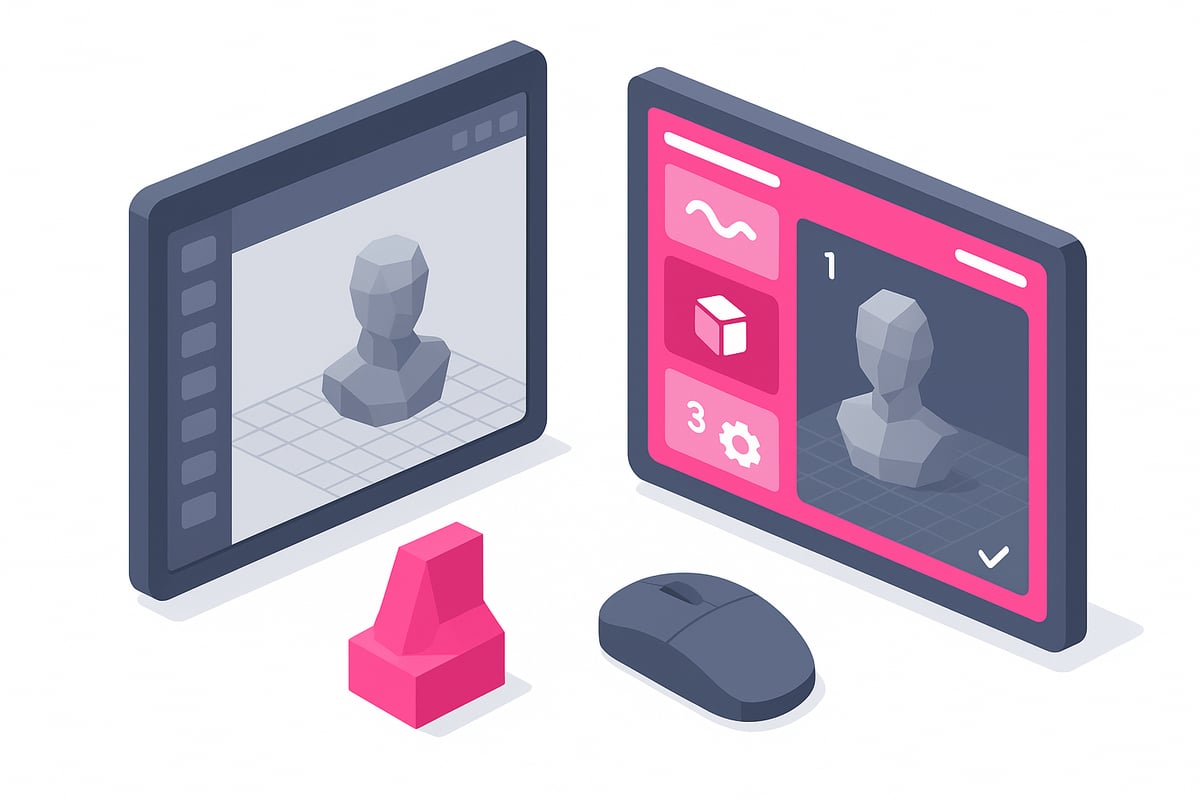
Interface comparison table
|
Feature |
Chitubox |
Lychee |
|---|---|---|
|
Visual style |
Classic, Cura-like |
Modern, guided phases |
|
Menus |
Side and top |
Contextual and step-by-step |
|
Customization |
Limited |
High, adaptable |
|
Sample STL |
No |
Yes |
|
Preview |
By layers |
By phases and layers |
Design, learning and customisation
Chitubox opts for a traditional interface, with side and top menus reminiscent of other slicers like Cura. This feels familiar to those who already have experience in 3D printing.
Lychee, on the other hand, organises the workflow into "Layout", "Prepare" and "Export". This phase-based structure guides the user step by step, ideal for beginners or those looking for a more intuitive process. In addition, Lychee's customisation allows you to adapt the interface to your preferences and needs.
Access to features and visual examples
In chitubox vs lychee, access to features varies quite a bit. In Lychee, many advanced tools are reserved for the Pro version, while Chitubox offers most basic features in its free version.
Lychee includes sample STL models to practise and learn with, while Chitubox stands out for its layer-by-layer preview after slicing. Both options ease the learning curve, but each in their own way.
User opinions and final comparison
According to Techreviewer, 70% of new users prefer Lychee for its smoother learning curve and modern interface. However, Chitubox remains valued for its stability and visual simplicity.
If you're looking for more details on how SatelLite compares in this regard, we recommend this analysis of ELEGOO SatelLite vs. CHITUBOX and Lychee: How good is the new free slicer?.
Ultimately, in the chitubox vs lychee battle, the user experience will depend on your preferences and level of expertise. Are you someone who prefers the classic approach, or are you ready to try the latest in interfaces? 😉
Advanced Features and Preparation Tools
Want to get the most out of your resin 3D printer? Advanced tools make all the difference in the chitubox vs lychee battle. Here's how each slicer takes file preparation to the next level. 🛠️✨
Mesh Repair and Smart Supports
Lychee stands out for automatically repairing mesh errors, while in Chitubox the repair process is usually manual or semi-automatic, depending on the version. Both allow generating automatic and manual supports, but Lychee Pro adds features such as "Support Recalculation" and "Adaptive Supports" for greater precision. Chitubox Pro, on the other hand, boasts advanced customization and smart supports with recent improvements, as you can see in the article CHITUBOX Basic and Pro V2.0 with faster slicing and smarter supports. If you're looking for efficiency in support generation, the chitubox vs lychee battle is very evenly matched.
Hollowing, Cutting, and Automation Tools
Both offer hollowing and cutting tools in their paid versions. Lychee allows boolean operations and quick hollowing, ideal for saving resin without complications. Chitubox adds advanced repair in these processes, which reduces errors in printing. Lychee's "Magic" feature automates orientation, supports, and raft in one click, similar to the "One-Click Print" feature on other platforms. This greatly speeds up the workflow, especially if you print on a daily basis.
Profiles, Preview, and Practical Examples
Lychee accepts more profile formats and allows you to import community settings with success statistics. Chitubox focuses on official profiles, which ensures stability. Both offer layer preview and time estimation before exporting the file. An interesting fact: 90% of Lychee Pro users use the "Magic" feature to optimize results. Chitubox Pro alerts you to "islands" in the mesh, while Lychee detects "suction cups" and helps you avoid failures. In this way, the chitubox vs lychee experience adapts to any user level.
Slicing Speed and Performance
Is speed key for you when choosing between chitubox vs lychee? If you print frequently, every minute counts. Here the battle is tight, but there are clear differences that can help you decide.
In recent tests, Lychee stands out for its speed, especially when processing complex and highly detailed models. SatelLite, the newest competitor, outperforms Chitubox Free by 20%, but Lychee still leads in pure speed.
|
Slicer |
Slicing Complex Models |
Smooth Preview |
Requires Manual Adjustments |
|---|---|---|---|
|
Lychee |
Very fast |
Yes |
No |
|
Chitubox |
Fast |
Sometimes |
Yes |
|
SatelLite |
Very fast |
Yes |
No |
Lychee delivers print-ready files with fewer preliminary steps, while Chitubox may require manual adjustments, especially on models with many fine structures. On less powerful machines, Chitubox sometimes slows down, while Lychee and SatelLite maintain smooth slicing.
According to Techreviewer, Lychee completed slicing of complex models 10% faster than Chitubox Pro. Additionally, Chitubox has recently launched an update promising up to 88 times better performance in some cases; you can learn more about these improvements at CHITUBOX launches its most powerful update with up to 88x faster performance.
In summary, for those seeking maximum efficiency, slicing speed can be the deciding factor among these options.
Support, Community and Updates
Community and technical support are essential factors when choosing a resin slicer in 2026. Both Chitubox and Lychee have invested heavily in building support and learning networks for their users. 🌎
Community and learning resources
Lychee stands out for its active community: users can share and download print profiles, as well as access collaborative statistics on resins and settings. Chitubox, for its part, has official forums and a very comprehensive technical knowledge base.
Both offer tutorials and documentation, although Lychee integrates guides and videos directly into the platform, making learning easier for beginners. If you're looking for additional resources on specific settings, we recommend the official Formlabs guide on print settings for Creator resins, applicable in both slicers. 📚
According to All3DP, 85% of those who choose Lychee do so because of the strength of its community. However, Chitubox remains a favourite among those seeking direct technical support and detailed documentation.
Updates and technical support
When it comes to updates, chitubox vs lychee both maintain a steady pace, but Lychee tends to release experimental features ahead of its rival. This appeals to those who want to try the latest innovations, although it can sometimes involve a degree of instability.
In terms of technical support, Lychee Premium gives access to personalized assistance, while Chitubox Pro offers priority support for advanced users. SatelLite, although it incorporates innovative features such as multi-printer management, is still building its community.
Choosing between the two may depend on the language and accessibility of support, especially if you prefer assistance in Spanish and an active community to resolve questions quickly.
Conclusion:
In summary, the chitubox vs lychee battle is more alive than ever in 2026. Each one shines in different aspects: Chitubox stands out for its robustness and stability, while Lychee wins hearts with its modernity, speed, and active community. The ideal choice depends on your needs and budget, but both guarantee top-tier resin 3D printing results!
Ready to take your projects to the next level? Visit our online store to discover the best resins, printers, and accessories with real images and expert support in Spanish. Join our community on Telegram at https://t.me/MrResin3D to access exclusive discounts, coupons, and news. Don't forget to subscribe to our Newsletter for more surprises and tips.
If you want to keep learning about chitubox vs lychee and other 3D printing tricks, explore our 3D printing Blog packed with useful guides and comparisons.
✨Happy Printing! 🚀
Now that you're clear on which slicer best suits your resin printing style, why not take your projects to the next level? If there's one thing we learned here, it's that the key lies in both the software and the quality of the resins you use. At Mr Resin you have access to an incredible selection of materials, top brands, and expert advice to make sure your experience is always outstanding. Take a look, explore, and find exactly the resin you're looking for to get the most out of your printer.
View all 3D printing resins