

🕒 Are your Anycubic resin 3D prints not turning out as expected? Many times, the secret lies in the Anycubic resin exposure time, a setting that can make the difference between success and frustration.
In this guide you'll discover how to master this parameter in 2025 and avoid the most common mistakes. We'll show you what exposure time is, what factors affect it, how to configure it step by step, specific recommendations for each model and resin type, plus expert tips to achieve flawless results.
Get ready to take your 3D printing to the next level. Let's go for those perfect parts!

What Is Exposure Time for Anycubic Resins?
Anycubic resin exposure time is the interval in seconds during which ultraviolet light cures each layer of resin in a 3D printer. This parameter determines how much the resin solidifies and directly affects the quality, precision, and strength of your parts.
There are two main types: the base exposure time, used for the first layers to ensure adhesion to the build plate, and the normal exposure time, which applies to the rest of the print. Incorrectly configuring these values can cause errors such as loss of detail, poorly formed layers, or brittle parts. In fact, up to 80% of failures in Anycubic resin prints are due to incorrect exposure time settings, according to specialist forums.
For example, the Photon Mono X and the Mono M5 require different times due to their light power and screen size. Additionally, the type of resin (standard, ABS-like, or flexible) influences the adjustment needed to achieve proper adhesion and printing success. If you want to explore all models and variants, you can check the Anycubic 3D resin catalog to choose the most suitable one and optimize your Anycubic resin exposure time.
Factors That Affect Exposure Time
Anycubic resin exposure time is not a universal value! Several factors influence the final result of your prints. If you've ever wondered why two people with the same 3D printer get different results, here's your answer.
Type of Anycubic 3D Printer
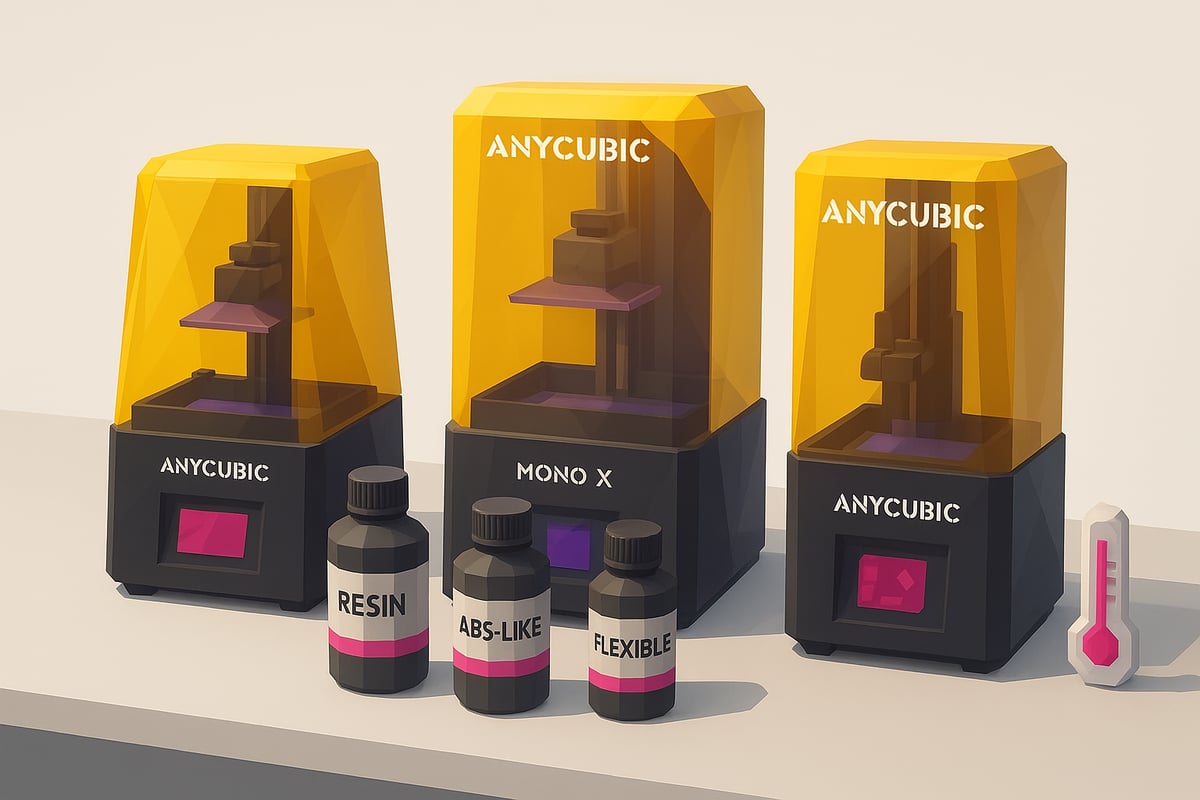
Each Anycubic 3D printer has unique characteristics that affect the Anycubic resin exposure time. For example, the Photon Mono X features a larger screen and greater UV light power than the Mono M5, which allows the resin to cure faster.
Differences in light intensity and LCD screen size influence how the resin reacts during printing. Using real images of these models, such as those you can find at www.mrresin.es, helps you identify your machine and better adjust your settings.
Additionally, if you have questions about the optimal values for your model, you can consult the Anycubic resin printing parameters, where you'll find recommended settings for each 3D printer and resin type.
Type of Resin Used
The type of resin is another key factor. Standard resins typically require less exposure time than ABS-like or flexible resins, which sometimes need more seconds to cure completely.
If you use special resins, such as transparent or intensely colored ones, you'll notice that pigmentation can change the amount of light that passes through the material. That's why it's important to review visual examples of Anycubic resins and others from the catalog at www.mrresin.es before adjusting your settings.
A tip: if you switch resin brand or type, always run an exposure test to avoid unpleasant surprises.
Environmental and Configuration Parameters
Don't underestimate the role of the environment. Ambient temperature and humidity can alter the Anycubic resin exposure time by up to 10%. A change of just 5°C is enough to modify the result.
The cleanliness of the LCD screen and the quality of its protective film also matter. If the screen is dirty or scratched, light will not pass through uniformly, and this can cause printing failures.
Other important parameters include layer thickness and layer height. Thicker layers typically require more exposure time, while very tall prints may need additional adjustments.
Remember: always verify that all factors are aligned before printing to avoid errors and material waste.
How to Calibrate the Exposure Time Step by Step
Ready to achieve perfect prints? 😎 Adjusting the Anycubic resin exposure time is the key to making your pieces look professional. Let me show you how to do it easily and without any headaches.
Equipment and Supplies Preparation
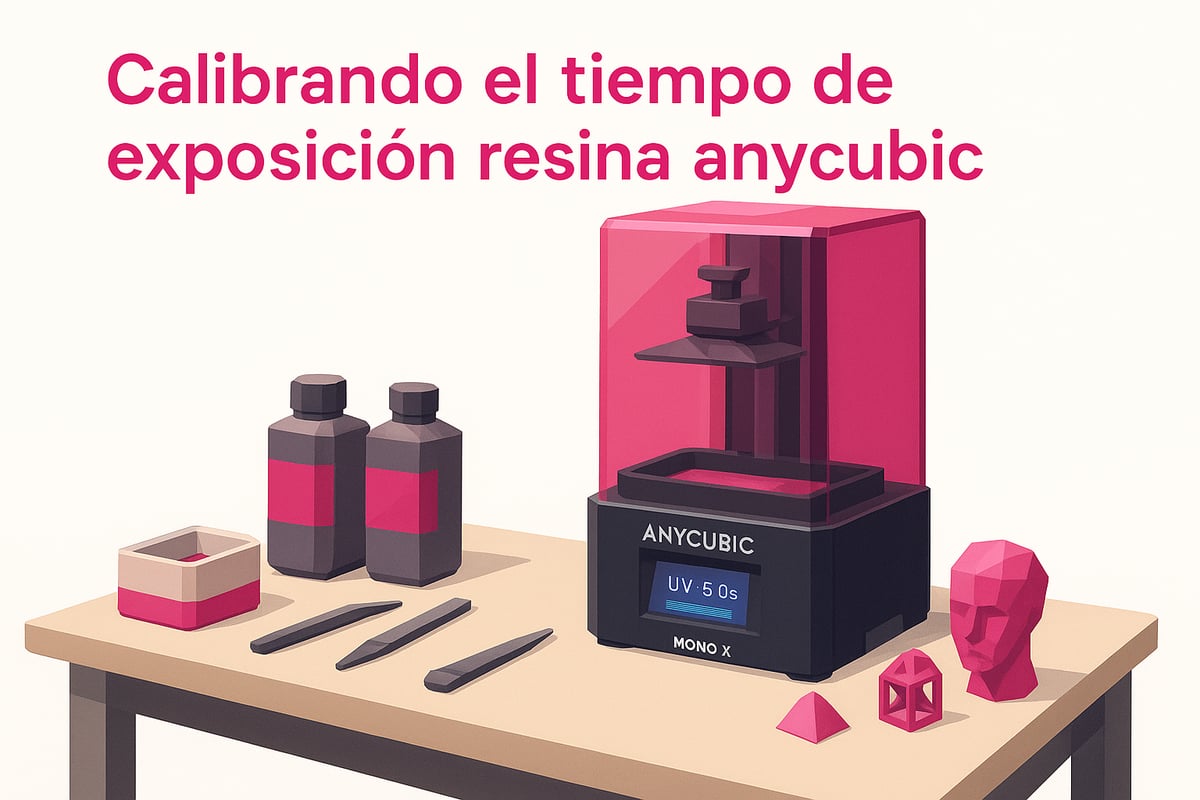
Before you begin, make sure your 3D printer and resin are compatible. Thoroughly clean the print bed and LCD screen with isopropyl alcohol. Don't forget to level the bed! A clean and level surface ensures that the Anycubic resin exposure time is adjusted correctly and you won't run into any unpleasant surprises. Look for real images of these steps at www.mrresin.es to guide you visually.
Running Exposure Tests
The next step is to print a test model, such as the AmeraLabs Town or the well-known RERF file. These models help you see how the resin responds to different exposure times. Adjust the seconds gradually and observe the results. If you want a detailed guide for the RERF file, check out the Exposure Test with Anycubic RERF. This way you can easily compare successful and failed prints using real images.
Interpreting Results and Final Adjustment
Look at your test models: do you see blurry details or sticky layers? That's a sign of overexposure or underexposure. Note down the settings that gave the best results and save them for future prints. That way, you'll always have the ideal Anycubic resin exposure time for your 3D printer and resin. Photos comparing correct and defective pieces will help you quickly identify any errors.
Recommended Exposure Time Chart by Anycubic Models and Resins 2025
Want to achieve perfect results with every print? This chart is your best ally! Here we show you the optimal Anycubic resin exposure time values for the most popular models and resin types in 2025. This helps you reduce errors and get the most out of your 3D printer.
| Model | Standard Resin | ABS-like | Color | Transparent |
|---|---|---|---|---|
| Photon Mono | Base: 2.8s Normal: 1.6s |
Base: 3.1s Normal: 1.8s |
Base: 2.9s Normal: 1.7s |
Base: 3.2s Normal: 1.9s |
| Photon Mono X | Base: 2.5s Normal: 1.8s |
Base: 2.8s Normal: 2.0s |
Base: 2.6s Normal: 1.9s |
Base: 2.9s Normal: 2.1s |
| Photon Mono M5 | Base: 2.2s Normal: 1.5s |
Base: 2.5s Normal: 1.7s |
Base: 2.3s Normal: 1.6s |
Base: 2.6s Normal: 1.8s |
Real images of resins and models available at www.mrresin.es.
💡 Following this chart can reduce common printing errors by up to 60%. Remember, each resin batch or firmware update may require minor adjustments to the Anycubic resin exposure time for optimal results.
If you're looking for ultra-resistant resins that require specific settings, explore the Resistant 3D Resins for Durable Prints section and discover new options for your projects.
Always adjust according to your conditions, run tests, and save your favorite settings. Print like a professional and show off flawless results!
Advanced Tips to Optimize Your Anycubic Resin Prints
To take your results to the next level, always choose up-to-date slicing software like Lychee or Chitubox. These allow you to create custom profiles that adapt to each model and resin type. This way you can fine-tune the Anycubic resin exposure time to the last detail, achieving sharp results even on miniatures. 🧙♂️ If you want to dial things in even further, run tests with the Anycubic RERF file, as explained in this Anycubic RERF exposure test. You'll see how small changes can make a big difference.
Don't forget to update your Anycubic 3D printer firmware whenever an update is available. Firmware improvements can optimize the management of Anycubic resin exposure time and, in the process, extend the lifespan of the LCD screen. Did you know that regular maintenance, such as cleaning the screen and using protective films, helps maintain the quality of your prints? In addition, many users share in forums that with this kind of care they have achieved much more consistent results. 🛠️
The community is your greatest ally. Take part in groups and forums where tips for printing high-precision parts or miniatures are shared. Try different settings, save the ones that work best, and check out real images from other makers for inspiration. Remember! Each model and resin may need unique adjustments, so document your findings and don't hesitate to experiment.
Frequently Asked Questions about Exposure Time for Anycubic Resins
Wondering what happens if the Anycubic resin exposure time is too high or too low? If it's too high, parts can come out over-cured, losing detail and becoming brittle. If it's too low, the print will be incomplete or will detach from the build plate.
Resin pigmentation matters a lot. Dark or heavily pigmented resins require more exposure time, while transparent or light-colored ones use less. Always run tests.
Can the same settings be used across different 3D printers? Not always. Each Anycubic model has different light output and screens. Check the calibration guide and run an Anycubic RERF exposure test to find the perfect setting.
How often should I recalibrate the exposure time? Do it every time you change resin or firmware, or if you notice changes in your results.
Where can you find updated settings? Check forums, the official manual, and resources like this 3D Resin Printing Guide to always stay up to date.
Now that you know how to adjust the exposure time to get the most out of your Anycubic 3D printer and avoid those frustrating errors, why not take the next step? If you want to experiment with different results or try new resins, I invite you to take a look at the complete selection we have available. That way you can find the perfect resin for every project, from super detailed miniatures to functional parts. Trust me, having the right material really does make a difference.
View all 3D printing resins