

😬 Do 3D printing problems that ruin your parts frustrate you? You're not alone! In 2025, many makers are still facing unexpected errors in their prints, from poor adhesion to shifted layers.
This guide will show you how to identify, understand and correct the most common failures. You'll see visual examples, recent data and expert tips so you can achieve professional results at home.
Get ready to discover practical solutions, proven tricks and improve the quality of your 3D printing, step by step. Let's print fearlessly! 🚀
Bed adhesion and first layer problems
Has it ever happened to you that 3D printing fails right at the start and the part detaches or warps? 😱 The first layer is the foundation of every print, so when 3D printing problems arise here, everything can go wrong! A striking fact: 60% of failures reported in forums in 2024 are due to poor initial adhesion.
The most common causes include an unleveled platform, a poorly calibrated Z-offset, a nozzle that is too high or too low, and incorrect temperatures. If the bed is not perfectly leveled or the nozzle is too far away, the filament does not adhere and gaps form. Additionally, if the surface is dirty or there are remnants from previous prints, the risk of 3D printing problems increases.
To avoid these errors, follow these steps:
- Level the bed before each print.
- Adjust the Z-offset until the filament is slightly squished.
- Clean the surface with isopropyl alcohol.
- Use adhesives such as hairspray, glue stick or BuildTak.
Don't forget to reduce the first layer speed: print slower to ensure the filament has time to adhere properly. Choose the right surface according to the material:
| Filament | Recommended surface | Heated bed |
|---|---|---|
| PLA | Glass, PEI | 60°C |
| ABS | BuildTak, PEI | 100°C |
| PETG | Glass, PEI | 75°C |
If you print in a cold environment or with drafts, cover the printer or use an enclosure. Using a heated bed reduces adhesion failures by 80% with ABS and 60% with PLA. Want more practical tricks? Take a look at this guide on Perfect prints from the first attempt to master the first layer.
Mr Resin: Materials and accessories to improve adhesion
Discover at Mr Resin resins, filaments and optimized surfaces for your 3D printer. We have guides and accessories that will help you achieve a perfect first layer and avoid the most frustrating 3D printing problems.
Extrusion problems: under-extrusion, over-extrusion or no extrusion
Have you come across weak parts, full of gaps or with excess material? These are some of the most frustrating 3D printing problems and they directly affect the quality and strength of your creations. Let's look at why they happen and how you can fix them! 🛠️
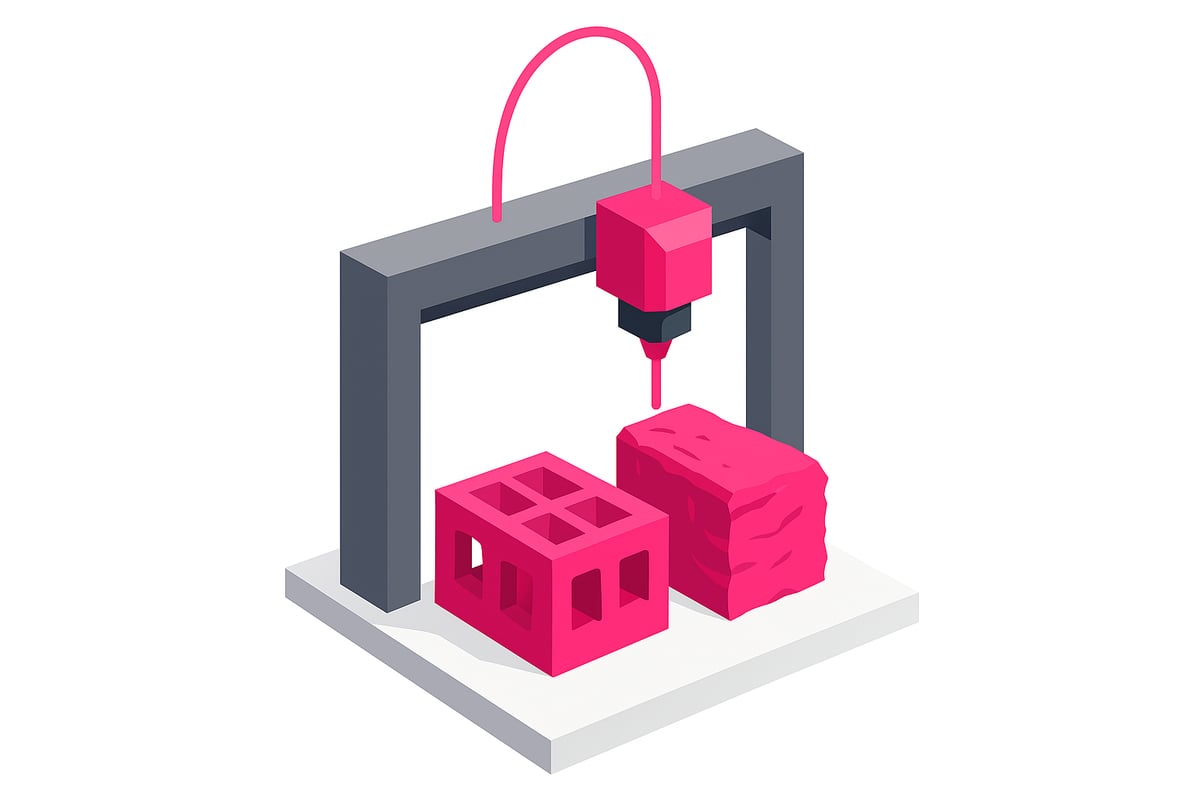
What is under-extrusion and over-extrusion?
Under-extrusion occurs when the printer does not expel enough filament, generating layers with gaps, fragile walls, or even missing parts. On the other hand, over-extrusion occurs when too much material comes out, leaving blobs, rough surfaces, and poorly defined details.
Both 3D printing problems can be caused by configuration errors, mechanical issues, or poor-quality filament.
Common causes and examples
The most frequent causes of under-extrusion include:
- Filament with incorrect or irregular diameter.
- Partial blockage in the hotend.
- Incorrectly calibrated flow in the slicer.
With over-extrusion, the reasons are usually:
- Flow settings that are too high.
- Incorrect temperature.
- Errors in the design or slicing software.
A visual example: parts with gaps in the perimeters or, conversely, with excess material forming blobs. Real images of these failures are available on our website!
Solutions and recommendations
To resolve these 3D printing problems, follow these steps:
- Calibrate the extrusion multiplier and flow rate.
- Verify the actual filament diameter with a caliper.
- Clean the hotend regularly to avoid blockages.
According to surveys, 35% of users have seen notable improvements by adjusting the flow by 5-10%. Additionally, using quality filaments and storing them correctly is key. You can learn more in the Complete guide to 3D filament.
Don't forget to check the printer and filament recommendations in our store to minimize these failures.
Surface defects: stringing, blobs, and gaps
Are you seeing cobweb-like strings, small blobs, or gaps on the surface of your parts? These surface defects are among the most frustrating 3D printing problems, but also the most common in any home workshop. Identifying them quickly is key to improving quality and avoiding surprises when removing your model from the bed.
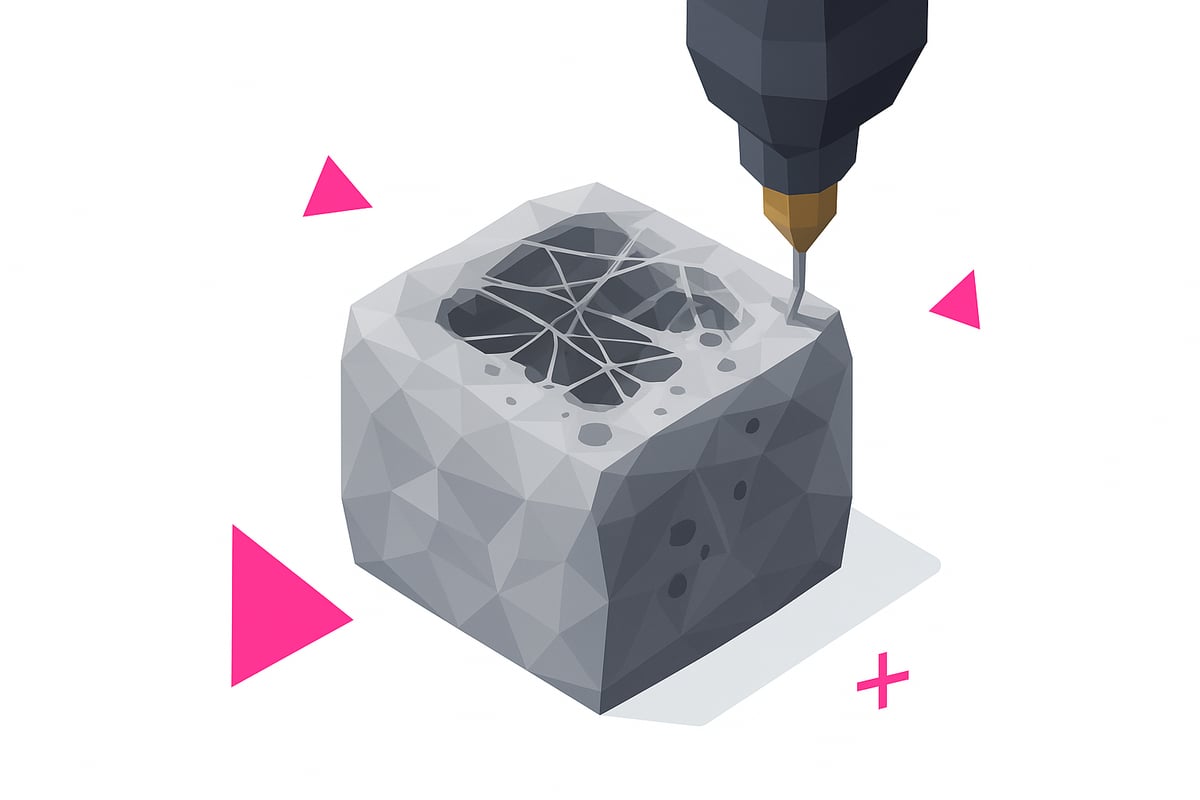
Strings, also known as stringing, appear due to poor retraction settings or temperatures that are too high, especially with filaments like PETG. Blobs are usually caused by pauses in extrusion, gcode errors, or too much pressure from the extruder. Gaps in the top layer indicate insufficient infill or not enough solid layers. If these 3D printing problems sound familiar, I recommend checking out resources like 3D Printing Problems to see examples and solution comparisons.
What can you do? Adjust the retraction and its speed, lower the temperature if you see stringing, and enable the option to avoid crossing perimeters in your slicer. For blobs and zits, check the extrusion flow and make sure the gcode is properly generated. If you detect gaps, increase the number of top layers and the infill percentage. Users report that adjusting retraction reduces stringing by up to 70% according to 2024 tests. Always use real images to compare and easily detect these defects.
Mechanical problems and layer shifting
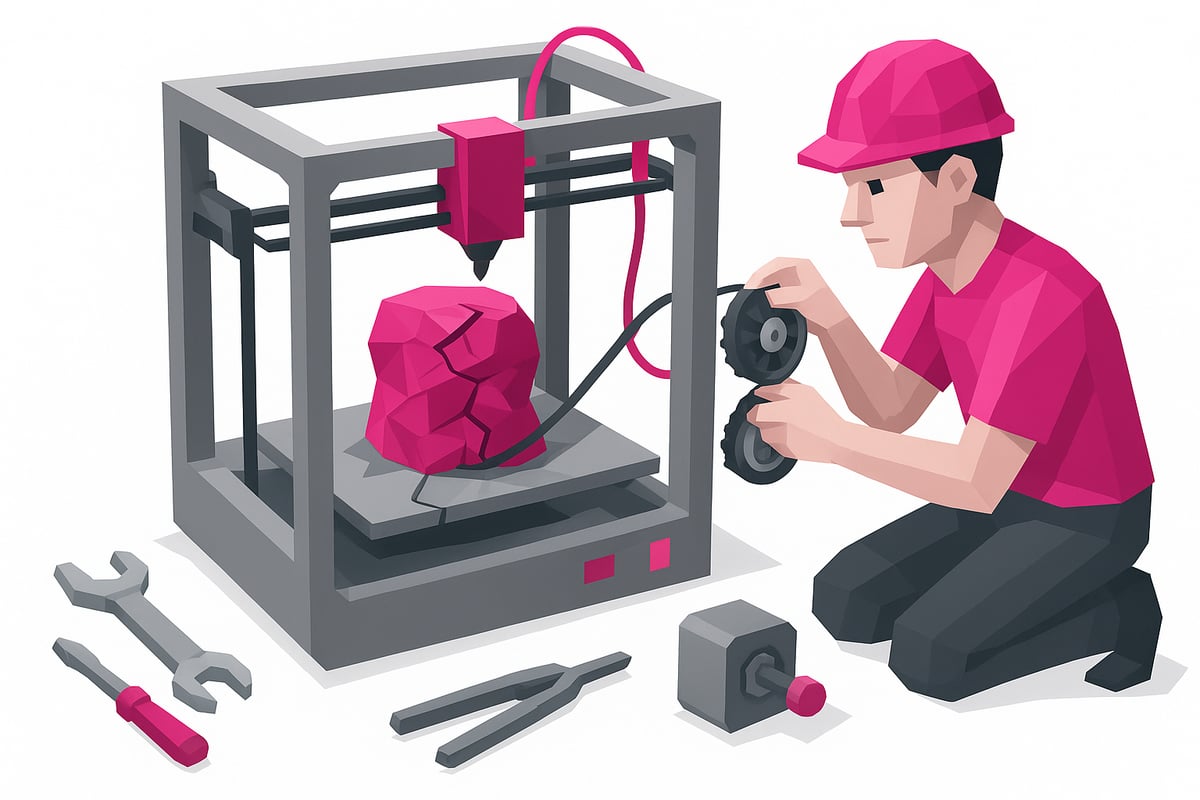
Has it happened to you that your print ends up with misaligned layers or cracks? These 3D printing problems are usually due to mechanical issues that directly affect the quality and strength of your parts.
Why does layer shifting occur?
The main causes include loose belts, uncalibrated motors, and obstructions on the axes. Additionally, excessive cooling, a temperature that is too low, or high speed can cause layer separation and structural failures.
Typical symptoms: layers that do not visually align, cracks or shifted lines, and in some cases, fragile parts that break easily.
- Loose or worn belts
- Dirt on the axes or lack of lubrication
- Outdated motor drivers
Practical solutions to avoid mechanical failures
First, check and tension the belts regularly. Lubricate the axes with suitable products and make sure there are no obstructions. Update drivers and firmware if necessary.
Ventilation and a constant ambient temperature help a lot, especially in FDM printers. According to studies, 25% of these mechanical failures are due to insufficient maintenance.
To learn more about how FDM printers work and how they are maintained, visit What is filament 3D printing.
In resin printers, mechanical problems are usually more related to the build platform and the Z axis. Keep everything clean and well adjusted to avoid shifting and structural failures.
Material problems and hotend obstructions
Has it happened to you that your 3D printer stops because the filament won't come out? 😫 3D printing problems linked to the hotend can ruin any project, especially if you don't quickly identify the cause.
Causes and symptoms of obstruction
Obstructions are usually caused by dirt, degraded filament residue, or foreign particles. If your motor advances but no material comes out, or you experience continuous jams, watch out! These 3D printing problems occur a lot with old, wet filament, or blends with metal particles and fibers.
| Cause | Main symptom |
|---|---|
| Dirty filament | Recurring jams |
| Moisture in material | Irregular extrusion |
| Foreign particles | No filament coming out |
15% of serious failures require disassembling the extruder to thoroughly clean the hotend.
How to clean the hotend and prevent failures
Do you notice the extruder making noise but not printing? Try a cold pull: heat the hotend, insert filament and pull gently when it cools. If that doesn't work, disassemble the hotend and use cleaning needles.
- Keep filament in sealed bags with desiccant.
- Use quality resins or filaments, avoid contaminants.
- Clean the hotend regularly to prevent build-up.
If you work with 3D resins, check out this 3D Resin Problems and Solutions guide for specific tips on materials and cleaning.
Recommended products and final tips
On our website you can see real images of products such as dried filaments and cleaning kits. Remember: prevention is key to avoiding 3D printing problems caused by clogs. Store your materials in dry places and always check the condition of the hotend before starting a print.
Advanced tips to improve 3D printing quality
Ready to take your results to the next level? Here are the best advanced tips to solve 3D printing problems and achieve flawless parts. Let's go step by step! 🛠️✨
Advanced tips to avoid 3D printing problems:
- Calibrate the extruder and flow rate. Incorrectly configured steps can cause errors in material output. Use tests like the calibration cube and temperature tower to fine-tune each setting.
- Download print profiles recommended by manufacturers or communities. These profiles already optimise most settings and save you time on testing.
- Control ambient temperature and humidity. Materials like nylon and resins are sensitive; using dehumidifiers or dry boxes greatly improves results.
- Carry out preventive maintenance: clean the hotend, check belts, update firmware and lubricate the axes. Users who do this every month report up to 40% fewer 3D printing problems.
- Optimise the nozzle path with the help of recent studies, such as Nozzle Path Optimisation in 3D Printing, which explain how to improve quality and reduce print time.
If you have questions, join online communities, share your profiles and check out others' experiences. Sometimes, a small adjustment to the Z-offset fixes persistent first-layer failures! Experiment, learn, and you'll see how your parts start looking more professional.
After going through all those problems that can ruin a 3D print and how to fix them, you're surely eager to get started on your next projects. Remember that material quality makes an enormous difference in the final results—no matter how well you calibrate your 3D printer, if the resin isn't good, the problems will keep coming. If you want to make sure your parts come out perfect from the first layer to the final finish, I invite you to take a look at all the top options here:
View all 3D printing resins